I have switched on offline mode. Now I want to switch it off.
I see “Disable offline mode to reconnect”:
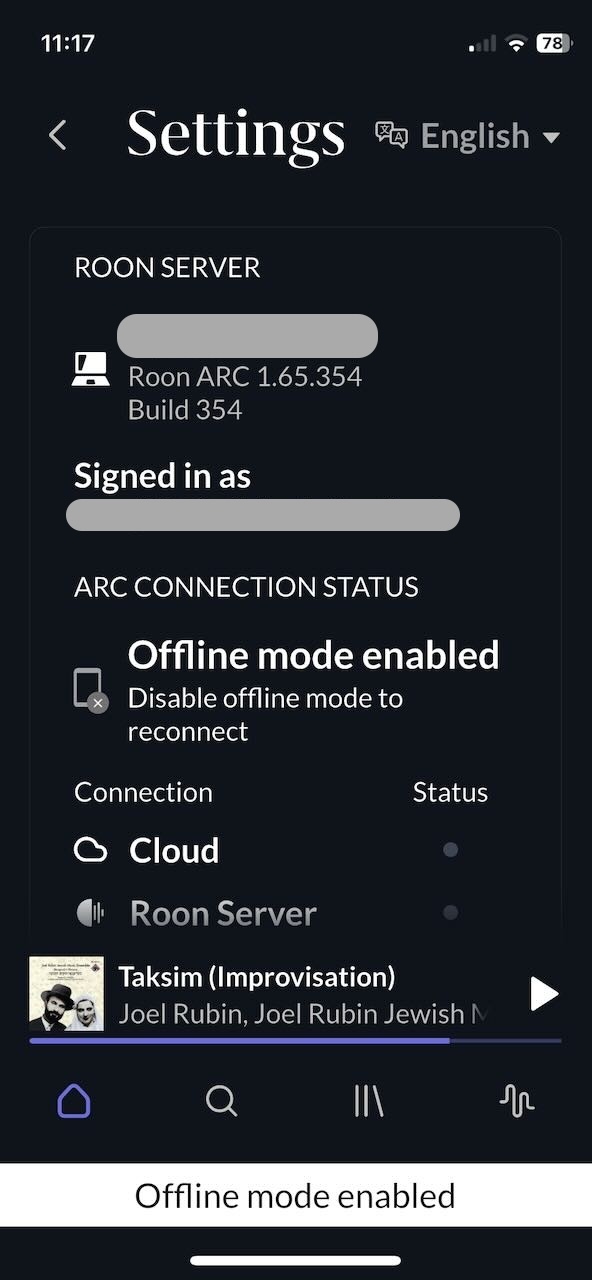
But how do I do this? Taping the info “Disable offline mode to reconnect” doesn’t do anything. 
I have switched on offline mode. Now I want to switch it off.
I see “Disable offline mode to reconnect”:
But how do I do this? Taping the info “Disable offline mode to reconnect” doesn’t do anything.
Under Settings, under the PROFILE badges, toggle the offline mode switch. So, scroll down a litte more until you see it.
Make sure the text and switch are in focus, and about 10 mm above the page fold.
Found it. Thank you!
Not really self explanatory…