Hi.
I just wanted to share with my solution with installing Roon on Linux Mint 22.3 Cinnamon.
I am running Roon Server on other machine with Linux Mint 22.3 but was struggling with installation of GUI through wine on my main computer, scripts and other github solutions.
I managed to install it via bottles in 2 minutes. I recommend it to all. Check video first or follow the steps.
Steps:
- Install Bottles (in my case v60)
- Create a new bottle
- Choose installation of app
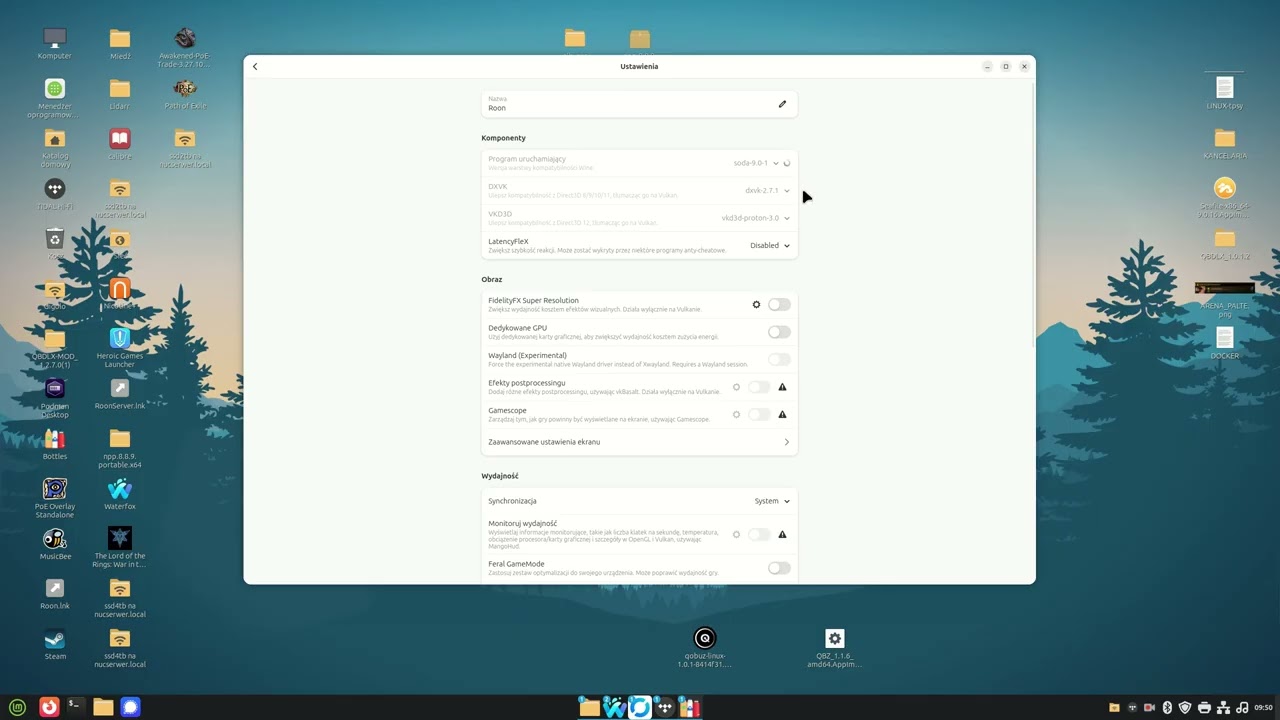
- Choose Starting program - Wine 10.0 (didn’t tried on soda, maybe works even better)
EDIT 26.01.2026: In bottles 61.1 use soda - wine 11 is broken, all fonts in Roon are bleak/lighter. Described below.
- Choose Roon from list (gold compability)
- Install
- Run.
That is all. No drama, no commands, scripts. No config
It is easier than installing on windows.
Check my video - I am using Polish localization but everything is the same in every Linux Mint. 3 minutes of video.
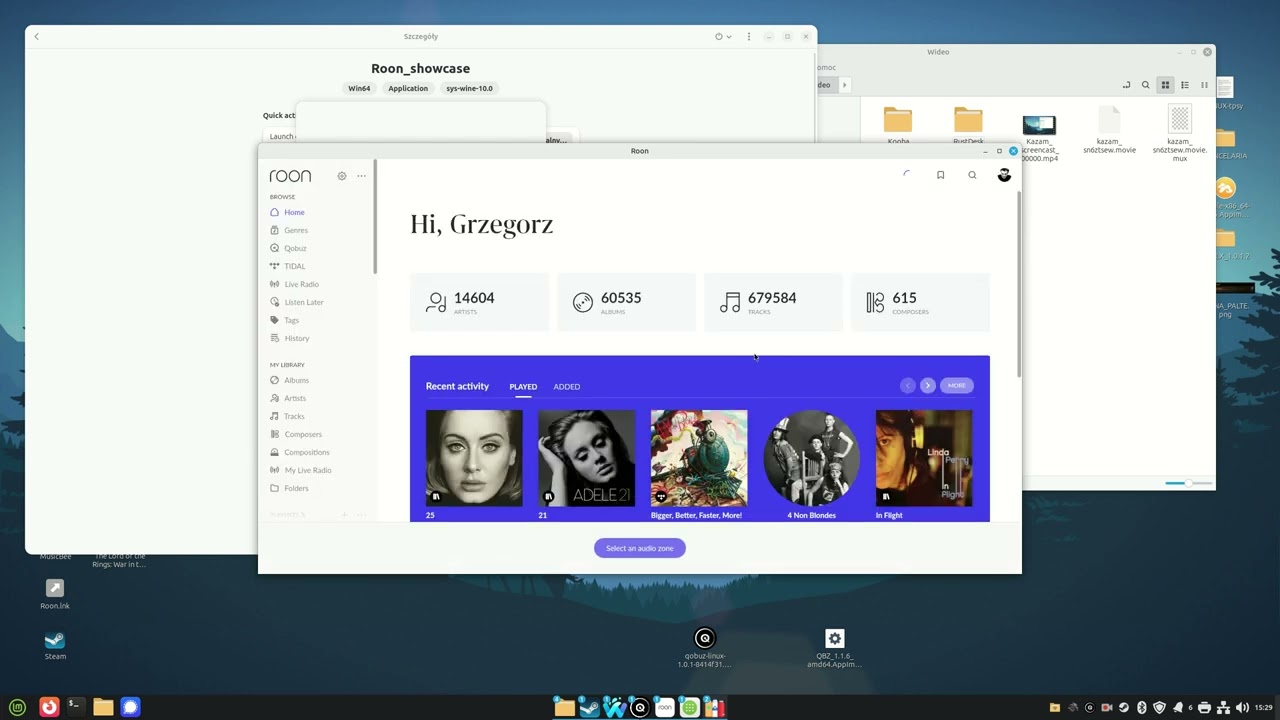
It is very standard installation, so if you have any problems…better contact with bottles team 
I didn’t tested it on other distros but I believe that every bottle v60 with wine 10.0 will run the same.
EDIT 26.01.2026
WARNING:
Newer version of bottles, 61.1, introduced usage of wine 11 to run apps in bottles. If you installed it under 10, then you need to switch it to wine 11 and run it. You will get bleak black fonts when using wine 11. After running it, go again to bottle settings and switch it to soda 9.0.1. Soda runs Roon same as wine 10.
Or you can just make a new installation of Roon using Soda. But switching works and less mess.
Clip how to switch app to soda: