The Discourse forum supports voting for topics in selected forum categories such as Feedback > Feature Suggestions
To cast your vote
In the topic of your choosing: click on the vote icon’s up arrow that is located just to the left of the topic’s title.

Displaying topics you have previously voted for
- Click on your user icon to display your profile page
- Click on activity
- Click on votes (scroll horizontally to view if required)
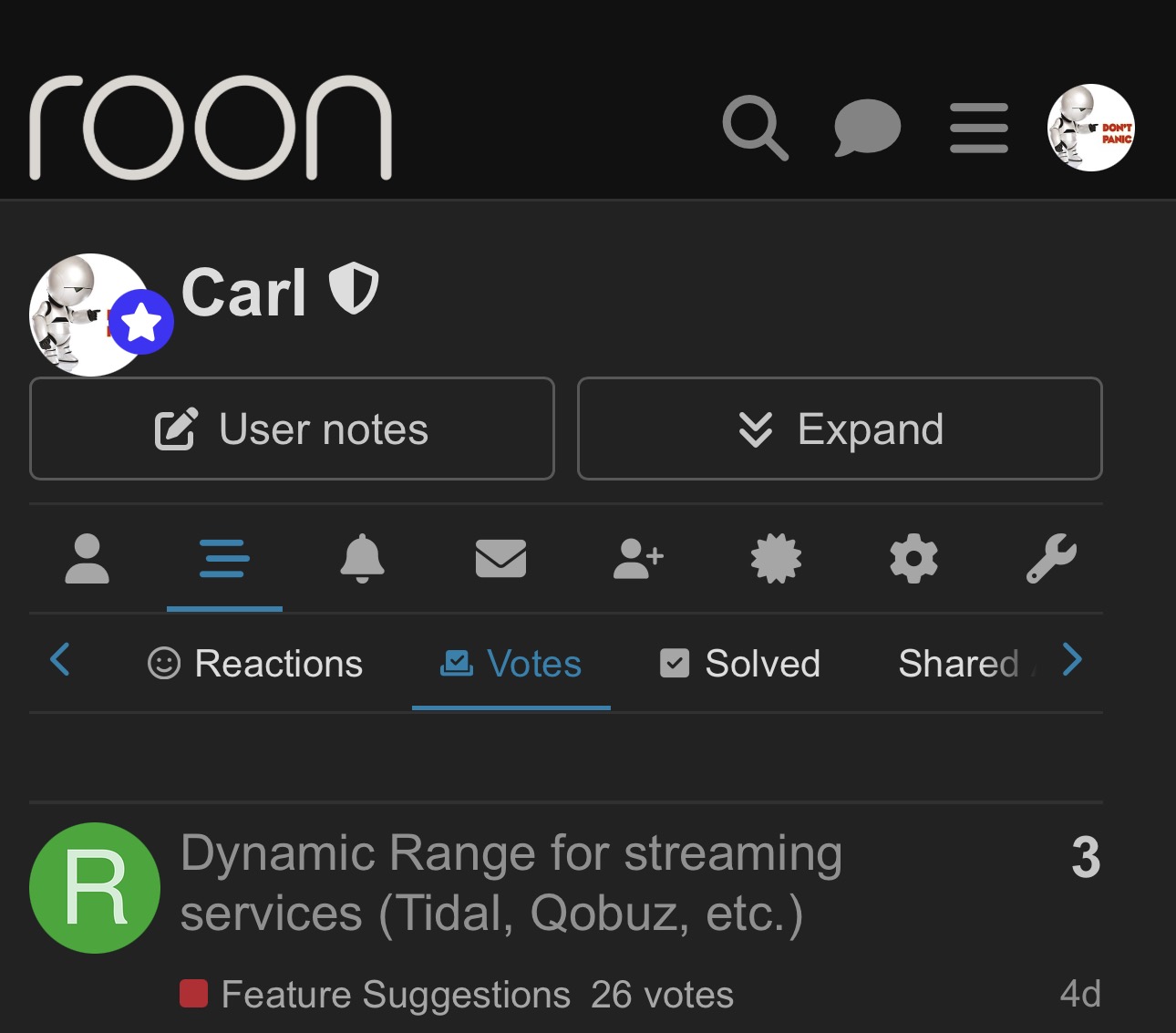
Out of votes, alternatively method
Attempt to vote, when it reports you have zero left, click on that message.

It will then display a list of topics you have previously voted for.
To withdraw your vote
- Select your choice from the topics list.
- Click on the vote icon’s green up arrow (indicating you have voted)
- Select the option “Remove vote”.
