It looks like 16/44 and then butchered to be 24/192
1 Like
Do you engage the 20kHz filter option?
It’s existence is to clean up fake hires (low pass filter)
3 Likes
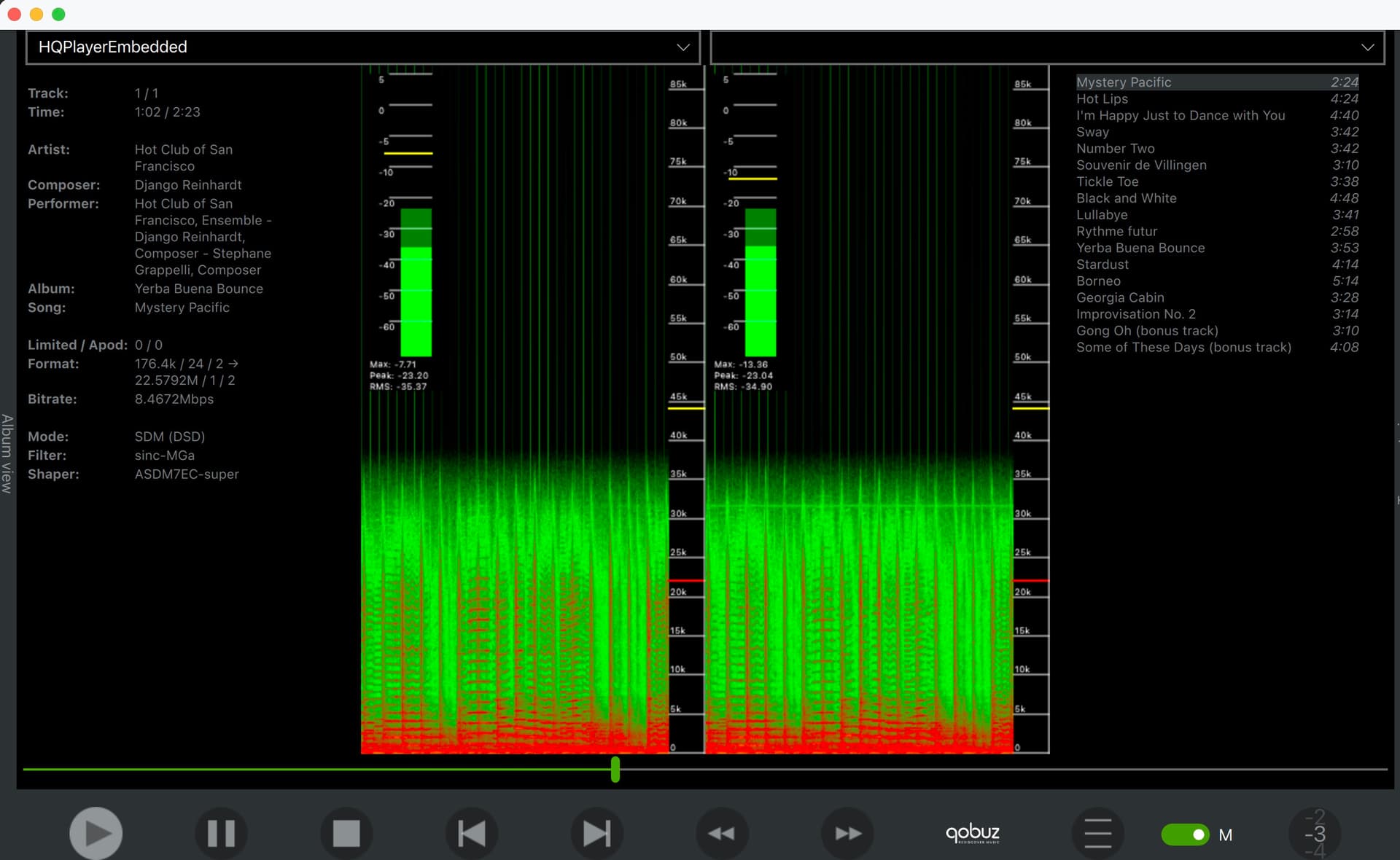
Looking at this sample the file looks greener, better? @jussi_laako
That could as well have been 88.2k or 96k file, since the audio output ends at 38 kHz.
2 Likes
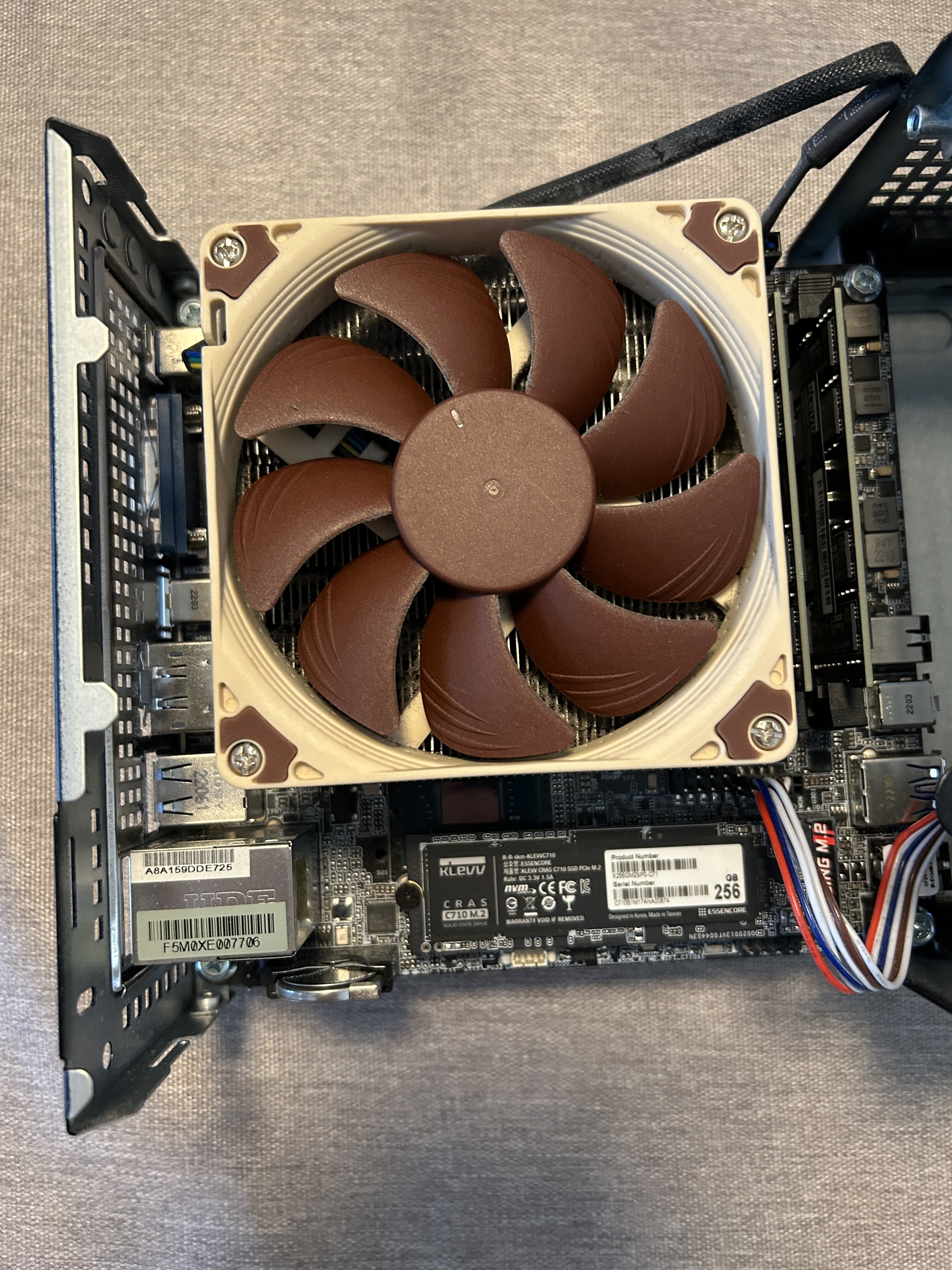
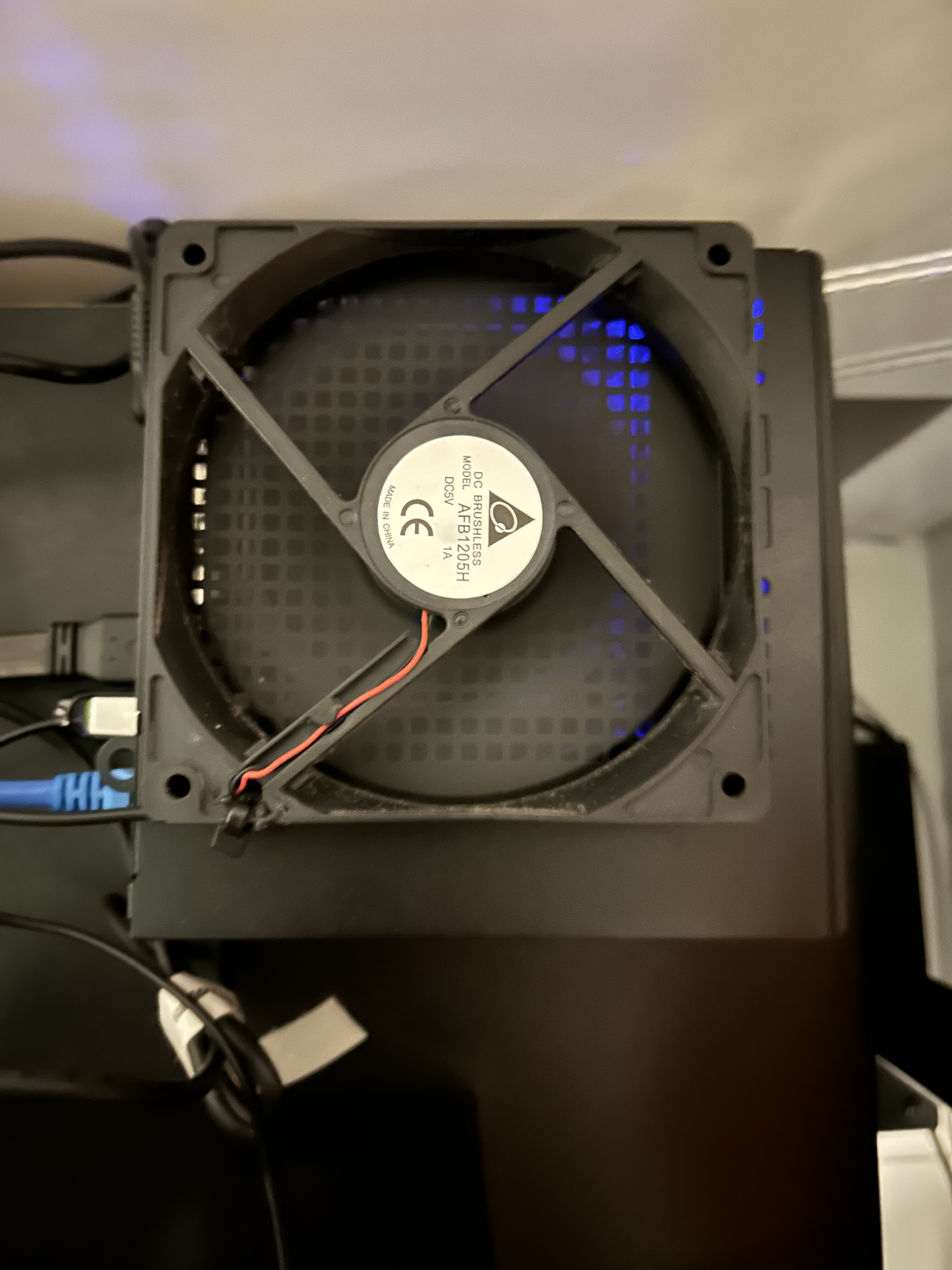
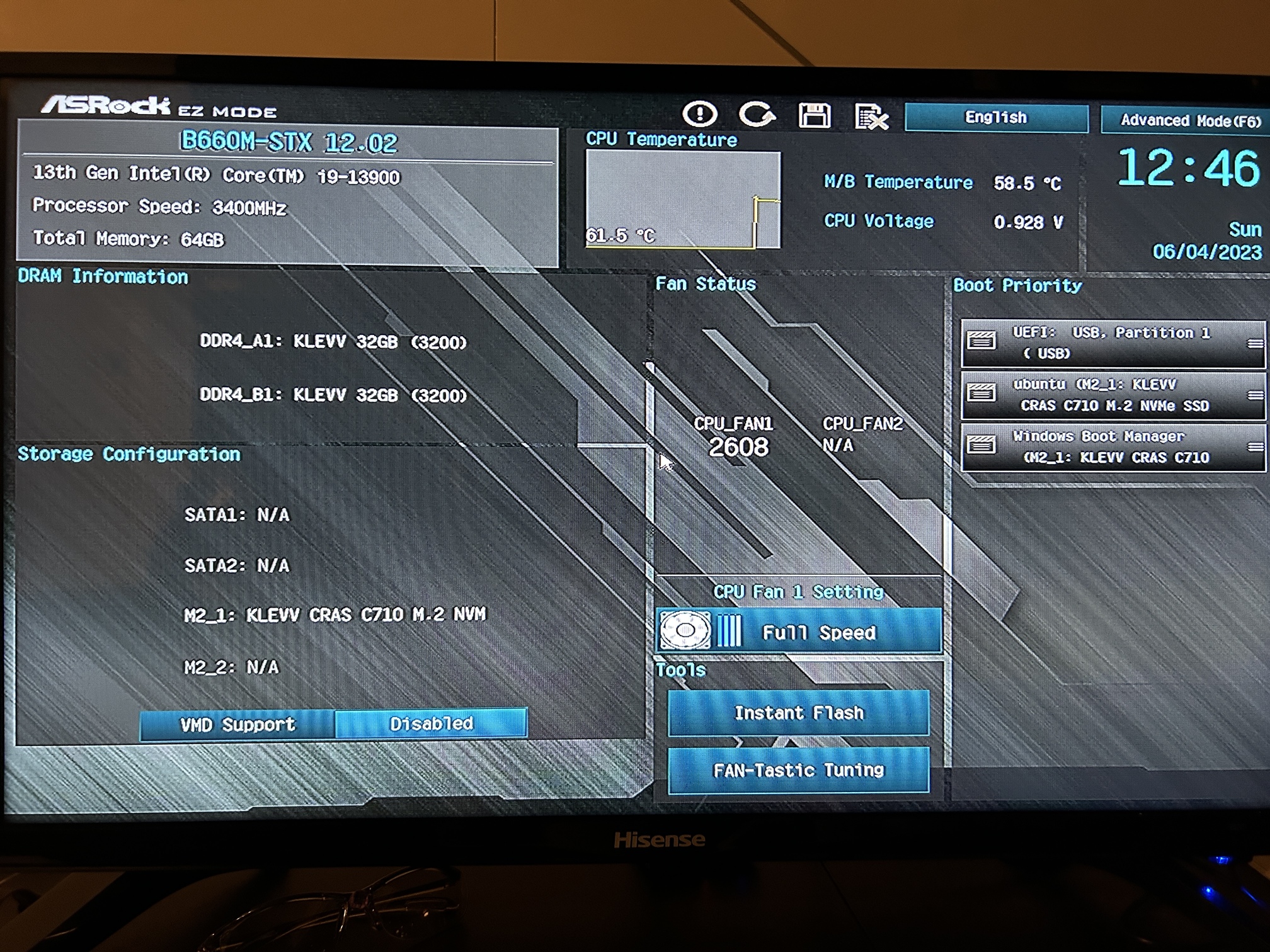
Still not EC on DSD1024 but stable on more DSD 512
notice (edit):
@jussi_laako After CPU update to i9 my embedded license stopped working after 30 min (trail mode). Updated cpu affected the fingerprint although I’m using same USB bootable stick. I’ve sent an email. I noticed it shows trial now. I was so worried I broke my computer after updating the CPU 
Many thanks!
2 Likes
Apparently this benchmarks similar to an Intel 13600/13700 (not HQPlayer benchmark of course in this video)
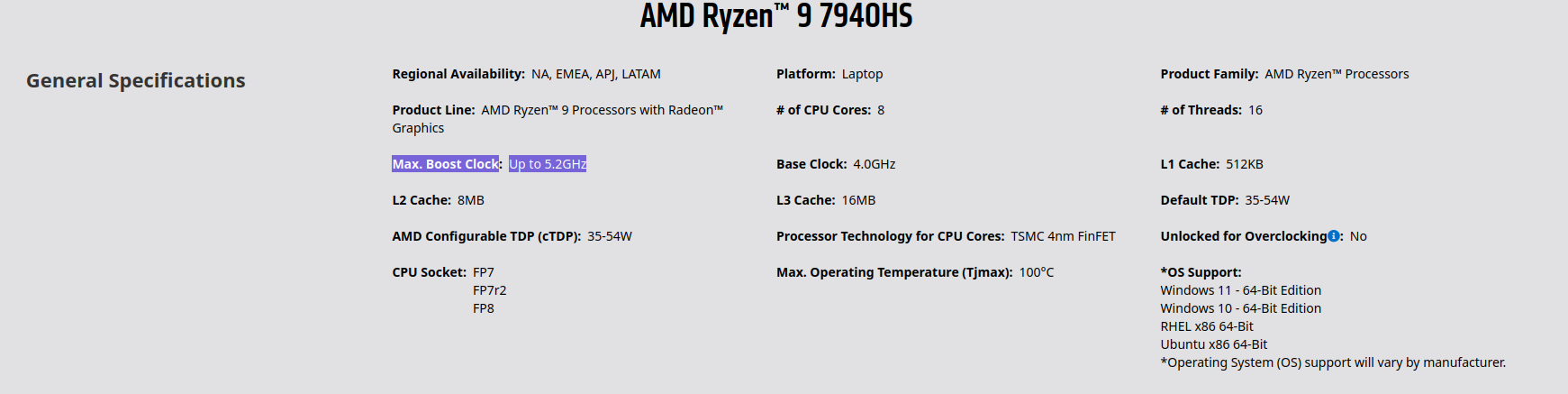
Very cheap, AMD Ryzen 9 7940HS based and the size of a NUC.
Seems the built-in cooling allows it to reach its rated TDP
More memory than M2 Mac Mini of similar price
Whether it can do more than a M2 Mac Mini, who knows till someone tries it.
I doubt it would be as quiet as Mac Mini but not an issue if it’s in a different room to listening room
Minisforum UM790 Pro 7940HS Mini PC

4 Likes
3 Likes
Hi @jussi_laako feature request for your future consideration !
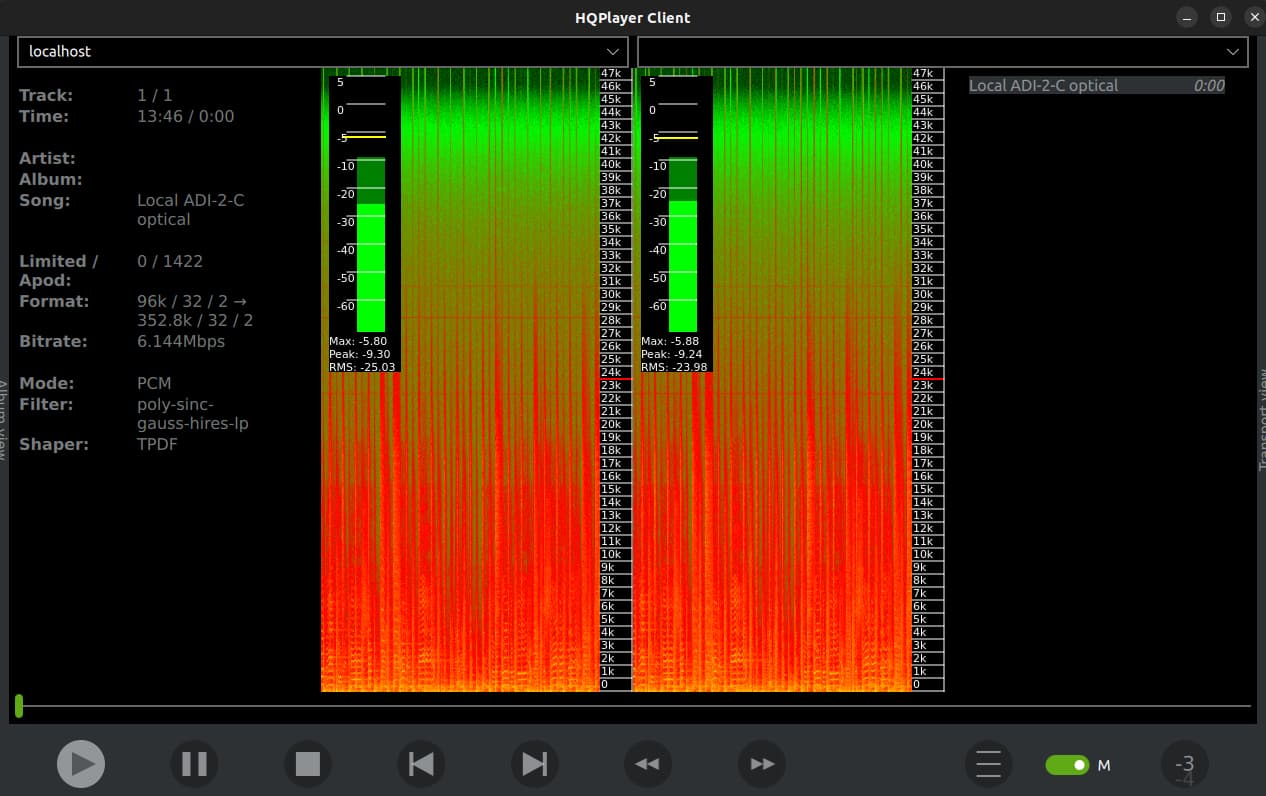
Now we have Client app and HQPDControl showing us some cool real-time analysis.
For the same time period that is shown in spectrogram (approx 10 seconds) can you get HQP to show the dynamic range for this period? Obviously not for the entire track because here I am streaming from Amazon Music UHD
Like the ~10 second period we see in this window.
Live spectrogram and live dynamic range 
It can just be a number under RMS in the meter window, so it wouldn’t take much more space.
4 Likes
I can think about it!
3 Likes
Or maybe like a start stop feature for analysis.
So if I want to analyse an entire track I can start and stop the analysis for the whole track and get dynamic range of entire track or any period i want , even an album if I run it for length of album
As well as peak, RMS level etc
I see HQPDControl has start and stop already for spectrogram
um… the top noctua fan is blowing down… and the black fan is blowing up…
I don’t get it. 


(I believe I just quoted Tom Hanks in Big. lol)
2 Likes
Hi!
Thanks for the spot, I’ve removed the top fan. Is all working fine. I’m getting this update NA-FD1
Makes more sense for cooling optimization!
Edit 
Waiting for my embedded license regeneration as current one not working and I’m selling out my “old” i7-1300. Didn’t know expect this to happen
Edit
So my embedded key stopped working because the core cpu updated to i9-1300, and now thefingerprint is not same as before making the embedded key no longer work  I’m I missing anything I should be doing to fix this ? What’s the common practice? Many thanks ! (PD seems usb dongle best choice for long term)
Send an email to info@signalyst.com asking for a new key, attach your license xml file and specify old and new fingerprint
1 Like
Client also has, the metering switch does it too. But of course it also switches between the cover and meter views.
2 Likes
I don’t know if this has been discussed before (I don’t remember it being discussed) but is there any possible way of specifying the filter / modulator / rate limit combination for PCM->DSD conversion of each source sampling frequency in HQPE (rather than in the 2 groups 1x <=50k and Nx >50k)?
It would be very helpful to be able to specify the combination of filter / modulator / rate limit for each base rate. For example, most of my material is 44.1 source but I also have some 48, 88.2, 96 and 192. I have a combination I like (Sinc MGa / ASDM7ECv3 / 24576000) that works fine on 44.1 but it stutters on 48, and every time I play 48 material, I have to go in and change the filter (usually by reducing the rate limit), but I would rather have it automatic so I don’t have to do this and then have to set it back when I go back to playing 44.1 based material. Some records are mixed 44.1 / 48, which is especially annoying!
If this fine grained config is possible currently, it would be great to find out how it could be done (I remember talk of an API). Thanks in advance
I think I saw on another forum that a ‘Profile’ kind of thing is being worked on, to load different configs.
So you can make your own PCM44.1k source , 48k source etc profiles
I think… but its possible I imagined it  (I personally don’t need this but I see a lot of people asking about it over the years)
4 Likes
Since I’ve started using hqplayer I’ve come to the conclusion that it should be illegal for dacs not to support 48k.
4 Likes
Done! Many thanks for the advice. Still waiting …
Be patient …
1 Like

1 Like