Motivation
I have a Mac min M4 as a server running not only Roon core but other applications. I wanted to assign a different ip address to Roon server other than a default ip address for the Mac mini so that I can put Roon in an independent VLAN to isolate the network traffic.
Requirements
Installation Steps
-
Prepare files
-
Setup a virtual machine for Rock
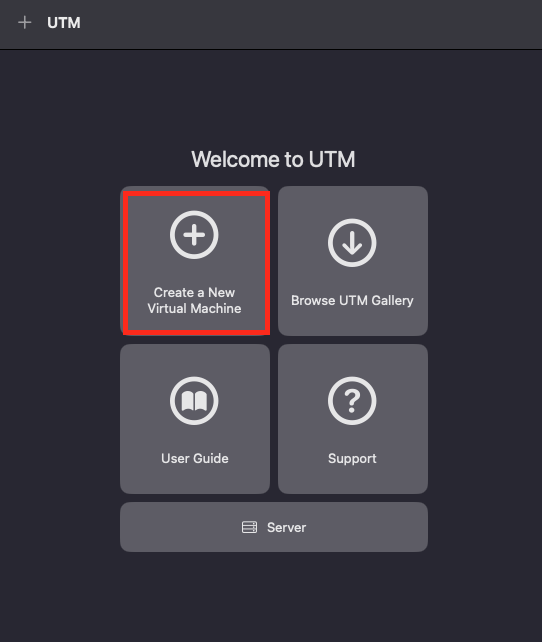
- Click “Create a New Virtual Machine”
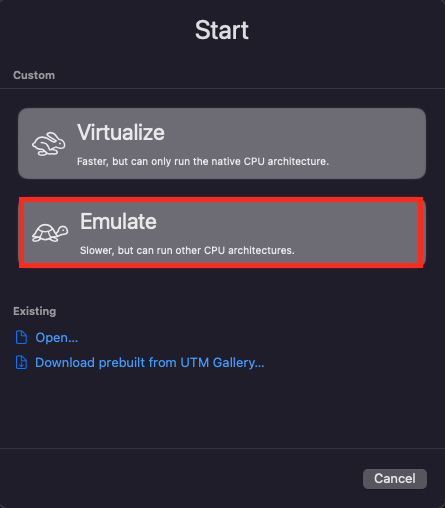
- Click “Emulate”
- Click “Other”
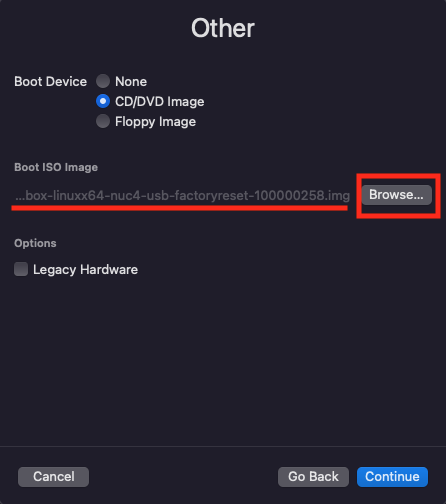
- Click “Browse…”
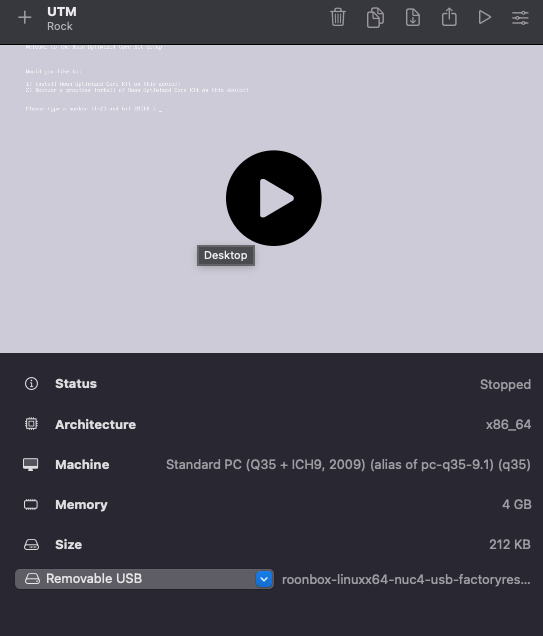
- Select the downloaded Rock file, “roonbox-linuxx64-nuc4-usb-factoryreset-100000258.img”
- Click “Continue”
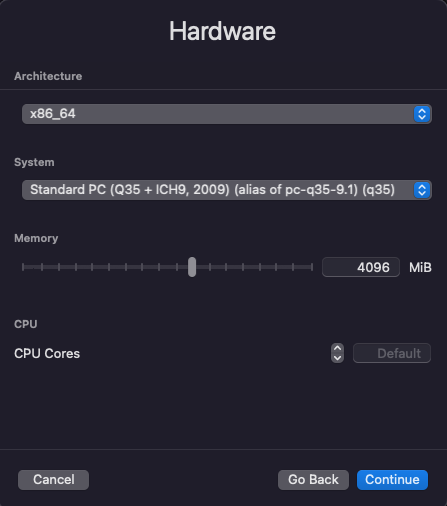
- For Hardware, I do not change anything but you can adjust memory size and the number of CPU cores according to your system resource.
- For Storage, 45GB is enough to run for me because external music files will be accessed through network share.
- Just continue for Shared Directory
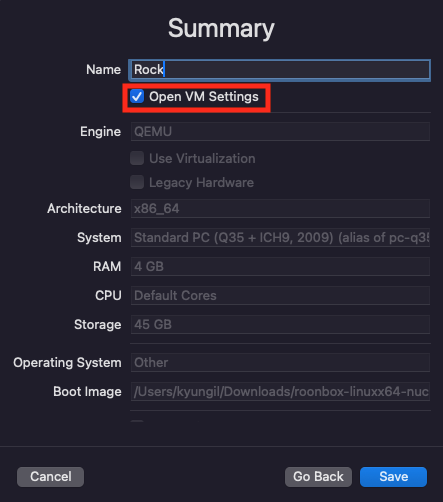
- Assign the name and click “Open VM Settings”, and then click “Save”.
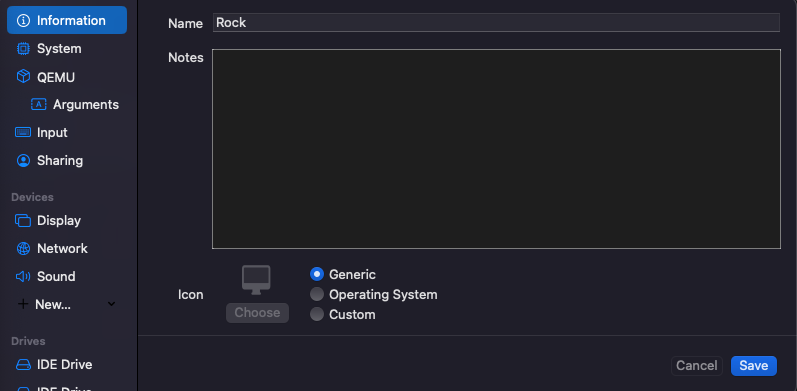
- It brings up the settings page.
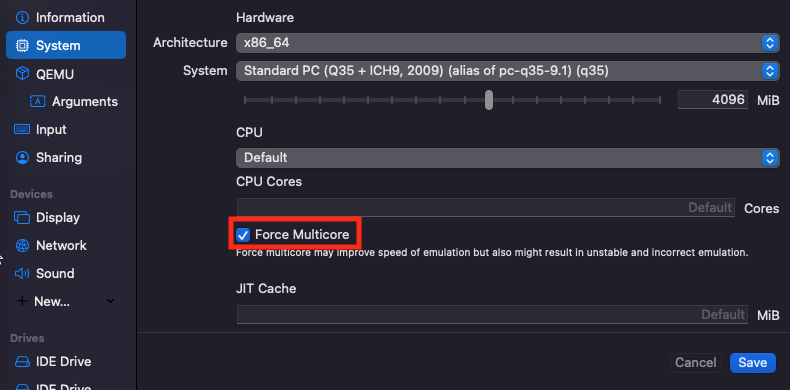
- Go to “System” section, and click “Force Multicore”.
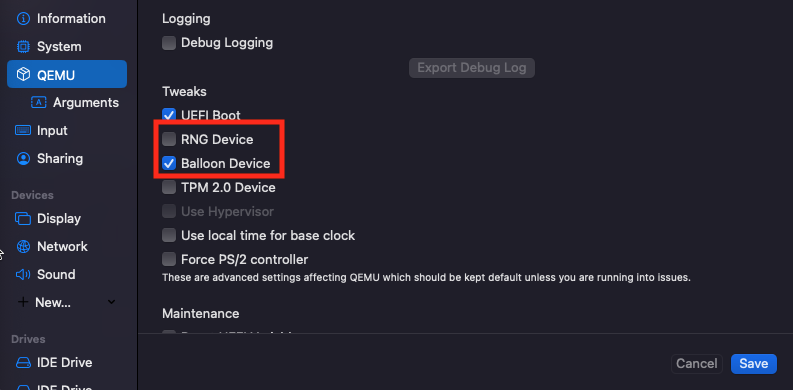
- Go to “QEMU” section, and unclick “RNG Device” and click “Balloon Device”.
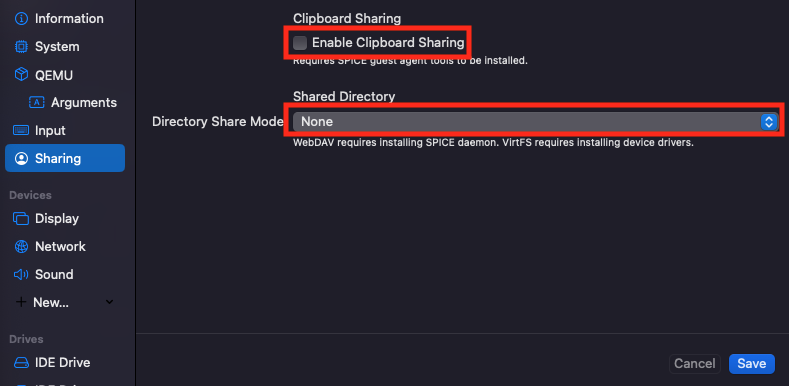
- Go to “Sharing”, and unclick “Enable Clipboard Sharing” and select “None” for “Directory Share Mode”.
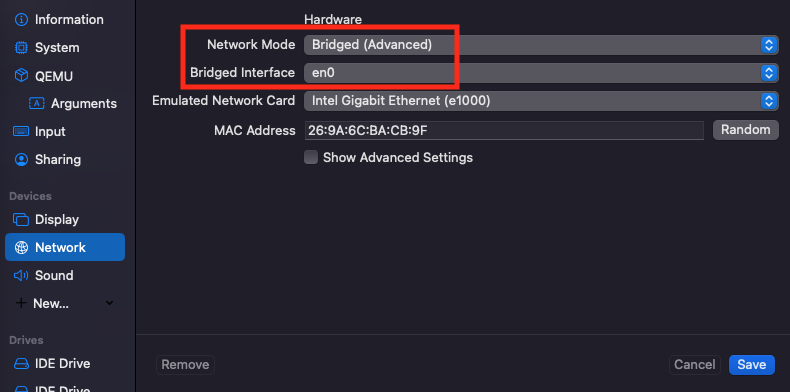
- Go to “Network”, select “Bridged (Advanced)” for “Network Mode” to assign an independent ip address to Rock and select the ethernet network interface(en0 in my case) for “Bridge Interface”. (Actually I changed the interface from en0 to a virtual interface later to assign another tagged VLAN).
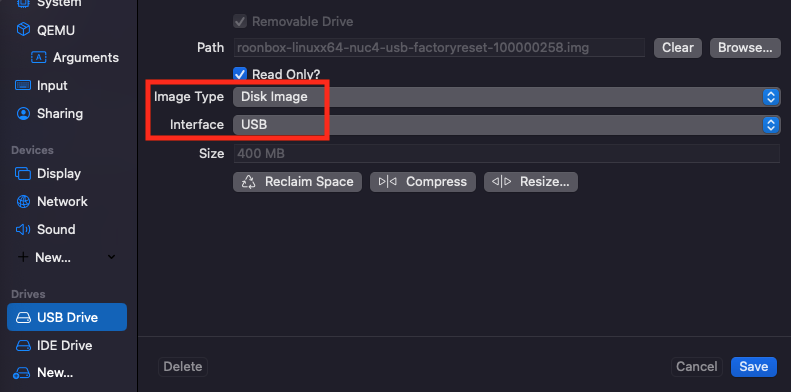
- Go to the first “IDE Drive” assigned to Rock image file, change “Image Type” to “Disk Image” and change “Interface” to “USB”.
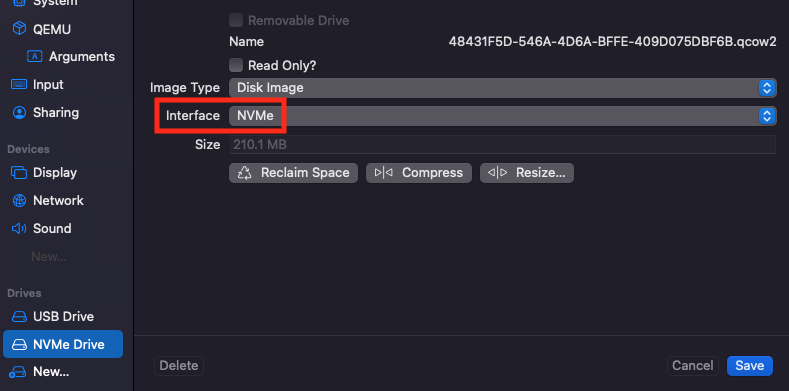
- Go to the second “IDE Drive” for internal storage, change “Interface” to “NVMe”.
- And finally click “Save” and then start the virtual machine.
- Click “Create a New Virtual Machine”
-
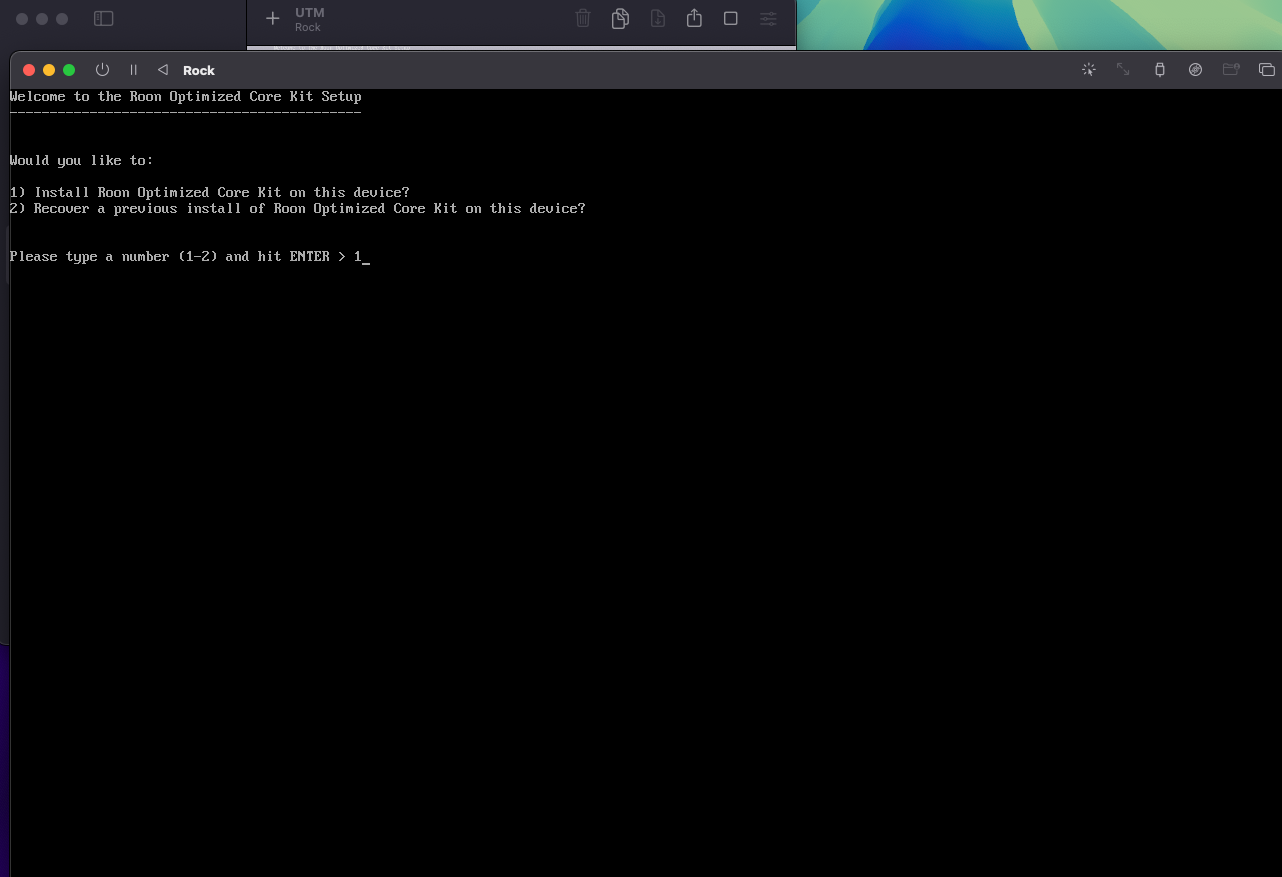
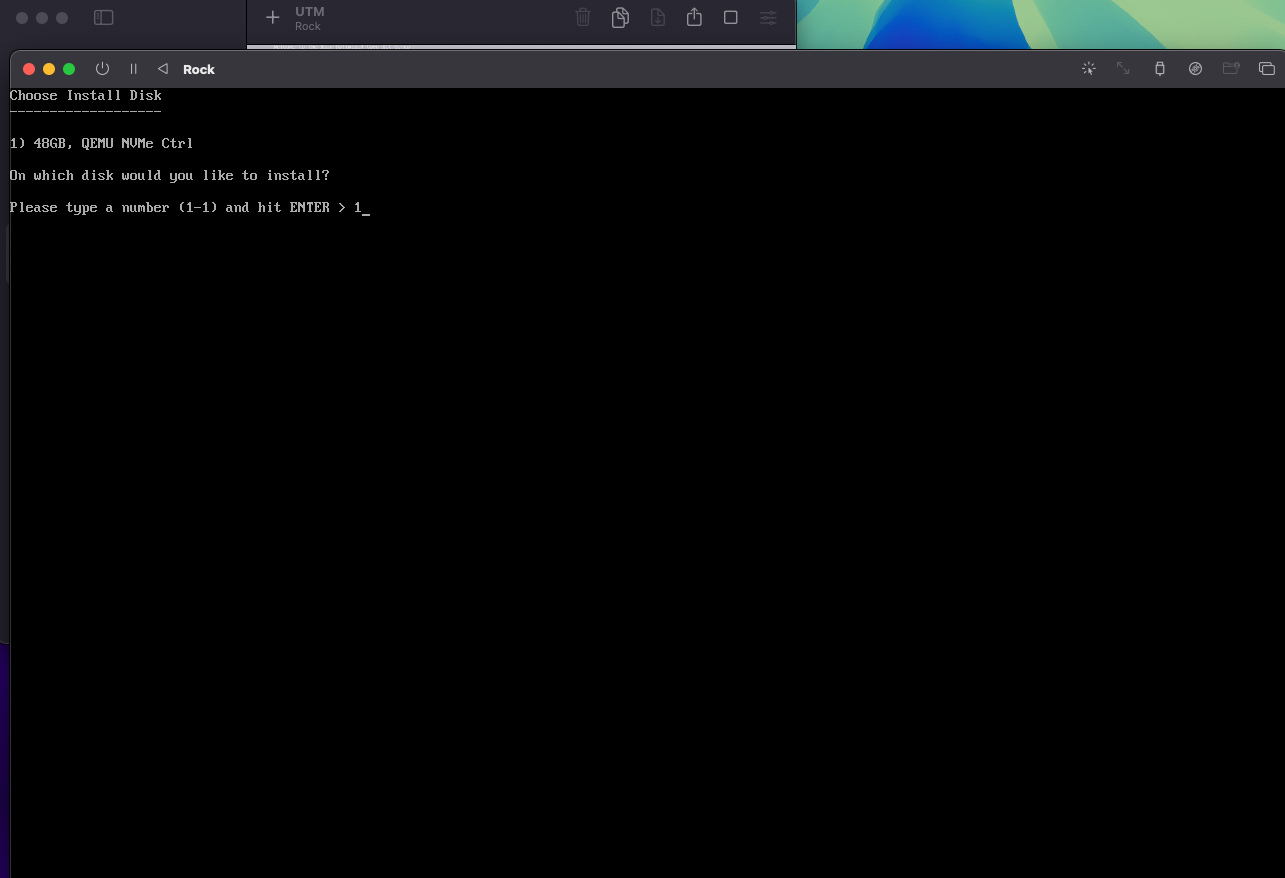
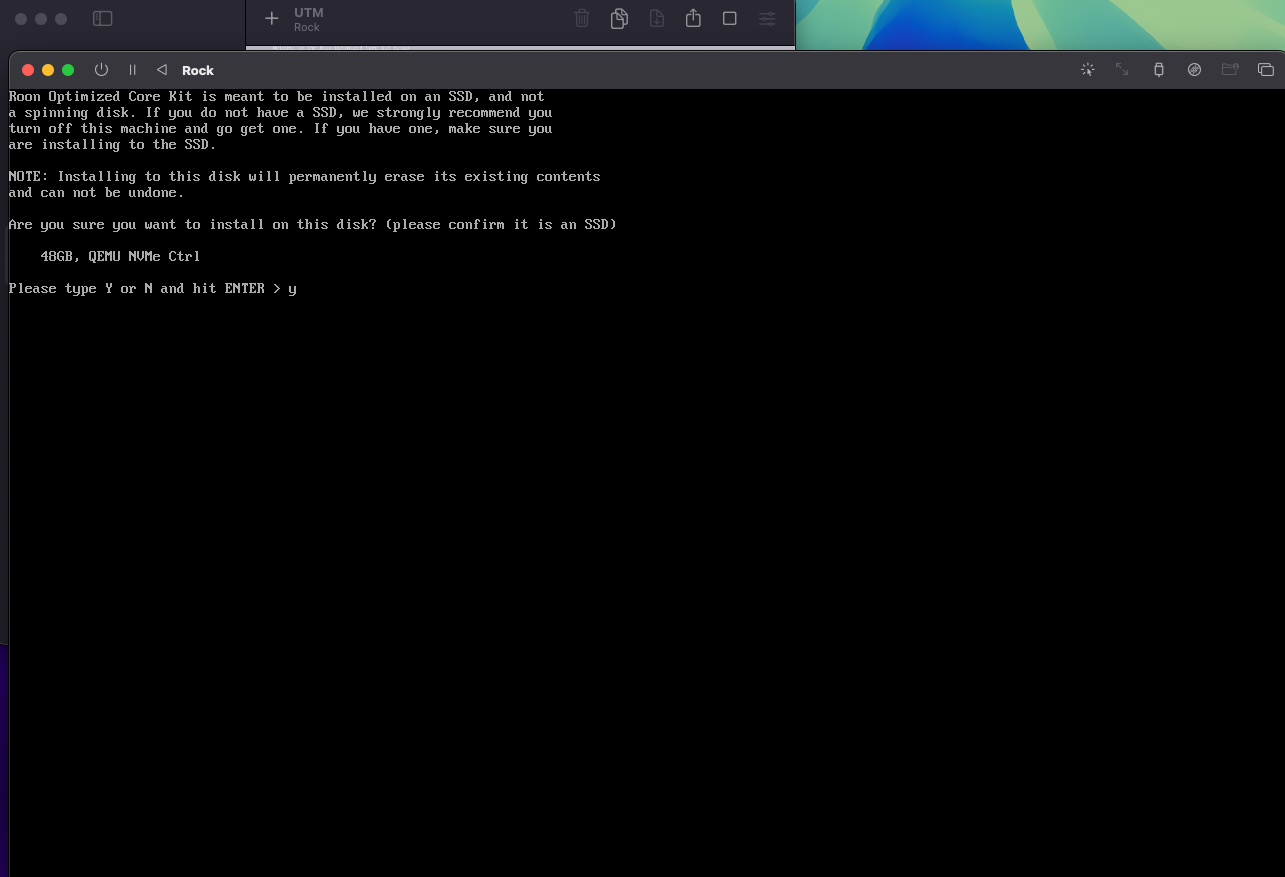
Follow the installation step explained in 5. Installation section of Rock Install Guide.
-
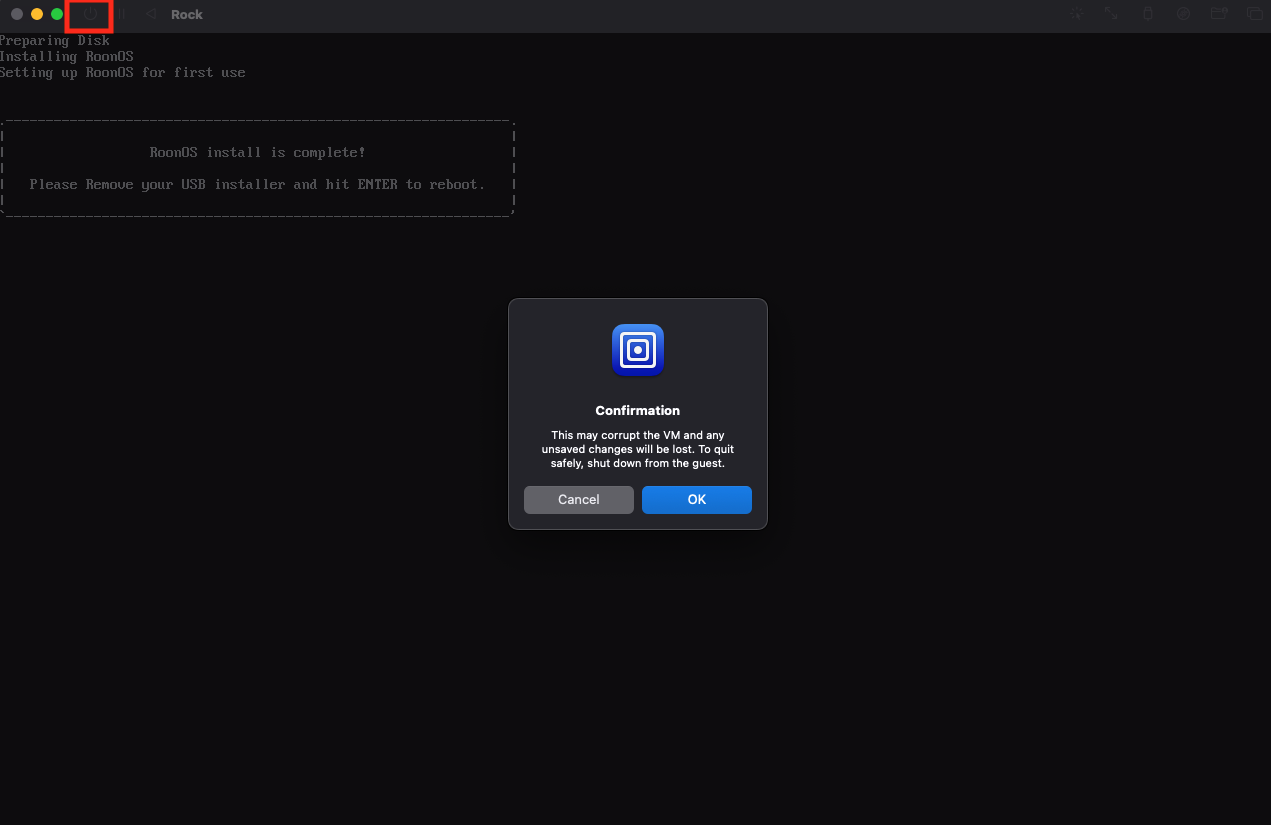
After the installation is done, click the power button to shut down the virtual machine.
-
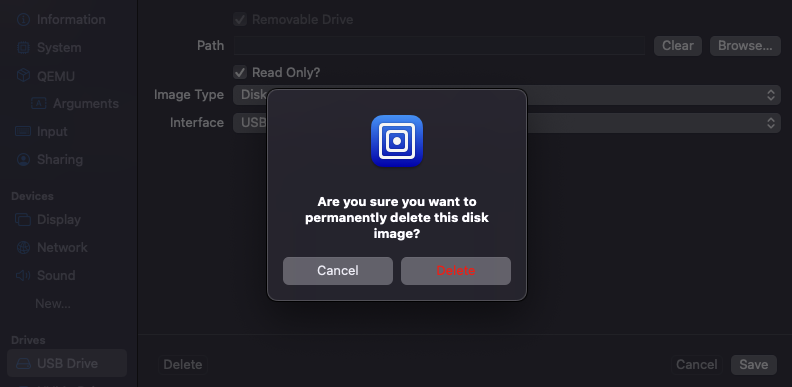
Delete “USB Drive” from the setting and then click “Save”.
-
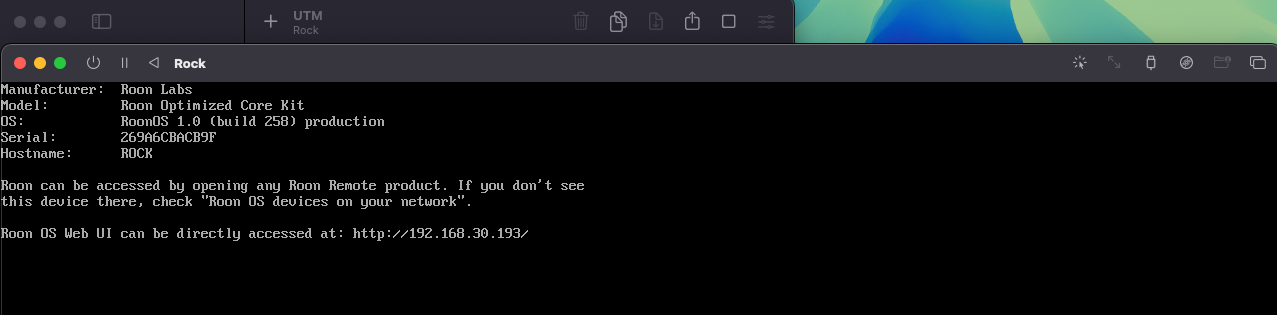
Restart the Rock virtual machine.
-
Access the Rock web UI using the ip address.
-
Install the missing codec, ffmpeg.


References