Setting up a new Asus NUC 13 PRO.
Got the BIOS update done.
Now trying to install ROCK but I followed the link to Etcher and downloaded it to my MacBook. No option to flash it and nothing like the linked tutorial. Not understanding where to download rock so I can install it on my NUC.
Help would be greatly appreciated. Feeling mentally challenged at the moment. It can’t be this hard.
Thanks
BalenaEtcher is an application that is used to create the ROCK install program on a USB stick. So, as the tutorial says, download the ROCK installer file to your Mac, plug a USB stick into your Mac and then use Balenaetcher to write the ROCK install file onto the USB stick.
Suedkiez
July 19, 2026, 7:39am
3
Please give us your actual steps and screenshots of what you see.
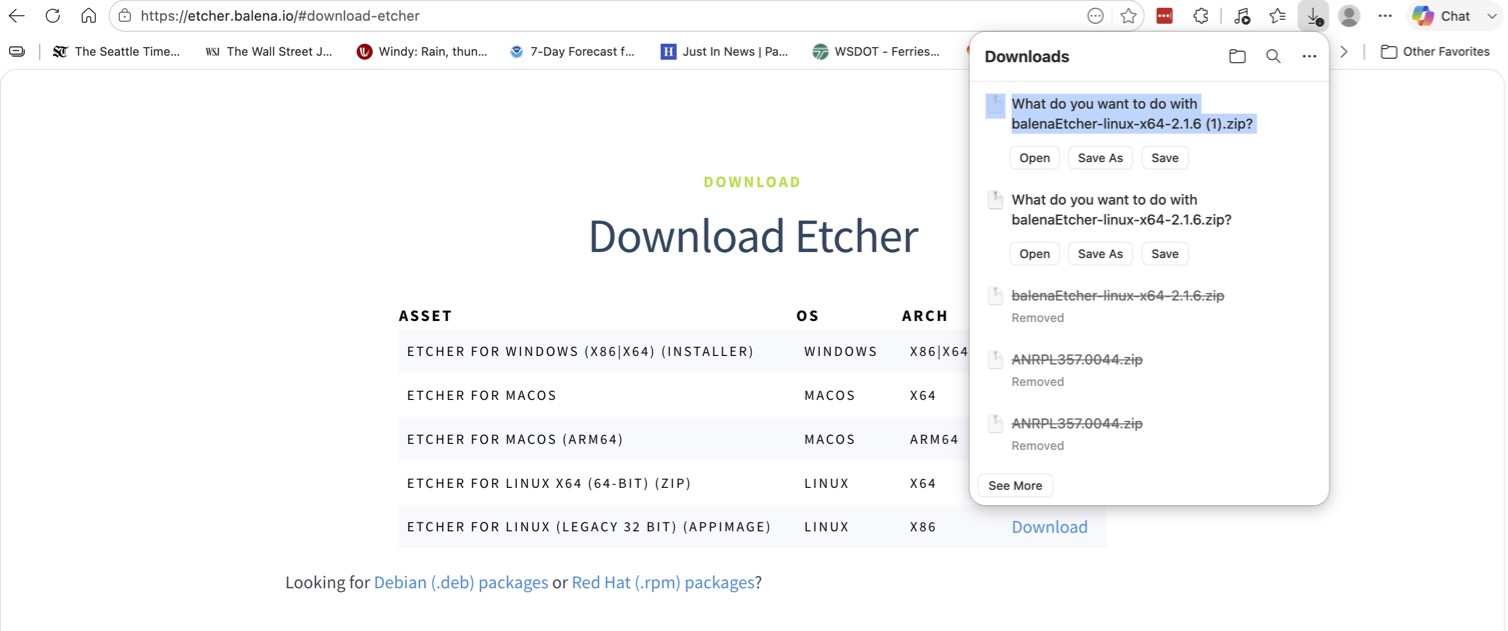
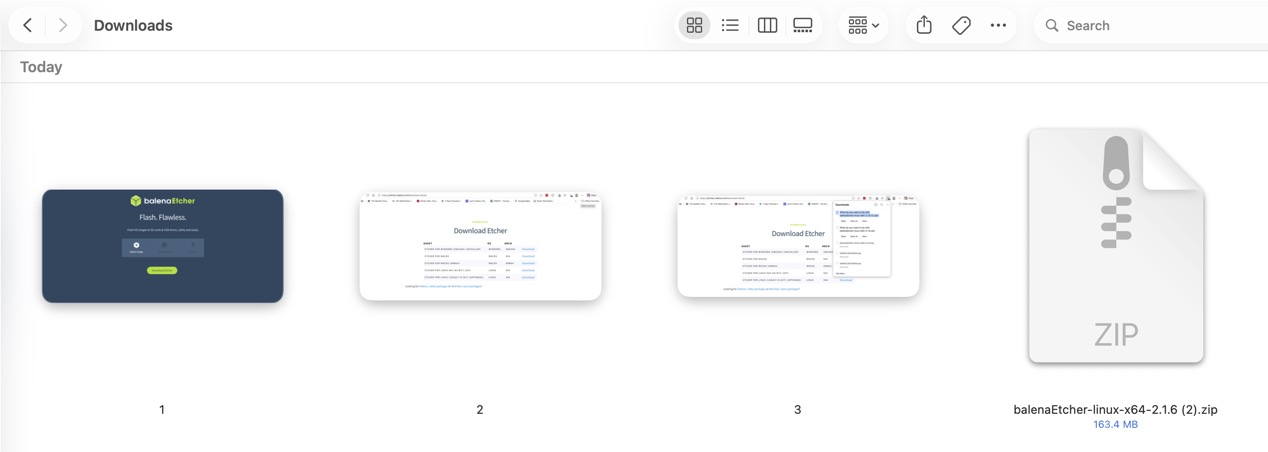
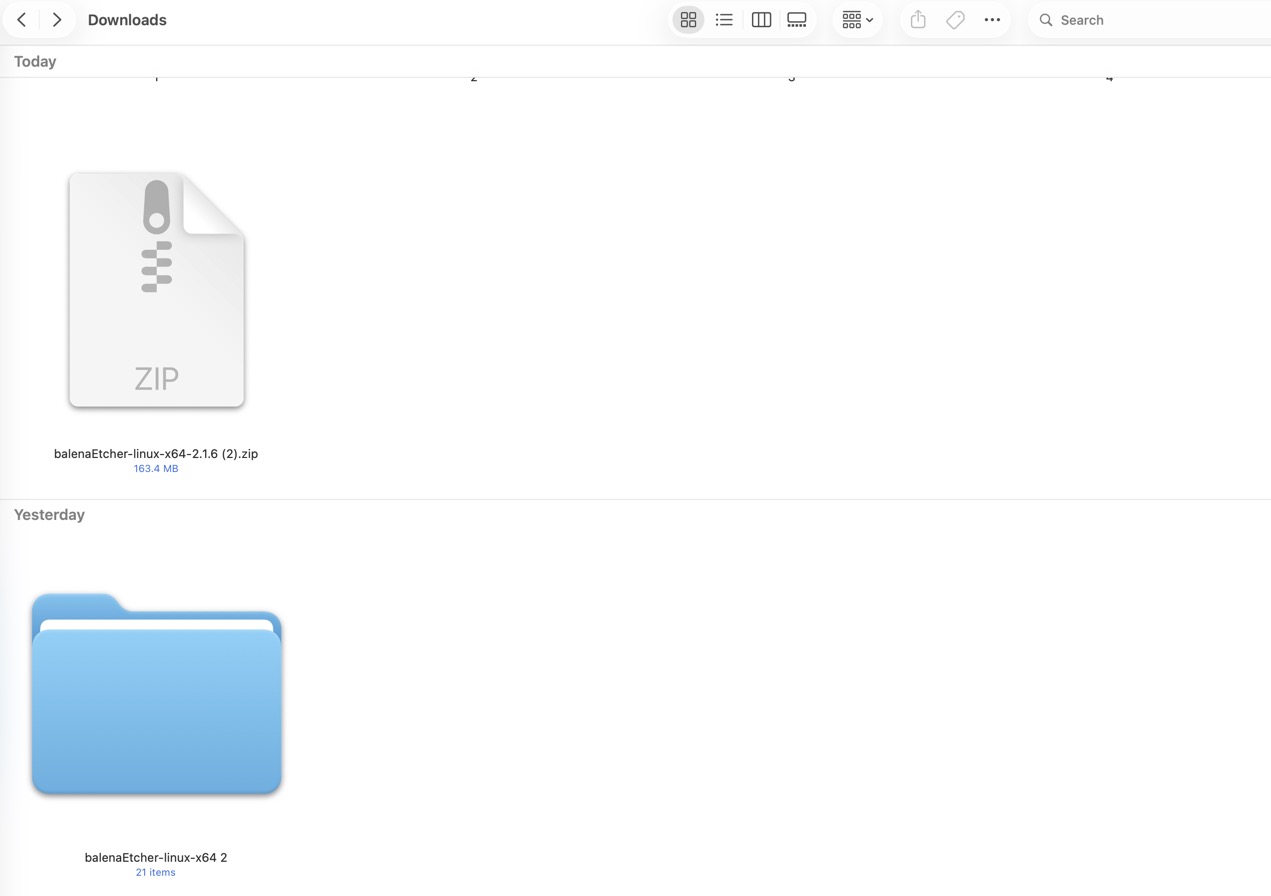
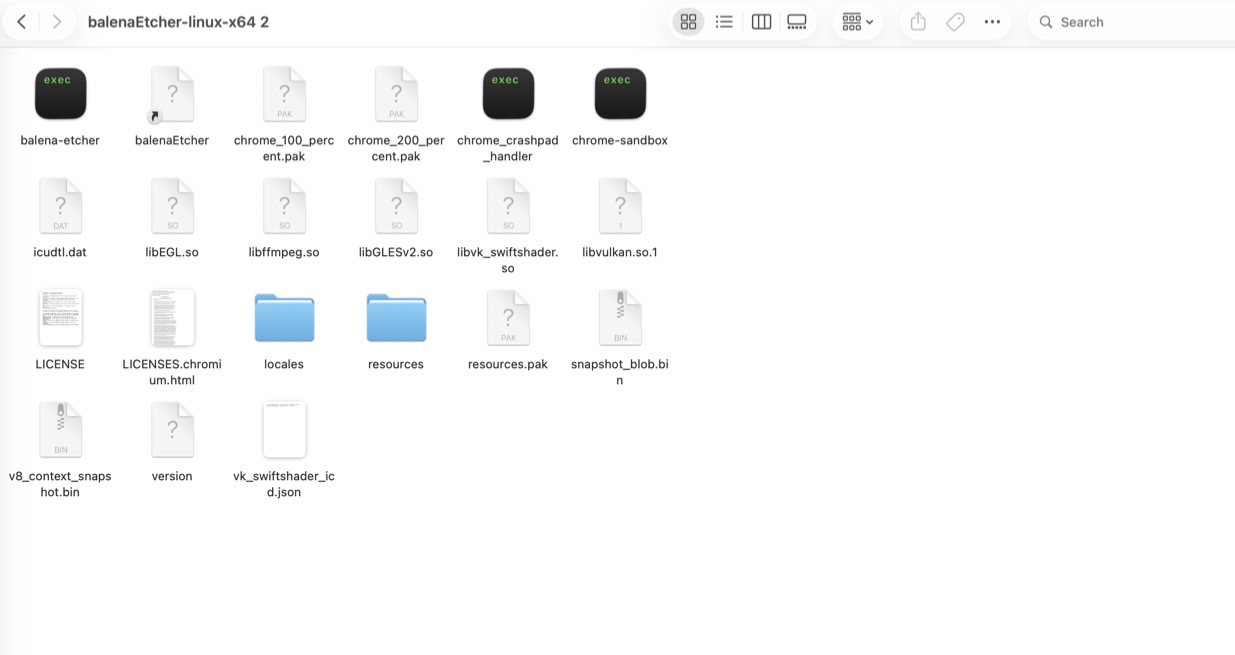
Here are the screen shots in the order that I have done them.
I am using a macbook pro to do all of this if that makes a difference
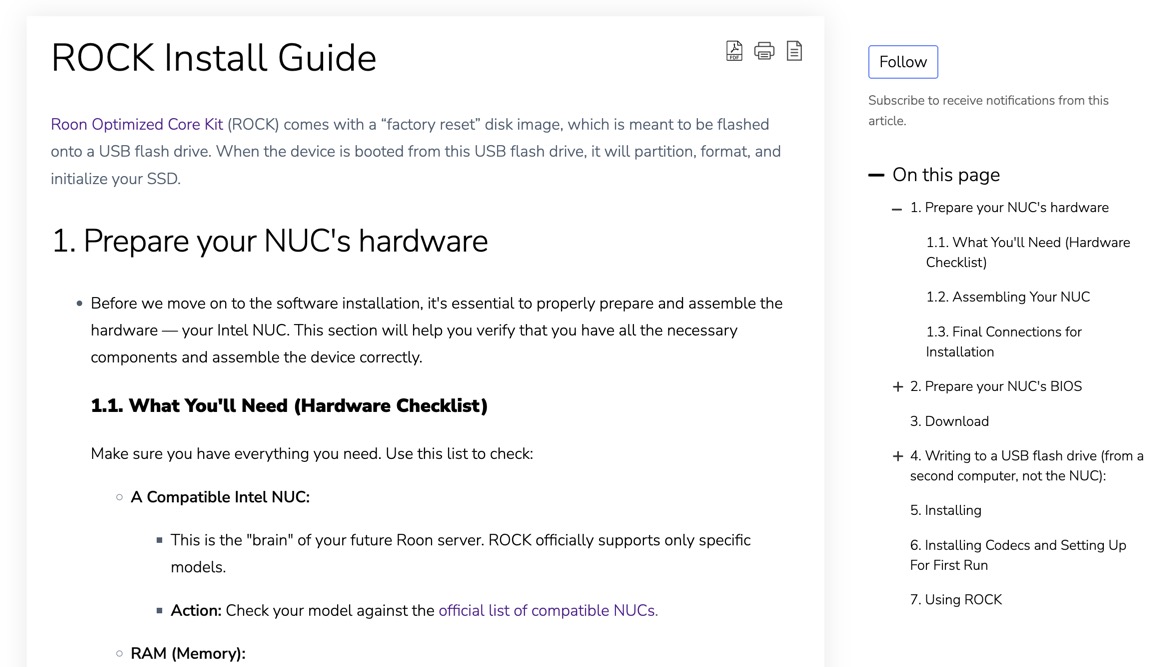
I first went to Roons Rock install guide.
Then to download link for Rock
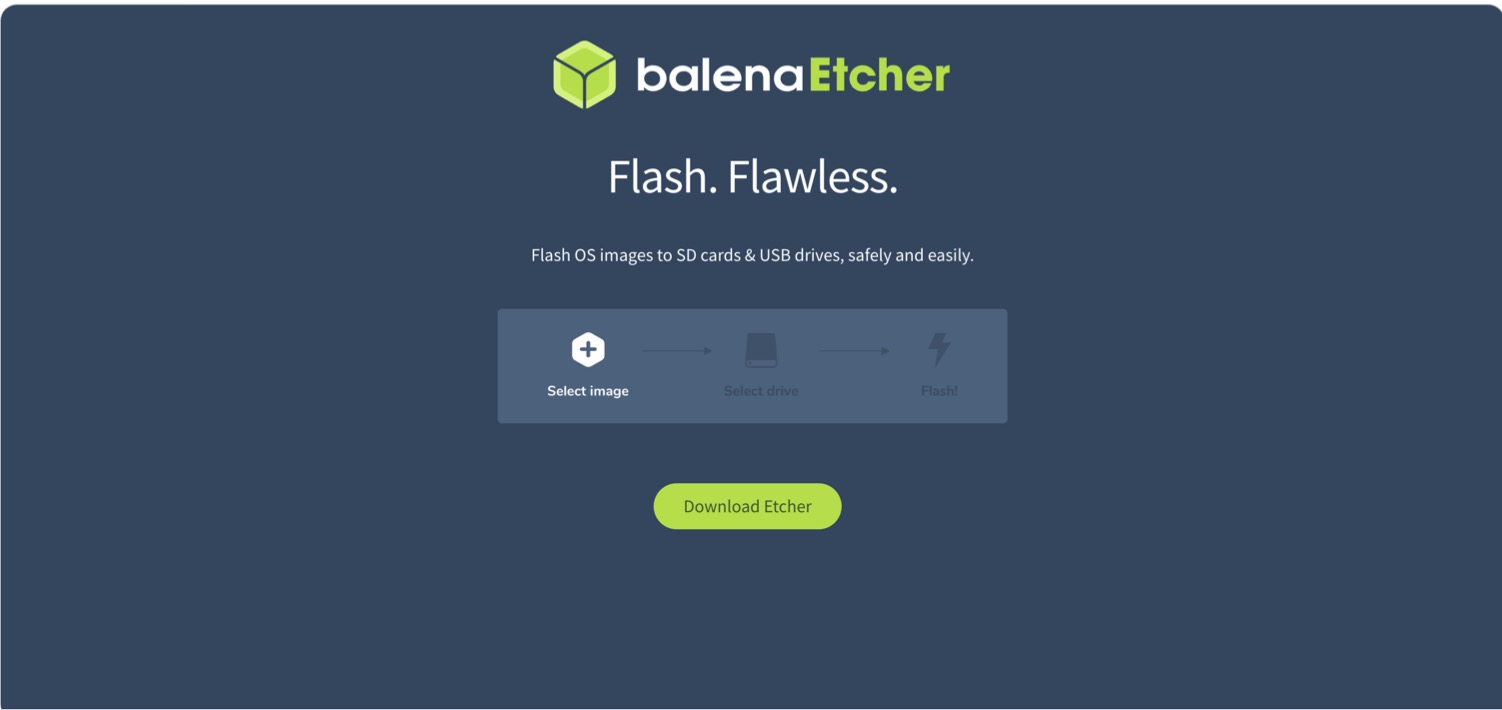
Took me to Etcher page
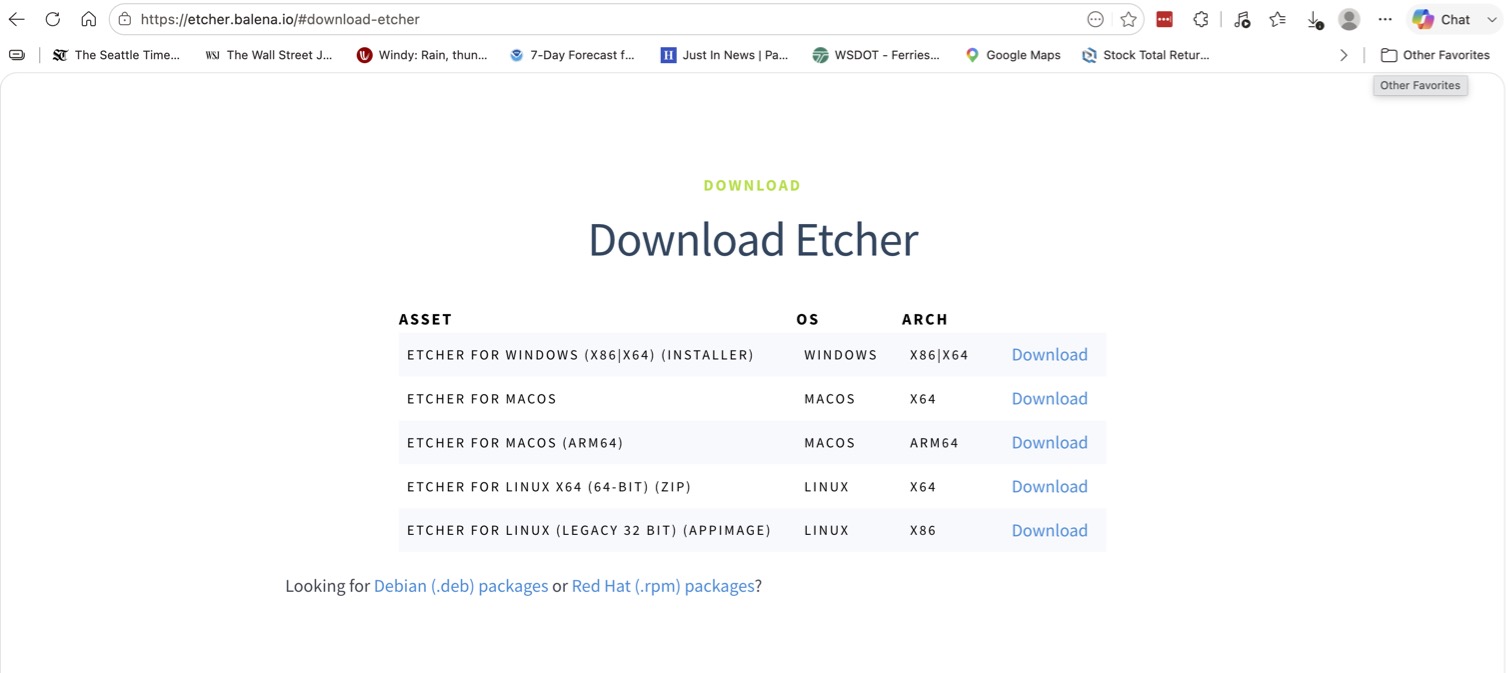
Clicked download
Gave me 5 options.
Clicked Etcher for Linux x64
It downloaded a zip file onto my Macbook downloads.
Clicked on zip and it gave me a folder belenaEtcher-Linux-64
Clicked on the folder and opened with various folders inside.
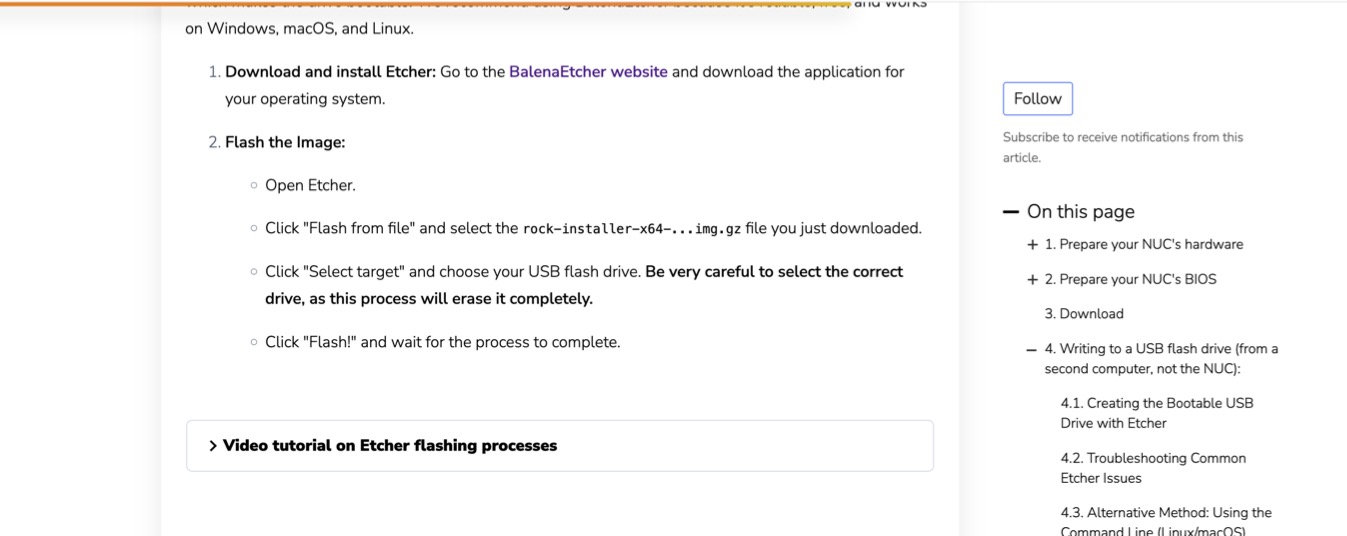
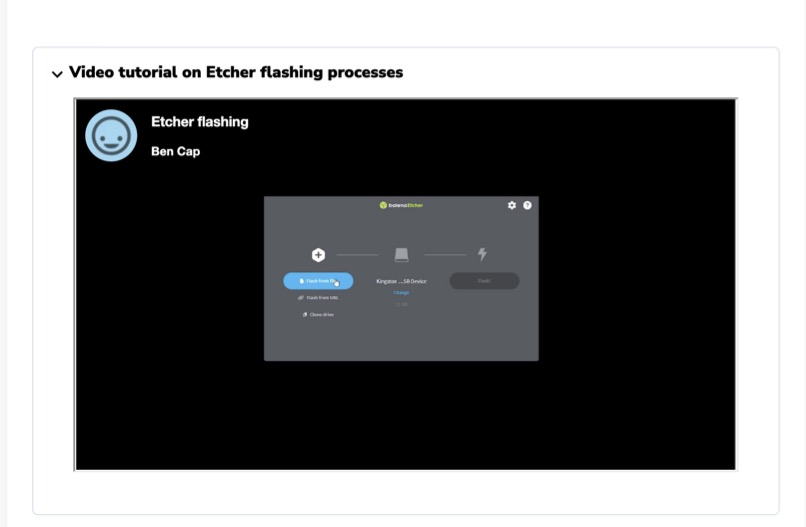
Went back to Roon install guide and clicked on Video tutorial on Etcher flashing process
Video was image of what I have shown but I never came across anything like that when I downloaded Etcher.
Do I just download the zip file onto my USB flash drive and insert into the NUC or the unzipped folder?
Suedkiez
July 19, 2026, 5:19pm
5
As far as I can tell you didn’t perform all the steps and/or mixed up some steps.
These parts I bolded aren’t true. The download link for ROCK does NOT take you to Etcher:
thomas_perilstein:
I first went to Roons Rock install guide.
Then to download link for Rock
Took me to Etcher
The step 3 is to download the ROCK installation file. This link is not the Etcher download but this link:
https://download.roonlabs.net/builds/roonbox-linuxx64-nuc4-usb-factoryreset.img.gz
I marked this red in the following screenshot.
Then step 4 is about downloading and installing Etcher. I marked this green in the screenshot:
What you have to do is
Download the ROCK install file, roonbox-linuxx64-nuc4-usb-factoryreset.img.gz
Independently, download the Etcher install file.
Etcher is the program that will let you write the ROCK install file to a USB drive, so that you can then use the USB drive to install ROCK to the NUC.
Therefore, as the documentation says:
Download and install Etcher: Go to the BalenaEtcher website Flash the Image:
Open Etcher.
Click “Flash from file” and select the rock-installer-x64-...img.gz file you just downloaded.
Click “Select target” and choose your USB flash drive. Be very careful to select the correct drive, as this process will erase it completely.
Click “Flash!” and wait for the process to complete.
It will work if you follow all the instructions from the documentation page, in order, without leaving anything out.
Thanks so much.
Will try as soon as I get home tonight