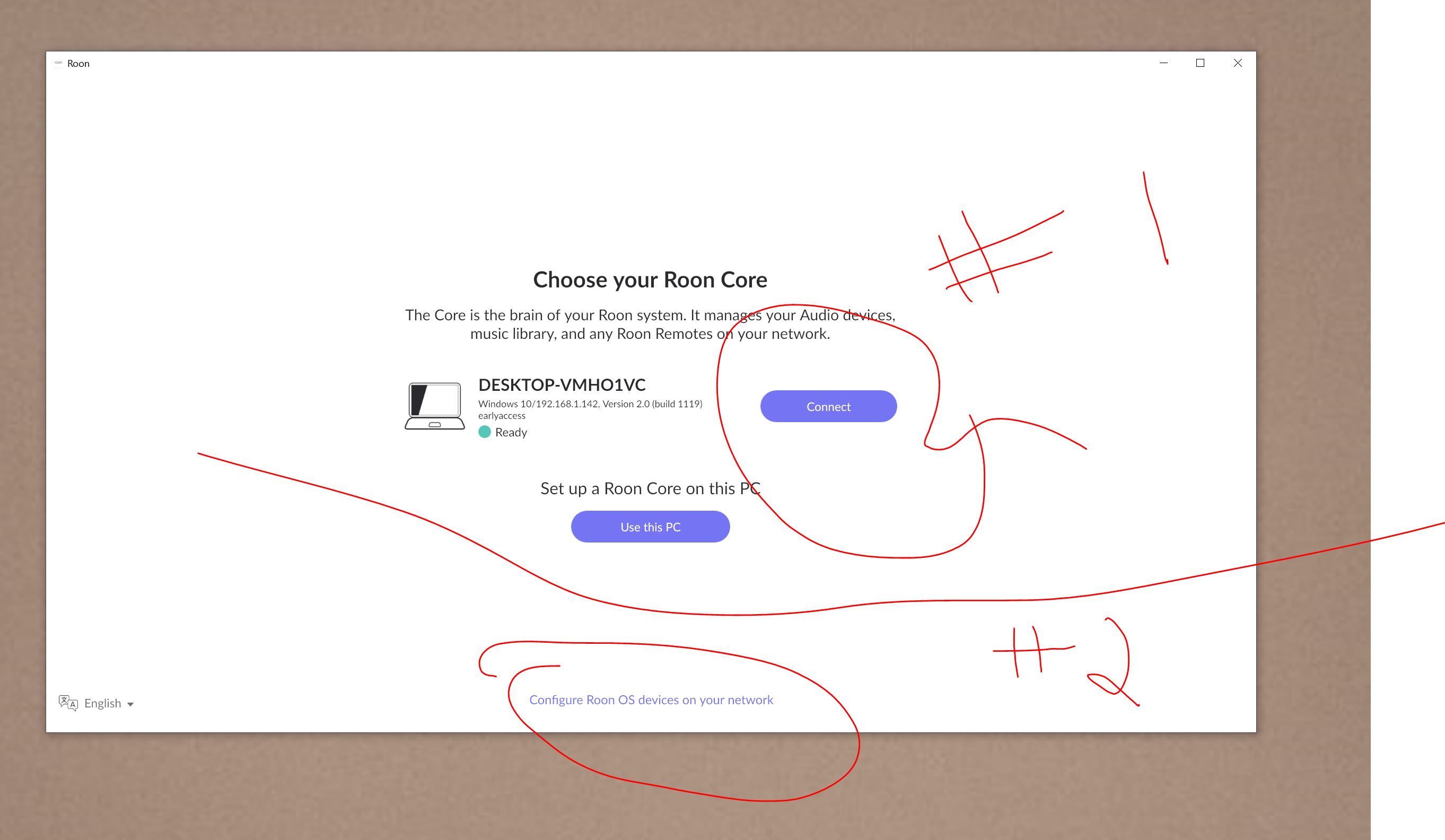
I’m having a heck of a time figuring out how to simply install Roon Desktop for Windows, without it becoming a core (I’m running Roon Server on the same machine for my core).
The few articles I’ve found in the Community indicate it’s do-able, but there is no option for a partial install with the RoonInstaller64 Windows version that I can find.
Joshua, the Roon Server application is designed to be used on computers that are headless, or those without a keyboard or monitor attached to it. Do you plan to use your Windows Core computer in that configuration, or do you need local access from within that Windows computer? If you need local access, then it is probably best to install the full Windows application and delete the Windows Roon Server instance.
@Robert_F, both. For various reasons, I want to run Sever and have a lightweight UI on the Windows core machine, temporarily (like Roon Remote on my Mac); I don’t want to run the full Windows Desktop application.
To clarify the original questions:
There’s no lightweight-UI-only version available.
For WIN and MAC, there’s the full package that can, but doesn’t have to be, used as core, remote, as well as output.
Then, there’s the server package which doesn’t contain a UI, usually used for headless core setups.
And for completeness, there’s a lightweight bridge package to function as an output only.
But you can run server, designated as the core and the full package in parallel just as the remote - you’d just point it to the server instance as being the core and all will work just fine.
I use such a setup with my WIN 11 server automatically logging on and starting everything up, to be able to play music in a matter of about a minute after turning everything back on with a single switch when back at home - trying to cut standby power usage as much as practicable.
Whenever I want to interact with Roon from the server I start up the “remote” instance.
There have been rare instances, where Roon remote on that server would crash and close during use, but music continued without a hiccup, because the server instance hadn’t been affected - a restart of the remote instance restored the UI.
Now that you understand that there isn’t a ‘lightweight’ UI, do you still want to run both Server and the full Roon package on the same machine? If you do that, then you’ve gone from wanting something lightweight to over engineering your Roon setup.
Some people do run both on the same machine, but I’ve never felt the need to do that and it just confuses the issue.
Ok, good point. My use case is this:
Server: Less resource use (138 MB RAM) the Desktop application (A Gig of RAM, last time I looked) to provide the core to other endpoints
Desktop Application: Want to control Roon have a UI on the server machine, temporarily.
Yep, all sorted on correct Windows config. However, after speaking to @Rugby, I’m simply going to delete the Windows Desktop app. and will simply run the UI/Remote from my iPad until I get back to normal (Per @Marin_Weigel point about over-engineering…)