When you manually restart the router, all clients on the network lose and regain their IP addresses from the DHCP server and re-advertise themselves on the network, which also triggers the multicast traffic announcement. In our case, the router is most likely blocking IGMP snooping due to the timeout settings.
Please let me know if you were able to find something in the router settings.
And again at ~12:20 BST (20th August). Restarting has again fixed the problem. I also tried restarting the Nest Mini this time, but that didn’t help.
I’m currently using an SSH client on my phone (https://connectbot.org/) to make restarts easier, and will have a look at scheduling a cron job on my Mac Mini to do nightly Roon restart. The script I’m using is:
killall Roon
killall RoonServer
open /Applications/Roon.app
I really hope this is highlighting how useful it would be to have a restart button within the Roon client itself. The thread here has been discussing the possibility since 2015!
Actually, we should agree on the fact that if you don’t have any possibilities to manage IGMP on your router it might be worth having this script managed to run at night on your server so it restarts and readvertises the server.
@alex_h good to know. I’ll go ahead and give that a try next week.
Out of interest, should I see this as a signal that there’s no interest in at least adding an easier way to restart Roon to the app UI (forgetting about a way to “refresh” network speakers for the moment)? I think this would go a long way to making temporary network glitches like this tolerable (without making users do extra server admin work), and I really think it’s something the team should at least consider. I’m happy to discuss further if you don’t think I’ve justified some development in this area!
RoonOS (ROCK, Nucleus) has a web admin from which users can restart the server - for Windows and MacOS-hosted RoonServers, there’s not currently that level of system control, but it’s definitely something the team considers frequently.
I’ve put this in place and will see how it goes. For anyone who might need it in the future, you can add a repeating job on macOS with cron by opening the crontabs file for editing with (crontab -e) and adding something like:
I ran into the same problem with an unavailable Nest Min that was fixed by a restart (~9:09am BST) which implies that my nightly restart is not working. I’ve switched the cron job to run every hour (0 * * * *) just to confirm that it’s working correctly, but assuming every is working fine with the scheduled restart, this doesn’t seem to improve things.
Again, adding some way to restart roon from Roon Remote would solve this, and again this has been requested and discussed by users for almost a decade here.
To confirm, setting the cron job to reboot every hour didn’t help?
Our team is already aware of this and regularly checks the Feedback/Requests category. Since they don’t monitor Technical Support, posting the same request here won’t have much impact.
Setting it to every hour confirmed the cron job worked (I saw hourly restarts), and I didn’t see the problem occur while that was running. I’ve now put it back to nightly restarts, as restarting every hour was pretty disruptive day to day music listening.
Understood - as another side test for our development team, if you temporarily power down all chromecast devices, and host a listening session without any chromecast devices, do you still run into the same issue?
I’m not sure I understand. The problem I’m having is the Nest speaker not being available to Roon. If I power it down, it definitely won’t be available.
On it! One note: doing this in Typeform is going to be pretty awkward for me as I’ll probably need at least 48 hours with each build to see if the Nest speaker disappears. I’ll try and keep the tab pinned, but I’m pretty clumsy and will probably end up closing it . If you’re able to start an email or DM thread with the links (or just post here) that’d be really helpful.
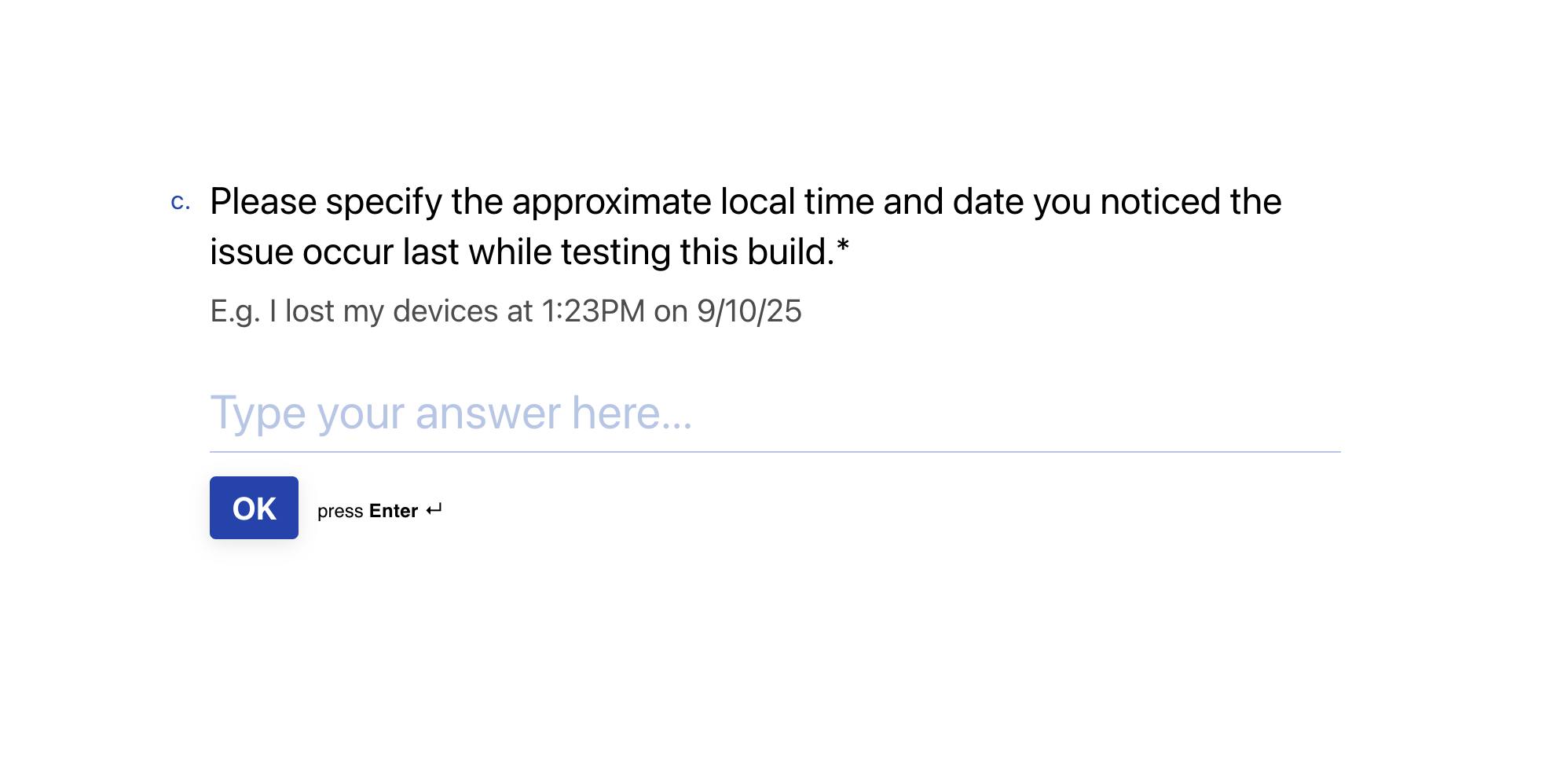
The form logic is broken - I’d got to testing the third build, and had to restart my computer. Now when I answer the question “Roon Build Test #1” with “No - my devices stayed connected”, I end up seeing “Comments regarding testing Build #1” and then for some reason:
This obviously doesn’t apply. I tried just putting “n/a”, but the next question needs to me to upload logs which again doesn’t apply as I didn’t see errors for the first build, so I’m blocked. I can tell you that the first build worked for me (I didn’t see the Nest speaker to disappear), but I now can’t remember whether the second build did or not, and I’d just started testing the third.
I’m happy to test again if you send me links to the builds via email/DM, but I’m not going to bother with the form again as it clearly isn’t designed to be used over many days.
Thanks for the feedback and information around your results! I’ve shared it with the team, and we’re making good progress on pushing out a potential fix to the normal Production version of Roon.
We’ll be sharing updates linked to this particular issue over on the tracking thread here:

 . If you’re able to start an email or DM thread with the links (or just post here) that’d be really helpful.