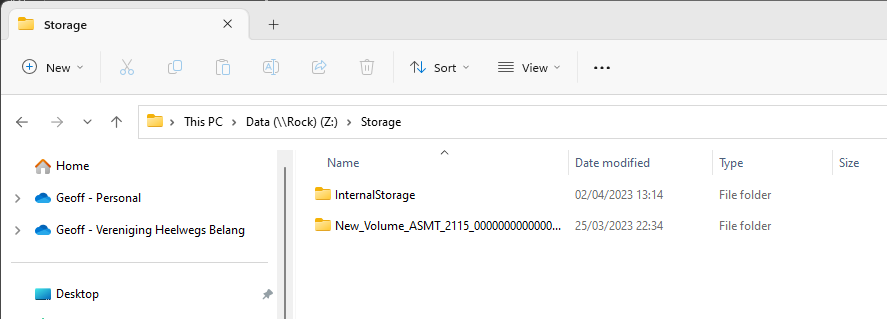
I have ROCK installed on a NUC 11 with a 1TB internal drive. I added an external drive, also 1TB. I have the internalStorage folder mapped as drive letter R in Windows,
Windows explorer now shows my drive R as having 2TB of total space (even though I only mapped the internalStorage folder). Does this mean that Roon is smart enough to copy files to the external drive once the internal drive is full, or do I need to explicitly copy files to the external drive?
Roon is not going to physically change your files or their location. All of Roon’s metadata that’s not part of the file structure is stored in the Roon library.
Maybe I didn’t make myself clear. That’s not what I was asking. If I fill up my internal storage, will Roon automatically put any new files on the external drive or do I need to copy the new files to the external drive?
Roon treats the storage as two separate spaces - AFAIK, if you drag and drop albums into the Roon GUI, it will continue to use the internal storage. Better to use Windows File Explorer to drag and drop albums into the relevant drive folders…
Agree with Geoff. However, when doing that Roon cannot copy directly from internal to external and will route via the PC doing the dragging and dropping. Better to move the external drive to the PC to copy to and then move it back after you’ve finished. It might be faster.
It is important that Roon doesn’t see two copies at the same time or it will treat the moved tracks as new. Turn off roonserver while you are moving things around as a precaution.