New Dell running Windows 11; not a hardware problem
Networking Gear & Setup Details
Not having any network problems
Connected Audio Devices
Lots of stuff; no networking problems
Number of Tracks in Library
In process of importing about 30,000 tracks of my Grateful Dead Collection
Description of Issue
I need advice, largely. I have about 1k Grateful Dead bootleg shows. The balance of my collection is about 1500 tracks, so bringing all this stuff in was a bit daunting.
Obviously, ROON’s ability to deal with all this stuff is limited. No problem there. I understand and am happy to work around that. I am going to keep a copy of all my files in a separate space and then make a copy for ROON use. That way I can share the originals with others via etree, etc. Plenty of storage over here.
Let’s start with some basics. On many recordings, ROON gets the track order wrong because of some naming conventions that are used in the DH community. Eg, Roon orders them d1t1d2t1d3t1, etc. which runs the first track of the three discs as the first three tracks of the album. I can go in and rename the files. I can do that over time. Labor of love. Feel free to suggest a better route. Once I do that, how to get Roon to update after my edit.
Artist Name, Album Name: How do I change the meta data on the file to get the correct name? Happy to change at the file level, rather than the Roon level.
Finally, is it possible to make Grateful Dead a custom genre, so that I can look at the rest of my music collection with the Dead set off to the side?
The naming conventions for multi disc sets is outlined here:
Roon will find your changes automatically.
I’d suggested using a metadata editing program for Artist Name and Album Name (and for renaming the tracks for Roon).
Edits in Roon don’t change your files so any work you do will be lost if you ever move on.
Also, using a metadata editor will allow you to make changes in bulk rather than one album at a time.
Custom Genres can be done but I’ve had issues with Roon bugging out when using custom genres. I’d suggest using the Tag feature and/or Focus.
You can add/create tags by clicking the 3 dots on an album page.
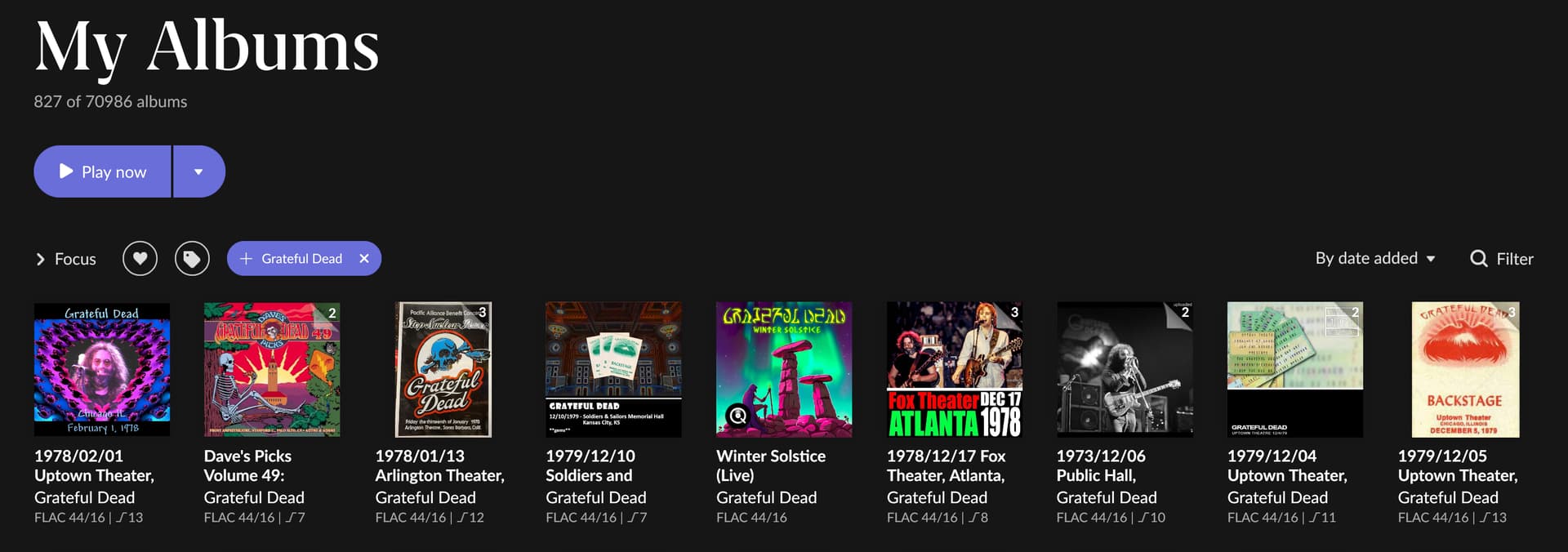
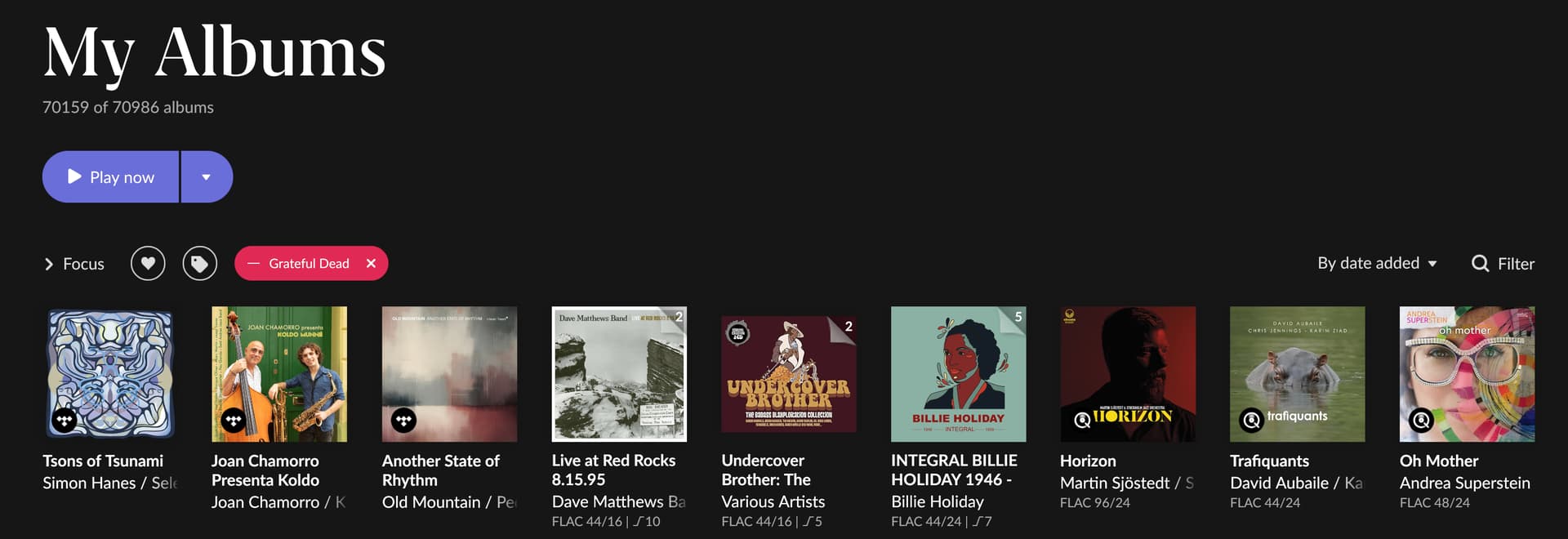
Clicking a Focus category a 2nd time excludes it.
You can easily exclude (or highlight) Grateful Dead or other variables.
Note that there is currently a lot of ongoing discussion about how high numbers of unidentified (by Roon metadata sources) albums and more than 1000 tracks for individual artists has the potential to kill Roon performance.
Roon seem to be working on improving this but we don’t know how long it will take, and I don’t know if your numbers cross the magic threshold where it starts to deteriorate, but I thought you should be aware before spending extraordinary amounts of time.
Moved to Roon Software Discussion as this is not a technical support question and other Roon users may be able to suggest approaches to the @John_Bartlett’s questions.
I’ve had great success using both xACT http://xact.scottcbrown.org and dbPowerAmp Music converter https://www.dbpoweramp.com to convert many of my concerts I recored and stored in SHN to FLAC. You can also modify tags/metadata in batches.
I also have a ton of Grateful Dead bootlegs, which I’ve renamed to suit my needs so I can’t help with the file naming issues. However rather than make a custom genre for the Grateful dead, I just created a Grateful Dead bookmark: I used “focus” → performers → Grateful Dead to show all my 827 GD recordings and then saved this focus search as a Grateful Dead bookmark.