Hi everyone,
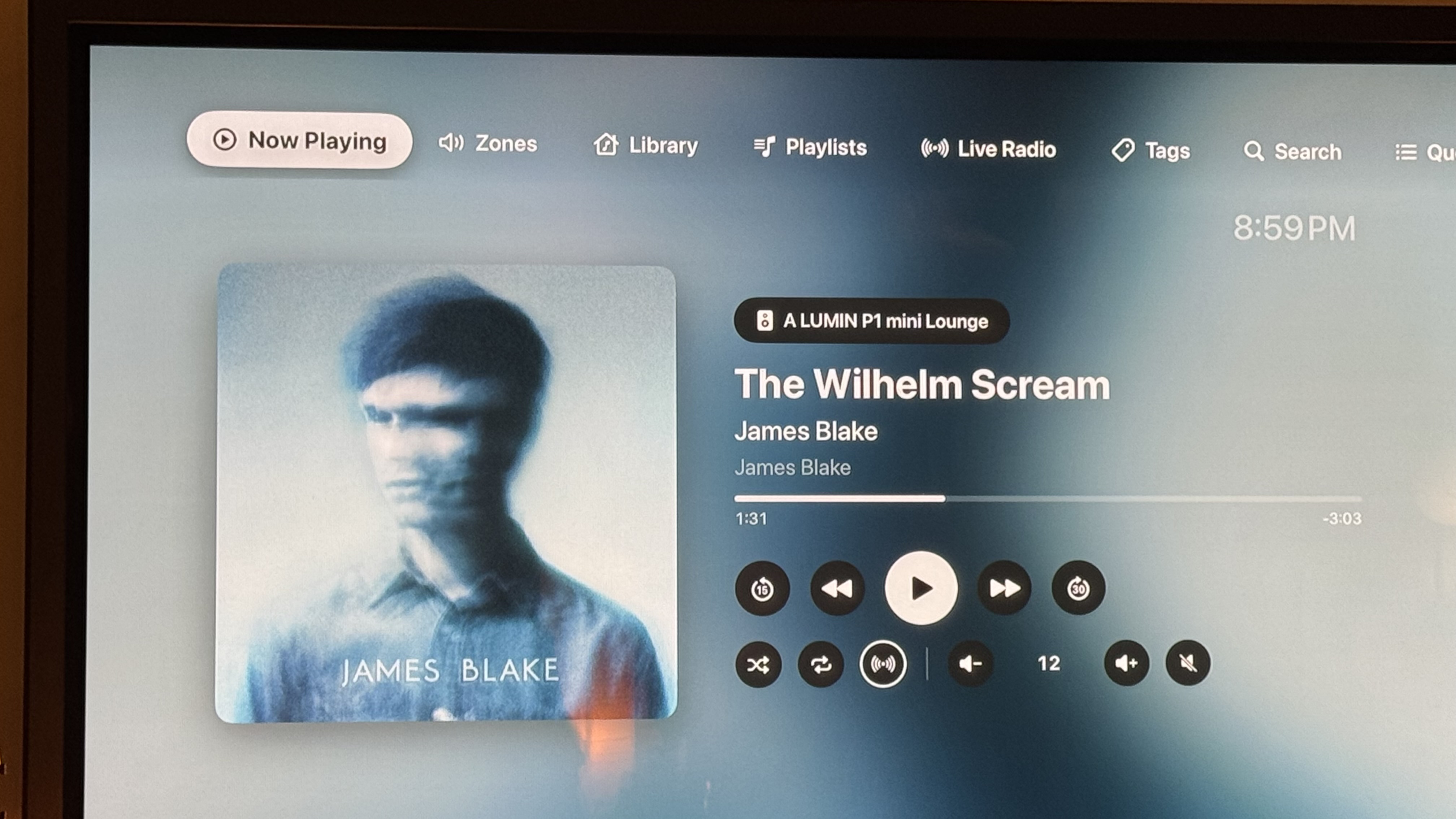
I wanted a modern, good-looking way to control Roon from the couch, so I built Klangbild – a native Apple TV app that connects directly to your Roon Core. It’s now in public beta on TestFlight and I’d really appreciate your feedback.
What it does
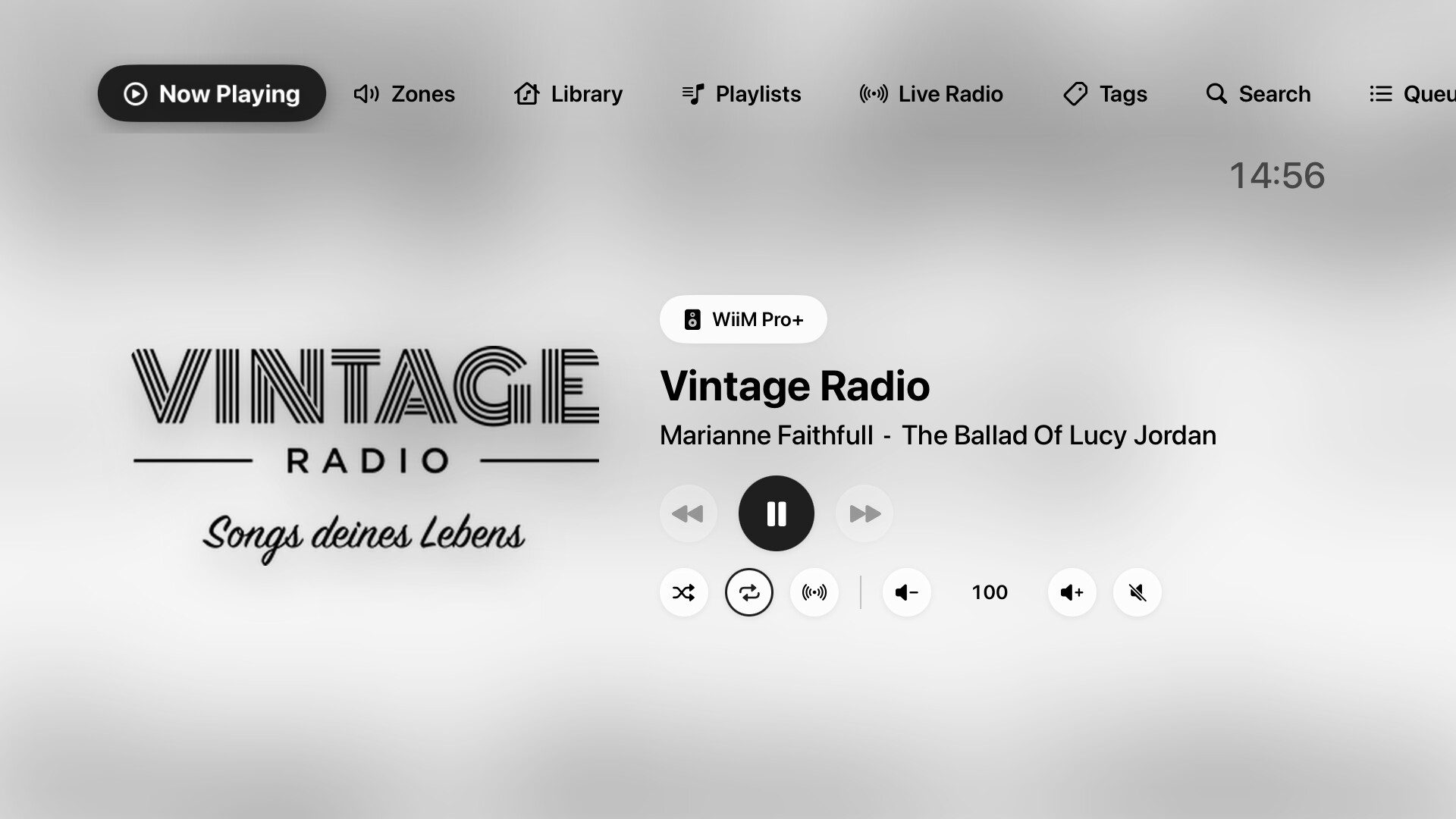
• Now Playing: large cover art, a background that adapts to the album, progress, transport controls, shuffle, repeat, Roon Radio and volume. Play/pause also works with the Siri Remote.
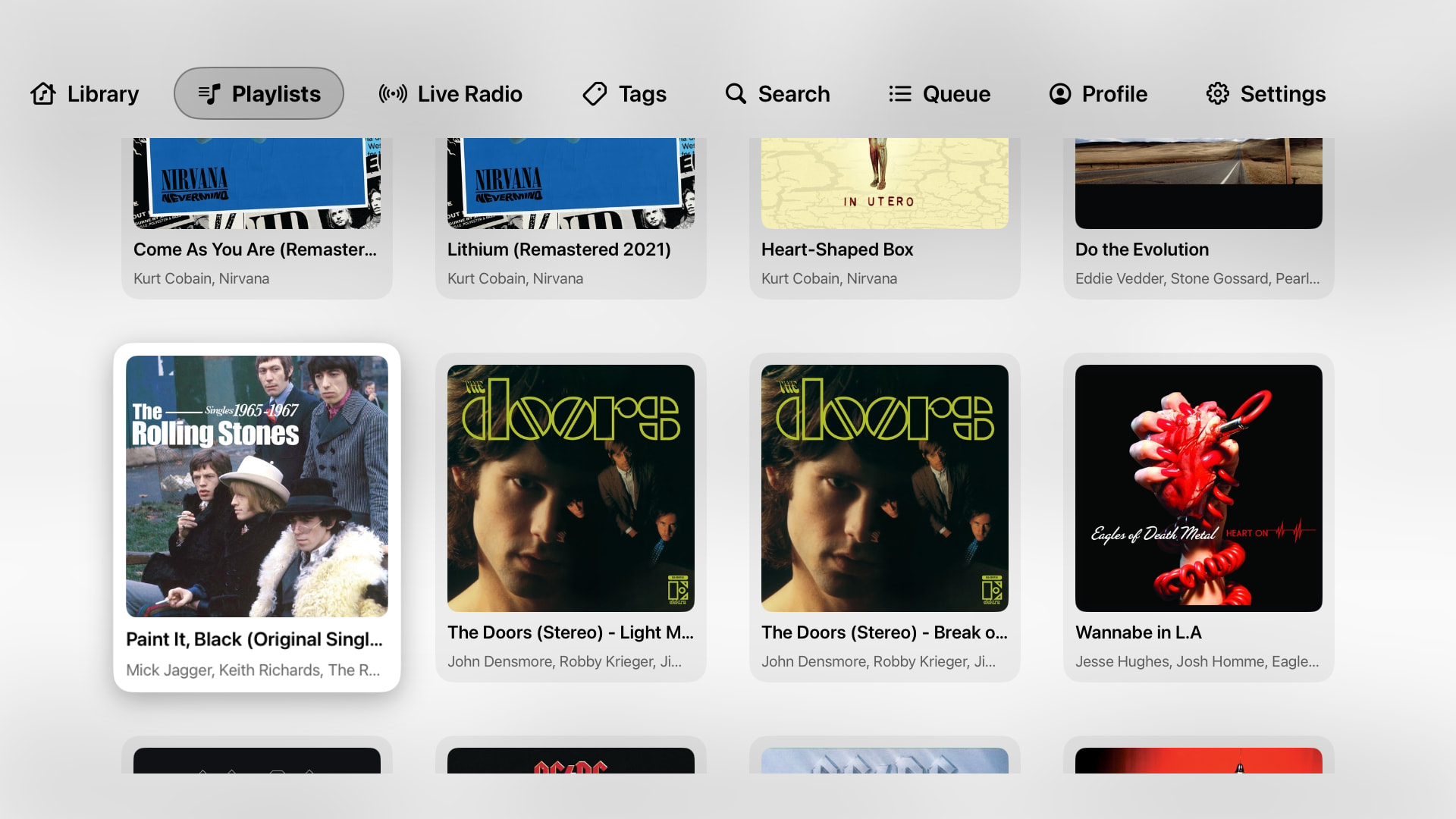
• Browse everything: library, playlists (folders are shown with cover mosaics), Live Radio, tags and search.
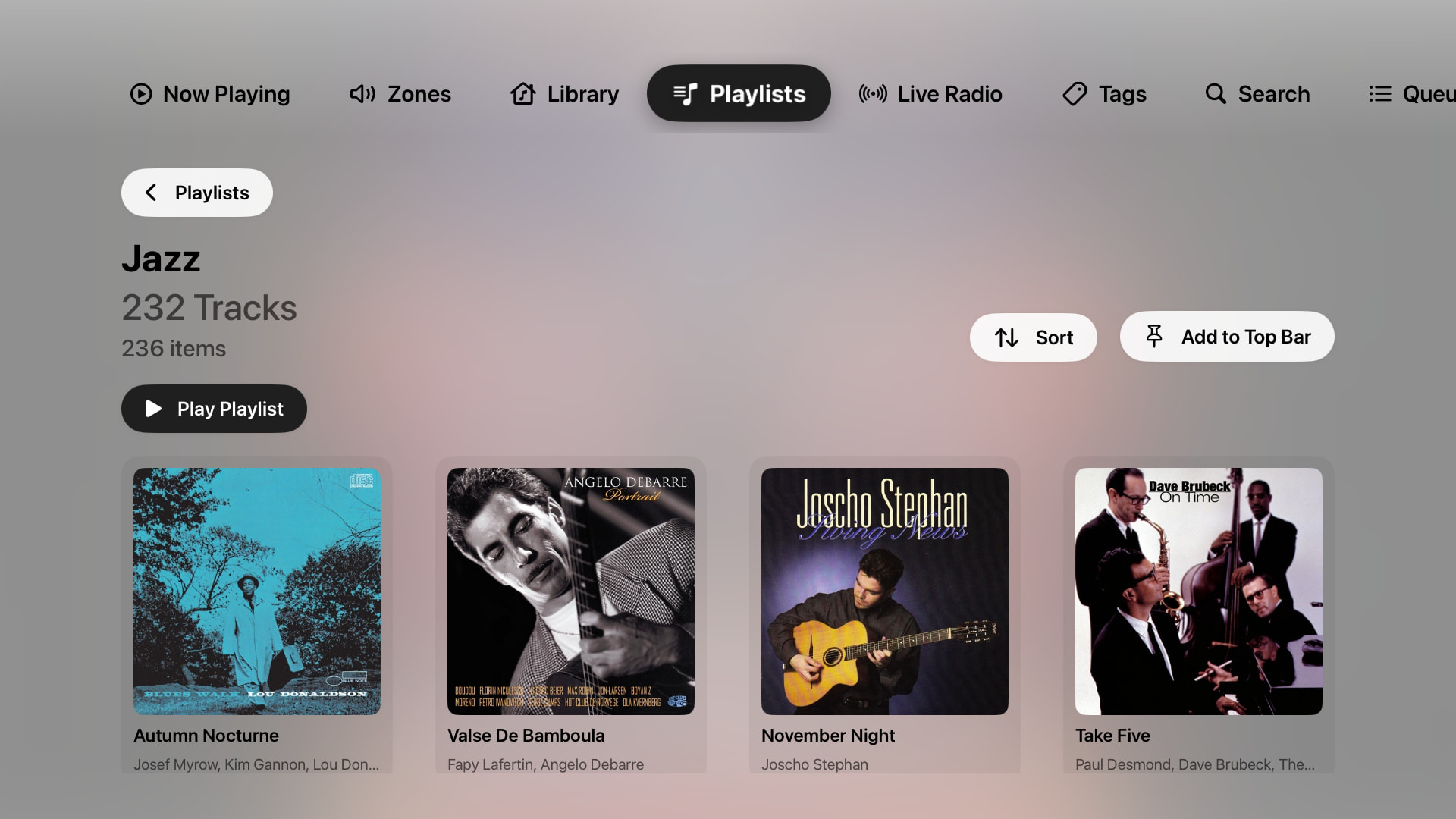
• Sort long playlists (newest first, title, artist).
• Zones: switch zones, per-output volume, transfer playback.
• Switch Roon profiles right from the top bar.
• A customizable top bar: hide tabs or pin any Roon folder, e.g. your favourite radio stations.
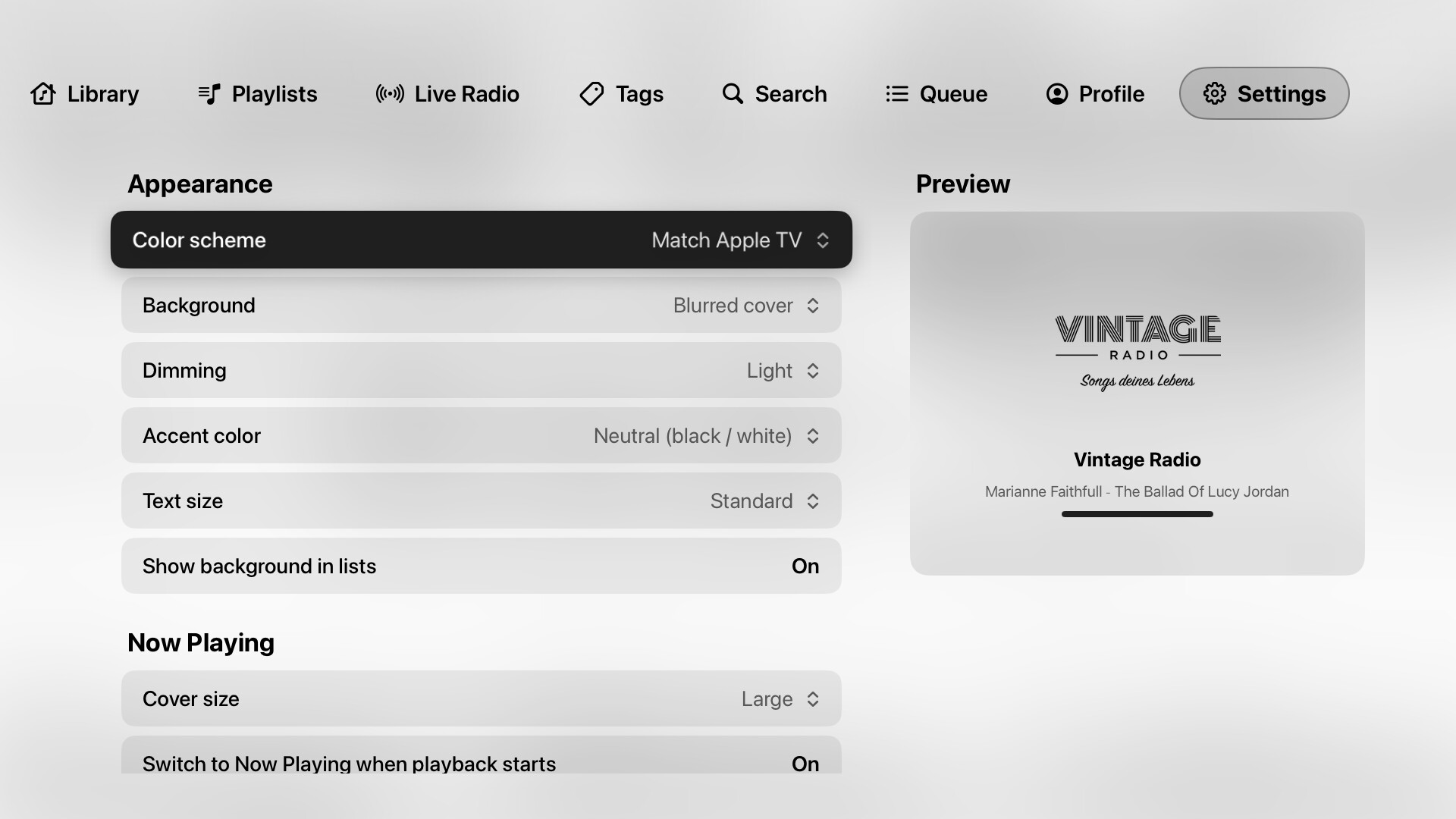
• Appearance options: light/dark, dimming, accent color, text and cover size.
How to join
- Install TestFlight on your Apple TV (free in the App Store).
- Open this link on your iPhone or Mac and accept the invite: Join the Klangbild beta - TestFlight - Apple
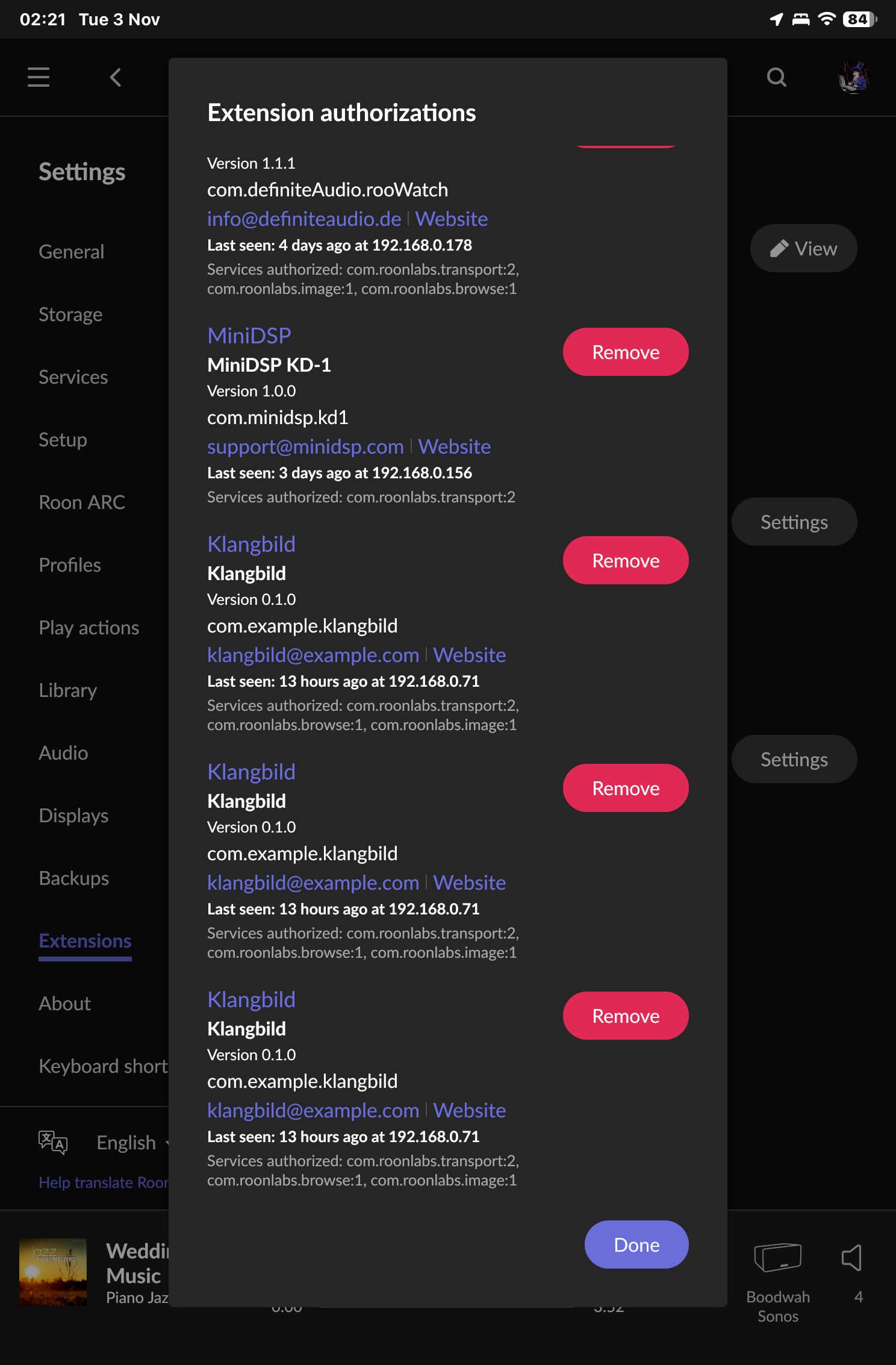
- Open Klangbild on the Apple TV, then enable it in Roon under Settings → Extensions.
The beta is limited to 100 testers for now – I’ll open more spots soon.
Requirements: Apple TV with tvOS 17 or later and a Roon Core on the same network.
Klangbild is a remote and display – audio still goes to your Roon endpoints (or to the Apple TV via AirPlay) as usual.
Feedback, bug reports and ideas are very welcome, here or via “Send Feedback” in TestFlight. A photo of the screen and your Roon version help a lot. If something doesn’t work as expected, Settings → Event Log shows what happened.
This is an independent project and not affiliated with Roon Labs.
Thanks for trying it out!