Just installed a trial version of Malwarebytes and after a reboot, it blocked the Roon server app. Is this a known issue? Never had this problem with Win Defender…
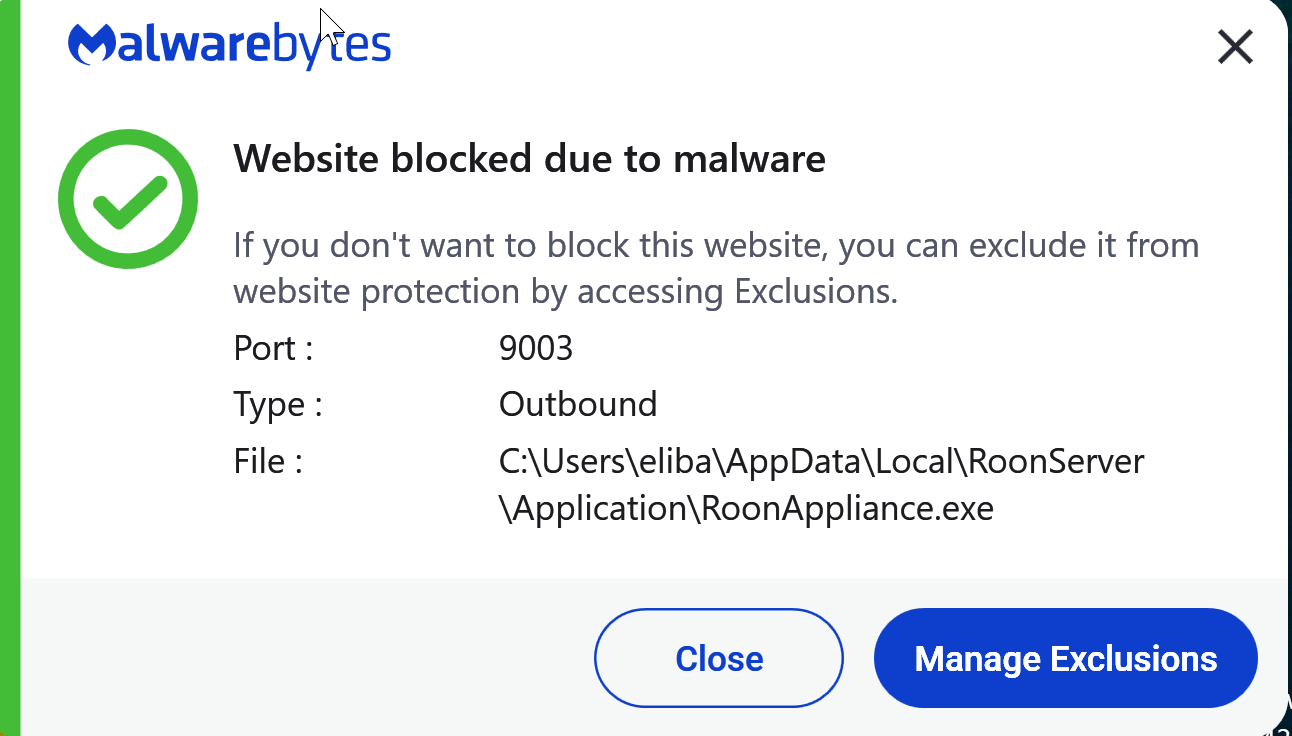
Antimalware software can have false positives, fact of life. It also depends on the settings, “heuristic” detection (i.e., guessing based on bit patterns) is more likely to have false positives. We just saw something similar with Avast and a different Roon file.
I also question the quality of software that shows a message “website blocked due to malware” when what really seems to happen is an exe file connecting to a server. (And complaining without telling you the internet address that is being blocked, which would be important information. The connection attempt is most likely caused by Roon trying to talk to Roon cloud servers).
Nevertheless, there is a big blue Manage Exclusions button where you can add an exception.
To be sure the file is OK, you can upload the file to https://www.virustotal.com, where it will be checked by 80 different scanners.
2 Likes
It happens here all the time. Not only RoonAppliance.exe, but a bunch other roon files. Also websites blocked (i gues roon cloud) But in practise it does nothing, but warn you. Roon functions okay. So it’s a bit anoying, but you can ignore it. Or send a mail to Malwarebytes.
1 Like
Hi folks. Related to the above, I recently installed Malwarebytes as well and I see that it is reporting that is blocking access to RoonAppliance.exe on port 54641 but from known malicious sites on the public internet. Basically, its stopped a few scanning sites. It is not blocking any outgoing access so I don’t think its causing an issue with Roon itself.
My question is whether this is common? Is there something I should do besides Malwarebytes? BTW, virus scans on the Roon server are clean both by Windows Defender and Malwarebytes.
I have these 2 setup for Roon without any issues.
–MD
Why should external sites access that port at all? Please don’t expose your Roon Server to the internet.
2 Likes