How cool would it be to have one app that plays music from any folder on your Android phone or tablet, connects to your own server at home or away, and plays to every Sonos room and UPnP/DLNA streamer in the house? WiiM, Chord Poly, AV receivers, even the telly. No subscriptions, no streaming accounts, and no monthly “we’ve updated our pricing” email.
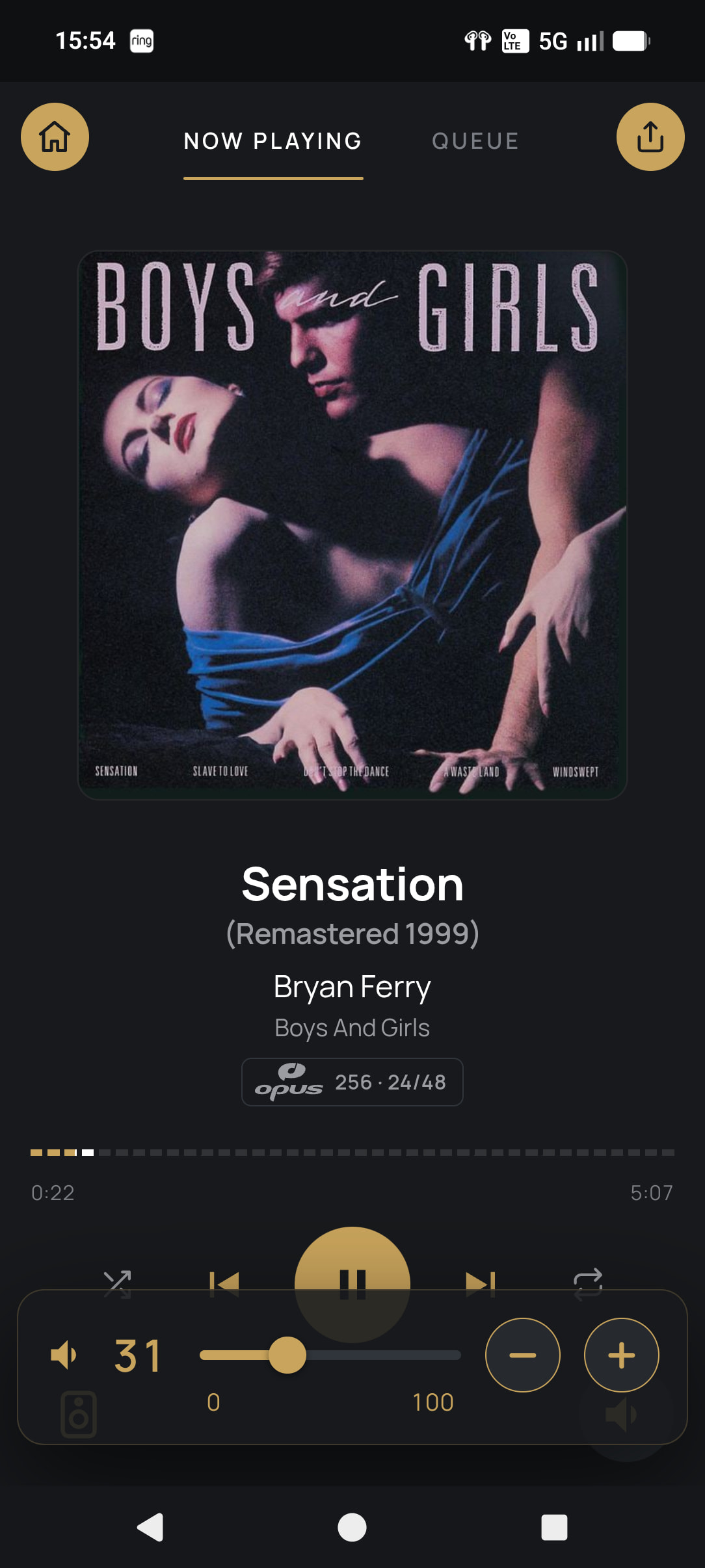
Even better: bit-perfect USB DAC output. On Android. Yes, really. The app has its own USB audio driver, so Android’s mixer is out of the way. Files play at their native rate and depth, with DSD sent natively or as DoP. Volume starts low, so your ears and your DAC survive.
Don’t stop.
Playback
- Gapless on Sonos and UPnP renderers, with instant skips
- Each device gets the file as stored when it can take it, or FLAC at the best it supports when it can’t. Optional upsampling per renderer.
- PEQ (up to 10 bands, with the curve drawn as you edit) and AutoEQ headphone profiles, per renderer or phone
- Move what’s playing to another room or player, and group your Sonos rooms
- Random Album Radio per player, for when the queue runs dry
More.
Away from home
- Built-in Tailscale, so there are no ports to open and no router fiddling
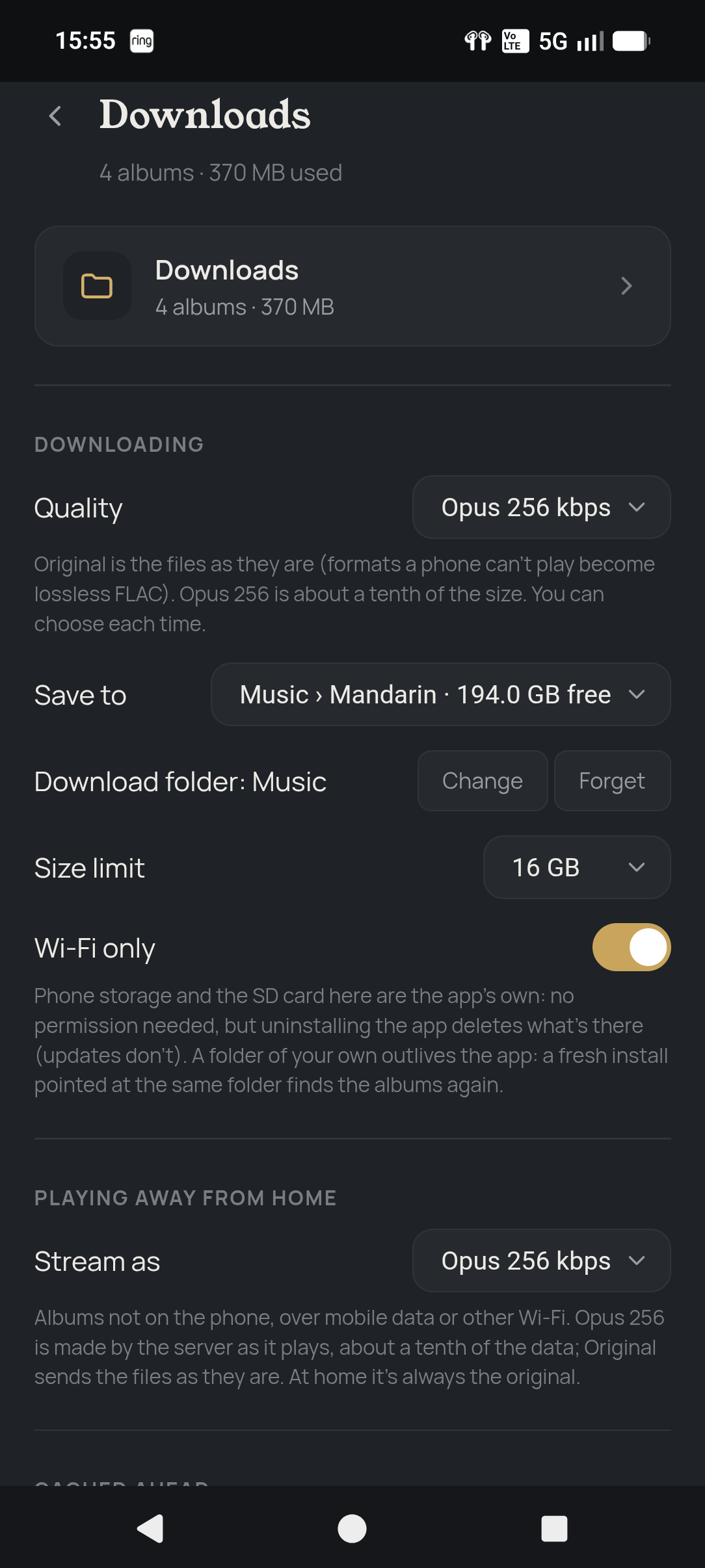
- Download albums to a folder of your choice, as the original files or Opus 256, and play them with no server at all
- Today’s picks can be saved for offline automatically
- Music already on your phone gets watched and played like the rest of your library
Discovery, or “I forgot I owned that”
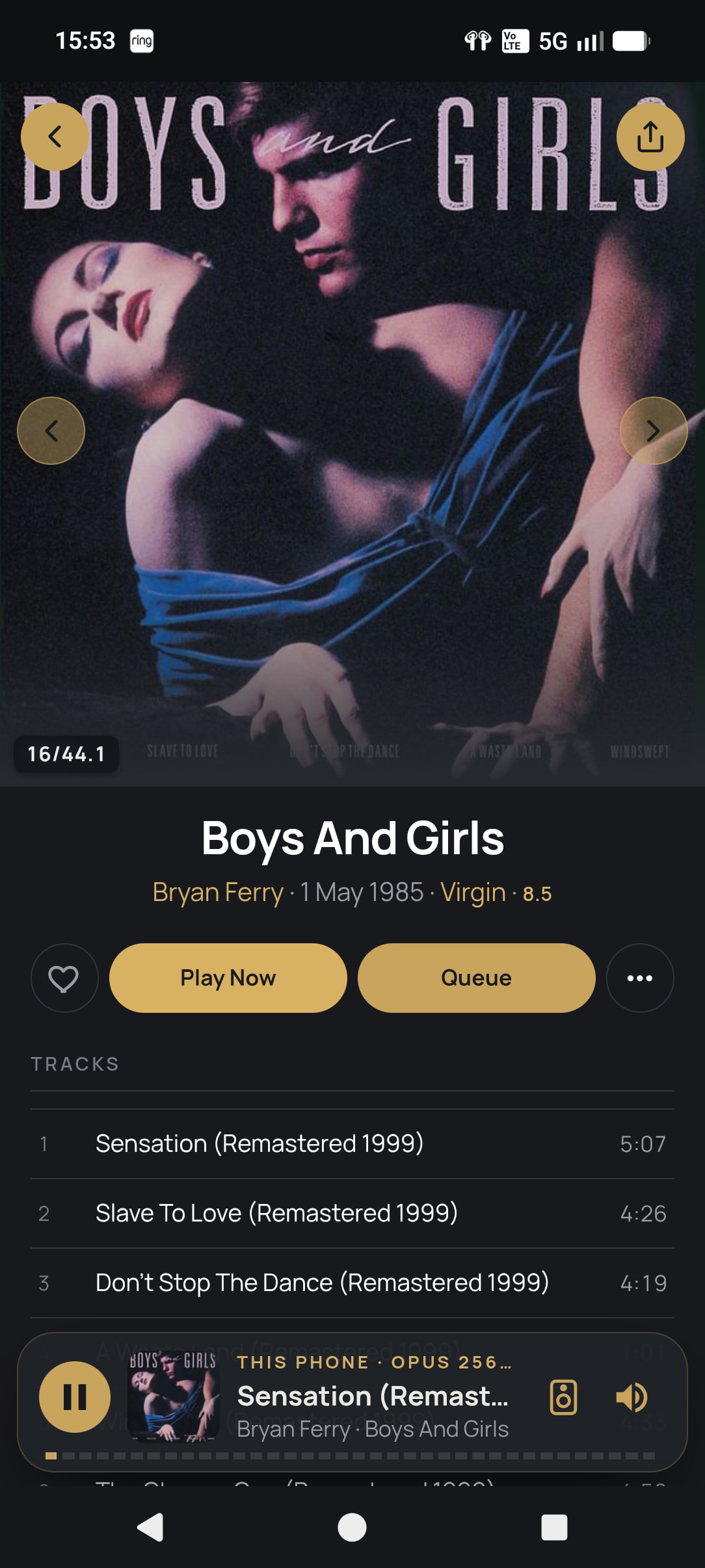
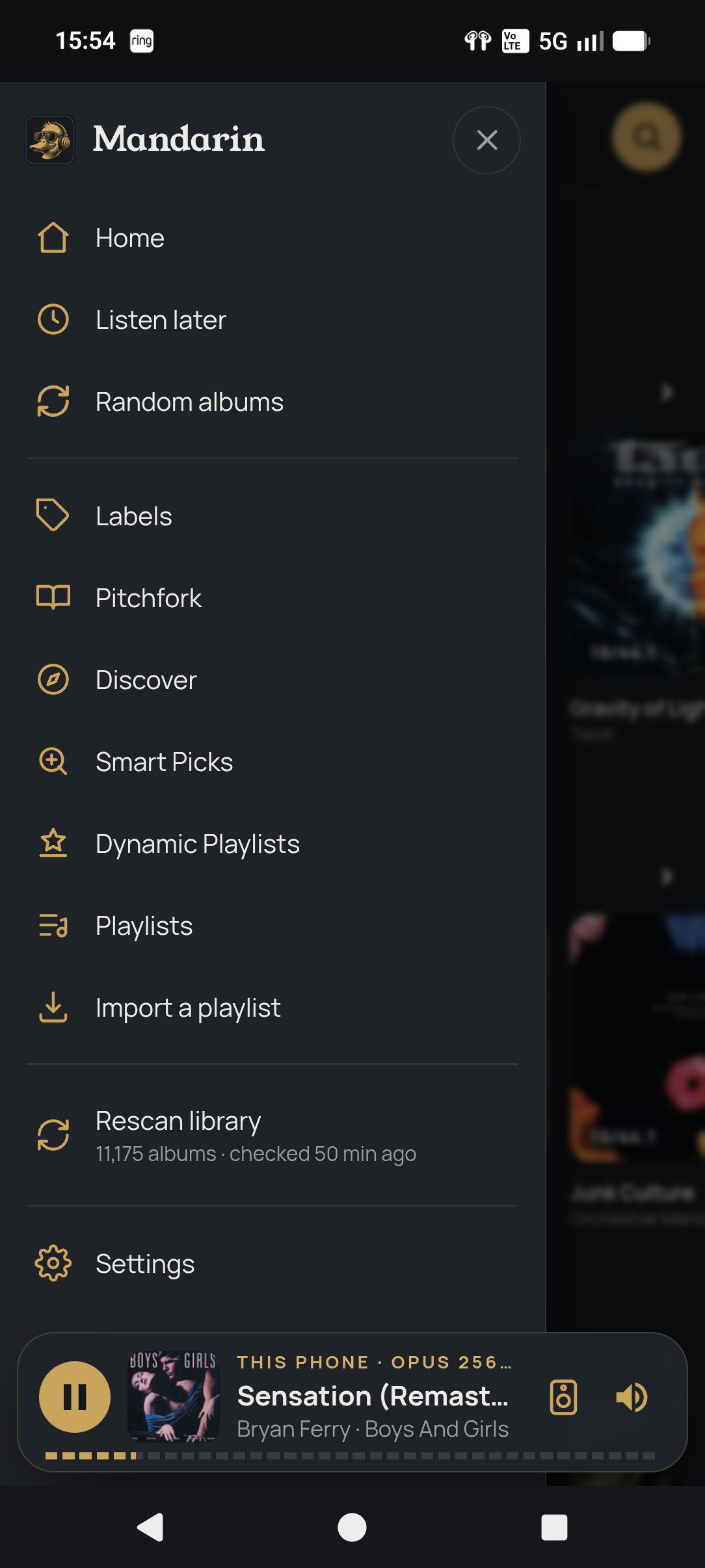
- Smart Picks: five records a day from your own library
- Discover: new releases from the artists you actually listen to
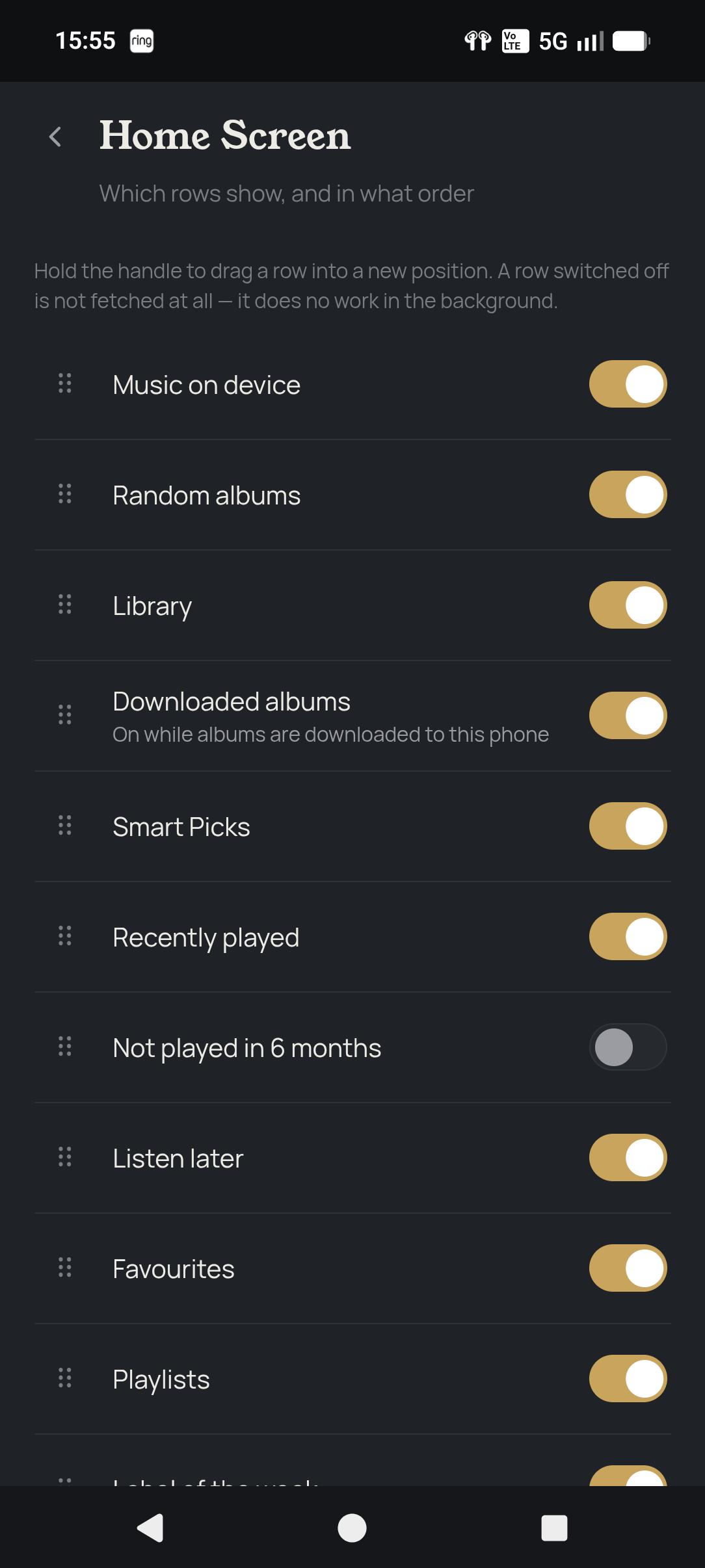
- Album of the Day, Label of the Week, Listen Later, Favourites, and “not played in six months” (the guilt row)
- Pitchfork’s latest reviews and Best New Music in the app, with Play on anything you own. (Pitchfork links)
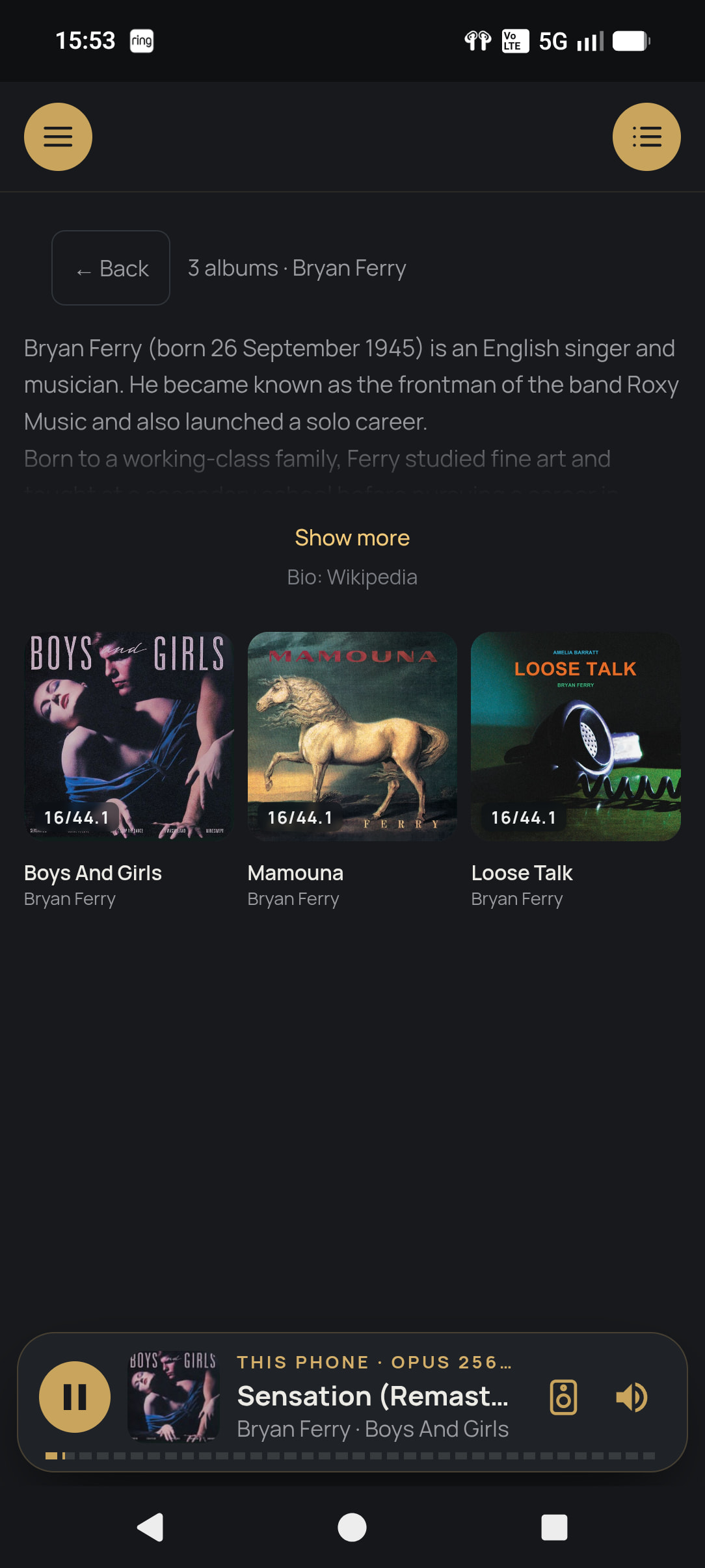
- Album and artist write-ups from Wikipedia and Qobuz
- A Record Labels screen with logos from Discogs and FanArt.tv
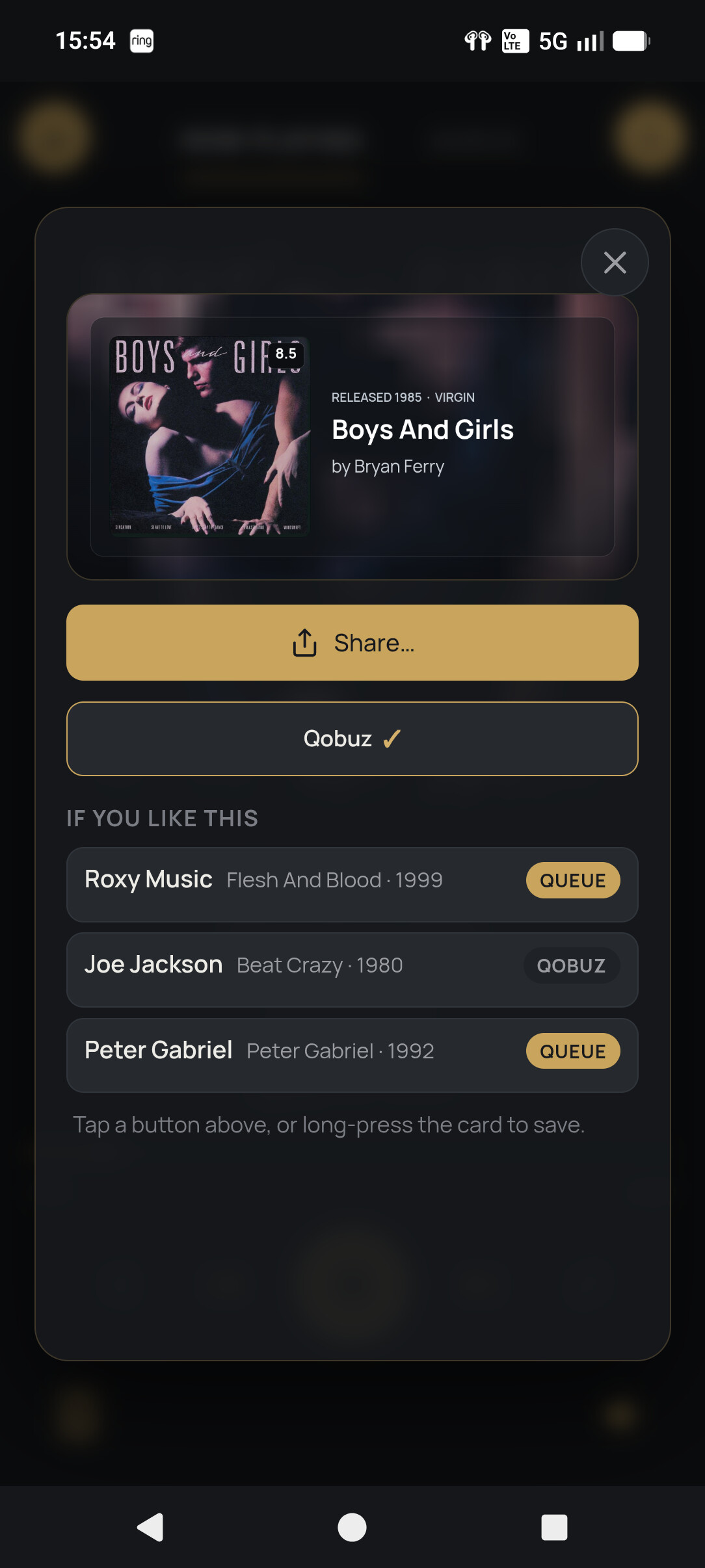
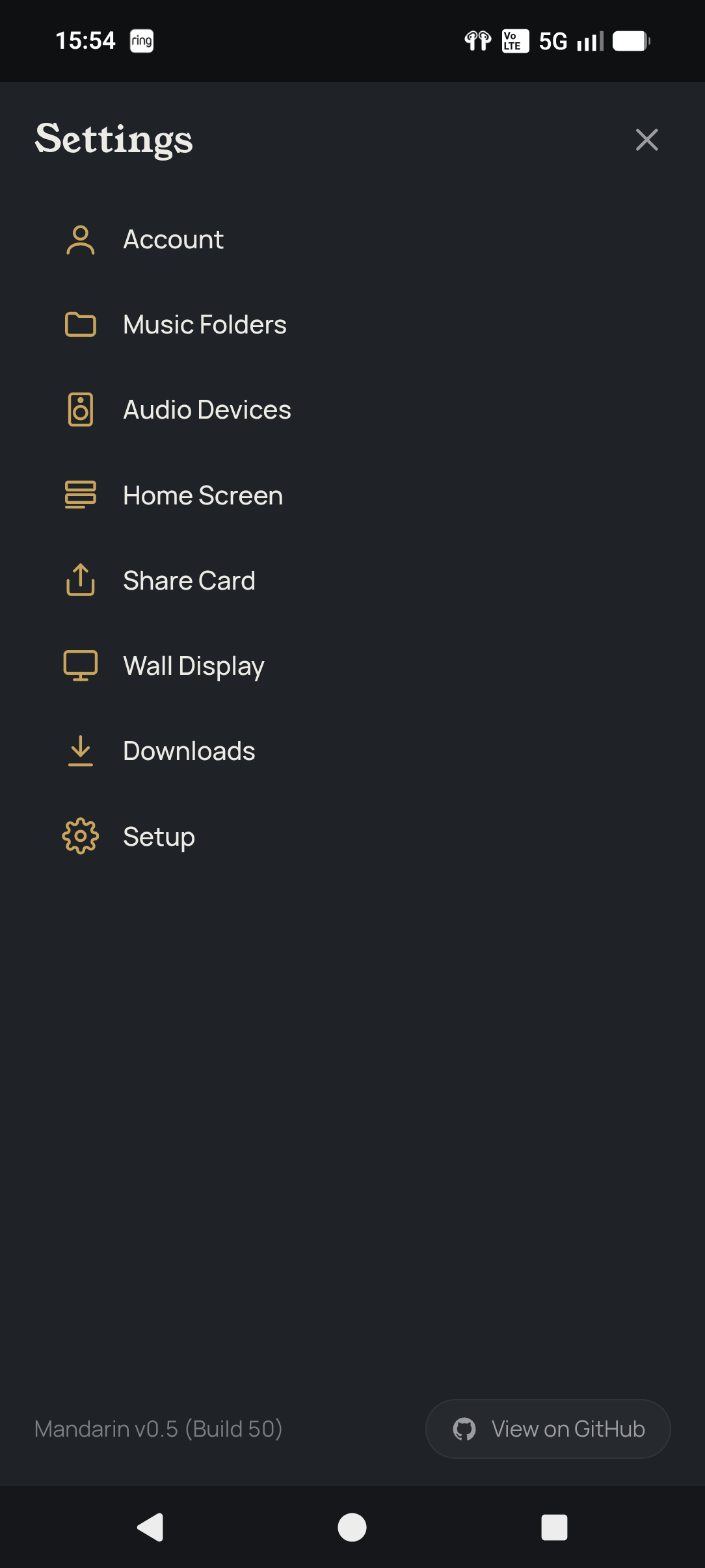
- Share cards with where to hear an album and three acts to try next
- Dynamic playlists, plus playlist import and export as a file you can pass on
- A fully customisable home screen, Android Auto, and a wall display for an old TV or tablet
Library
- Albums identified via MusicBrainz, with iTunes as a second opinion. Changes only apply at 96% confidence or better.
- Edit titles, artists and years, and find missing covers. Your files are never touched.
- A waveform seek bar drawn from your actual files
Setup: one Docker command on an always-on Linux box (NAS, Pi 4/5 on 64-bit, home server). Open it in a browser, create your account, and it starts scanning. Install the Android app (8.0+) and it finds the server by itself. Both update themselves, which is more than can be said for some.
Linux host only, sorry. Docker Desktop on Windows and Mac can’t do the host networking needed to find your speakers.
iOS: add it to your home screen from Safari and you get the same interface at home. For the full experience, a cheap Android phone or tablet is honestly worth it.
“But there’s already Roon + ARC, JPlay, Symfonium, Plex…” There is, and none of them are terrible. But none of them do all of this in one free package. And when you report a bug, I’ll actually fix it. Some of us are still waiting on Roon.
And no ridiculous claims about better sound quality. It plays your files, properly. That’s it.
So what is this miracle app?
I’m proud to announce…
Mandarin
(No, not the bad guy in Iron Man 3. Not the fruit either.)
Free. MIT licensed. In final beta.
Install guide and docs: Mandarin — install & docs
Feedback and bug reports are very welcome. Be nice, it’s my baby.
A few images.