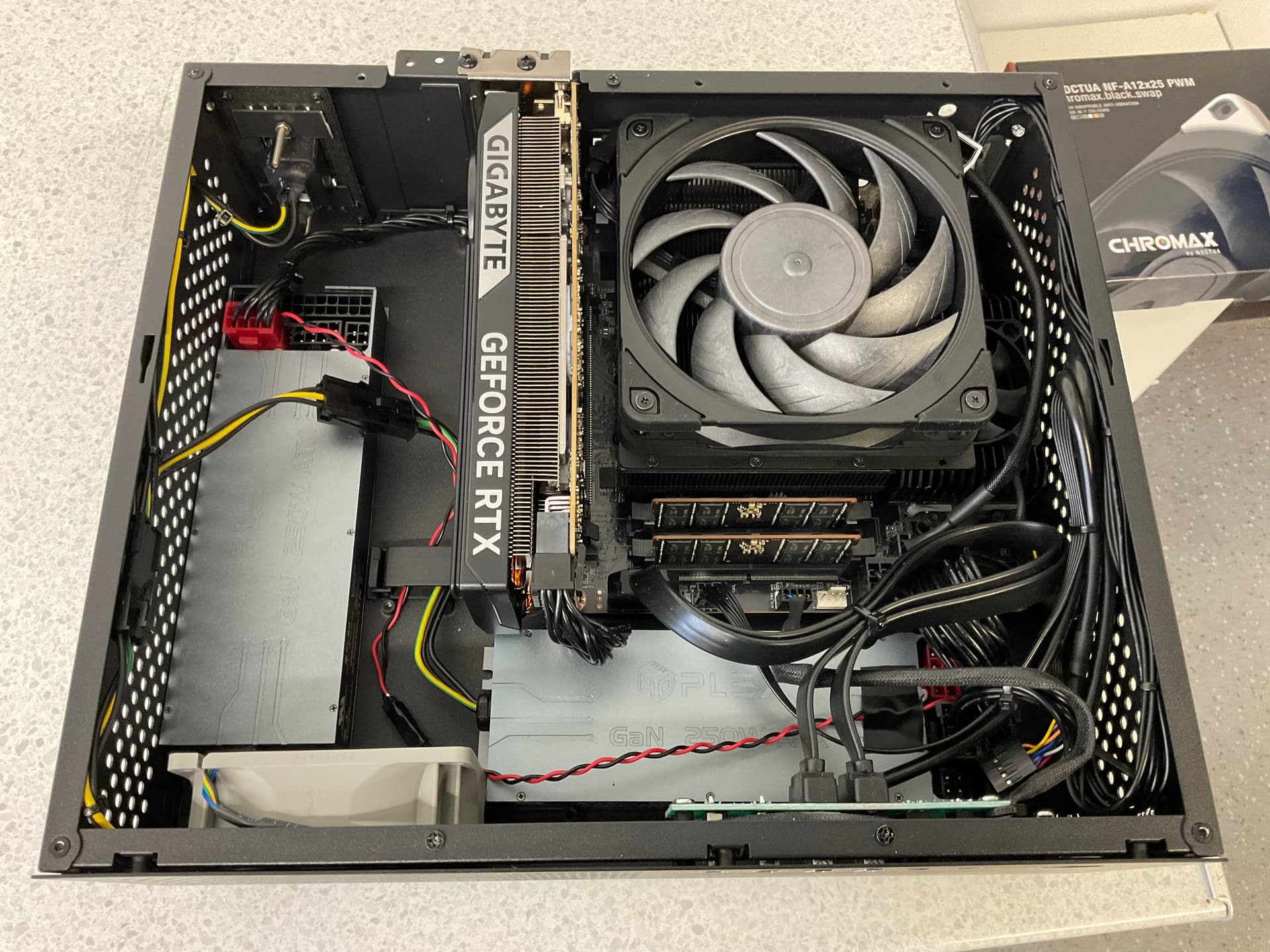
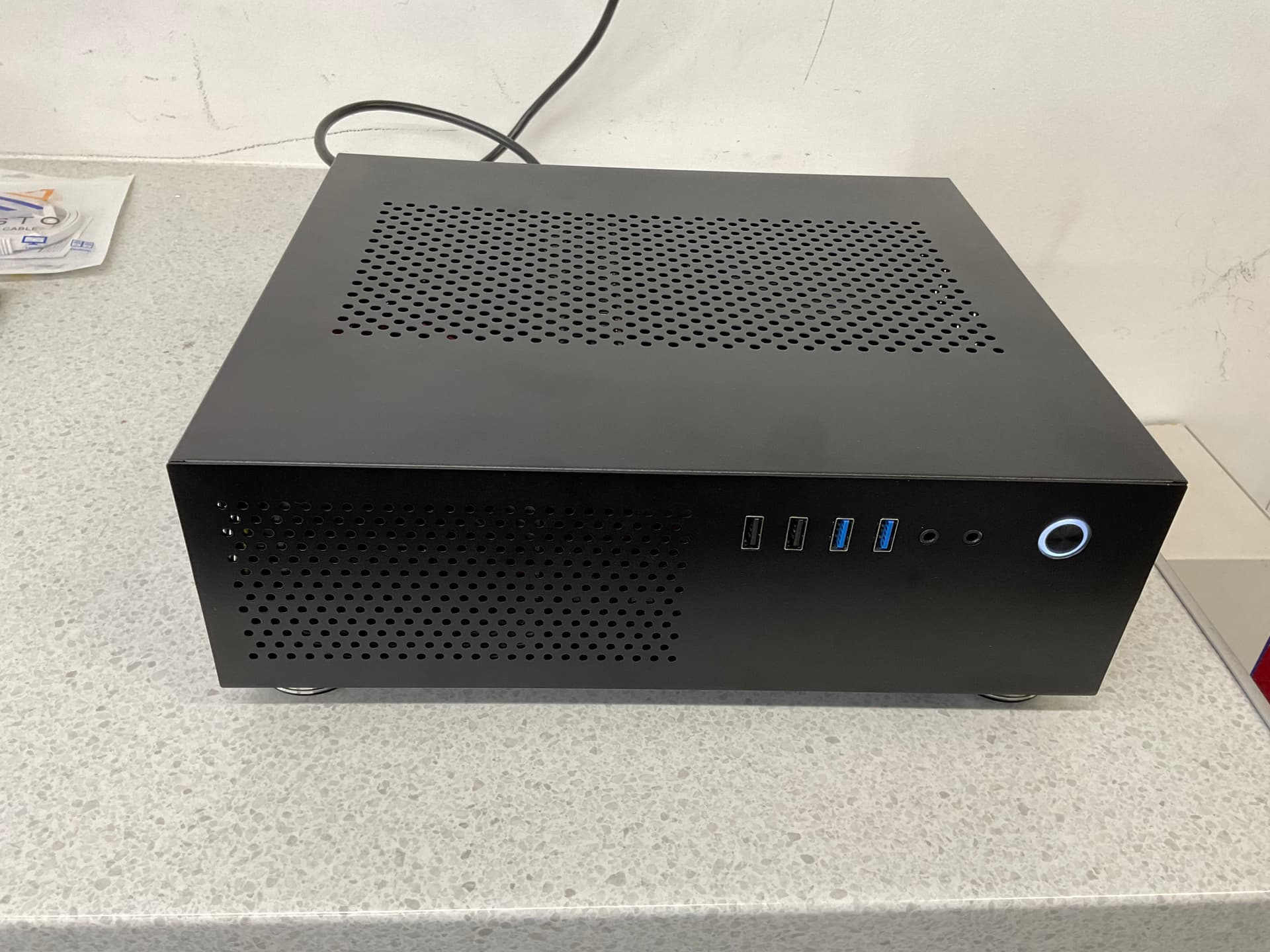
I’ve just installed Roon on Windows 11. I did so because I wanted an appliance like experience for both Roon and HQPlayer on the same box. None of that computes, does it? In fact it may have blown a mind or two. But bear with me.
Windows 11 IOT LTSC is a functionally minimalist version of the operating system for enterprise users. People who demand security and stability for use cases like vending machines, cash machines, signage and tills. It is essentially the kernel of Windows 11 stripped right back to a basic functional operating system designed to run off line or on intranets if required. A version comes out every two years, each version has support for ten years from its date of release. You cannot upgrade between versions. If you wish to you have to buy a new license and start again. They only receive important security updates and those can be scheduled. It can work on older hardware including 32bit processors, and on as little as 2gb of RAM although 4 is preferred. When you start it up you get a couple of icons on the Home Screen. None of the bloat is there. While this is not simply available for download, a license and software key can be purchased legally in the U.K. due to an ongoing court case between M$ and the U.K. Government. It means I can buy a license for a surplus Enterprise product from a reseller who buys in bulk from Microsoft. I paid less than I did for HQPlayer.
In use it is lightening fast. On modern hardware it boots in seconds and is rock solid stable. To give an indication of how simple matters were I went from USB install to playing music from Roon through an evaluation copy of HQPlayer in about thirty minutes. I use the Windows app on my iPad to sign in and do things on it so once set up it is switched on and runs silently. It hosts Roon and HQPlayer desktop and has my library on a separate drive. Everything can be done remotely and in the case of Roon, only Roon Server runs.
I do, but, I cannot find a US retailer that will sell the same here, so still using LTSC 2019 Win 10 (which by the way is officially supported until 2029). As noted, it is available in the UK due to an “ongoing court case”.
I think it comes down to convenience. Not having to deactivate some services, and having up to 36 you could deactivate in addition to a clean install, all without special scripts or additional software. I have run mine as it came. There is information on YouTube making these comparisons, or at least comparisons with a normal W11 install. The main takeaway seems to be, however you configure this version, it stays that way. An update won’t break it.
It didn’t come ‘for free’ with a device I assembled from the ground up. I could have got a regular OEM license for a few pounds but opted for guaranteed security and stability for the next nine years. I’m cool with that decision.