Done, I don’t want to advertize.
I only think that reinventing the wheel is a waste of time 
Best DrCWO
Done, I don’t want to advertize.
I only think that reinventing the wheel is a waste of time
Best DrCWO
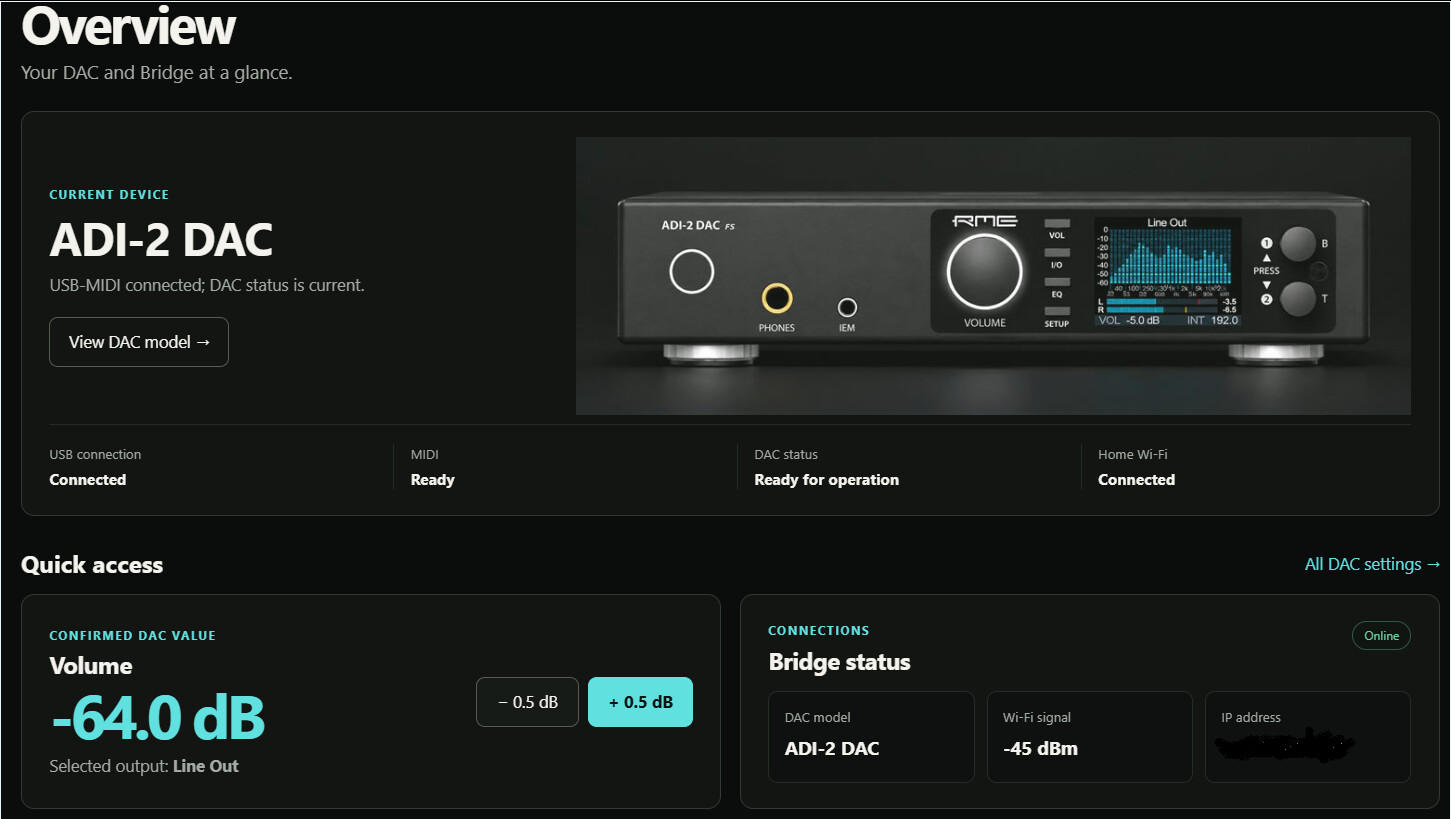
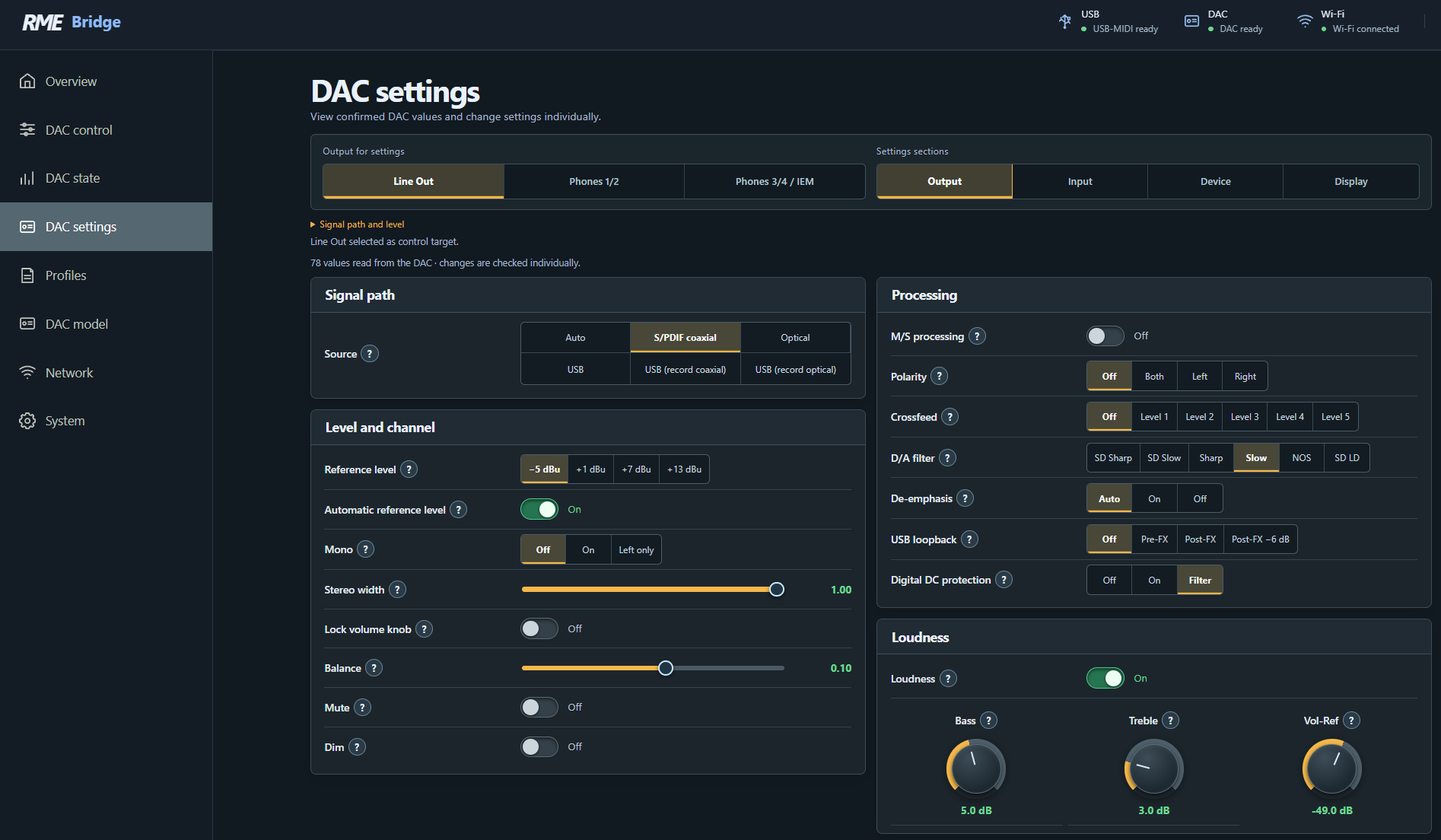
Thank you. But you’ll have to leave it up to me to decide what I do with my time. The RME Bridge is an add-on that will only work with RoonPilot, and I see it as a positive addition to the project. The RME Bridge hardware will consist only of an ESP32-S3 module, two USB cables and a USB power supply. No further DIY work is required. Installing the firmware will be just as straightforward as with RoonPilot or the IR Bridge. There will also be a RoonPilot web page and an additional quick menu on RoonPilot to allow you to configure other settings on the RME DAC.
Georg
I found another AliExpress variety of the same physical size battery with a 1000mA rating. Well see.
Rick
I keep getting an ‘invalid settings token’ message on the webpage. I read something about this message, but can’t recall where. I’ve refreshed the webpage. The puck indicates it’s playing on my Fosi S3 endpoint, but roon itself is not advancing the track timeline. Ideas?
Rick
Yes, but I rebooted my Rock server and it’s seems to be working now.
How does one go about ordering one and then programming it on a PC?
I’ve followed this a bit and think I’m ready to jump on board.
Thank you.
Order the Waveshare 1.8" Puck from Aliexpress. Be sure and select the correct one that includes a battery! That’s important.
Go to Georg’s RoonPilot github here.
Scroll down to the RoonPilot Documentation section.
Select the 'Install with Windows → ’ option
Follow his step-by-step instructions. They are an easy walk-through of how to get it up and running quickly.
Have fun!
Rick
Thank you.
Jon
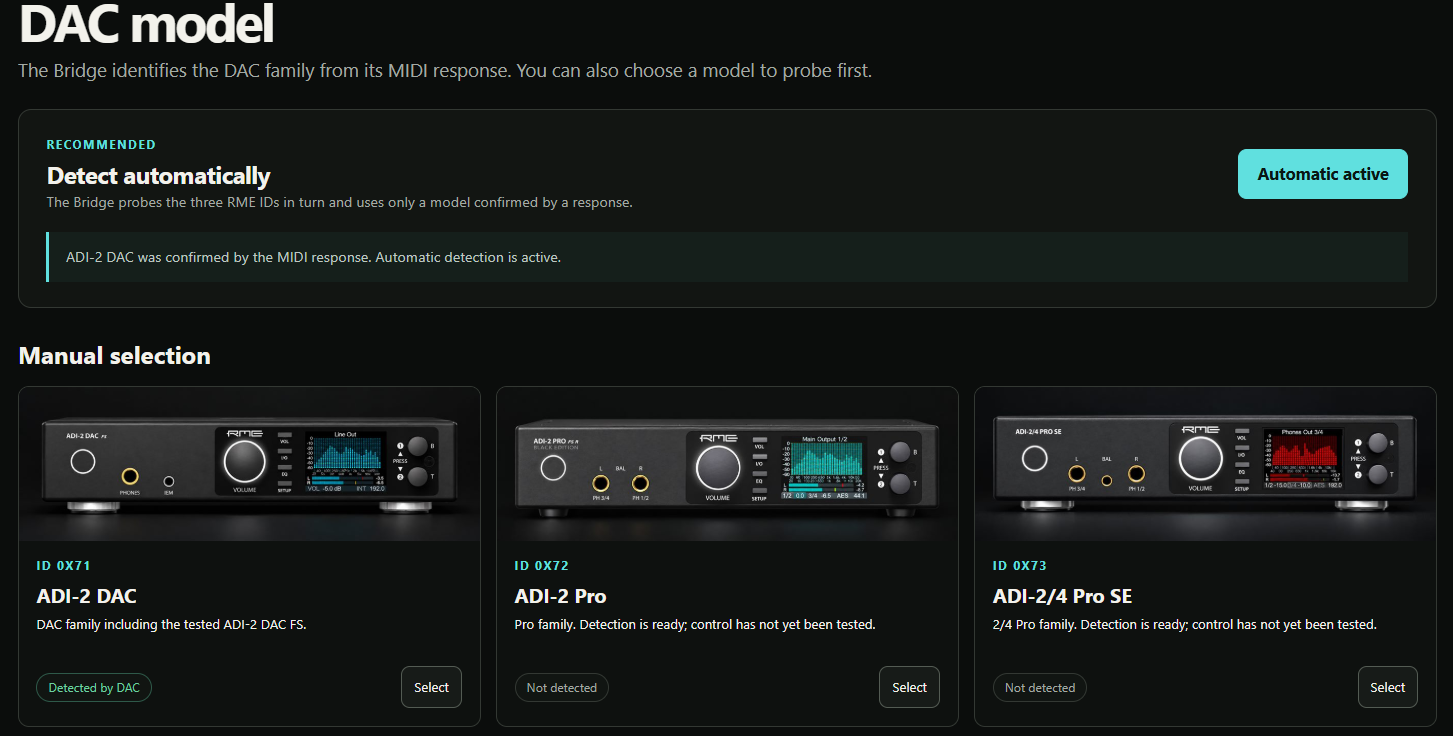
News: I have now decided to make the control system for the RME DAC more flexible using the planned RME Bridge. It will be possible to pair it with RoonPilot and/or run it as a standalone device and configure it via a web browser. In other words, a Wi-Fi-MIDI-USB-RME DAC adapter. The plan is to enable full control of the three supported RME DACs via the web browser. Unfortunately, it has turned out that the RME DACs cannot be switched on or off using MIDI commands. Therefore, if you wish to use the power functions, you will need an optional additional IR transmitter module for the RME Bridge (to be connected to the ESP32 on the RME Bridge), similar to the IR Bridge.
The first steps have already been taken. Testing for the release of RoonPilot version 2.0.0 is continuing in parallel.
Georg
HI Georg,
what about ADI-2 DAC FS oder the newest DAC Pro Ex?
Would the be supported?
THX for your amazing work!
ADI-2 DAC = ADI-2 DAC FS
For the ADI-2 EX series, I haven’t found any lists of the MIDI commands yet. We shall see.
Georg
Just got mine installed; what a wonderful piece(s) of software; marvellous, thank you!
Virtual coffee sent via Stripe.
I hope you have fun using RoonPilot, and thank you very much for the coffee.
Georg
Quick request to consider, please Georg,
As the docs say regarding artist/track metadata display: Long titles make one automatic marquee pass after a track change and then stop
Would you consider please taking another pass when the display wakes from idle (clock, or display off)?
I often listen to the radio, and if I hear something I like, I like to look and see what it is. But the display is idle, so I tap it to wake the display. Bit now I can only see part of the title, and it doesn’t scroll continuously (as noted in the docs).
thank you.
Do you mean that the scrolling text should be on all the time, or that it should only run once when the screen switches on from stand by or the clock?
Georg
News: The planned RME Bridge (WiFi-MIDI-USB-RME DAC adapter) is slowly taking shape and is already working as planned. Testing of RoonPilot version 2.0.0 is continuing and is now in its final phase.
Georg
Thanks Georg; I was suggesting that it should run once when the screen switches back on.
But perhaps a continuous scroll might be better; not sure.
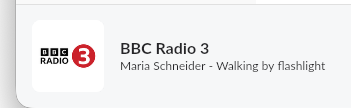
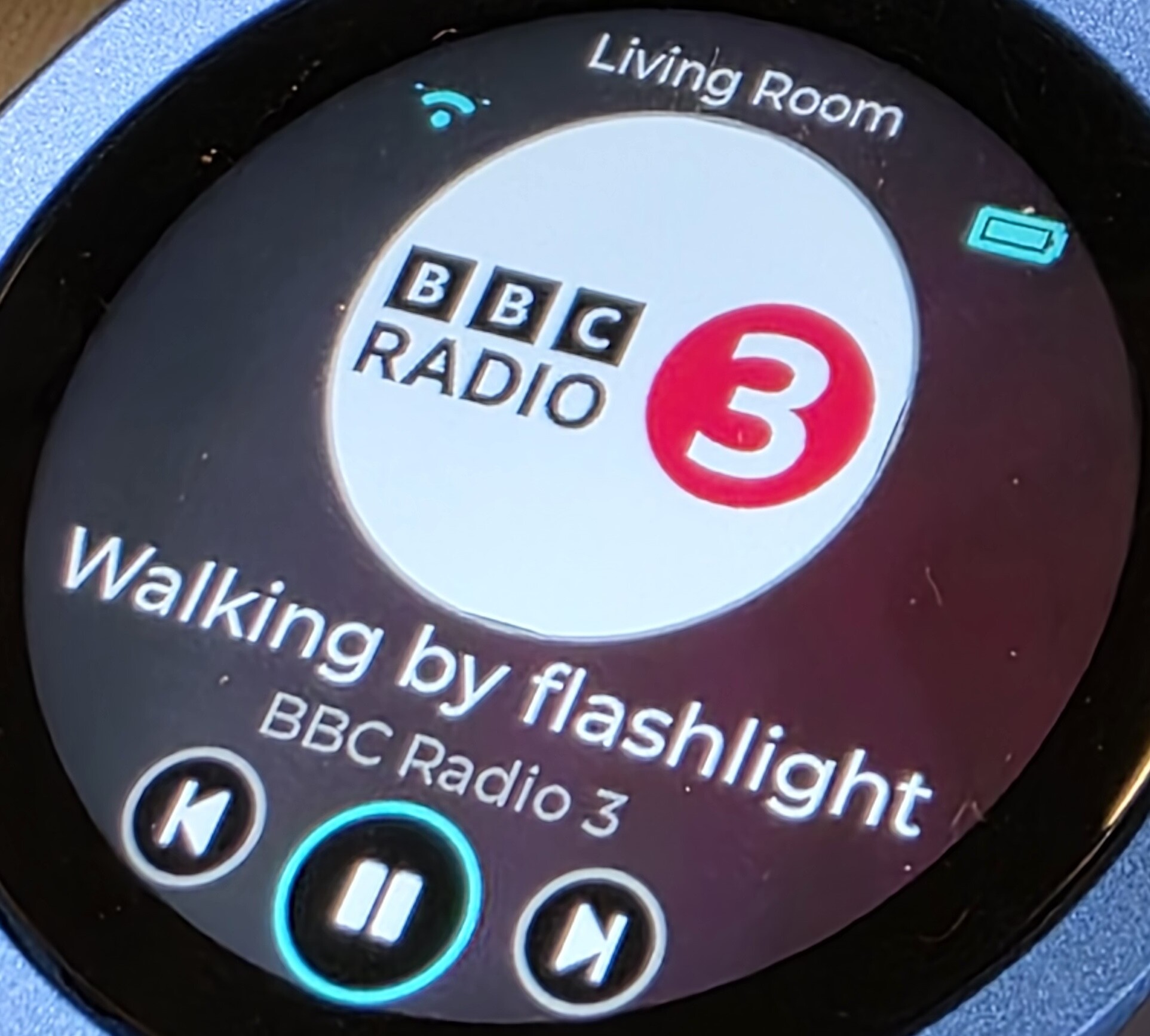
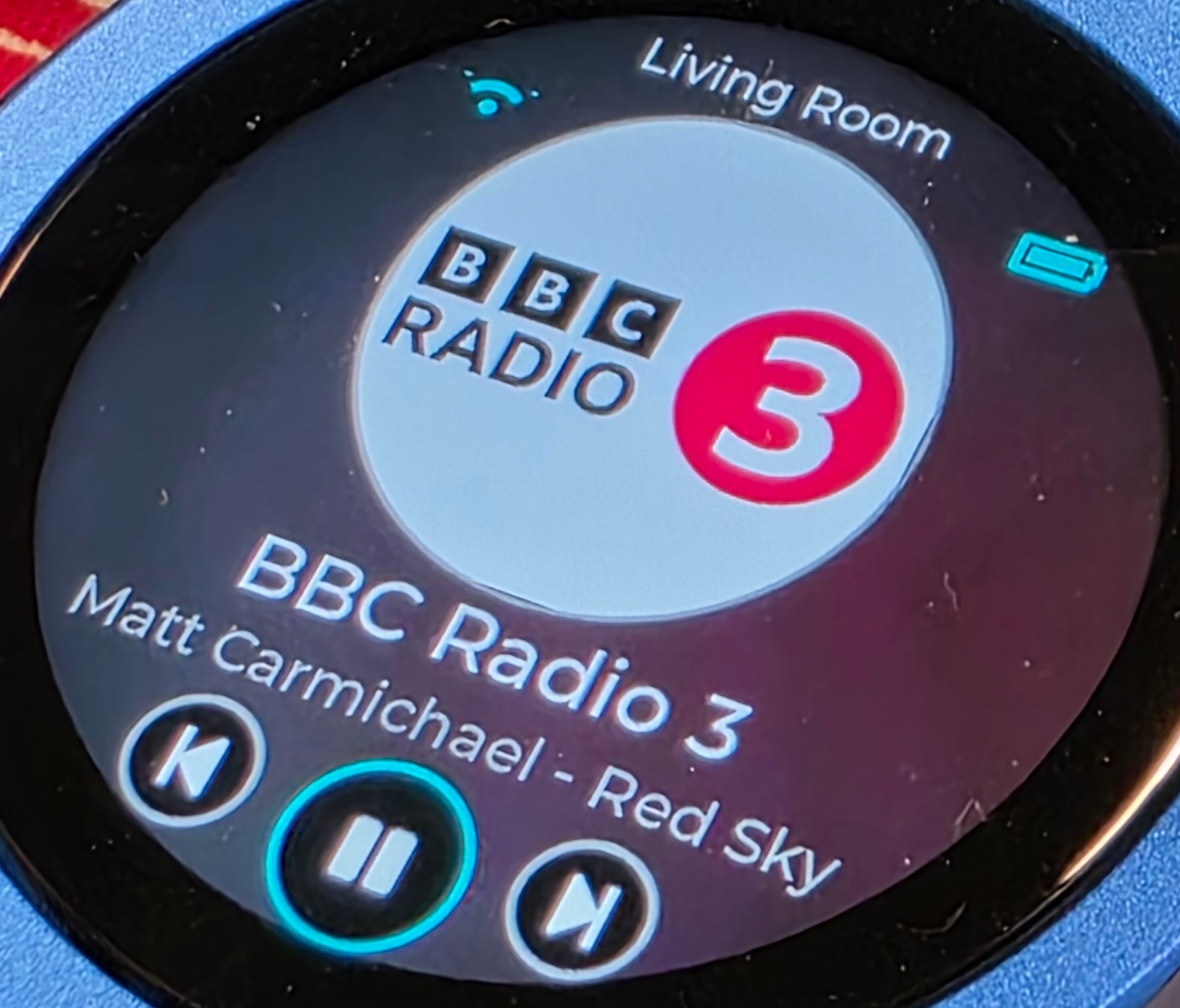
Continuing on the subject of artist/track metadata display, I’ve been noticing difference between what Roon remote on MacOS is displaying, vs what RoonPilot displays, for the same track when listening to live radio.
e.g:
This isn’t a scrolling issue: I’ve seen it with other tracks, where the the artist part is missing from RoonPilot, but shown in Room remote.
I appreciate that radio metadata may be a bit unusual, e.g. artist and track together, radio station separately. But I would still expect two different “clients” to see the same data?