I do not get the update.
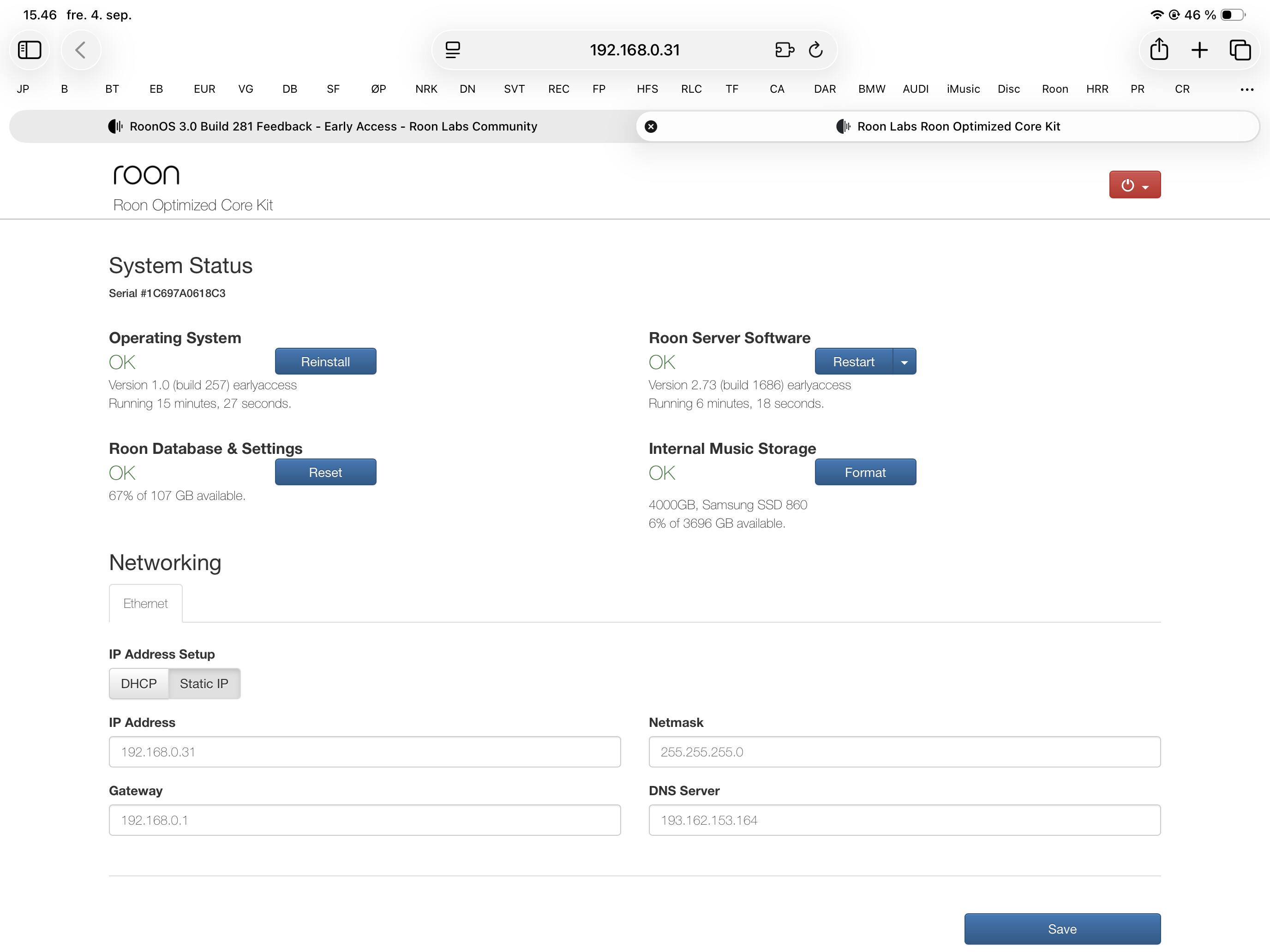
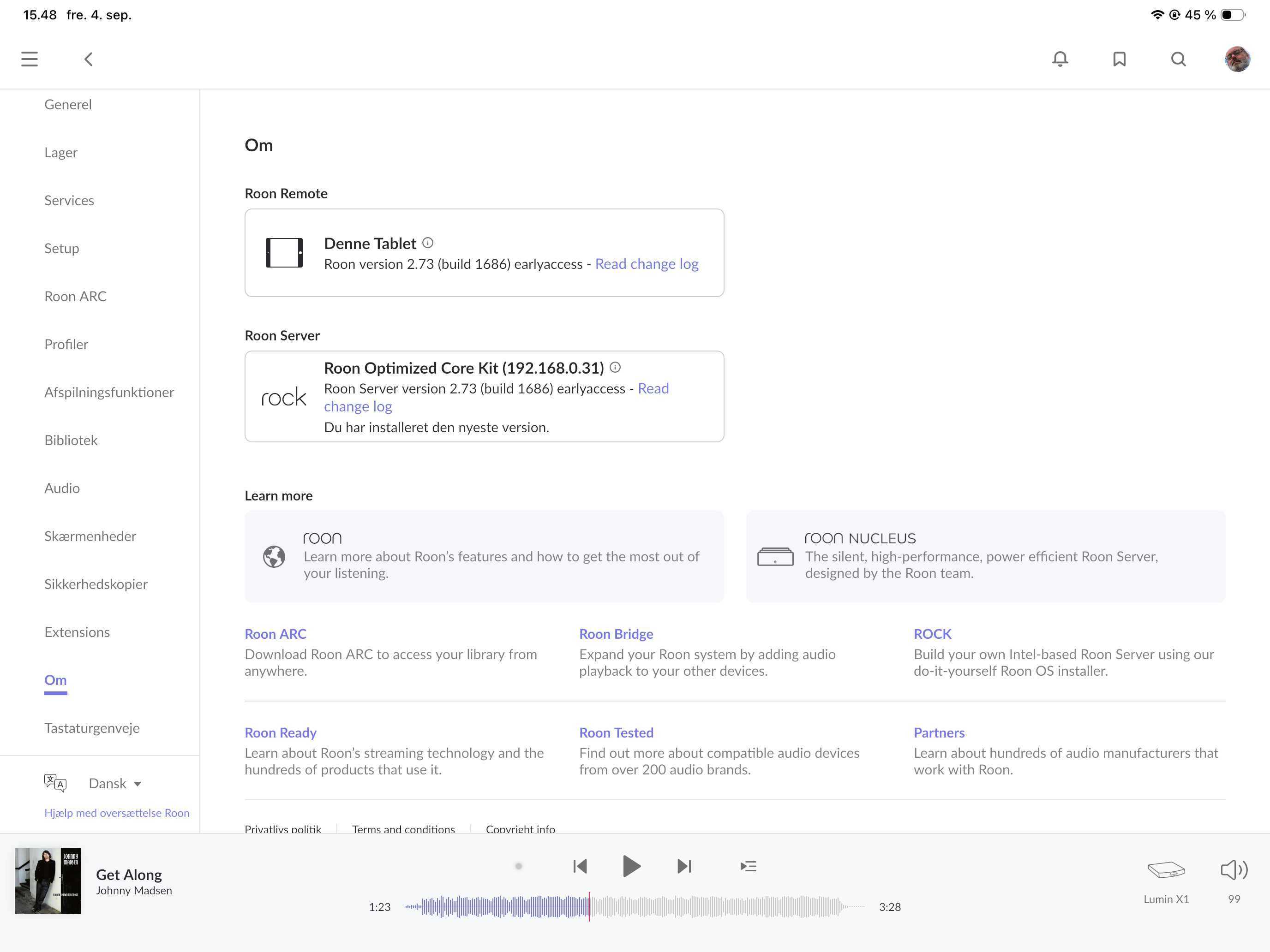
That’s because your ROCK is running RoonOS version 1.0 (build 257), which indicates that this is an old installation that was created in Legacy BIOS mode (probably before ROCK added UEFI support, which happened in 2022). Installations in Legacy BIOS mode don’t update RoonOS beyond this version. It was already the case that RoonOS 2.x (which added Tailscale support in 2.1) required a ROCK installation in UEFI mode.
You need to:
- Reinstall ROCK from scratch, after switching the NUC from Legacy BIOS mode to UEFI mode. This will install RoonOS 2.1 (production). (Note: Reinstalling deletes everything on the system drive including the Roon database, so make sure you have a working Roon database backup. The internal music storage drive won’t be affected, but make sure you don’t format it)
- After the reinstall, follow the instructions again for joining RoonOS to the Early Access release track.
Thanks! Will reinstall. Do you know if i shall recover the database backup before i connect the drives with the music?
It’s exactly the same as moving Roon to a new server, except that you don’t need to move the internal drive to a new machine. Restore the backup when asked, before logging in
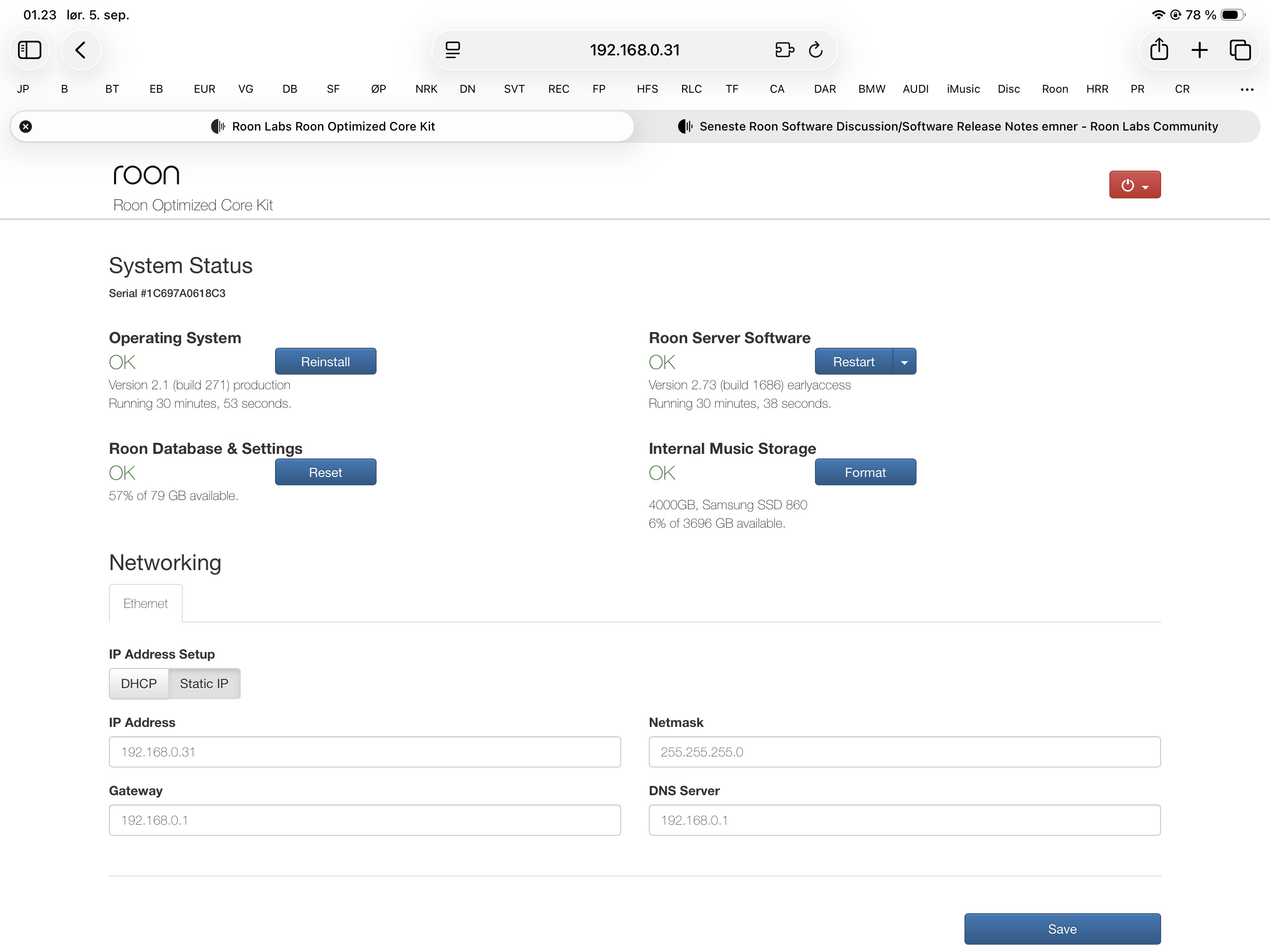
See the instructions e.g. in the release notes. There are two different instruction files for RoonOS and Roon Server, and these are two separate steps (you can independently choose EA and Production for OS and for Server)
Thanks. All ok now.