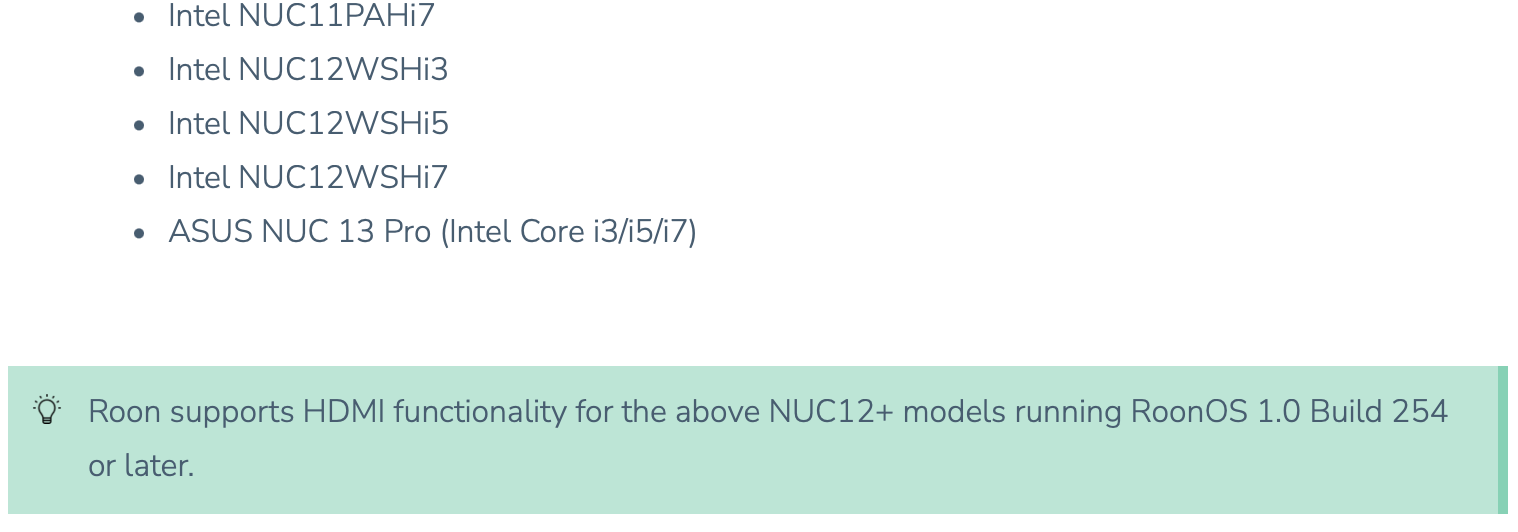
The i7 version has 2 cpu’s listed, Intel Core i7-13620H and Intel core i7-1360P.
I’m going with the 13620H. Comparing the CPU in my NUC8i7BEH, the 13620H is significantly faster in single threaded and multi-threaded performance even though the NUC8 has a higher base frequency 2.8 vs 2.4.
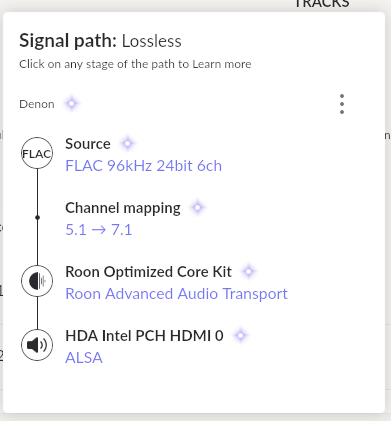
That should overcome the one issue I have with the NUC8 which is the cpu getting dragged down to 1x and skipping when Roon Radio selects a DSD 256 5.1 file for followup over HDMI. The conversion from DSD MC to PCM MC during playback is to much for the NUC8 cpu.
Sorry to query this thread so long after it’s been quiet, but what HDMI issues were you referring to with the newer model ASUS NUCs? Searched for this topic in the Roon Community and could find no other references.