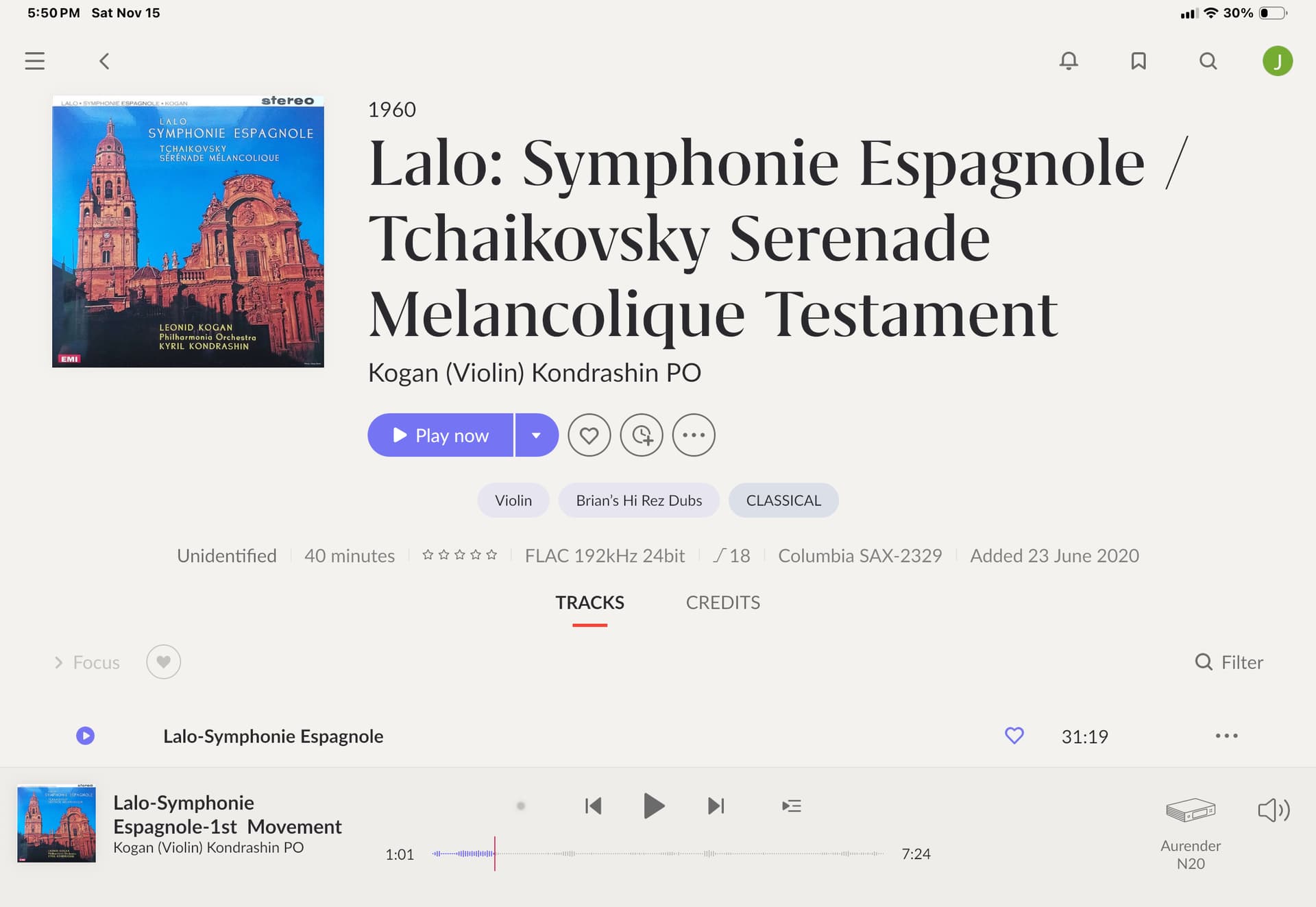
Is there anyway to add CD Cover artwork from my iPad Photo Library? Instead the editor wants me to paste a URL. A URL to an Album cover artwork?? How do I do that?
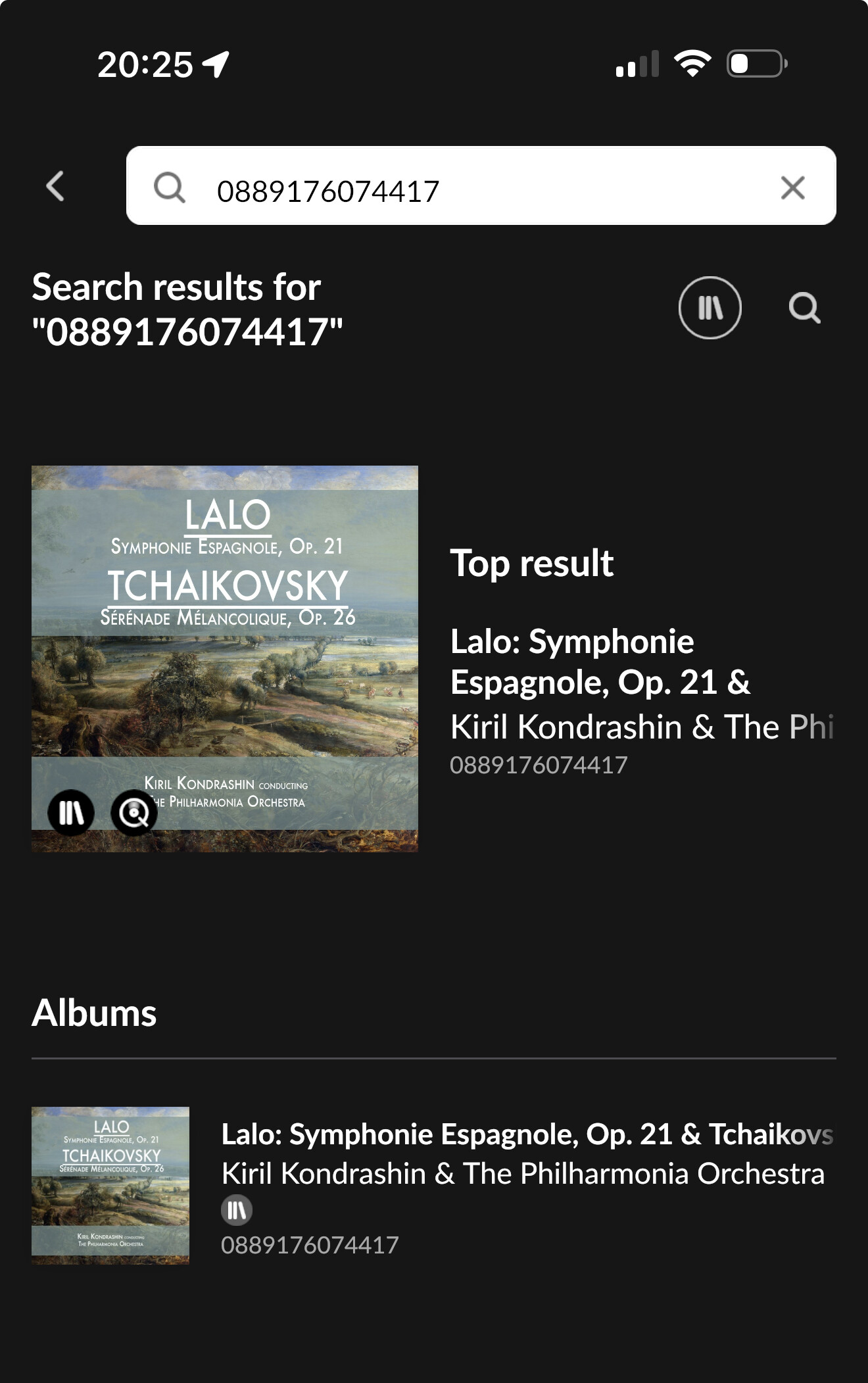
Meanwhile, I’ve tried searching for the album but Roon can’t find it. I have the catalog number of the recording but can’t find a place to input it in hopes of finding the missing artwork.
And why doesn’t the App allow me to point to an image from the Photo Library?? I have yet to meet another app that doesn’t point to the Photo Library.
Audirvāna doesn’t, nor Qobuz, Nor Tidal. Actually, quite a few apps don’t. Same for Android.
There are some apps that do, but generally not music related. Symfonium on Android does.
PlexAmp you can, but it’s based on what Plex provides and not in your camera roll on the phone.
So, with Roon it’s via URL, which works fine. Or place the album art in the folder of the album. Doesn’t work if you’re streaming from Qobuz etc within Roon.
From a web page where the cover is provided. Open the image’s context menu in the web browser and choose „copy image“ or „copy image link“.
With a proper computer, you can choose a jpg file on the computer instead of the URL in the Roon editor
If you must use the iPad, export the cover from the Photos app as a jpg file. Then you can place the jpg file in the album folder on the music storage. Name it cover.jpg or folder.jpg
I think that’s the big complaint here. Almost any other app/website allowing for adding files/pictures can (and should) allow the iOS libraries as a source.
It’s annoying that i can on the laptop, but i cannot on the iPad…
I’m having bad luck adding a photo of the album cover from Discogs. I am using my iPad and I touch the photo symbols and for some reason that doesn’t produce an opportunity to choose a photo from my Photo Library.
I went to Discogs, found the proper artwork and then found the option to copy the photo, and much to my surprise it worked! Thanks for the helpful tip.
Even so, I remain frustrated. Why can’t Roon fix this to let us look in our Photo Library. It seems such an obviously better way to do it!
Roon, via the edit function does allow product and catalogue numbers. Roon allows input of these as a manual means or prefer Roon’s choice (if correct).
So it’s odd that via search this doesn’t work.
Tested and it doesn’t work.
What does work, tested, is if you add the catalogue number to the folders name of an album e.g. [0889176074417] it will add it as a version tag and will be searchable thereafter.
This is the cover art in MusicBrainz, probably different releases , may this one is the initial vinyl, the grey one a later release of even the CD. Its not uncommon to find multiple images as back catalogue is re-released