I have several Sonos endpoints and I’d like to make the icons a little more descriptive.
Why are the default Roon icons so limited?
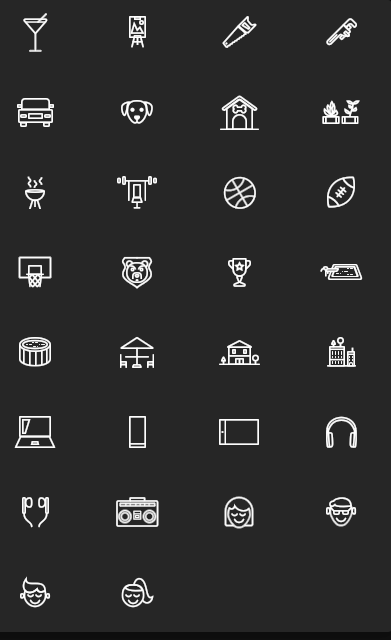
There is a toilet and a gym bench, but why not some generic speaker options that might look like your device?
The default output speaker is 2-D and simple, a few other speaker options would go a long way. I saw that Sonos once was RAAT tested but no longer and doubt that will come back, so why not increase our icon choices?
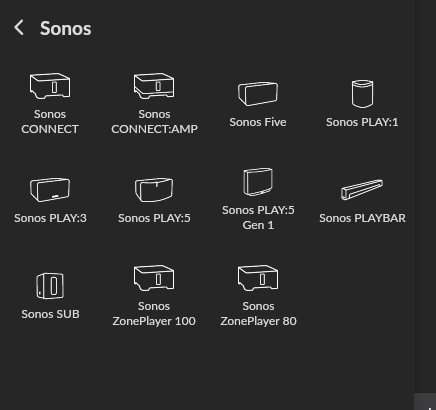
Not sure where you are looking but I see 11 different icons just for the sonos devices.
Yes they are simplistic line drawings but a lot more than just a “toilet and gym” as you say…
There are many different icons for the devices by manufacturer.
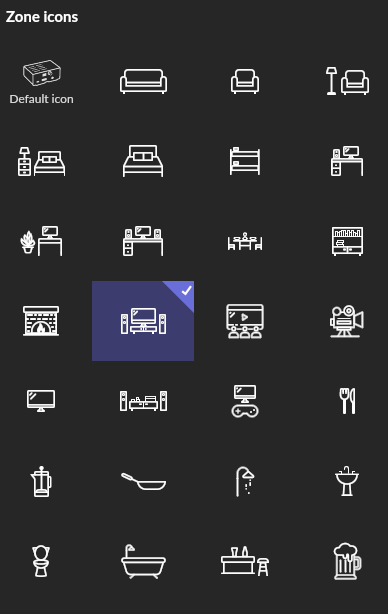
I also see about 57 different icons for “zones” not including he device icon.
I clearly am not looking at the same Spot as i see the default icons, like a Saw and a Martini glass (ok?), but I dont see a way to select those Sonos icons you have. I go to my Core, hold down the mouse button until it says Zone Options. Then im able to change to the default icons.
What you are doing is changing the icon for the zone you can also change the icon for the devices.
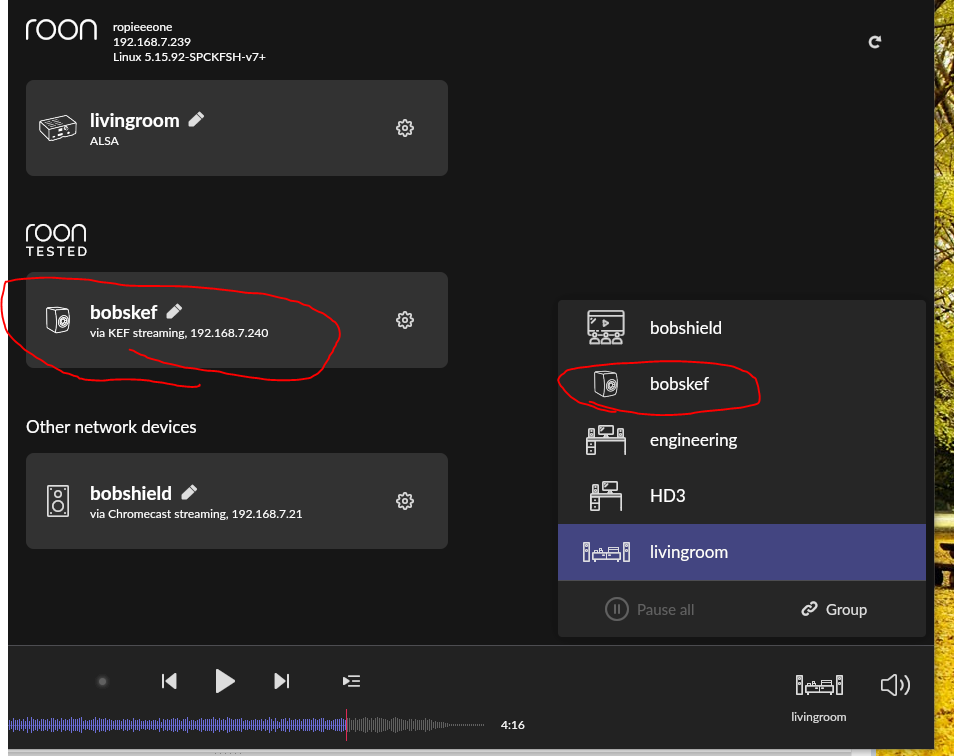
If the device is the zone then the icon you select for the device will show for the zone. like for my KEF:
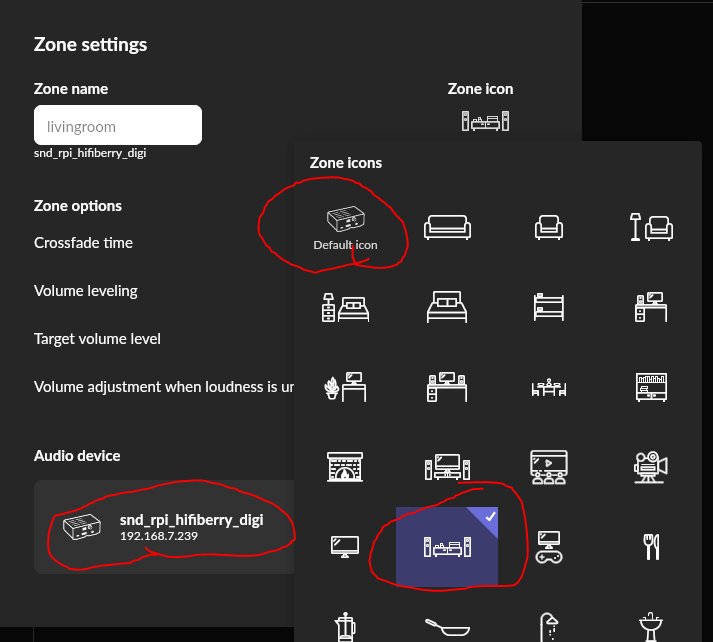
If you set the device icon and want it to show for the zone you need to use the default icon for that zone. For my “livingroom” zone I am not using the default icon (for my Rpi with ropieee) as shown here:
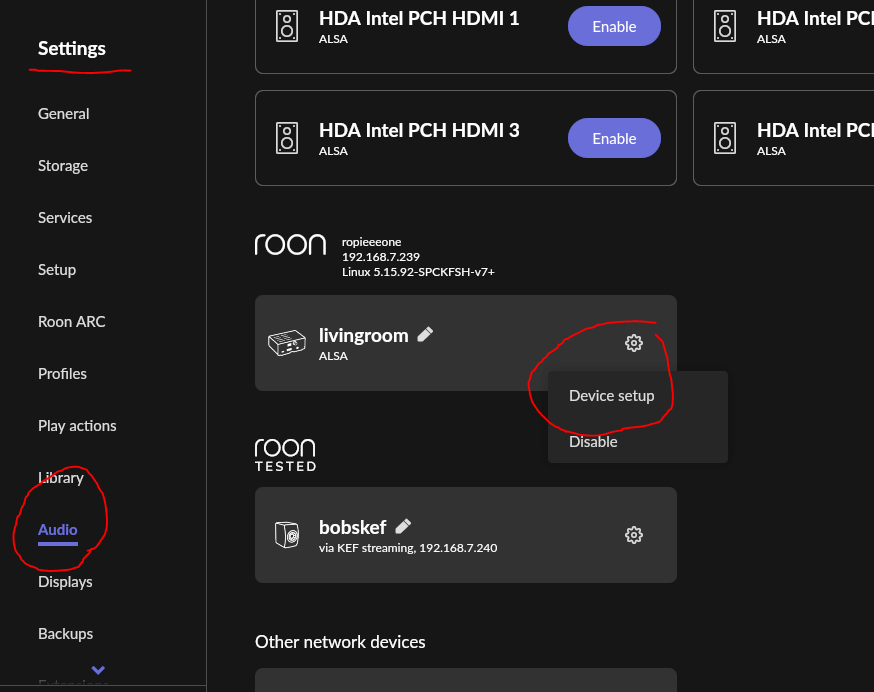
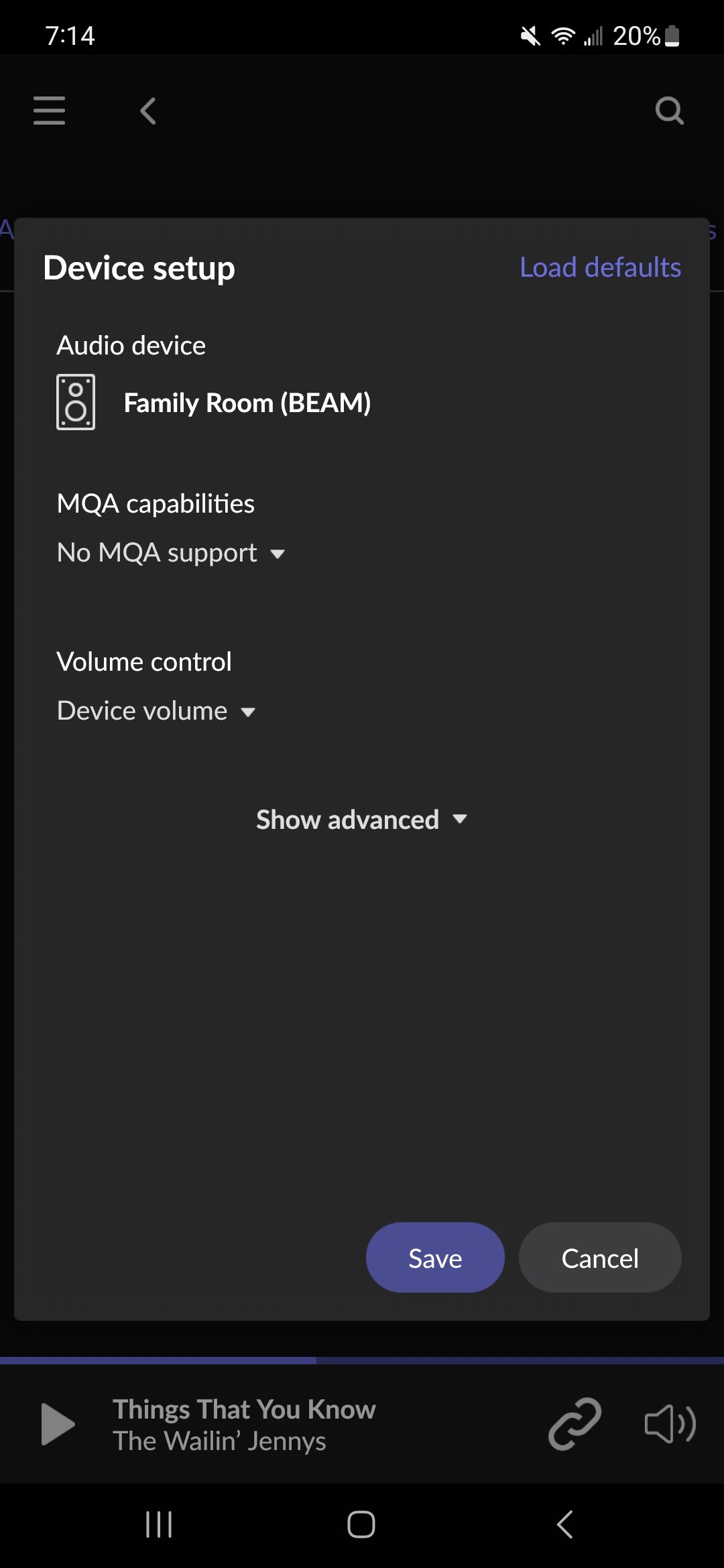
To set the device icons go to Settings/audio, then click the gear icon on the device and select “device setup” (you can get there using the zone icons also but settings audio has them all listed for easier selection of the devices):
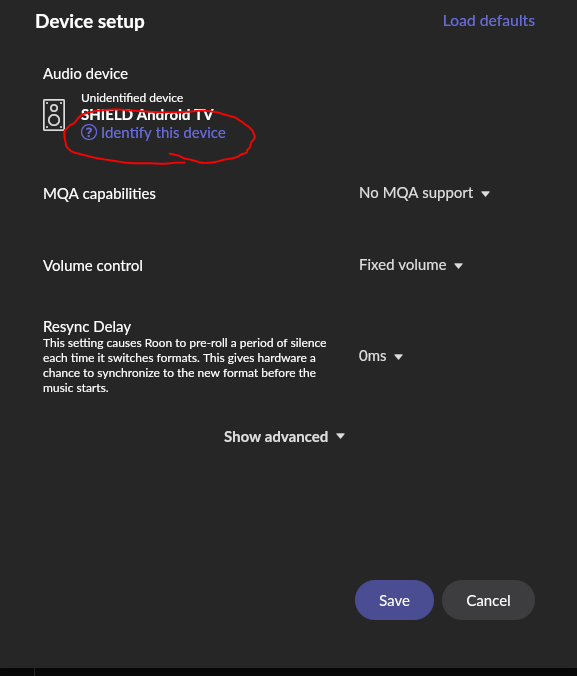
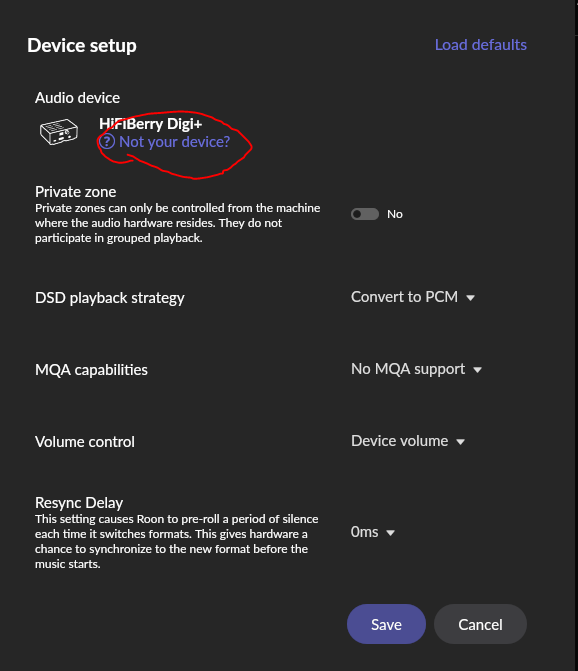
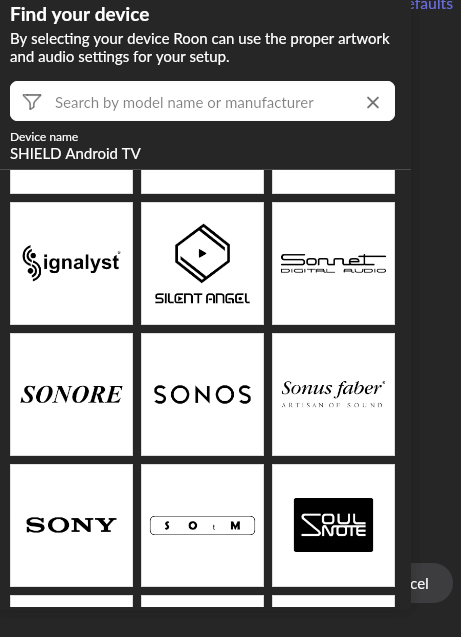
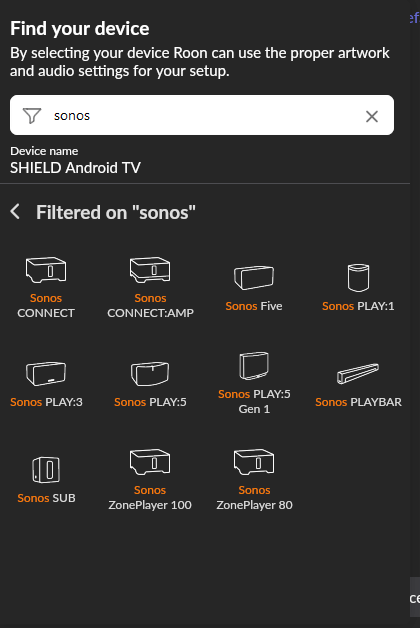
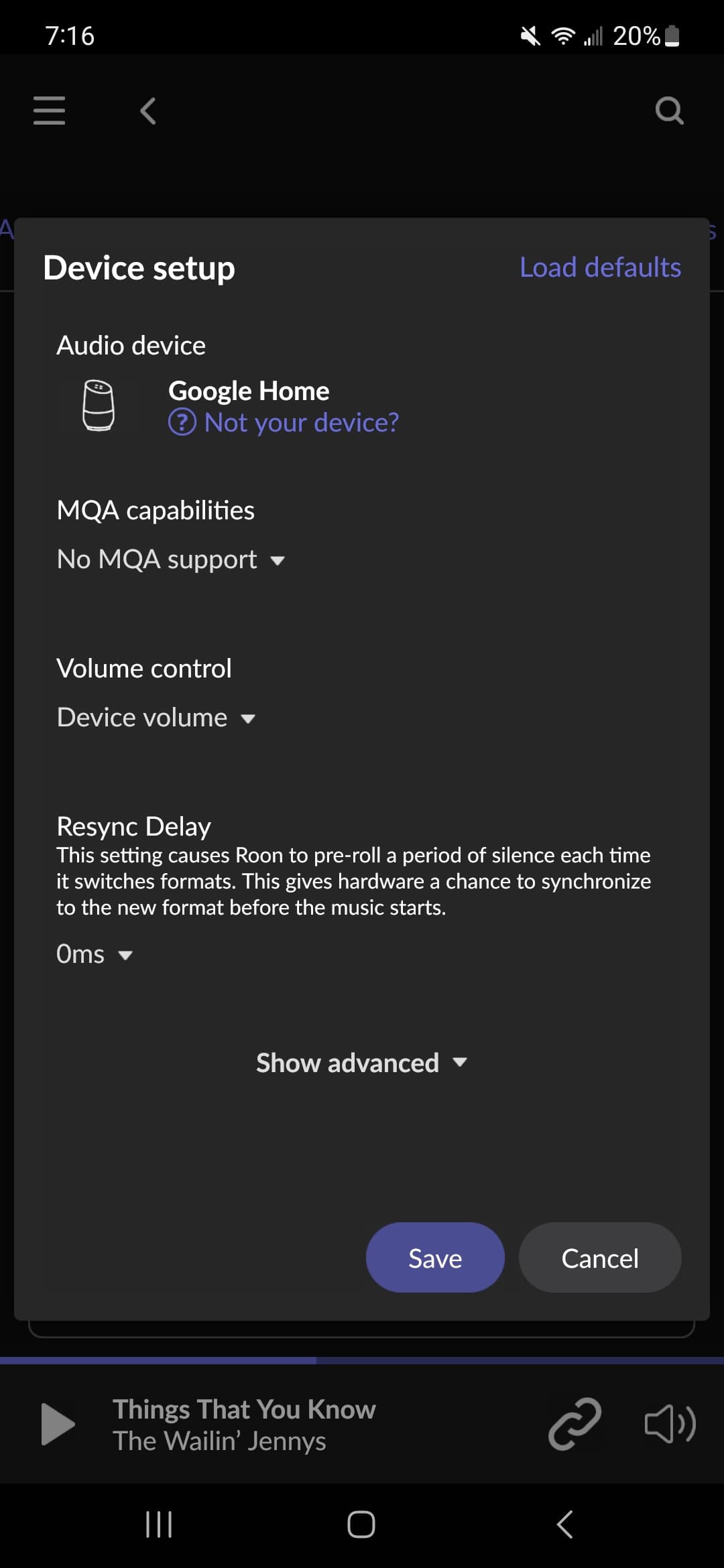
Click the blue text (once or twice depending on the state) and you will get a screen that allows you to “find your device” (you can scroll the list down to the sonos section or enter sonos in the search bar):
Thanks so much for the detailed reply! I found those screens to update the brand icons when i clicked on some of my endpoints. I think because all of my Sonos endpoints are of a newer generation (Beam, Sonos One’s, Move and Roam), they are not editable. Note in the Sonos section, all of those products are of a previous generation. My guess is their older products were RAAT rated, but now Sonos decided against doing that. Theyre probably pushing users to the Sonos app which is hot garbage.