Roon: Dialed Up is my Stream Deck plugin for Roon. It started as a rework of @Tomi_Blinnikka’s original Roon plugin, and Tomi has kindly handed it over to me, so it now replaces his plugin. It’s available now on the Elgato Marketplace.
Here’s what it does:
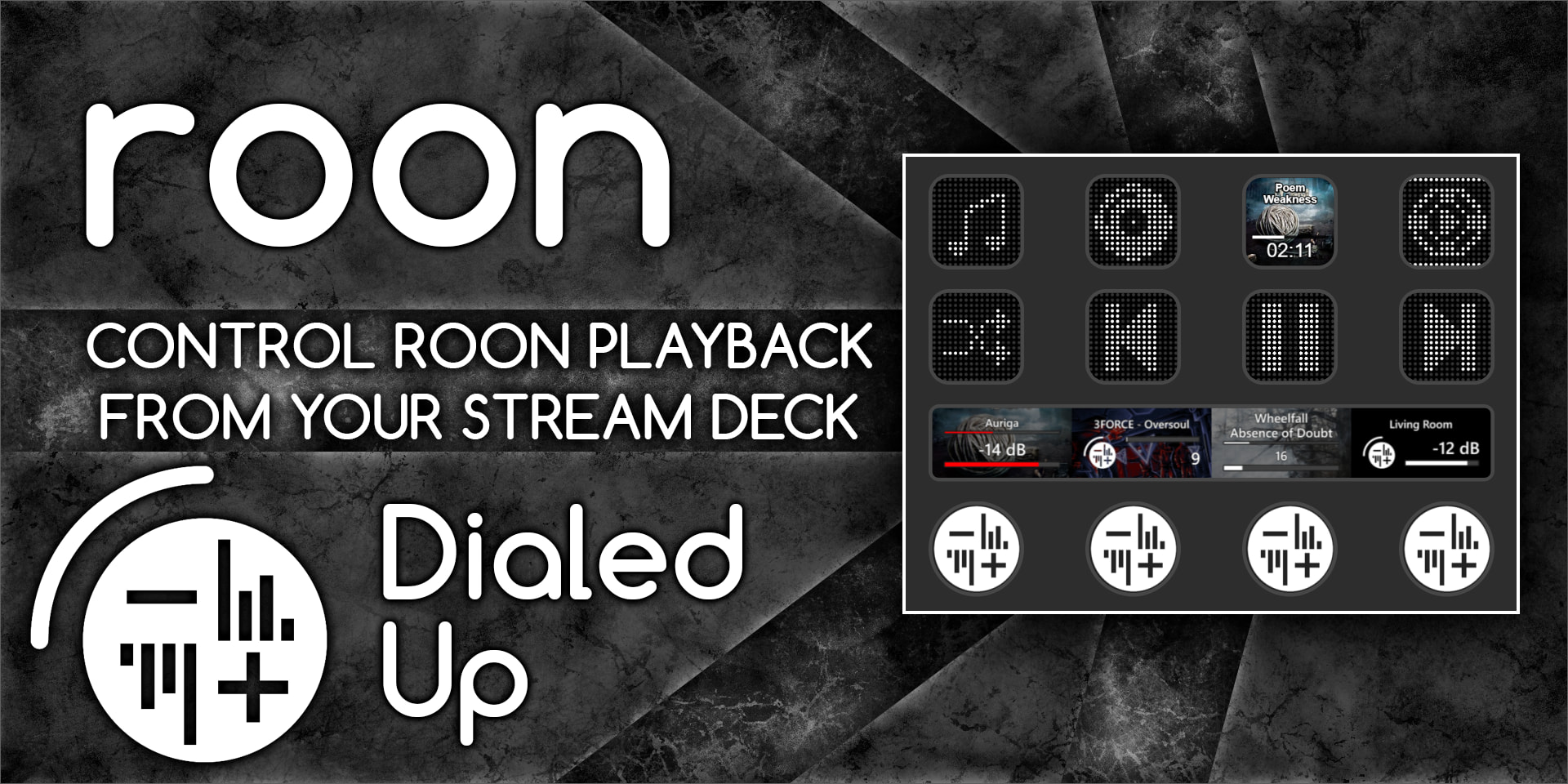
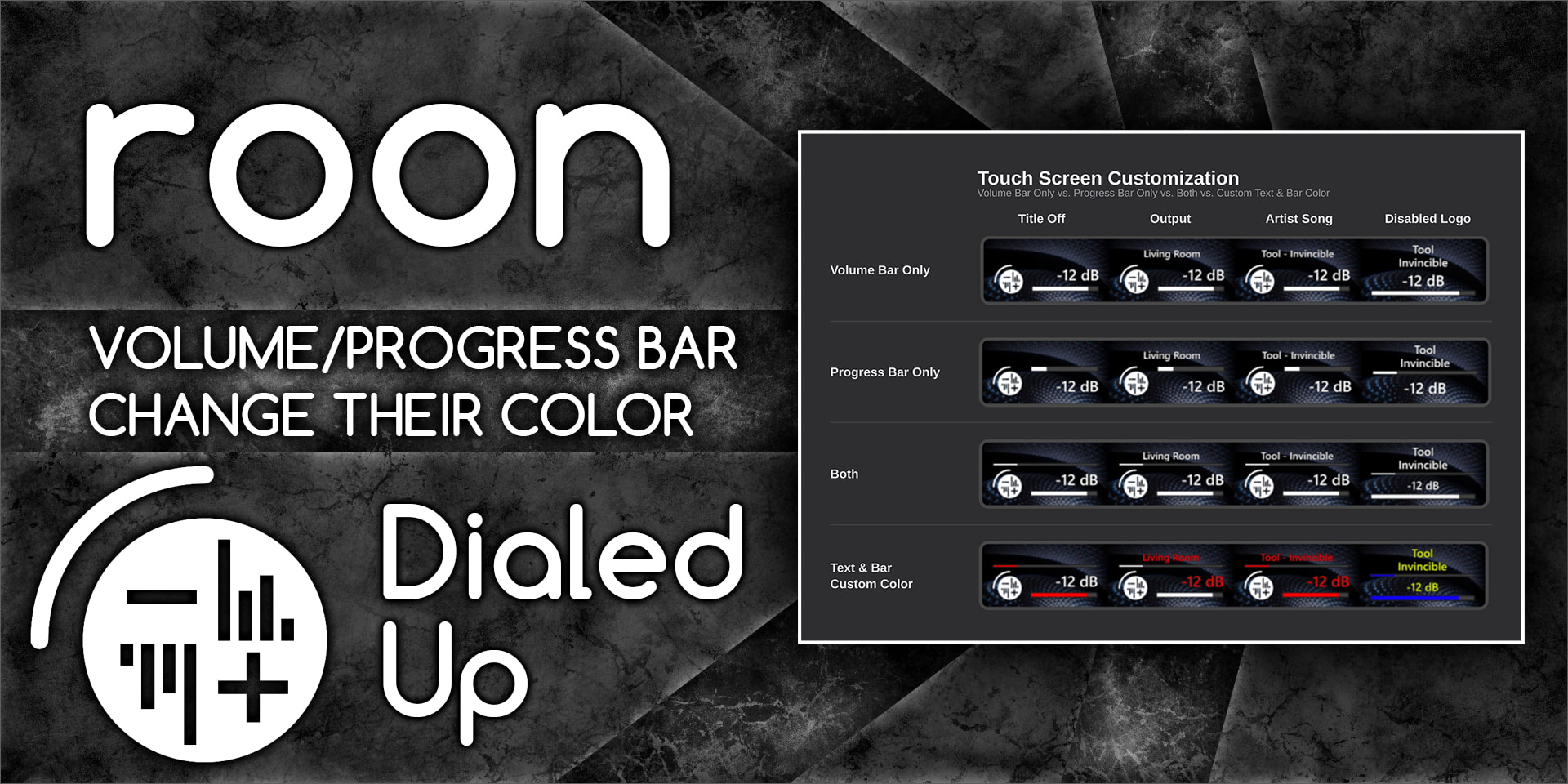
Dials (Stream Deck+): volume and player controls on the dials, with album art, track info and a progress bar on the touchscreen, all customizable
Buttons: play/pause, next, previous, volume and more, with optional album art, artist/track text and elapsed time on the buttons
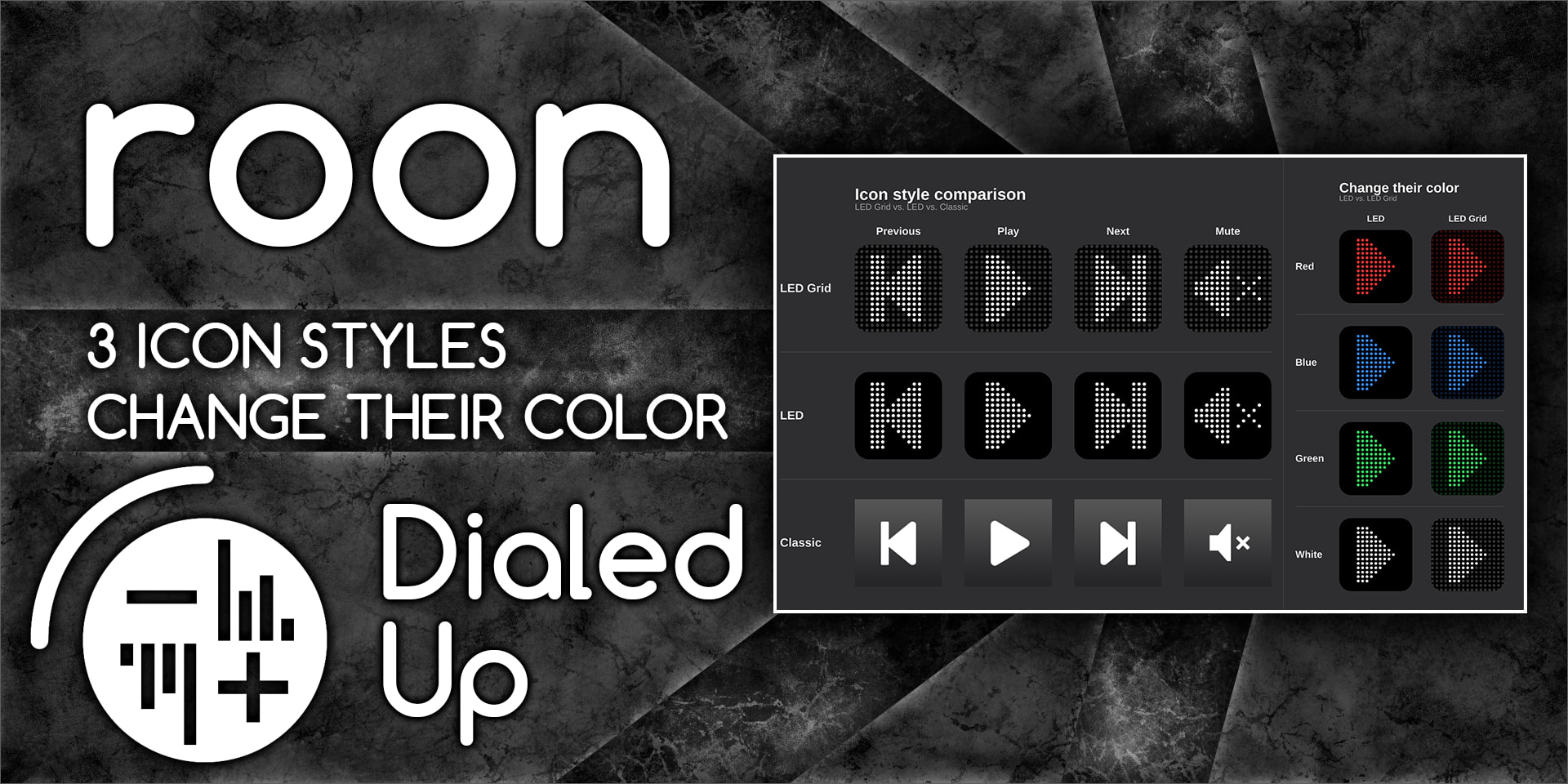
Your look: pick an icon style (LED Grid, LED, or the classic icons), your own colors, transparency, and a regular or condensed font
Finds your Core on its own: no more typing in an IP address, and you can switch Cores or enter one manually if you need to
Connection status: a green, amber or red light in every button’s settings shows whether the plugin is connected, and you can also add it as its own button to see the status at a glance
Coming from Tomi’s plugin? The new version can be set to look and act just like the old one (apart from the look of the volume bar), so you won’t lose anything by switching over.
It also has two new buttons that open Roon: Toasted, a companion app I made that gives you a hotkey player and search window. More on that in its own post soon.
Feedback, bug reports and feature ideas are all welcome, here or on GitHub.
Also, if you’re developing a Roon app for Windows and want it launchable from a Stream Deck button, let me know and I can probably make it happen. All the plugin needs is:
A custom link your installer registers for the current user (like yourapp://open), plus one per action if you want more than just opening it (for example yourapp://search)
Optional status check: a small local endpoint on 127.0.0.1 only (something like http://127.0.0.1:<port>/status) that answers with JSON containing your app’s name ({"app":"YourApp"}), so the button can show whether your app is running and offer to launch it if it isn’t. Pick a port in the 49152 to 65535 range and tell me which one, so we don’t collide with each other. 58421 is already taken by Roon: Toasted.
Version 2.1 is out with a new Add to Library / Heart button. Press it to add the playing track to your library, and once it’s in your library the button switches to a heart so you can heart it too.
Please read before relying on it: this button does not use Roon’s official extension API, which doesn’t support hearts or adding to the library. Instead it uses Roon’s internal protocol (the same one Roon’s own apps use), which isn’t documented or supported by Roon. Thanks to arthursoares for the reverse-engineering work that made this possible.
That means long-term functionality isn’t guaranteed. A future Roon update could change things and stop this button from working, possibly without warning. If that happens, I’ll do my best to fix it, and the rest of the plugin won’t be affected.
For developers: the code behind this is a small open-source package, roon-library-controls, so you can add hearts and Add to Library to your own Roon apps: GitHub - Vulkandr/roon-library-controls · GitHub
Feedback and bug reports are welcome here or on GitHub.
Thanks Lukas, I just installed your new plugin and it’s working flawlessly. The ‘like’ button addition is something I’ve wanted for a long time. On first trial it’s a success. Great work!
Operating very well, I’d say performance is very good, controls are rapid. I also like the small touches you’ve made to the button aesthetics, like the album art, play time, etc. Heart button has continued to worked without issue.
Bug: I’ve noticed that when I turn off the pre-amp/DAC in the evening, when I return to my computer in the morning and switch it on, the Dialed Up controls are struggling to reconnect to the device, despite the server showing green, etc. My only solution at present is to restart the Stream Deck app. Then everything returns immediately to normal. Hopefully a simple fix.
Suggestion: Is it possible to get remaining time as a button option?
Thanks Martin, glad it’s working well for you. Remaining time as an option is a reasonable ask, I’ll look into implementing it with other updates incoming.
On the bug, I’d like to pin down exactly what the plugin sees when the DAC comes back, since a Stream Deck restart fixing it means the problem is on the plugin’s side rather than Roon’s. A few questions:
How is your setup laid out in Roon terms: where does the Core run, on a separate device like a ROCK/Nucleus, a NAS, or is it on the same PC as your Roon desktop app and Stream Deck? Then, how does Roon see your pre-amp/DAC as an audio output? Is it a direct USB output on your system, or is it an external device, like a Roon Ready device?
While it’s in this state in the morning, what do the keys and dial actually look like? Are the icons dimmed, normal but unresponsive, or showing stale info (old track, old volume)? And does pressing a key show a yellow warning triangle?
Next time it happens, before restarting, could you open the settings of one of the keys and click your output in the list again? Does that bring it back on its own without needing a restart? I won’t leave that as a solution, it will just help me find the cause.
If you don’t mind digging, the plugin keeps a log at %APPDATA%\Elgato\StreamDeck\Plugins\com.vulkan.roon-dialed-up.sdPlugin\logs. Every time Stream Deck starts, the plugin begins a new log file. Right after a Stream Deck restart, the files ending in .1 and .0 are the useful pair: .1 is the morning’s stuck session and .0 is the fresh start that works, so comparing them shows what the restart changed. They’re small, so attaching both is easiest. Feel free to PM me your response if you prefer that.
In the meantime I’ll try to reproduce it here overnight.
Many thanks for creating this plugin, and continuing the work. The previous plugin had stopped working today (as I was using it fine yesterday), and I lost the controls.
So, now, it’s just a matter of configuring / migrating all elements across to the new plugin.
Update: 2.1.2 is out and adds remaining time and a new settings layout
Play/Pause key
Track time can now count down. “Show Elapsed Time” is now “Show Track Time”, with an Elapsed / Remaining switch.
New “Show Total Time” option puts the track length under the progress bar.
New “Show Icon” option hides the play/pause icon on that key.
Settings
The settings panel is now split into tabs (Connection, Roon: Toasted, Screen, Options), so you only see what applies to the key or dial you’re editing.
New Rescan button next to Manual for finding your Core again.
Connection
Keys and dials with no output set now pick one on their own: the last output you used, or whatever is playing.
If an output comes back from Roon with a new internal id (for example after a DAC or amp is switched off and back on), keys find it again by name.
The plugin now checks its link to Roon regularly and reconnects by itself if it goes quiet, including after the computer wakes from sleep.
Heart / Add to Library keys stay ready after page changes, so they respond faster.
Your existing keys and settings carry over as they are.
Feedback and bug reports are welcome here or on GitHub.
@eightninenine, remaining time is in, thanks for the suggestion. I couldn’t reproduce the keys not coming back after your DAC is off overnight, so the connection changes above are aimed at every likely cause I could find. Let me know if it still happens after updating. If it does, the logs now record exactly what the plugin saw, so the .1 and .0 files from the logs folder would tell us what’s going on.