that was exactly my feeling, even because, just as a test, I tried also to update the diet pi version and the update failed as well.
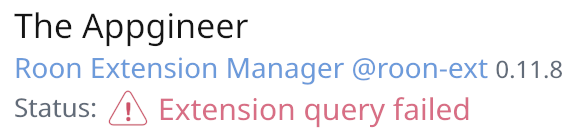
I cannot understand how this keep happening. I am sure that in the past, while cleaning the floor, the plug once or twice could have been unplugged, but I am pretty sure it didn’t happen this time, as the screen of the web controller was still showing the last song that was playing 2 days ago. I clicked on it and it waked roon up but after that the screen was frozen. I did a remote reboot and then I got the message that web controller wasn’t starting and then I realised REM wasn’t there.
So far I haven’t managed to understand what trigger the issue.
I have re-installeld the image and now everything is working as expected. I even updated REM to the latest version.
A suggestion to all the users who don’t know this, you want to make sure you have a backup image of the system somewhere. Once your system is up and running spend 20 minutes making a backup img. If something happen you just reinstate it rather than re-installing all by scratch.
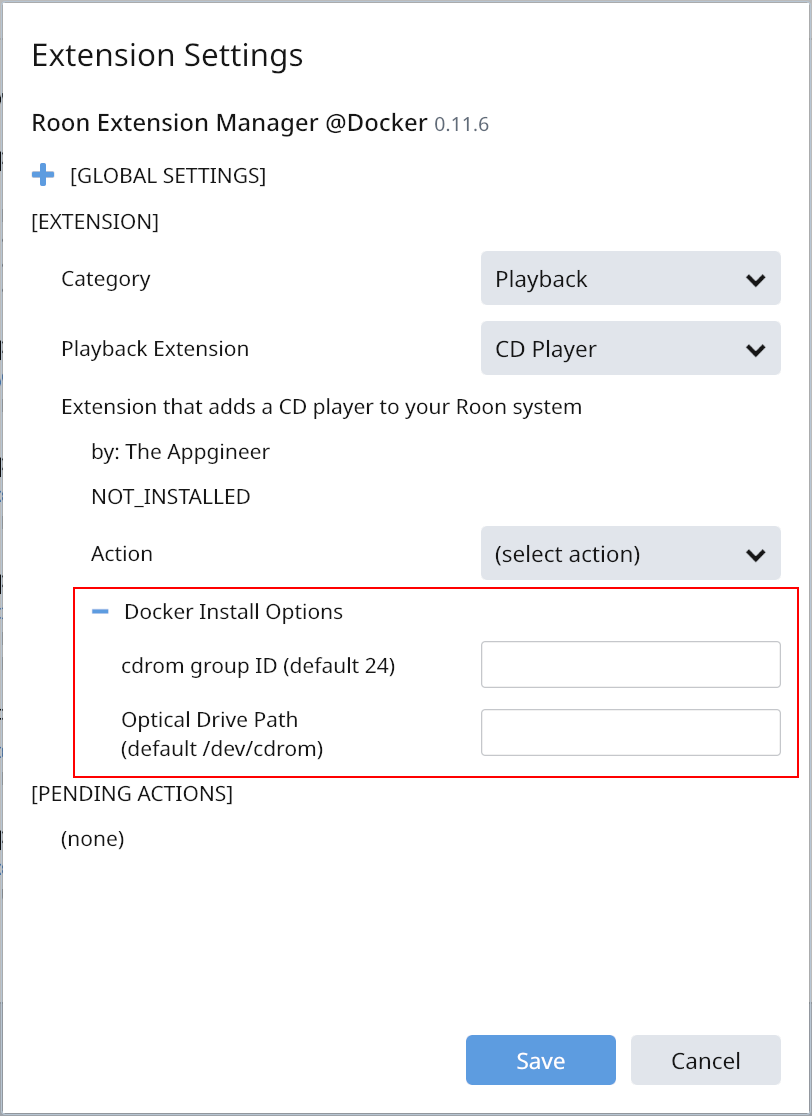
This time a small update to improve usability while installing Docker based extensions, like CD Player/Ripper. When no Optical Drive Path is supplied during installation then /dev/cdrom is now used as the default.
/dev/cdrom refers to the first detected drive. In a basic (Raspberry Pi) setup this is probably the USB drive you connected. This makes the drive likely to be detected without supplying detailed settings.
My DietPi Extension Manager stopped working. It is running on a RPi 4.
I installed the official PoE HAT v2 to get rid of the power adapter.
Upon rebooting I noticed that there was a new version available:
DietPi v6.28.0 : Update available
dietpi-update : Run now to update DietPi from v6.28.0 to v6.31.2.
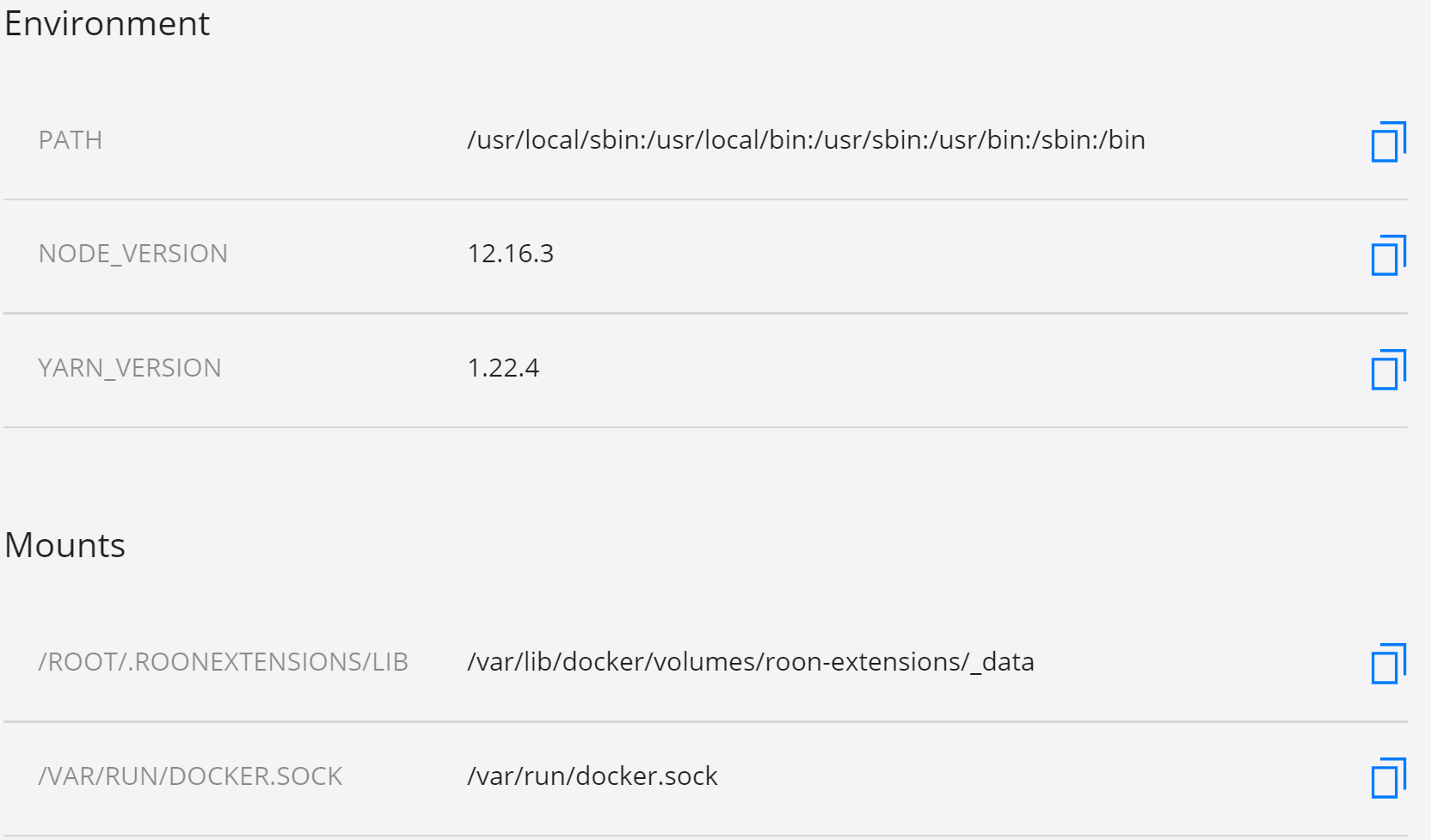
I’ve pulled the image for Roon Extension Manager and created a container in Docker For Windows, and the Docker Desktop reports it’s running, but Roon doesn’t see the extension.
I’m exploring running REM using DFW on a small headless PC running Windows 10 Pro Version 2004 with WSL2. My objective is to be able to install, amongst other things, @Jan_Koudijs’ CD Ripper, which I tried unsuccessfully to install on my Synology Disk Station (which is where my Core runs).
Here’s the log. Is the bit I’ve highlighted a problem?
I can ping my network from the container command line, but I don’t know if DFW is giving the container an IP address that is outside my network, although I thought the –network host option would avoid that. (On the resources tab of DFW I haven’t changed the Network default of 192.168.65.0/28)
The container inspection report from DFW looks like this:
Docker for Windows uses a VM to run Linux containers and also adds a virtual switch to the mix, meaning that extension discovery doesn’t work. In order to run the Docker based extensions Docker for Linux is required. What does work however is running a Linux VM and installing Docker for Linux in it. A light weight solution for this is running DietPi in the VM. You can find instructions for installation here.
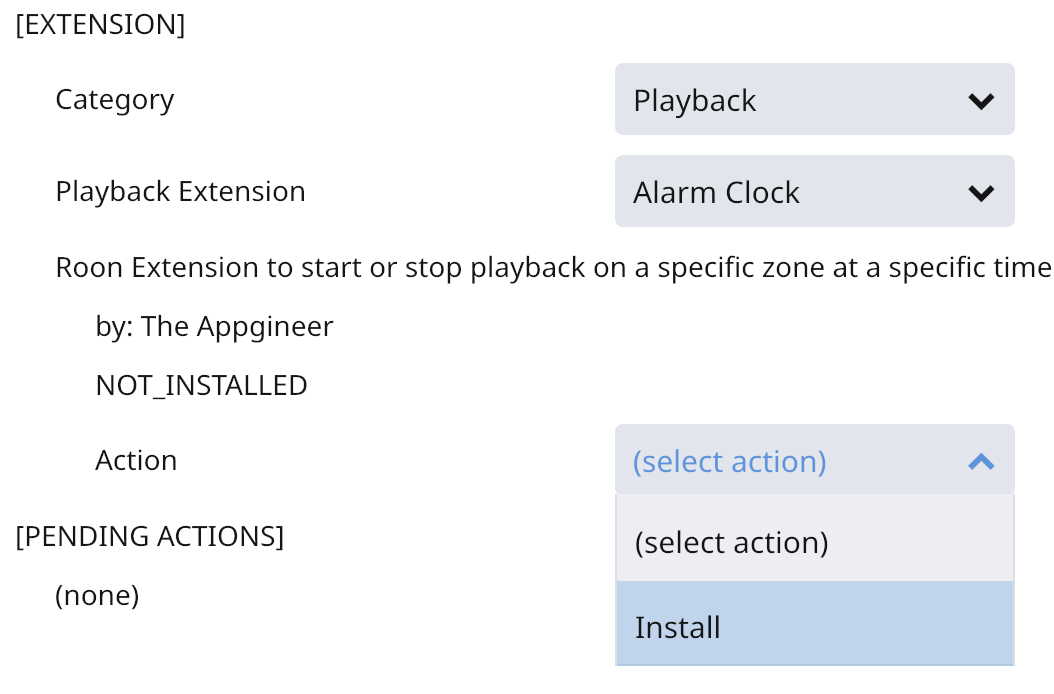
I installed roon-extensions-manager on DietPi v6.34.3 (on x86_64 not actual rPi). All installed well and I can browse extension in the Roon app. However, when I try to install the alarm clock, this is what it responds with after a brief wait:
I poked around the .RoonExtensions directory. There is a .RoonExtensions/lib/node_modules/roon-extension-alarm-clock directory present. After a restart of DietPi the Alarm Clock extension shows in the list.
So just to see what happens I went to install the MQTT extension. Some thing happens, it says installing for a while, but then shows:
I do see that .RoonExtensions/lib/node_modules/roon-extension-mqtt is present now, but not showing in the list of extensions in the Roon app. When I look at Extensions Settings, it only provides the option to Install MQTT as I already did in the previous step. I reboot the DietPi and once alive again, the MQTT extension is present and I can proceed to start it.
I uninstalled both Alarm Clock and MQTT Extension and both uninstalled just fine without errors.
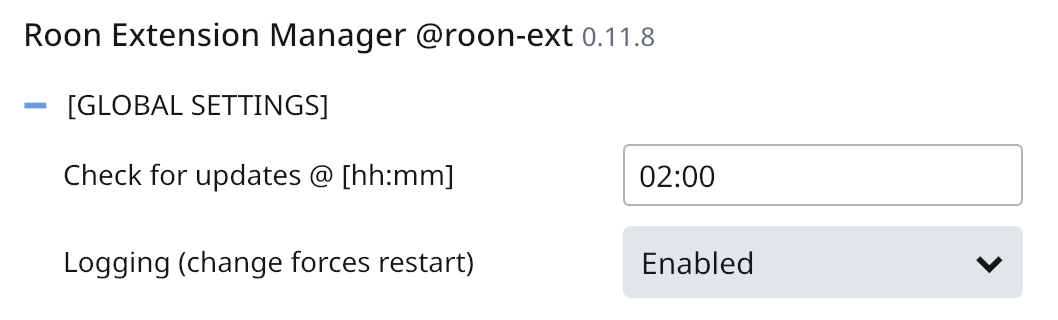
As the error is reported by the Extension Manager, you have to restart that one with logging. So select it from the System category and perform the Restart with logging action, this is also what is shown in the screenshot on the Wiki page.
I have a problem. I had to re-install everything in my server (i took the opportunity to upgrade to ubuntu desktop 20.04.1) and now i can’t configure roon extension correctly
Help!!!
roon-extension-manager.service - Roon Extension Manager
     Loaded: loaded (/etc/systemd/system/roon-extension-manager.service; enabled; vendor preset: enabled)
     Active: failed (Result: start-limit-hit) since Sat 2021-01-02 13:37:19 CET; 25s ago
    Process: 1375 ExecStart=/home/roon/.RoonExtensions/bin/roon-extension-manager.sh (code=exited, status=0/SUCCESS)
   Main PID: 1375 (code=exited, status=0/SUCCESS)

gen 02 13:37:19 roon systemd[1]: roon-extension-manager.service: Scheduled restart job, restart counter is at 5.
gen 02 13:37:19 roon systemd[1]: Stopped Roon Extension Manager.
gen 02 13:37:19 roon systemd[1]: roon-extension-manager.service: Start request repeated too quickly.
gen 02 13:37:19 roon systemd[1]: roon-extension-manager.service: Failed with result 'start-limit-hit'.
gen 02 13:37:19 roon systemd[1]: Failed to start Roon Extension Manager.