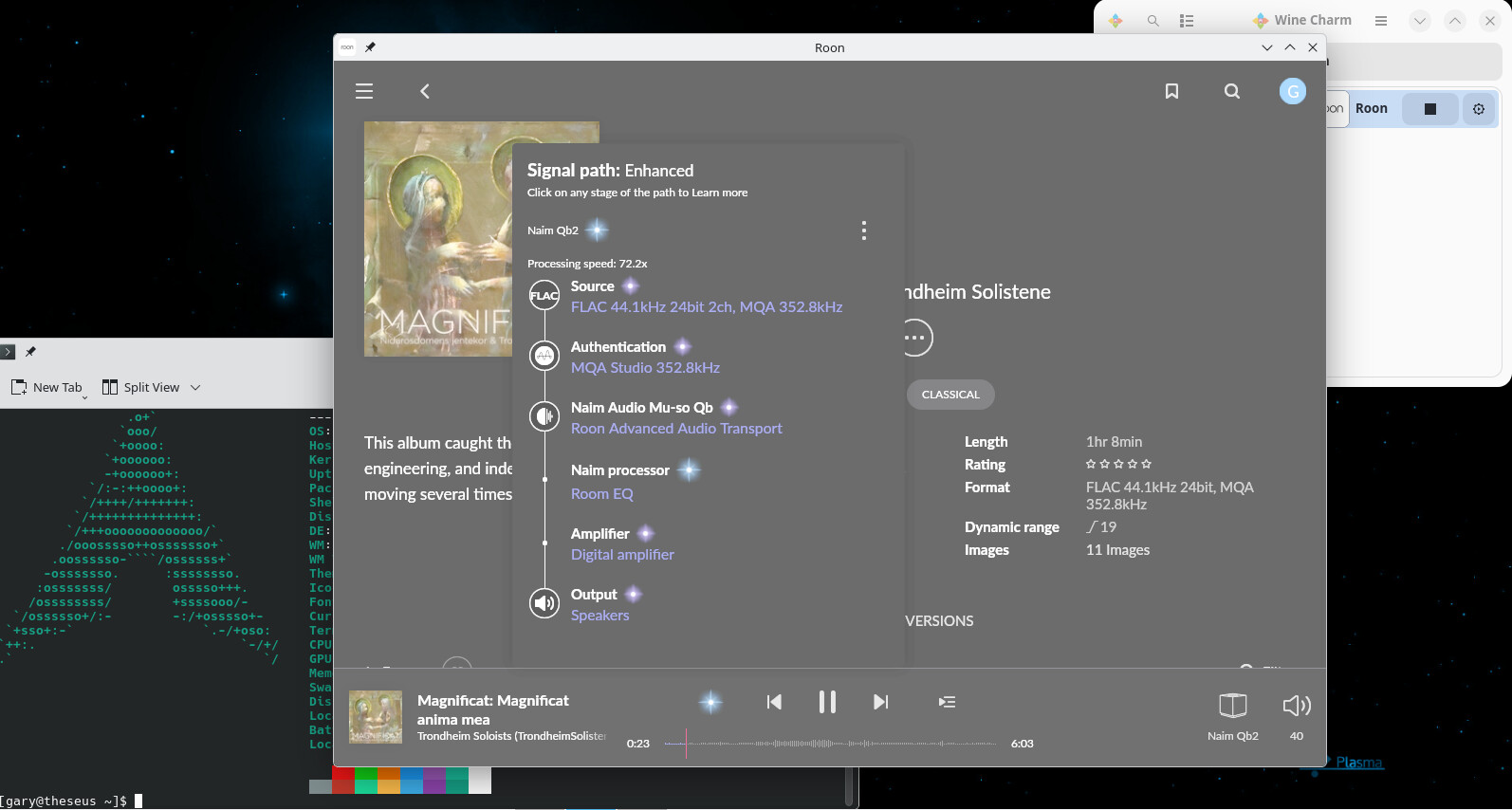
Hi all.Have Roon desktop running just as it does on Windows, on this old Dell Precision M6700 running Arch (KDE). Installed Wine then Wine Charm graphical interface.In wine charm ’Open’ and install RoonInstaller64, and viola there are three icons in wine charm. Click on Roon and it is just as it is in windows.
mjw
(You want nice, supportive? Call a damn helpline.)
2
It looks like the graphics are washed out. Most likely, you are running Wine 11.0. If you switch to Wine 10.0, it’ll fix this issue, but you’ll need to hold back updates until the issue is fixed in Wine.
Isn‘t the grey color a thing whenever the album is tagged with a Classical genre, as it is the case here?
mjw
(You want nice, supportive? Call a damn helpline.)
4
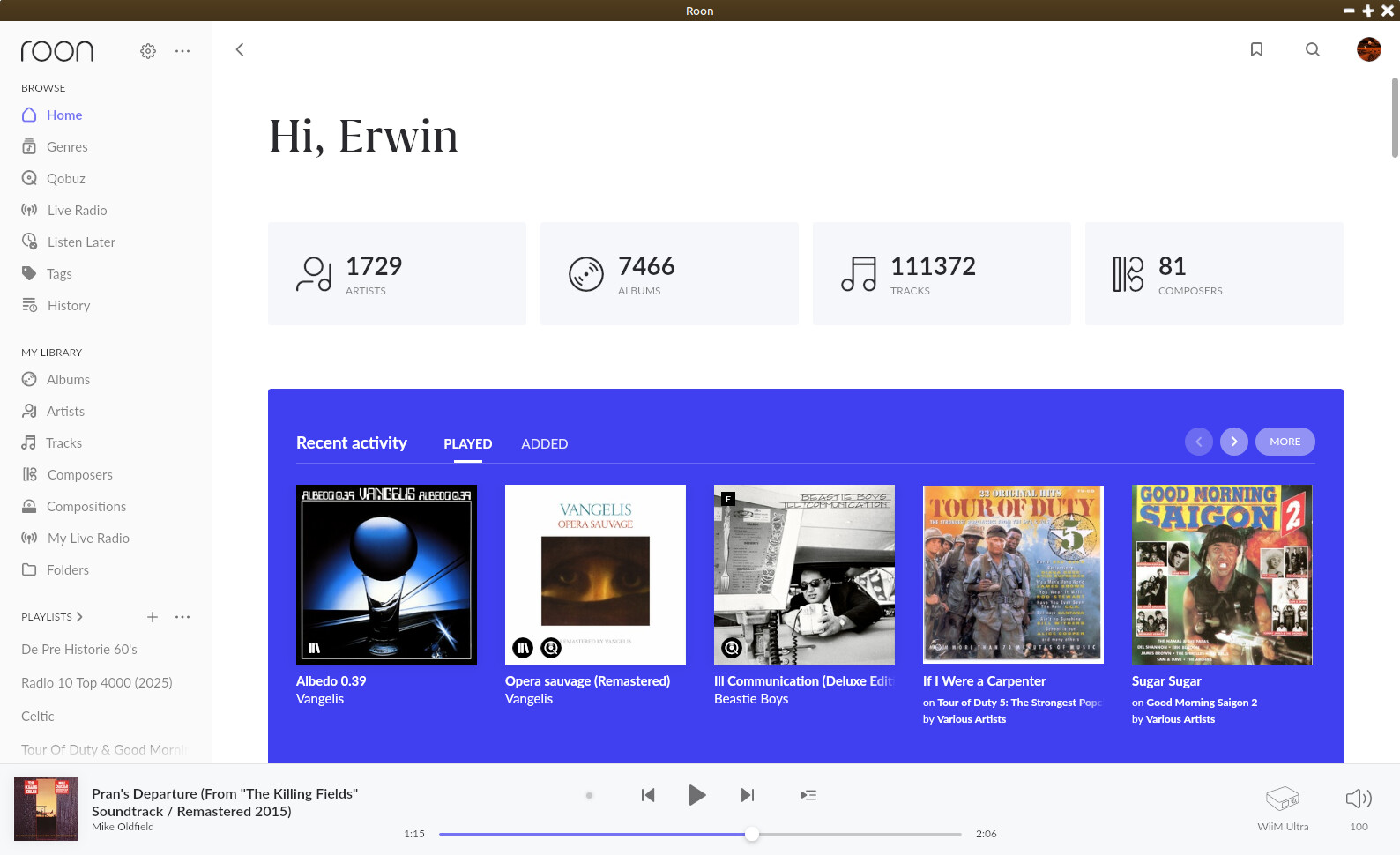
Well, I had to enable genres and switch to dark mode to verify, but I don’t see a grey background for classical. However, I do see a slight change of background for classical, but nothing like in the OP’s screenshot.
I’ve had a similar issue. I’ve had installed Roon by using Lutris. After this weeks update Roon wouldn’t start anymore with a weird error message. Turned out Roon was using an old version of Wine. After selecting Wine-Staging-11.2 Roon started again. But it was completely washed out like in the OP’s screenshot. And moving the Roon window around my Linux Mint desktop resulted in flickering of the Roon app. After changing to a different Wine version in Lutris (ElementalWarriorWine-x86_64) Roon works normally again. And also looks normal in color.
Just sneaking in: this was due to a double sRGB conversion on default framebuffer. Newer version of Wine 11 have fixed that. For current fixes due to crashes at launch or white screen, see
For any that might be interested, I just tried wine-staging 11.19 on Kubuntu and Roon is no longer suffering from the washed-out colors for me and seems to be working fine. As a side, I do have .Net 10 installed along with Roon.