Roon Radio notification is not displayed (Android 15, Lenovo Idea Tab Pro).
The notification appeared shortly after the Roon app was installed and then disappeared. New installation / restart solved not this problem.
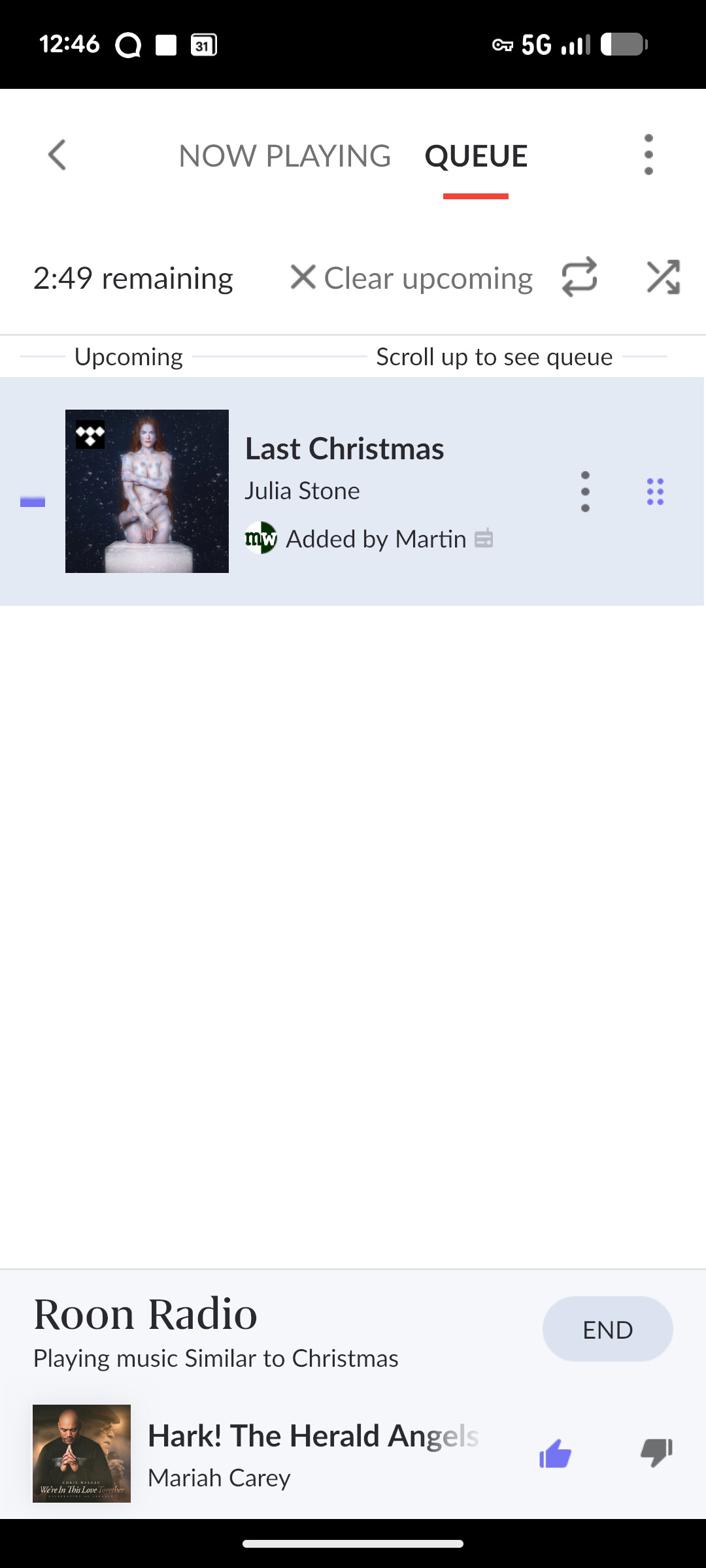
Make sure Roon Radio is enabled for the zone. This is per device, and found on the zone’s queue screen.
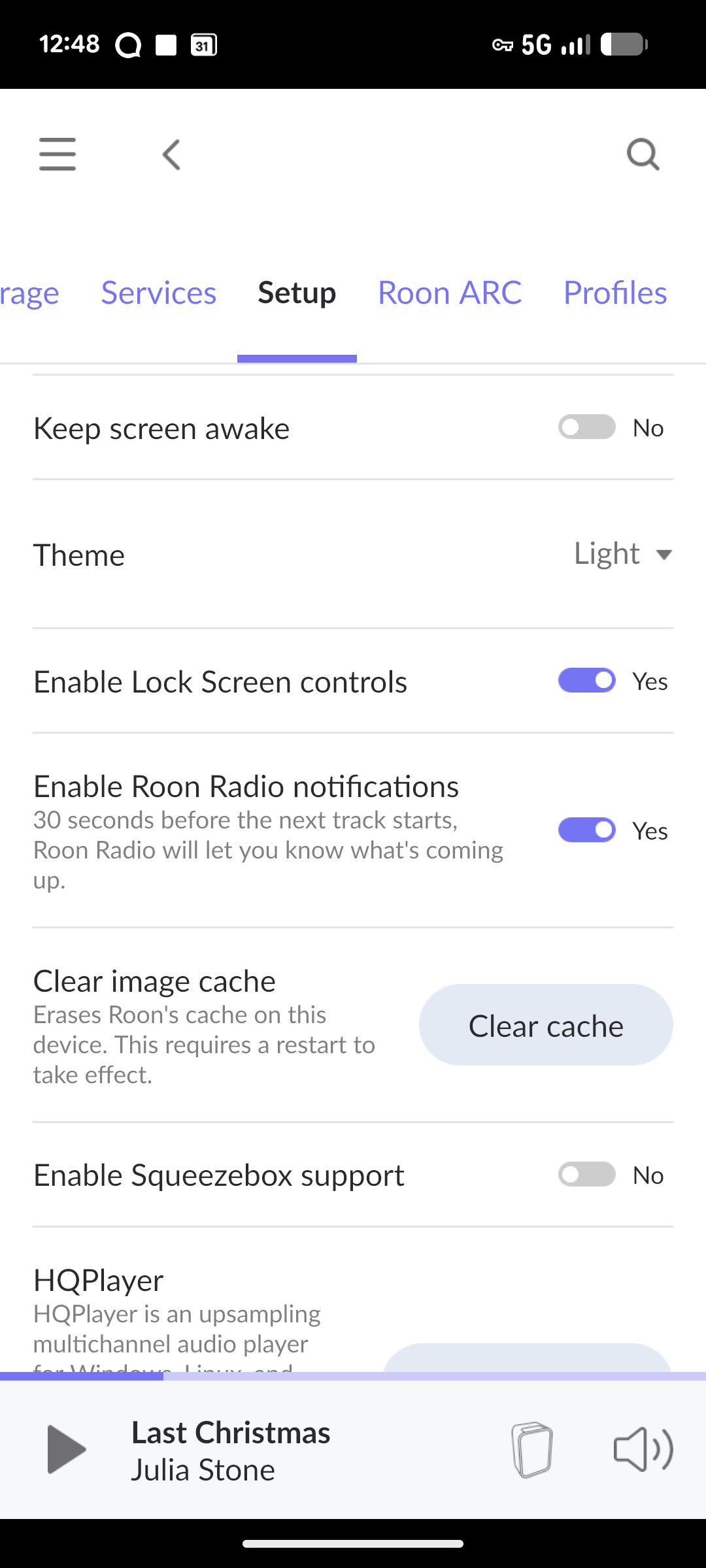
Then, check that notifications are enabled under settings.
Thank you very much for the advice.
Everything is enabled. It worked for a short time, and then without anything being changed, it disappeared.
Update: After reboot the tablet it works again. Let’s see how long.