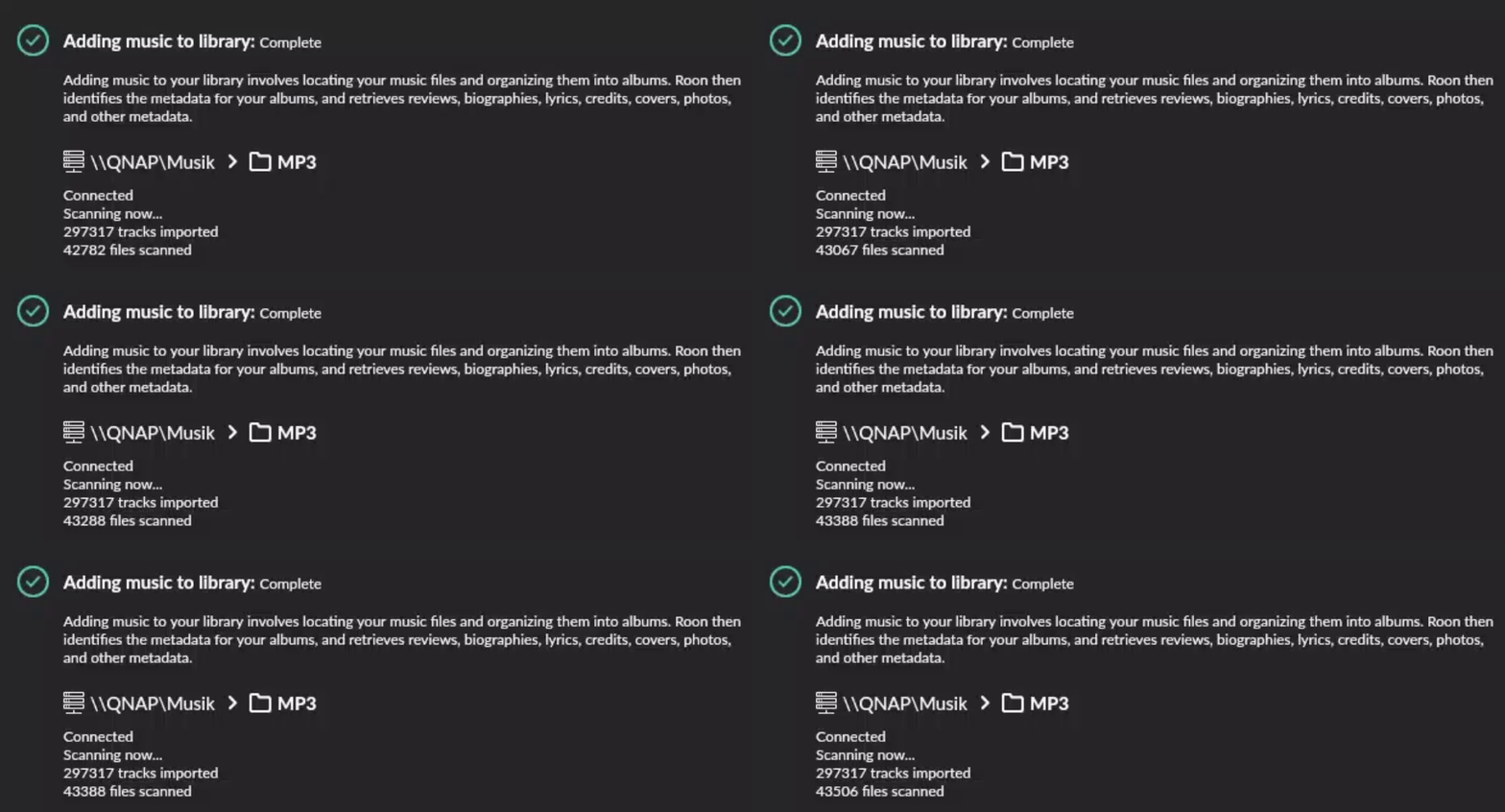
My music is stored on a NAS (QNAP TS-451D2, 1 GB NIC) with currently over 300,000 files.
My Roon Server is running under Windows 11 on an HP EliteDesk 800 G4 Mini-PC (Intel Core i5 8500T, 32 GB DDR RAM).
My storage is the music file share on the NAS.
Roon is scanning the files since a week now and is at approx. 65 %.
Alternatively I could attach an external USB (15 TB) drive to the Mini-PC (USB3) and sync my music share to this drive, and configure this HD as my Roon storage.
So the question is: Would it make any sense to change my Roon storage from the network share to the local USB drive?
You do have a fairly large library, but it should not take that long for analysis. This points to an underlying issue that may cause you further problems.
Therefore, before making changes, I recommend you open a technical support request to determine why things are running slowly.
To equip the Roon Technical Support team to assist you directly, please follow this link to provide the details of your case to Technical Support: Technical Support Request
Respond to the prompts there to ensure that you’ve performed basic troubleshooting and to ensure Technical Support has the full details necessary to expedite Technical Support’s investigation into the case.
Your responses will create a ticket in Roon Lab’s support tracking system and auto-generate a Community thread in the appropriate section.
Because this Community thread will be in a public forum, please do not include any personal information, such as your email address, postal address or telephone number in your submission.
Wow, I have never seen such a good troubleshooting tool before.
One question about the DNS settings: I am using AdGuard Home and I don’t want to change this on my router, I suppose it could also be helpful to change it to 1.1.1.1 and 8.8.8.8 on my roon server?
Using AdBlock is likely why you have performance issues. Roon is very chatty, updating metadata, and more so when importing a library. My guess is that AdBlock is inspecting everything Roon does when connecting to their cloud infrastructure, i.e., a big performance bottleneck.
You’d need to change Roon Server’s DNS and default gateway to completely bypass AdGuard. However, if you are using DHCP to assign IP addresses, this will probably mean that the router’s IP address isn’t broadcast, i.e., AdGuard is the default gateway, and all traffic will be routed and inspected by AdGuard.
I don’t believe you can exclude a machine in the config, but this is not something I am familiar with or would use. I’d do this on a per machine or browser basis, so I can turn it off when a website breaks.
Okay, I have changed the DNS servers on my router now to 1.1.1.1 and 8.8.8.8, restarted the roon Server, waited 5 minutes and made this little animated gif:
Scanning is still very slow from my point of view.
(Please don’t comment on the folder named “MP3”, I started collecting digital music in the 90s)