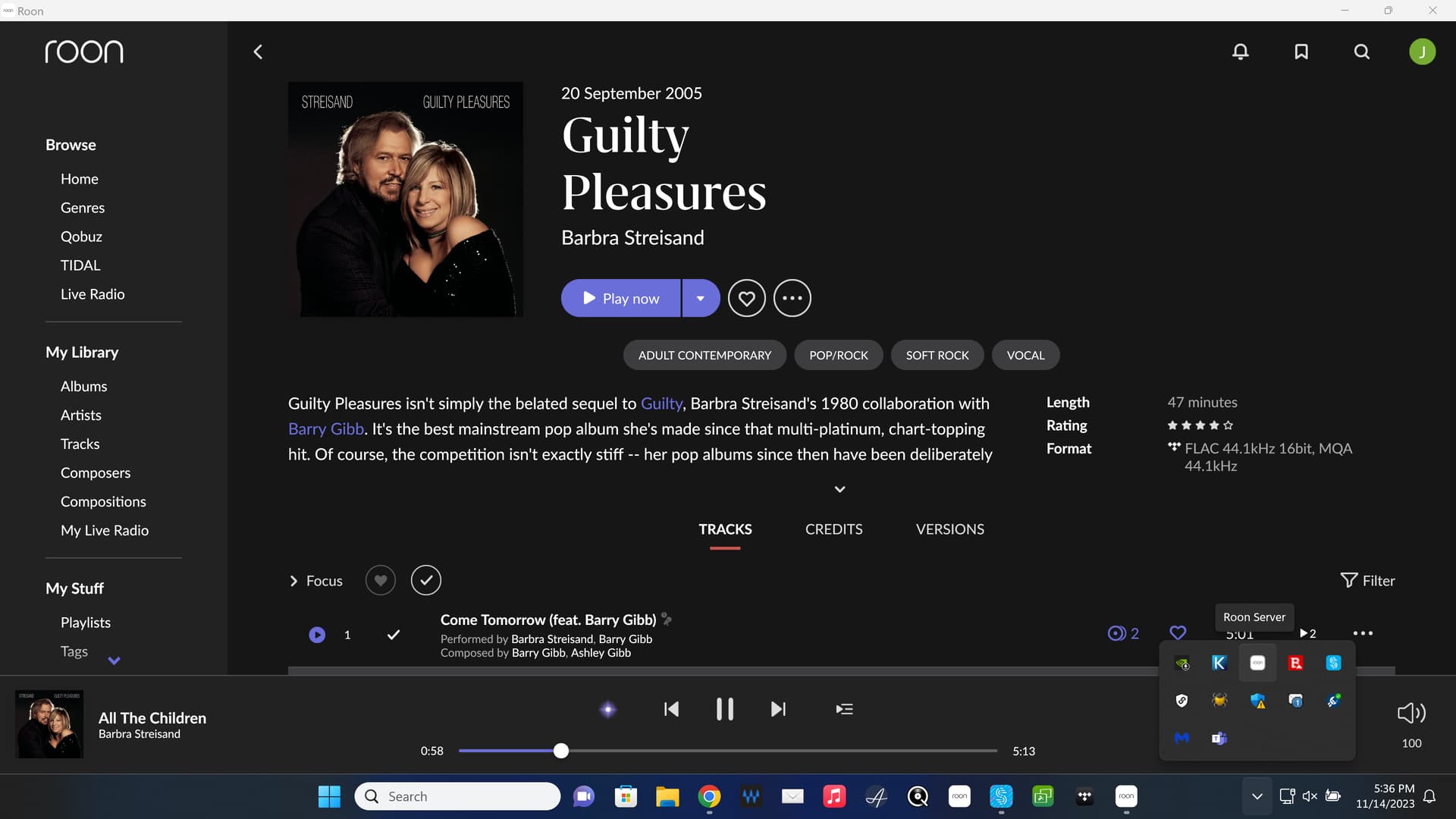
@Chris_Peabody, Roon Server has been combined with the Roon GUI for download purposes, but now installs separately and can be managed as separate applications on your Mac or Windows computer:
Just so I’m clear, Roon Server is now located in the original Roon software and somewhere along the lines during installation, I can pick Roon Server vs Roon?
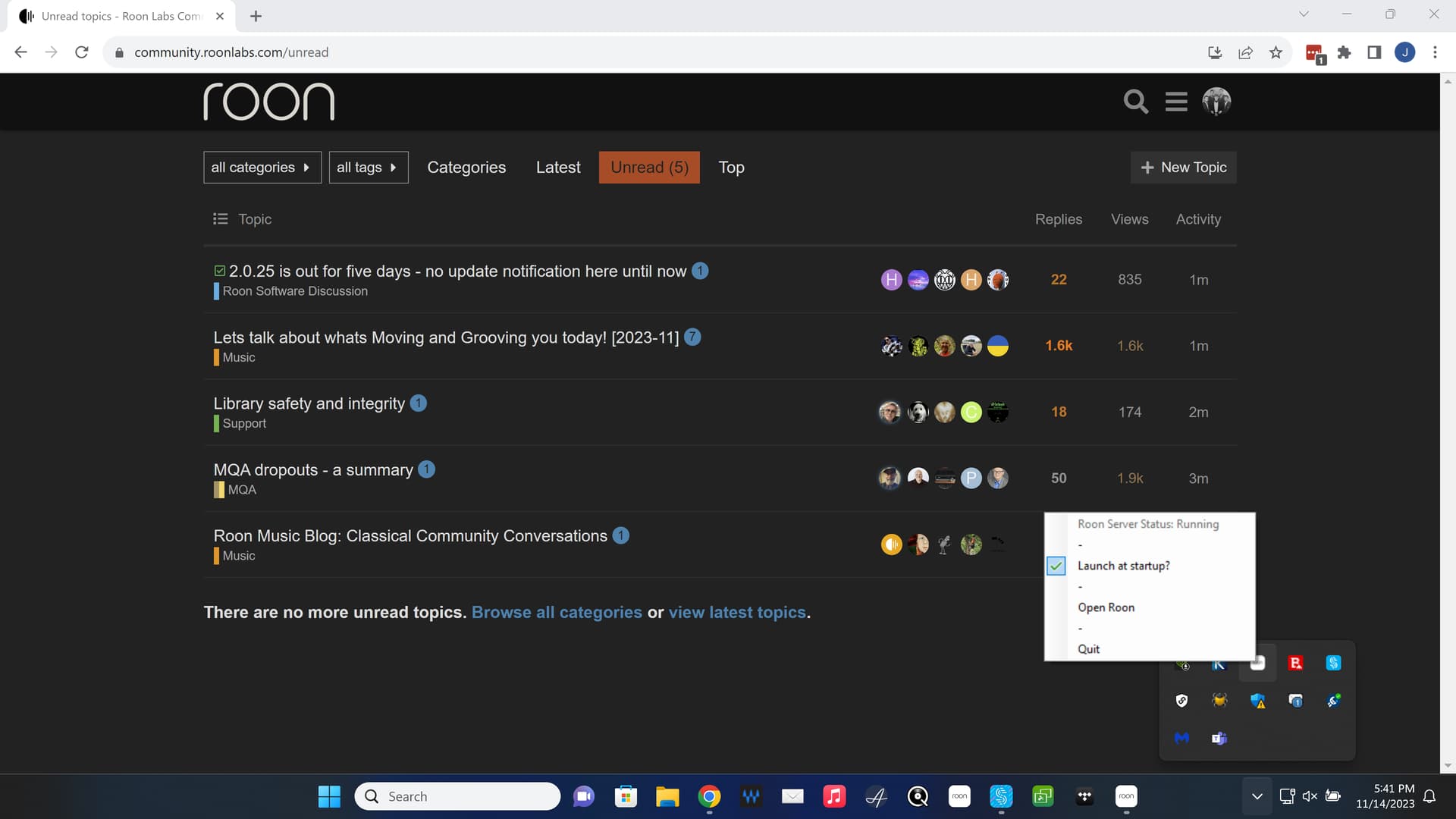
That is correct. If it is installed on your Roon Server (what used to be named the Core), then it installs automatically along with the GUI if you use Windows or Macintosh. You select the Roon app to run the GUI and the Roon Server to start the server.
If we are already running roon on a mac (say) as just a control, should we redownload to just install that element, or has the update realised its just a control point?
I don’t have two apps in my app folder for mac, which I what I am assuming if you want server and controler?
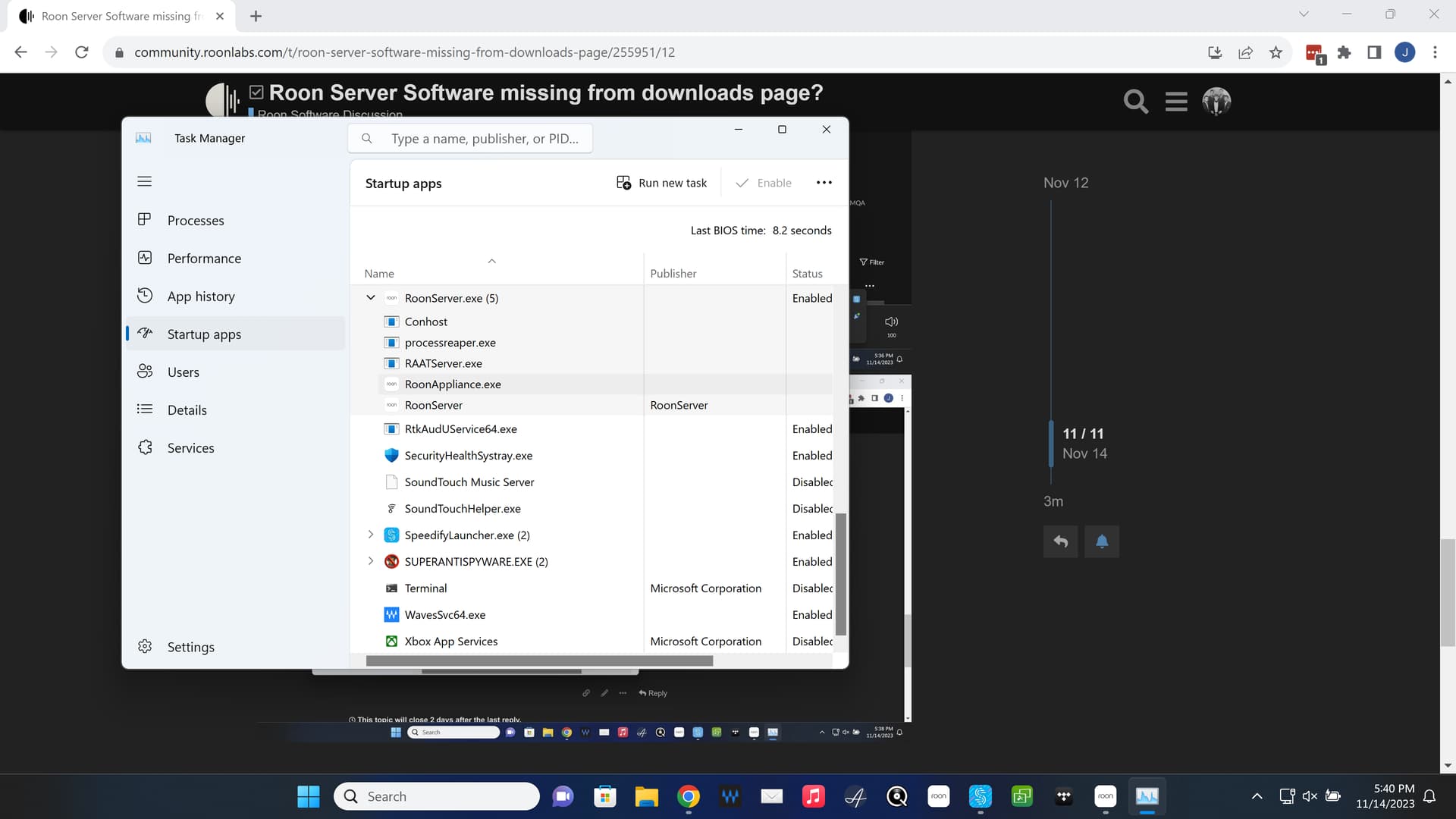
I think the Roon update will install both. Then you can shut down the Roon Server and leave it down if you don’t need it. Or, you can tell the Roon server to open on boot up of your device. If you choose to not start on boot up, you can start it manually when/if you want to.
The GUI portion is simply start and shut down Roon as before. It’s pretty slick actually.
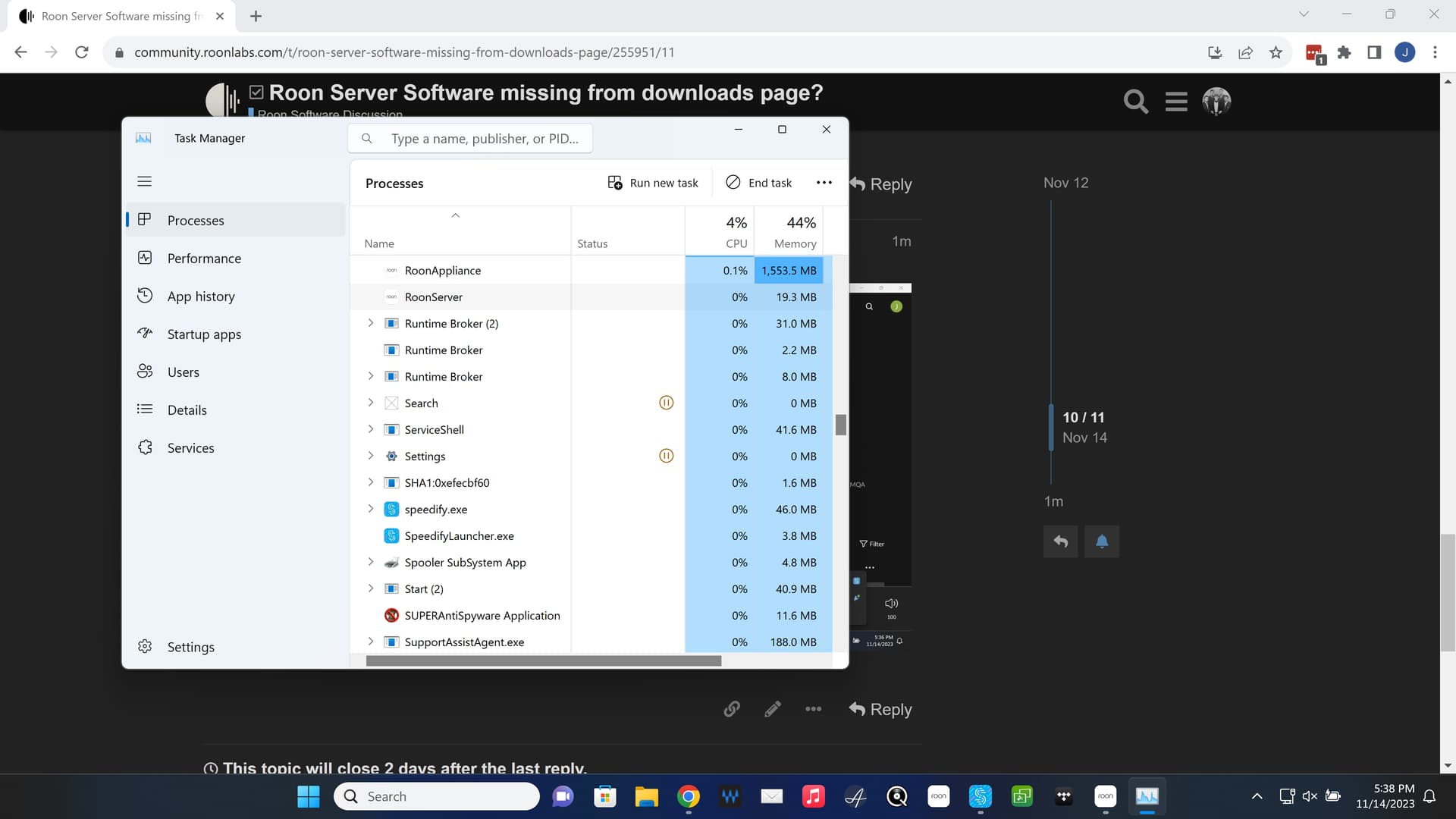
Well As an experiment I deleted on my PC and downloaded and installed again. I don’t see any difference, in task manager there is still raat server instance and roon app instance. They are wrapped in the same app icon.
I don’t see any way to not have a server running, perhaps I have misunderstood what this update was about. My hope was it would be nippier as I just want to as control for the server.
Would be great if the option to turn off server was there.