This topic came up discussing with customers and users:
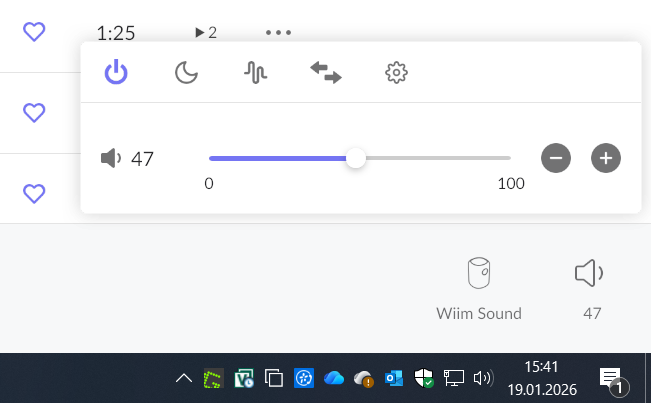
Easier handling of volume control pop up widget.
Using a smartphone with a large 6" screen, the volume slider 0-100 is about 3cm wide, the + and - buttons are approx 4mm in diameter. On a tablet, these measures are 6cm, vs 6mm for +/-.
If we have older users with less that optimal vison, this might be tricky to handle properly, and the risk is to accidentally set volume to an (for the hearing and equipment) dangerous high level!
So my suggestion is to have an option in the settings for a larger Slider and larger buttons. So we get a nomal setting (as it is now) and a larger version popup thats more easy to handle and operate.
Would that be of interest.