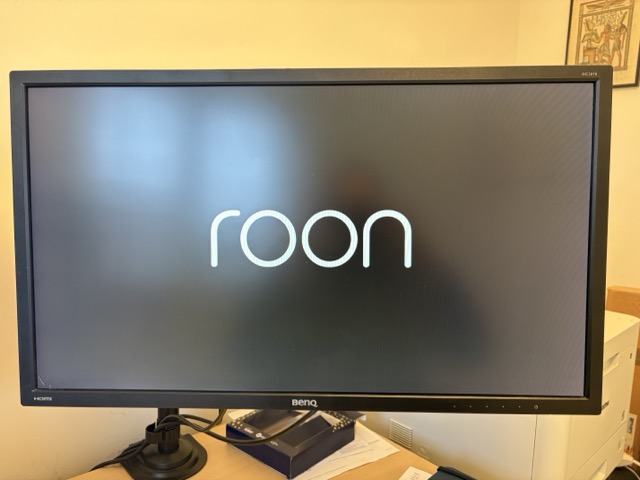
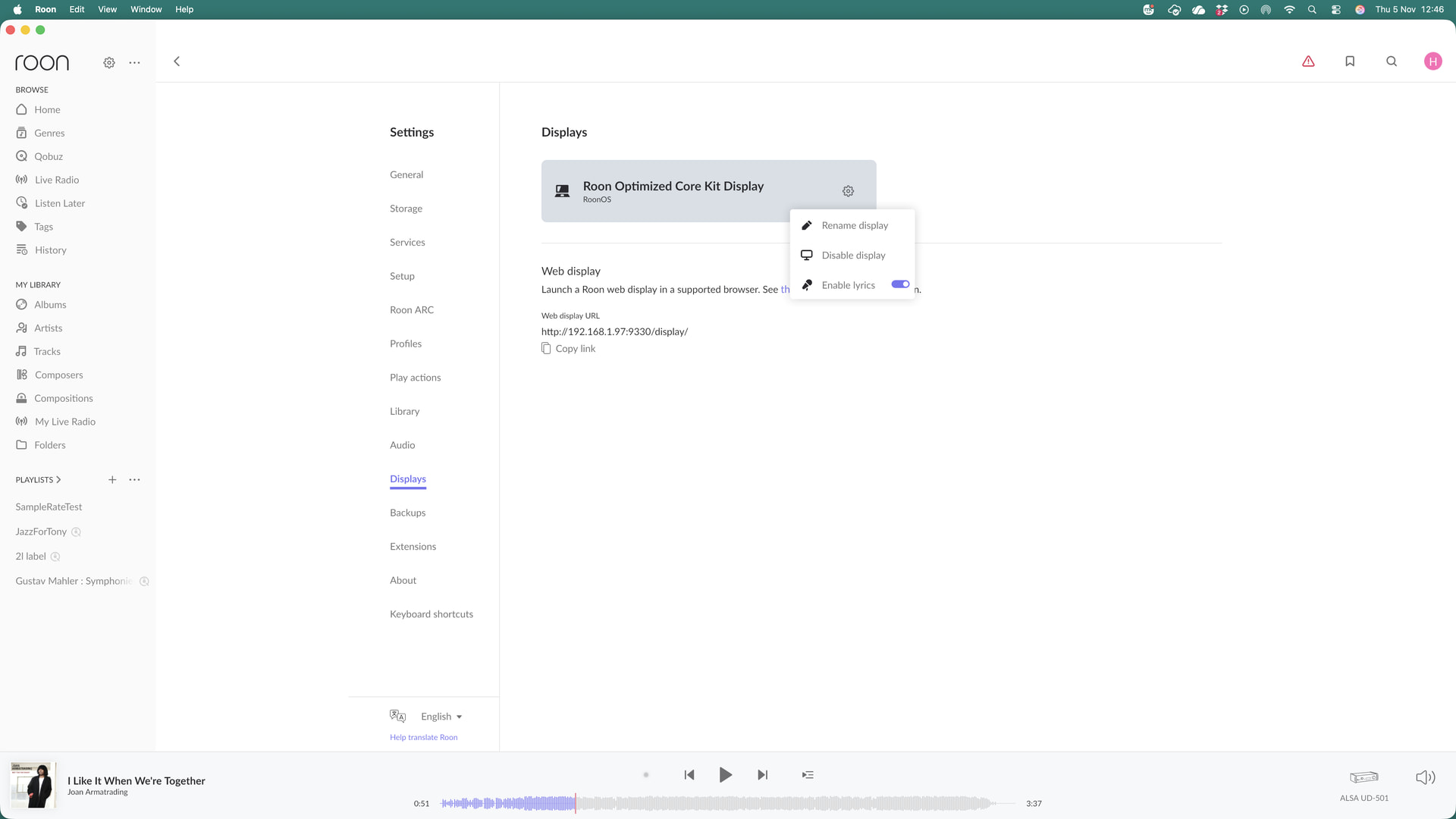
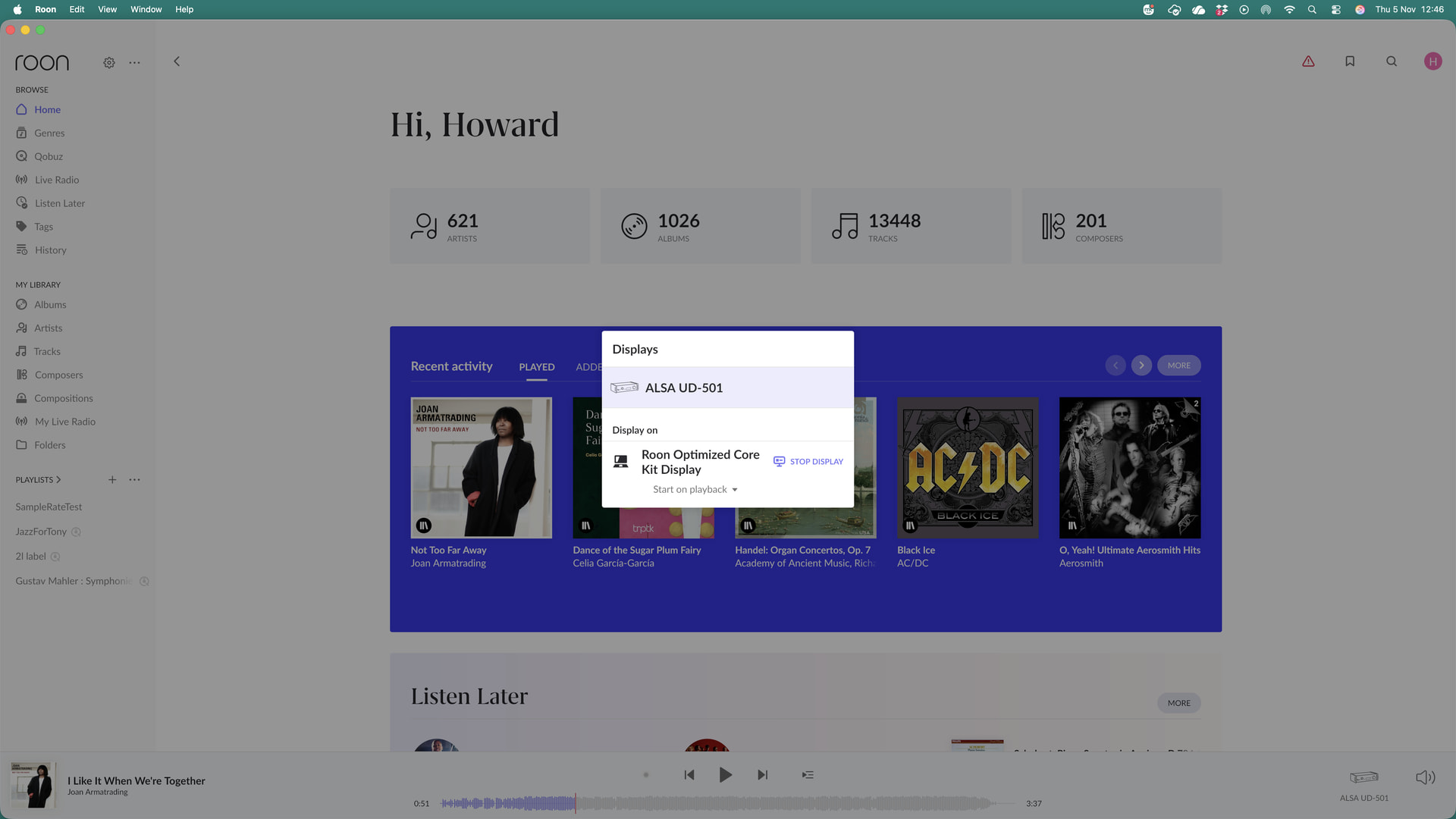
So I guess the Roon server is not talking to the display.
RoonOS is running on a GEEKOM A5 Mini PC,(AMD Ryzen 7 7730U,16GB RAM(up to 64GB),512GB SSD), however, everything else Roon wise is working as it should.
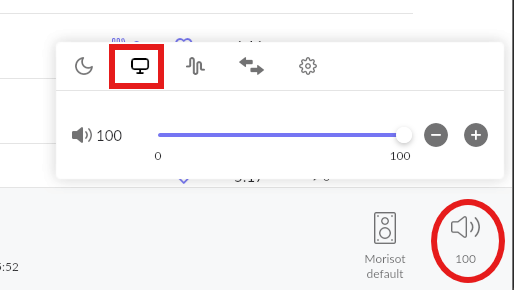
Have you attached the display to the Zone that is playing? First click on the Zone’s speaker icon to bring up the Zone settings, then click on the Display icon to attach the display to the Zone.
There is likely no matching graphics driver included in Roon OS.
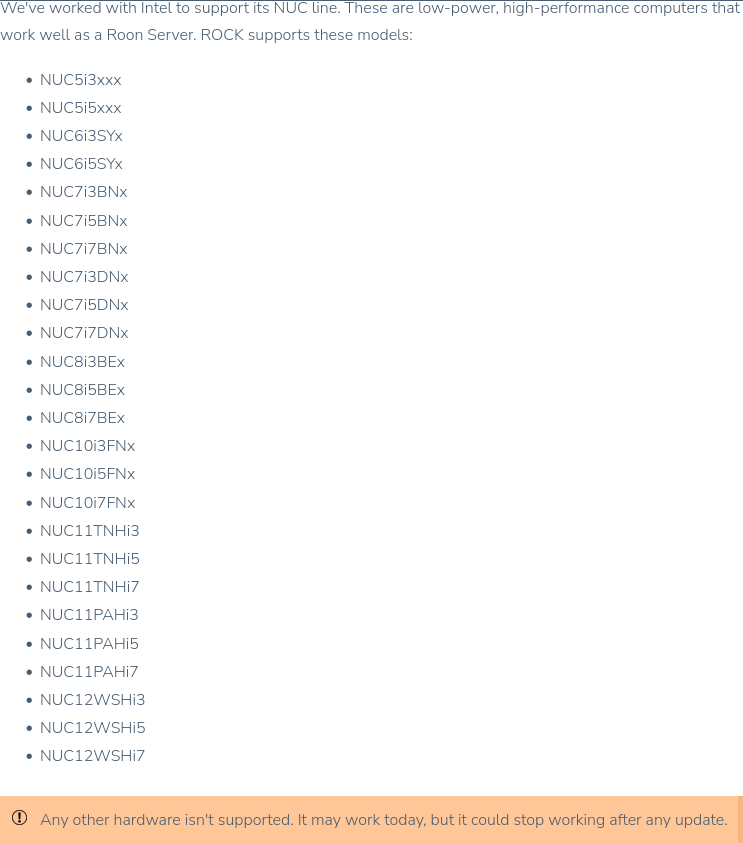
Note: Roon OS / ROCK is designed to work with a limited selection of hardware (Intel chips based NUCs).
I’ve used several non NUC setups with Intel chipsets and and so far no issues…in audio devices it shows up as a tv on the hdmi ports showing on the core
I have a Geekom with an AMD Ryzen 7 8745HS a Radeon 5600 and 32Gb of RAM and the browser window works. This is the desktop I run Roon on. I don’t use ROCK, the RoonServer is on another machine. I manage the RoonServer with a NoMachine remote Desktop.
So this may or may not be helpful.
Once you’ve got the URL and pasted it into the bar (I use Waterfox, which is Firefox), go to the Roon app and click the symbol for the sound of the zone, probably just a speaker but if your zone is Ropiee or similar the icon will vary. So long as the Roon splash screen is on the browser the monitor symbol should be on the popup. Select that and it should identify the monitor (in my case Firefox Windows 10 - though it’s 11), enable the display and the browser window will show the Roon Album and Track.
Can you try restarting your Roon Server on your ROCK/NUC? I recall that this was necessary when RoonOS 3.0 was in Early Access to get the display function working…