Having read several threads, I still cannot find a solution for the following issue and was hoping someone could point me in the right direction please.
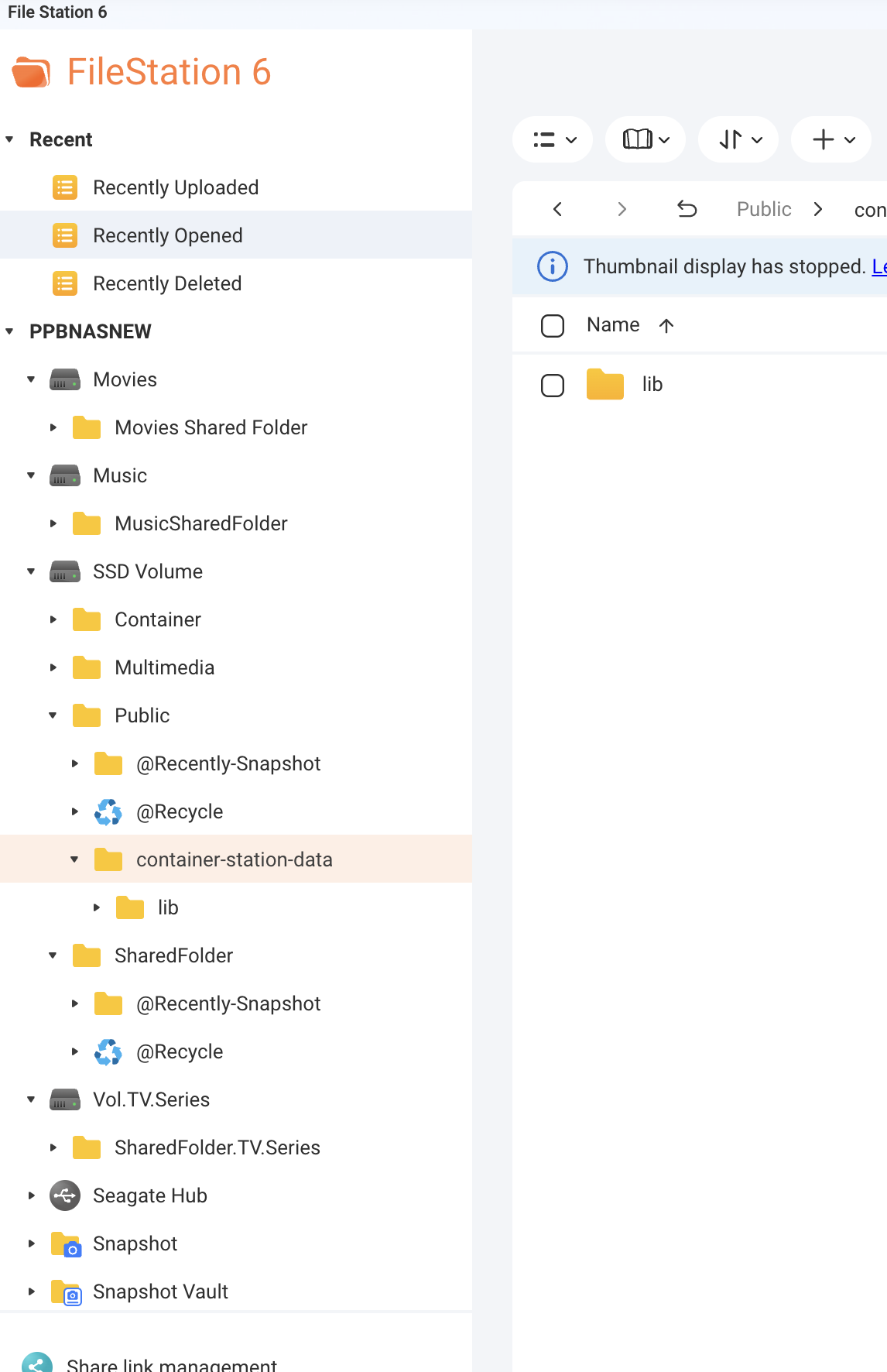
I’m running a QNAP TS-464, firmware QTS 5.2.9.3499 (latest version), with an SSD in the M2 slot, and 2 SATA-drives for music, movies and TV. I’ve installed Docker, and the disk/partition/folder structure is as follows:
In an attempt to run Roon Server from the SSD, I’ve generated and pasted the following code in the Docker station to create a new Application, which Docker somehow won’t do:
Except adding the /share/:/MusicSharedFolder, all the other parameters are the default ones.
If anyone has any ideas, I’d be much obliged.
Many thanks,
Paul
mjw
(You want nice, supportive? Call a damn helpline.)
2
The Volumes are incorrect, and should be like this: /share/MusicSharedFolder:/Music.
That is, the path on the left is on the NAS, and the path on the right is inside the container.
Moreover, you only define three volumes:
Roon
Roon Backups
Music
Use the recommended configuration for Roon and RoonBackups, i.e. /share/Container/roon and /share/Container/roon-backups. Make sure those folder exist and are writable.
Many thanks MJW - I’ll try this. Sorry for the late reply - I wrongly remembered getting an e-mail whenever someone replies to a topic I created, so wasn’t aware someone had already answered it.
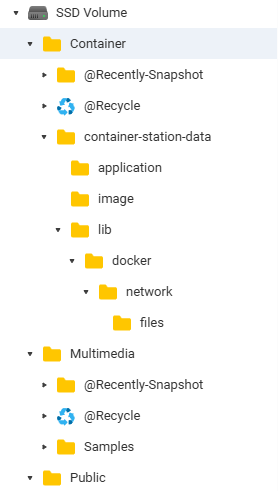
that worked, thanks.Now I get the e-mail notifications about forum posts, but still struggle with the correct configuration. After a bit of (soul)searching, I noticed folders “container-station-data” in two places, one in the folder “Container” (right below the name of the SSD Volume)
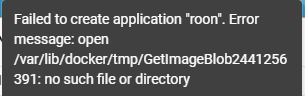
I suspect so because the error is no longer that there is no space, but rather that there is no such file or directory:
I’m sorry people, but I’m in way over my head here - I understand the old Roon app is no longer working, but it does mean that for some of us it takes a lot more time and brainpower to enjoy our music again. Nevertheless, thanks for the effort of keeping Roon alive!
Thanks, as always!
mjw
(You want nice, supportive? Call a damn helpline.)
7
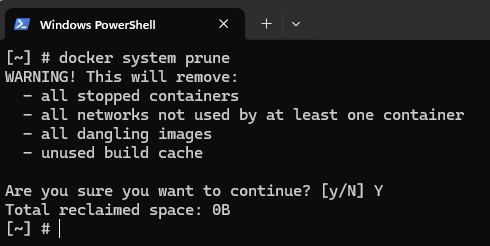
I think the pruning job you ran removed the folder, which is why you got the error this time.
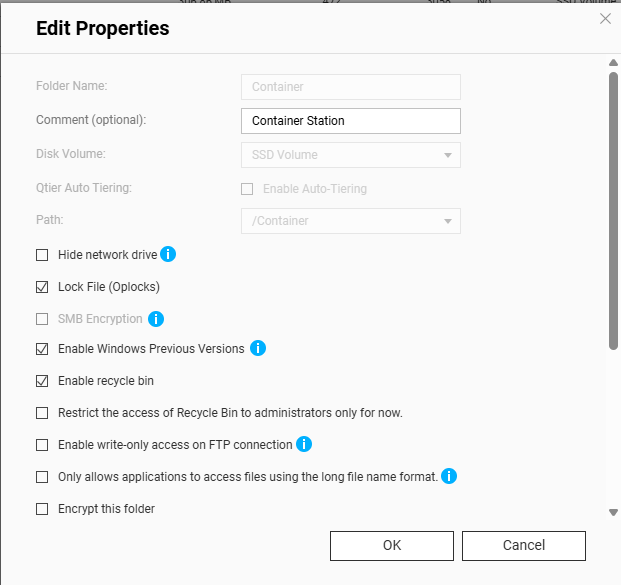
Many thanks MJW - that did the trick. More in detail- in QNAP’s control panel > privilege > shared folder, I set my own accont (not admin) as the owner of the Containers folder, see screenshot below.
For the sake of other users with my level of understanding - the part in bold was specific to my NAS, so you’ll have to change that.
The docker station successfully installed Roon. Upon opening not the roon server on the NAS, but my roon client on the PC, it took a while for Roon to recognise and connect to the server on the QNAP, but it worked and is now scanning through the music files.
Many many thanks, MJW - looking forward to enjoying my music again thanks to you!