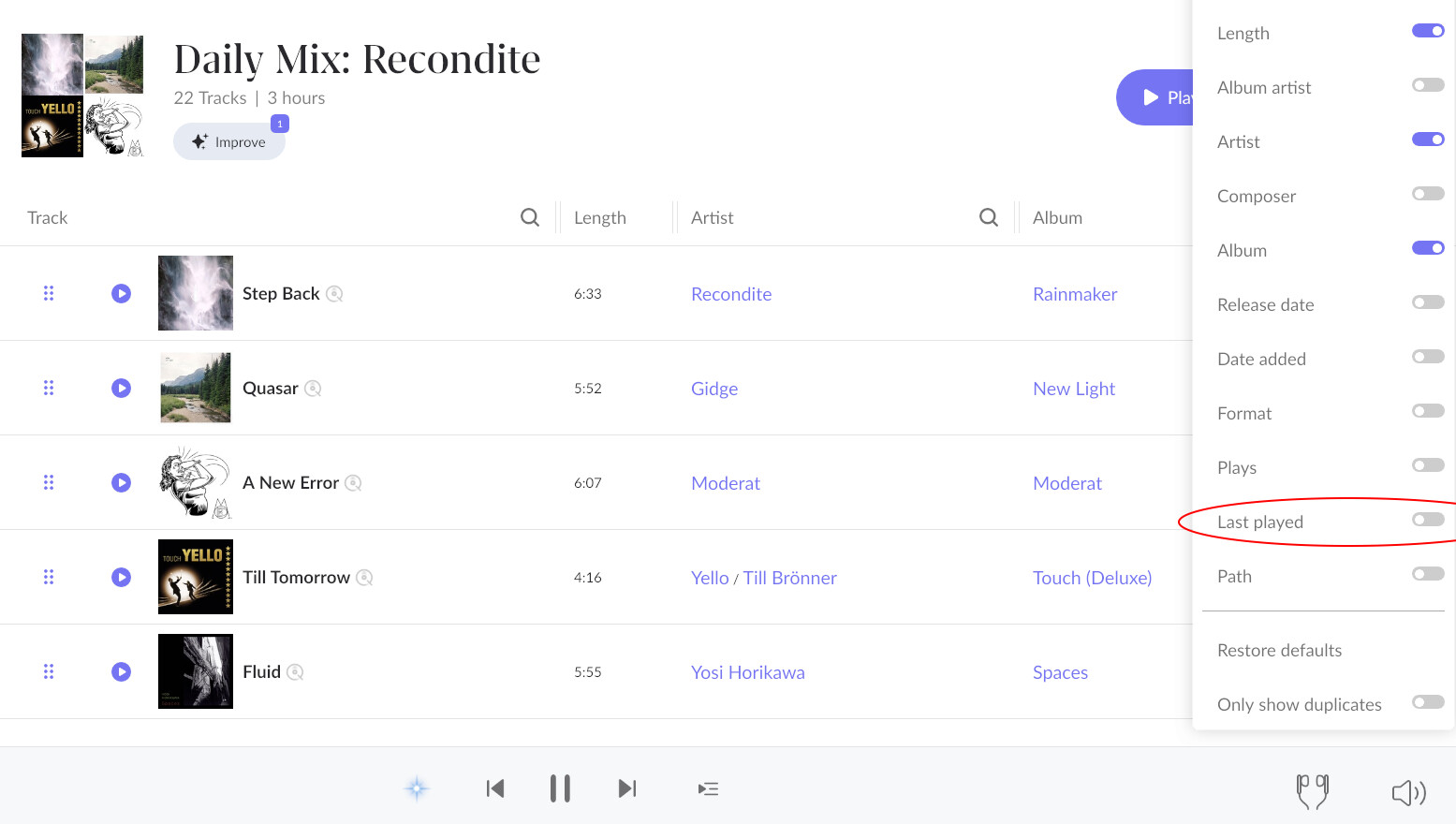
That said, now I was so confident that there is a manual play count edit for local files but I can’t find it now. I think I was confused.
(All the better because, to make my play count sorting somewhat resemble my pre-Roon history, I went through my library and played albums to a silent output for a year, some 50 times )
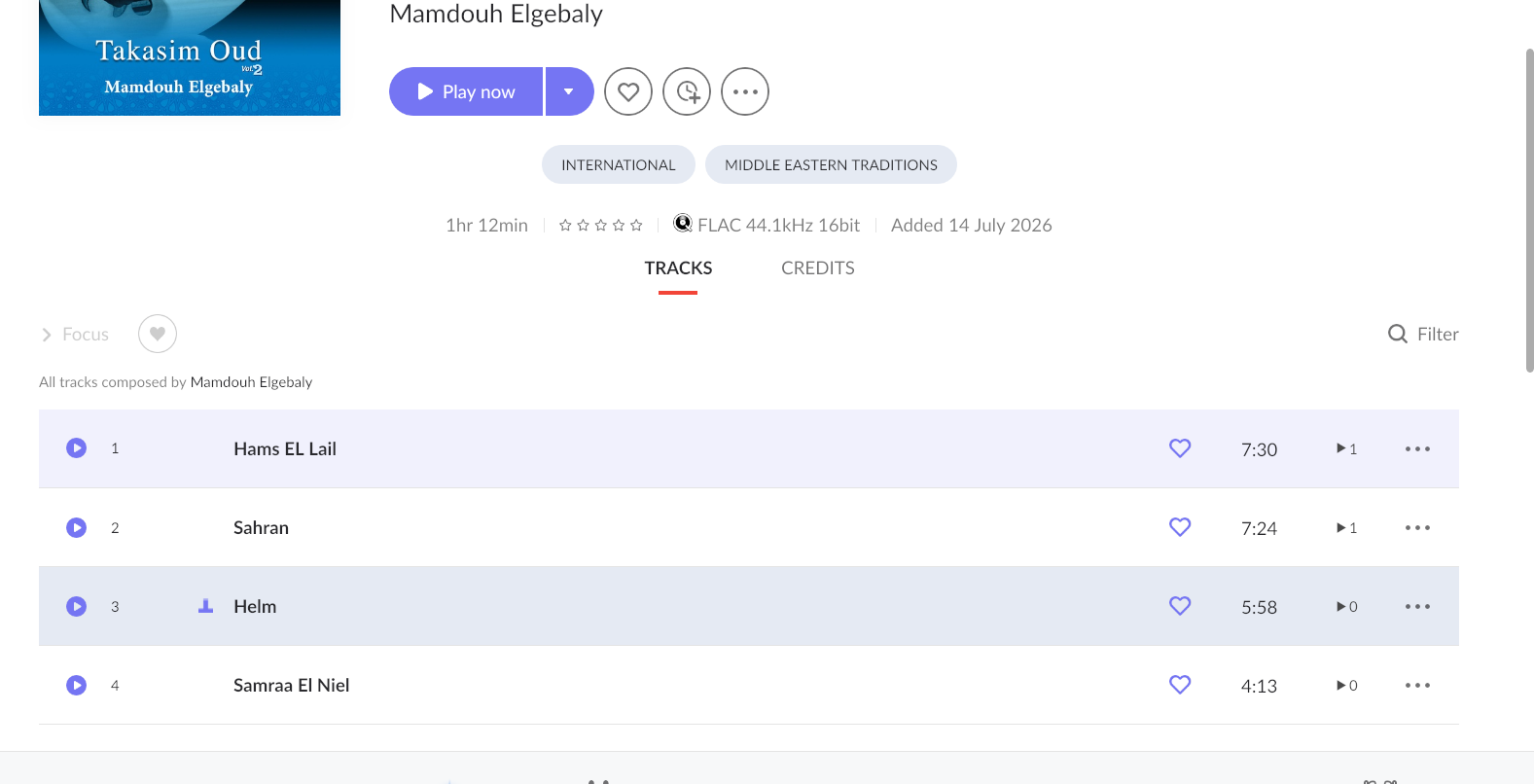
What display are you looking at? In the album view, counters are set automatically for listened tracks on the column with the little “playcount icon” on the right-hand side. You can clearly see what tracks in an album you have, or have not yet listened to and how many times. Roon has no feature to manually set play counts.
Alternatively, in focus you can drill down to select all tracks you haven’t listened to. In “Played in the Last” select “All Time” and double click it so it turns from blue to red. That gives you everything you have never listened to. If you do that for an album instead of your entire library it will tell you which tracks in an album you have never listed to.
I’m not near my system so I can’t verify my suggestion, but it might be possible to add every single track of an album to ‘listen later’. The ones that you haven’t heard yet, are visible as such.
To do this: open the album details page, long press the first single track and wait for it to be active, then select all (top left of screen) and then add to listen later.
 Thanks for that info after all these years. Still learning.