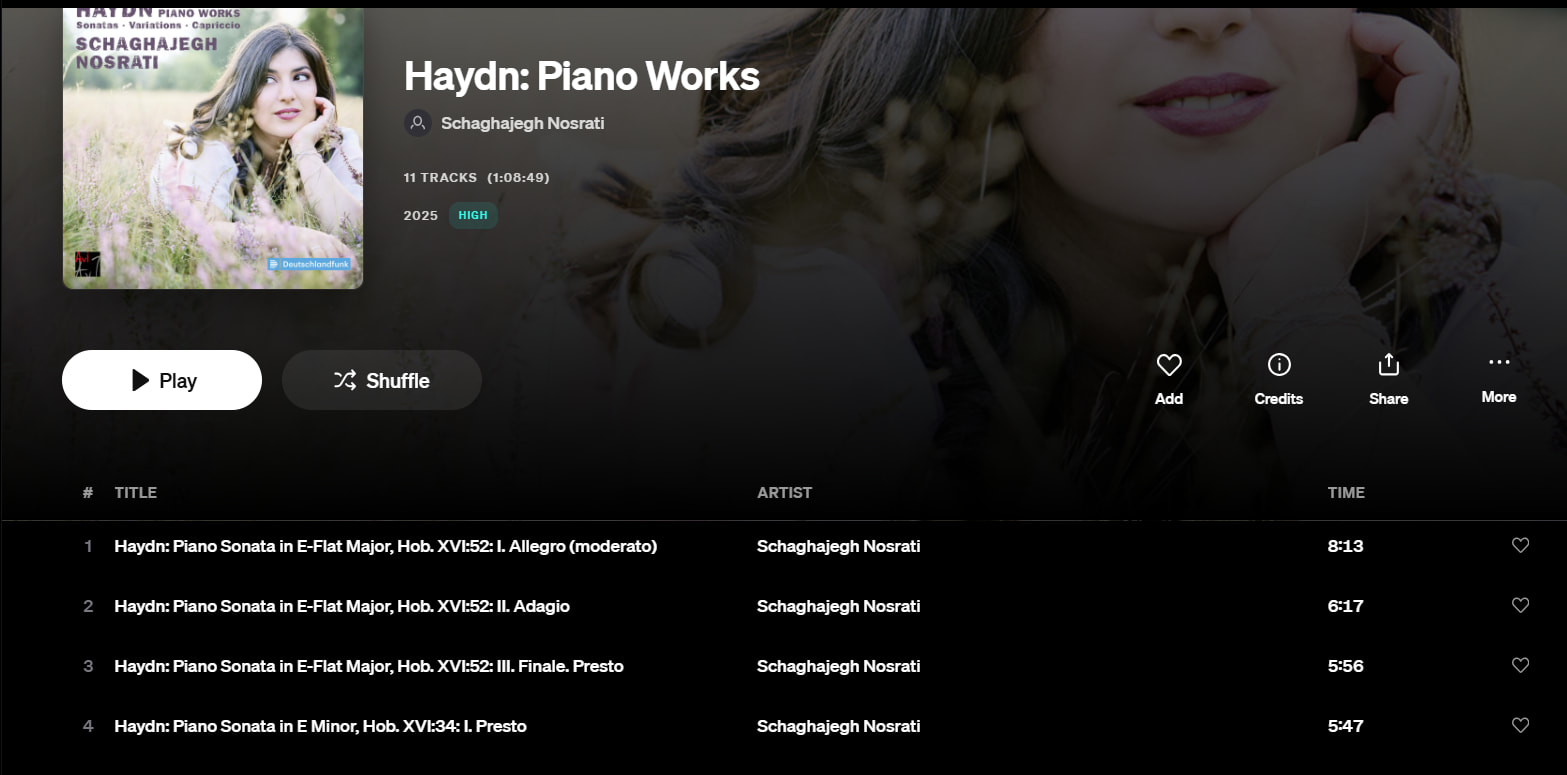
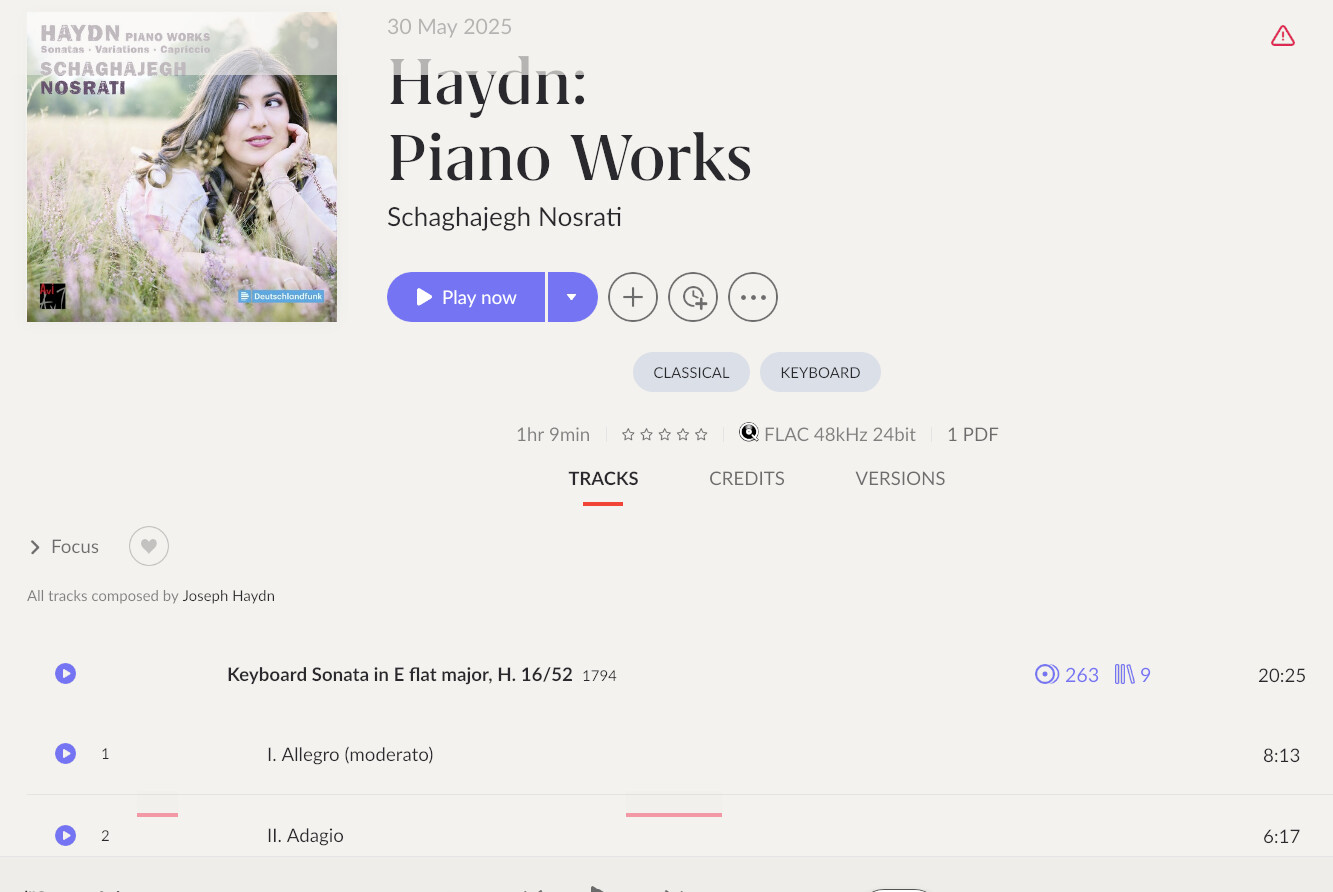
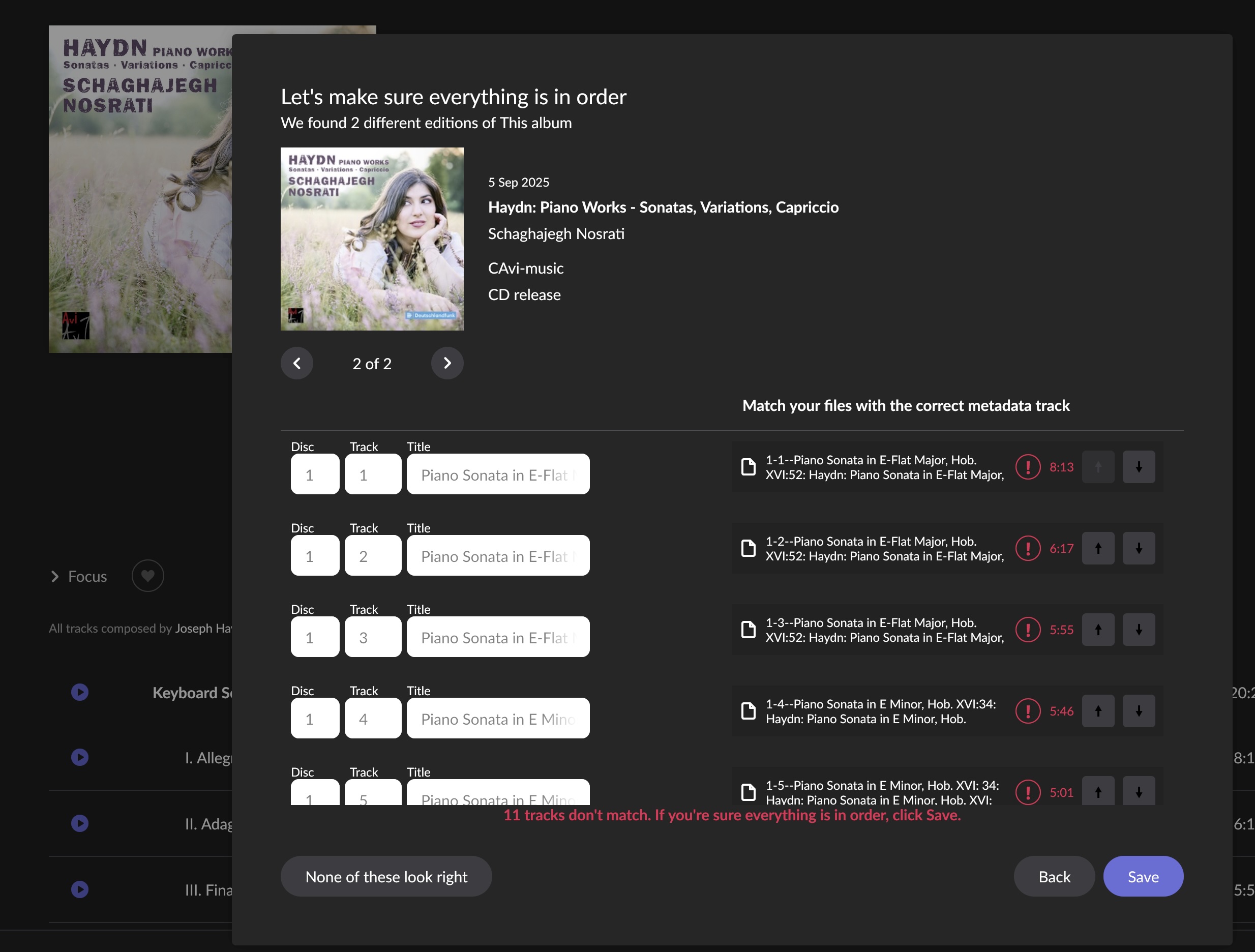
I have been using Roon for 4 years now. It is a very powerful tool to navigate and (re)explore my library, and I love it. Unfortunately, I also frequently stumble on display problems with classical music albums. There are several kinds of issues but I will only talk here about the most frequent one : the grouping of parts in a composition.
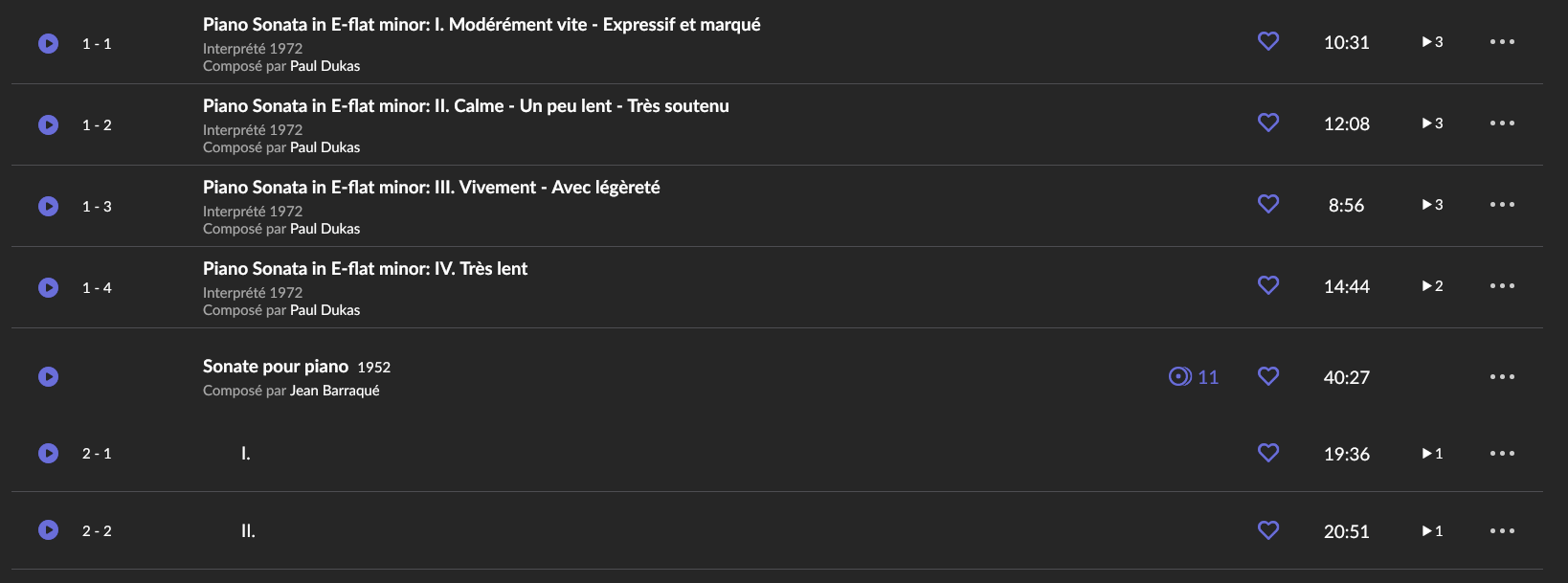
Usually, the problem looks like this :
As you can see, the sonata from Jean Barraque is correctly displayed when the sonata from Paul Dukas is not. I tried many things to fix that.
Modifying the title of the parts in Roon to have them using the same exact pattern than the other sonata, like :
Sonate pour piano en mi bémol mineur: I. Modérément vite (Expressif et marqué)
Sonate pour piano en mi bémol mineur: II. Calme, un peu lent, très soutenu
etc…
It works from time to time but usually does not. Here, it does not.
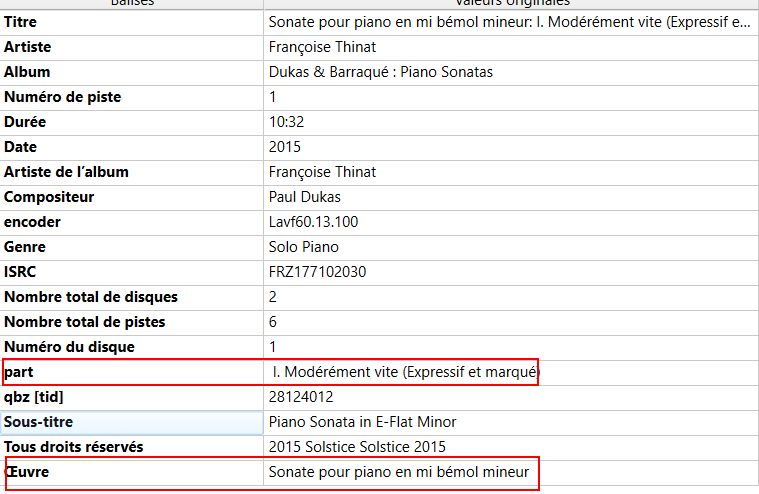
Updating the metadata of the files with Music Brainz. I added a “work” tag for all 4 movements, then a “part” tag, like this :
Does not work either…
Of course I asked Roon to re-scan the metadata.
Deleted then re-imported the album.
Rebooted Roon.
Prayed the gods, asked my dog, claimed insane poetry while dancing covered with furs and blood in front of my screen.
With no more success.
I can’t figure out why Roon refuses to read the fixed metadata here when the same operations can, on some other albums, give the desired result.
It is a very frequent problem with so-called multi-part compositions. Metadata sourced from roon´s assigned database services, such as MusicBrainz, as well as genuine data from streaming services, is pretty inaccurate at times.
Don´t loose hope, in case you have local files, there are ways to tell roon the correct data on compositions.
Maybe the following ideas might help:
Try to call the %WORK% tag really %WORK% and not %OEUVRE%.
For the composition title under %WORK%, try to be as close as possible to the original composition title as recognized by roon in the official Opus list for the composer in question, including Opus number. The %WORK% tag must be identical for all tracks of that composition, roon is case sensitive here (same applies to Opus No.)
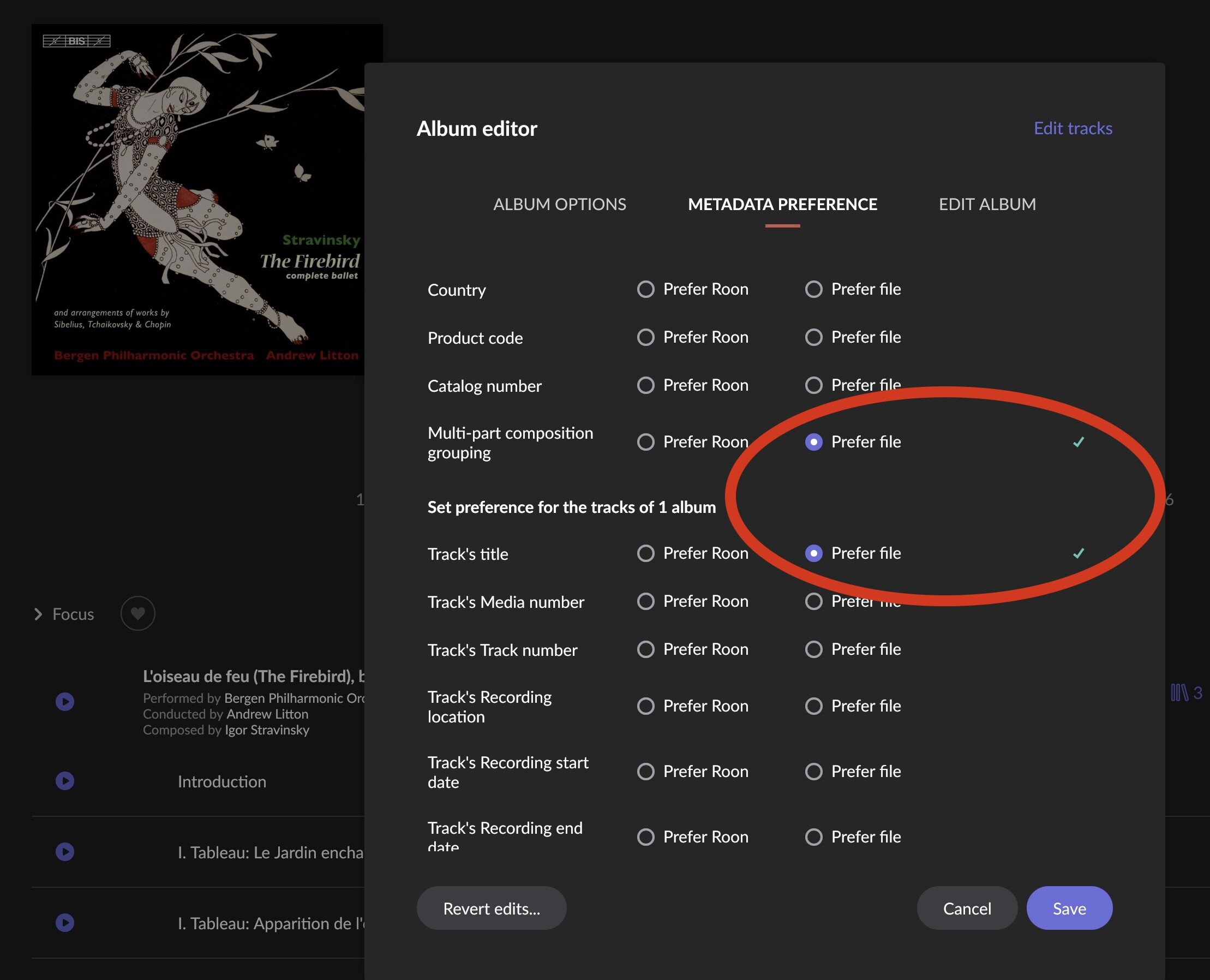
Tell Roon under Edit Album > Metadata Preference to source information on multi-part composition grouping from file tags, not roon´s metadata:
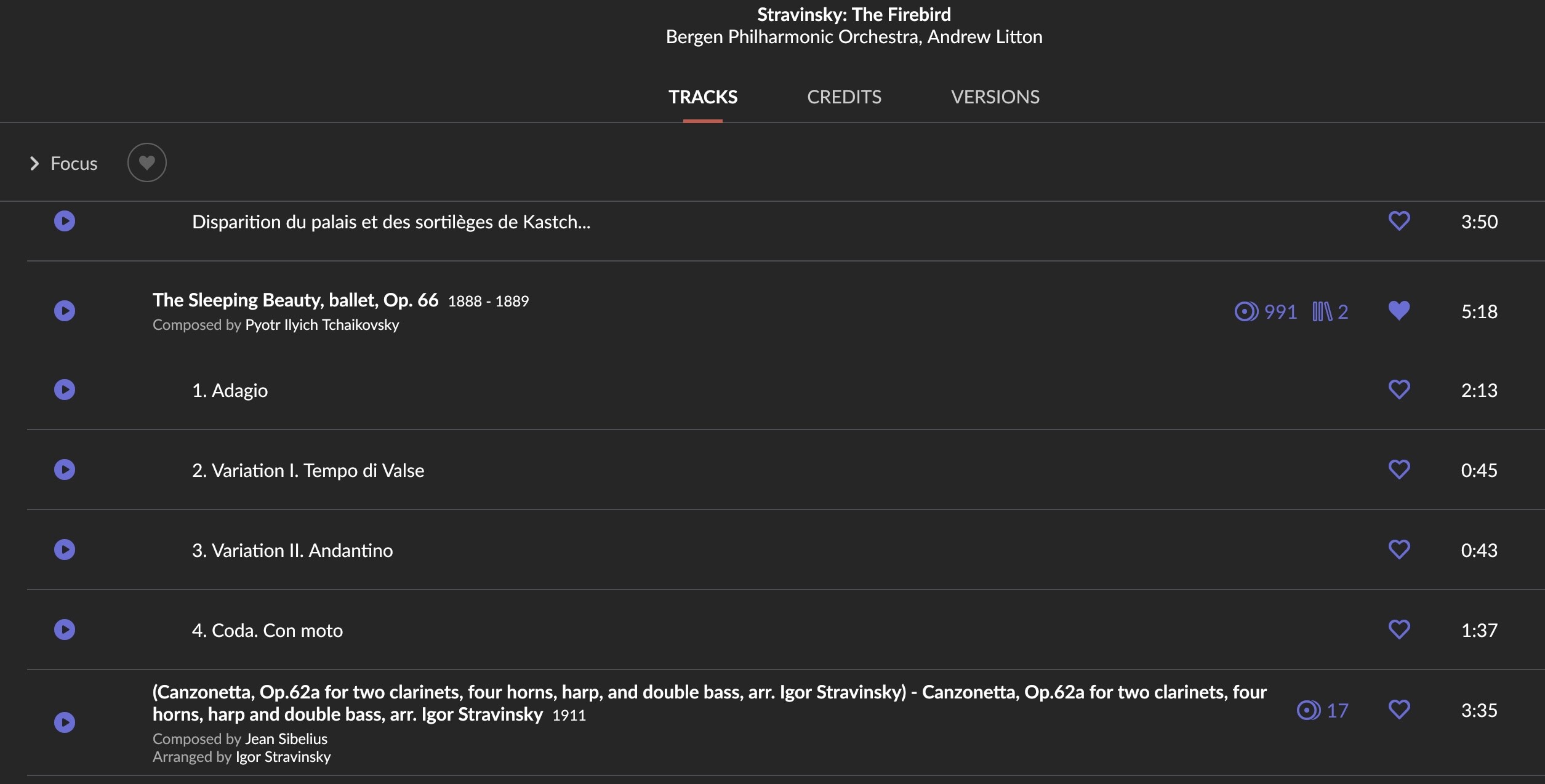
Recent example from my library of a composition not being recognized (Opus 66 is missing here, and roon´s data on that composition does not match the 4 tracks either). I additionally like to choose track name preferred from file, as sometimes it is helping roon to extract Opus numbers as well. The result:
Sometimes roon remembers bad composition grouping for a while, so it helps to move the album out of roon´s watched folders, clean the library and reimport with correct settings. Good luck!
“Oeuvre” is only the localized display of the tag in Music Brainz, the tag is actually ‘work’.
I added the ‘movement’ tag (known by MusicBrainz) and the ‘composition’ tag (unknown to him but maybe Roon knows it ?) as suggested by Mark, duplicating respectively ‘work"’ and ‘part’.
At this point the Dukas’ Sonata was still incorrectly displayed.
I then moved to the ‘modify’ button of the album and set the “title” a “grouping” options in the Metadata preferences sub-menu, as suggested by Arindal and tadaaaa, the Sonata’s movements are now correctly displayed
The 2 CDs album then showed up as 2 separate single CD albums in the front page but that’s not really an issue here, anyway I merged them back into their initial box of 2 & now, the album’s details are clean.
Of course, other minor metadata related problems keep showing but I’ll make a distinct thread for them, later.
Thanks again and wish you all a nice day with your musical collections
Ha, I forgot this point : what do you call “the official opus list for the composer” ?
I was not aware that Roon was linked to such a catalog of compositions. Is it reliable and complete ? Where is it located ?
A dedicated Opus list per composer, so every composition is either marked “Op. 43” for example, or with a composer-specific system, like “BWV 146” for J.S.Bach, “K. 626” for Mozart, “D. 920” for Schubert.
As roon is case-sensitive with names, it is important to follow the exact spelling, for example “KV 626” for Mozart (KV=Köchel-Verzeichnis) or “Deutsch 920” for Schubert, as frequently used in musicological encyclopedia, would not work.
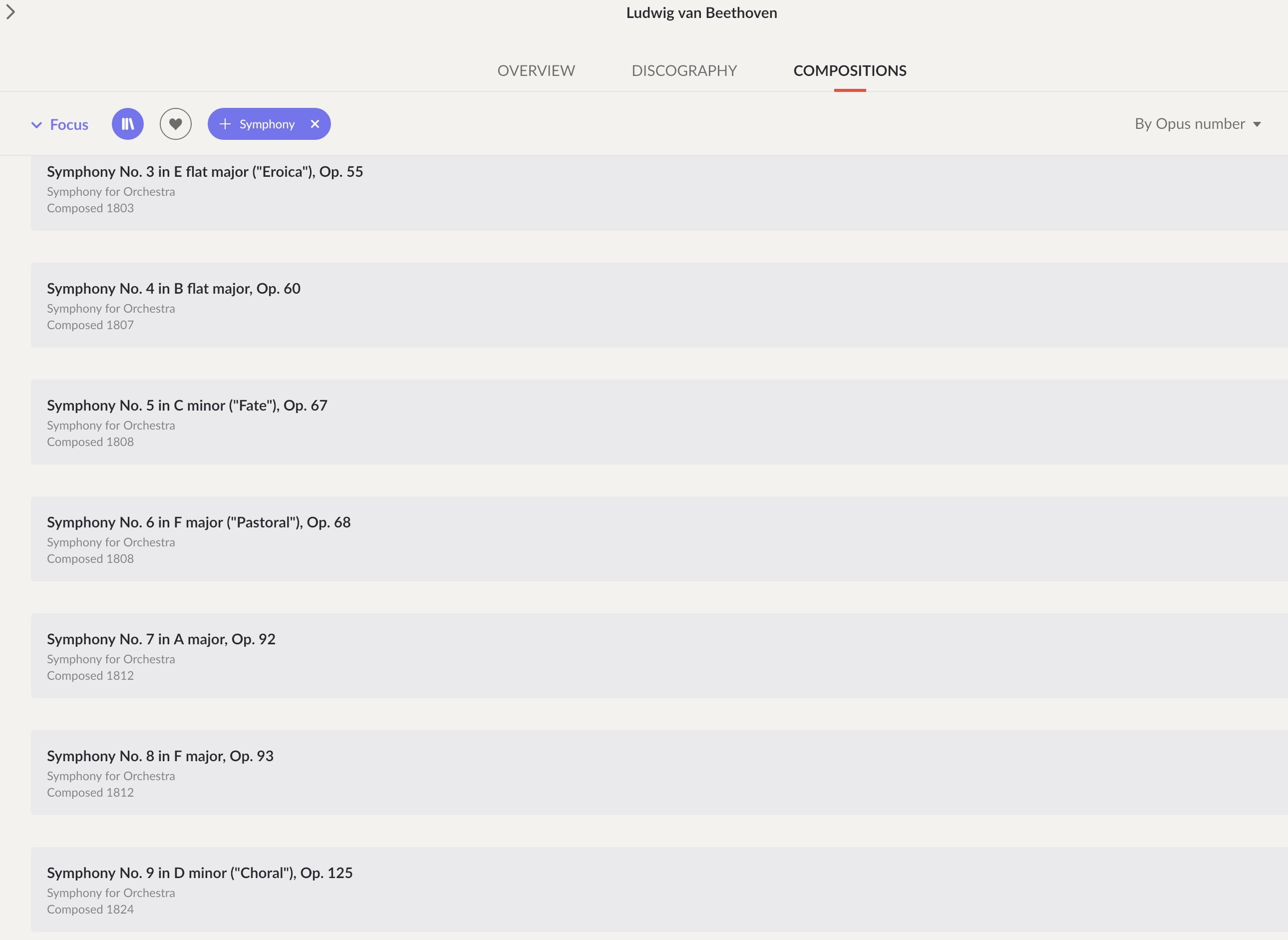
It is part of roon´s internal meta database, sourced from MusicBrainz and Xperi. I have quite some experience with classical opus lists (family member with professional musicological background) and am happy to say that roon´s system itself is awesome. You can compile a composition list per composer, sort it by Opus number, and find a page for every composition listing available recordings:
There is also an overall composition list of your library. As mentioned, the system is fantastic, but it is heavily relying on consistent and recognizable metadata. Particularly when used with Tidal, expect glitches and wrong as well as multiple entries. Qobuz is a better, with local files it totally depends on how good your tags are. I have invested a considerable amount of time into my collection (which is just 2,000 classical albums being perfectly tagged, the vast majority I just left untouched and ignored by roon), I think it is worth it.
I’m not sure this problem is related but I have several albums that wrap part of the title of the composition into the movements. It is okay on Qobuz. I tried asking that the track title follow the file instead of roon, but it didn’t help unless I need to wait longer.
You can find the cannonical forms roon is using on Allmusic.com. Roon uses a commercial service Rovi as does Allmusic. Roon does use supplementary crowd sourced services like Musicbrainz as well but in the first instance it refers to Rovi. I cut and paste work/part forms from Allmusic all the time.
The problem comes from the fact that the character ‘:’ is used by Roon as a delimiter when it parses the track titles to infer the work name and the movement/part names.
I think you can solve this issue by applying the fixes mentioned above: add the WORK and PART tags to your files using MusicBrainz, and set Multi-Part Composition Grouping to ‘Prefer File’ in Roon on the affected tracks if the movements appear ungrouped.
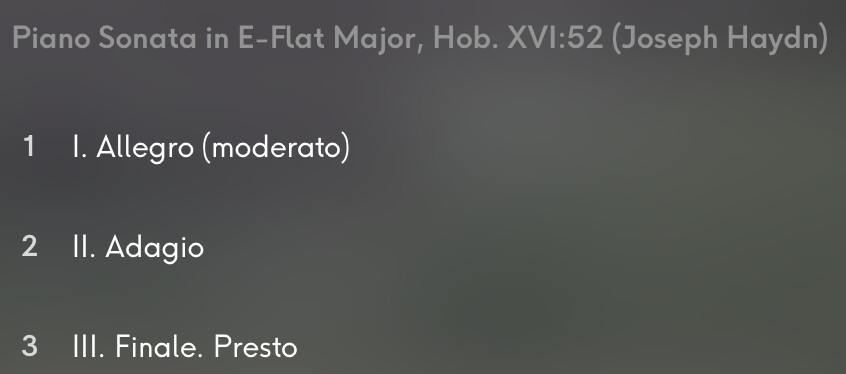
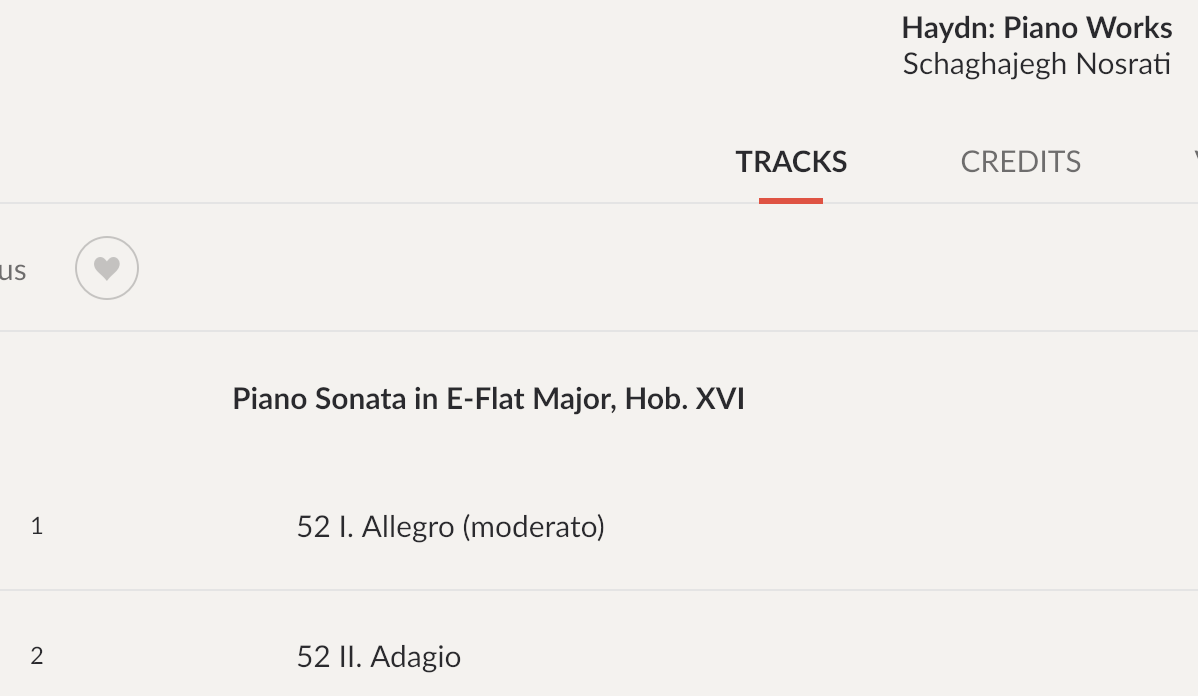
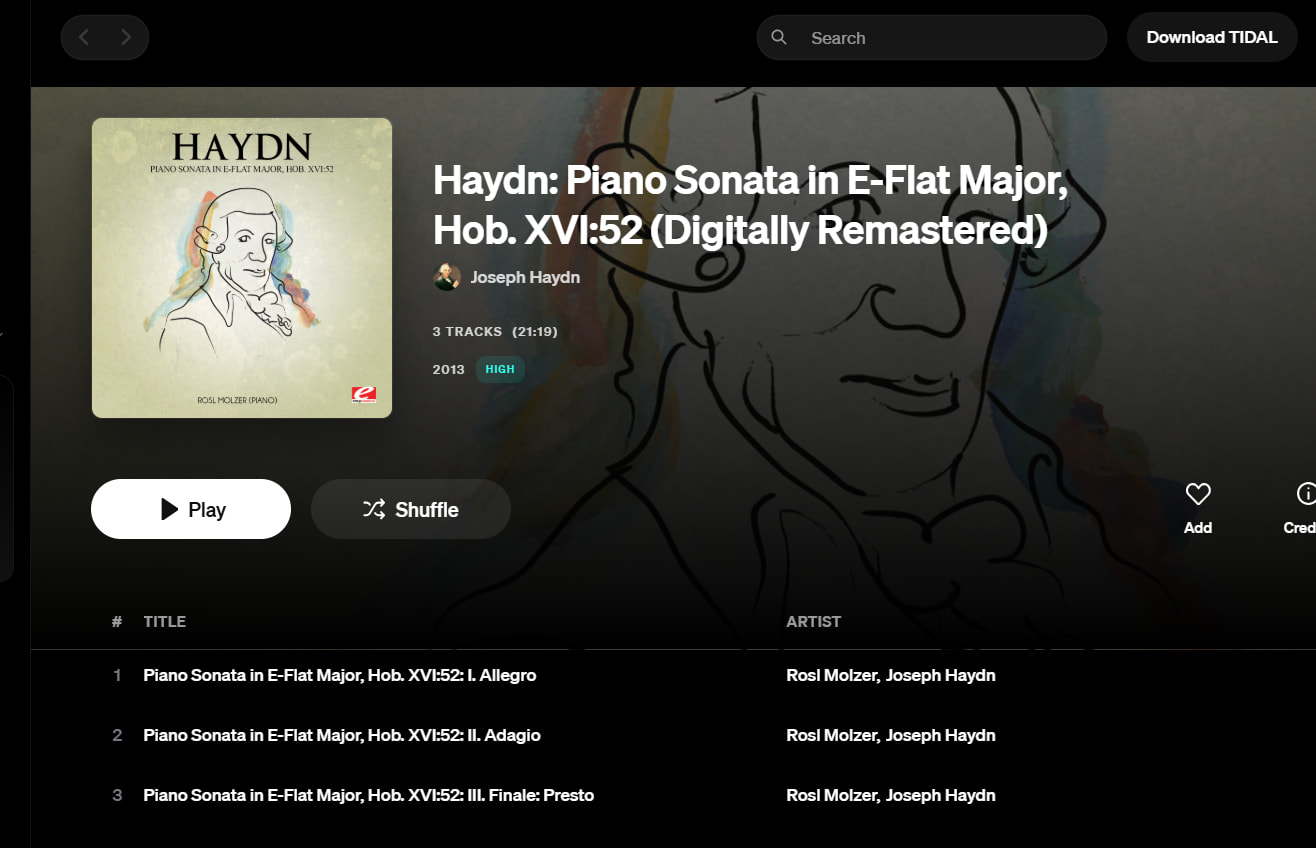
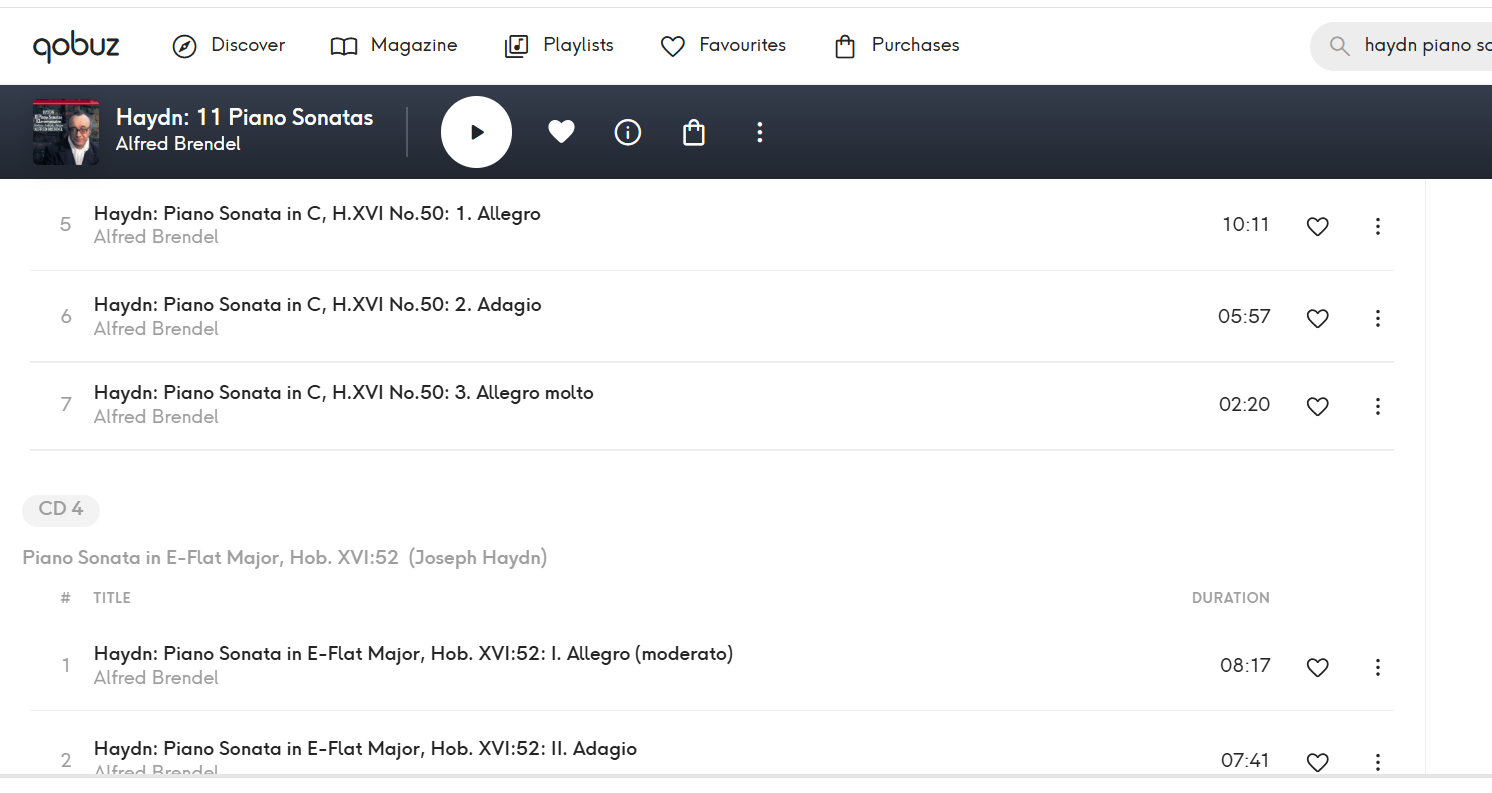
I don’t know which performance that is, but I doubt that is the Tidal native form. In general Tidal uses a very different format that roon has to remap. I think that is what you are seeing in your screenshot. This is a typical Tidal entry:
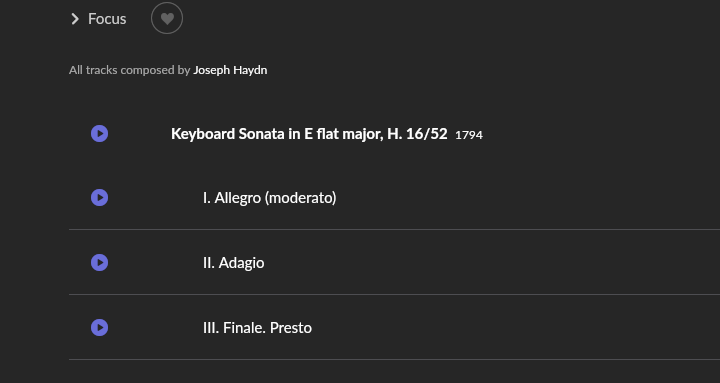
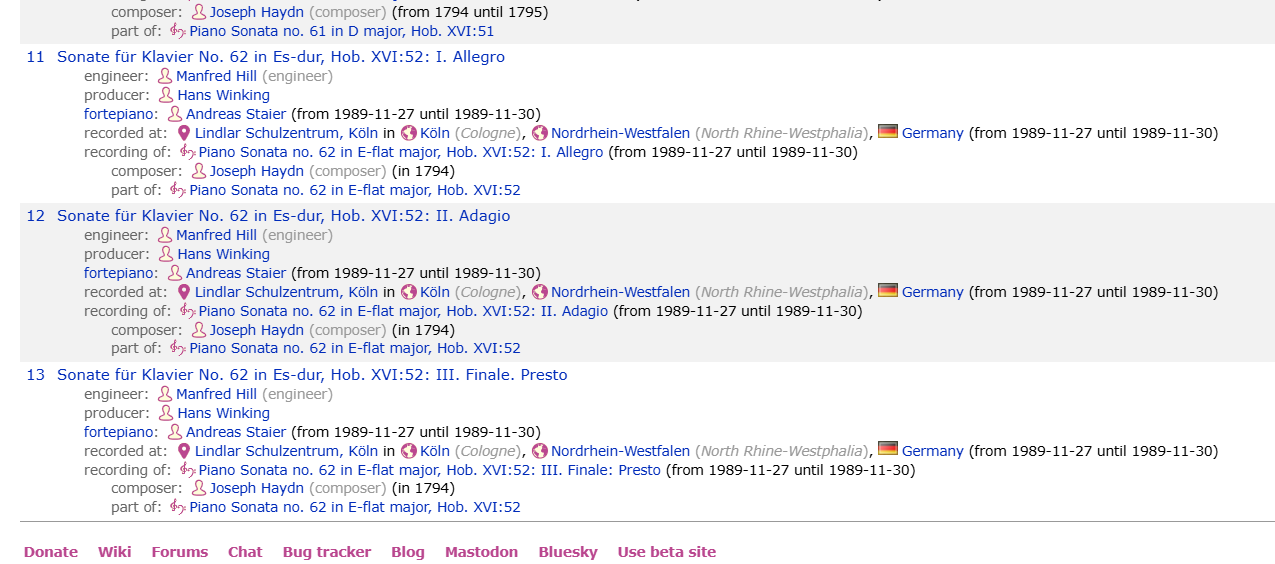
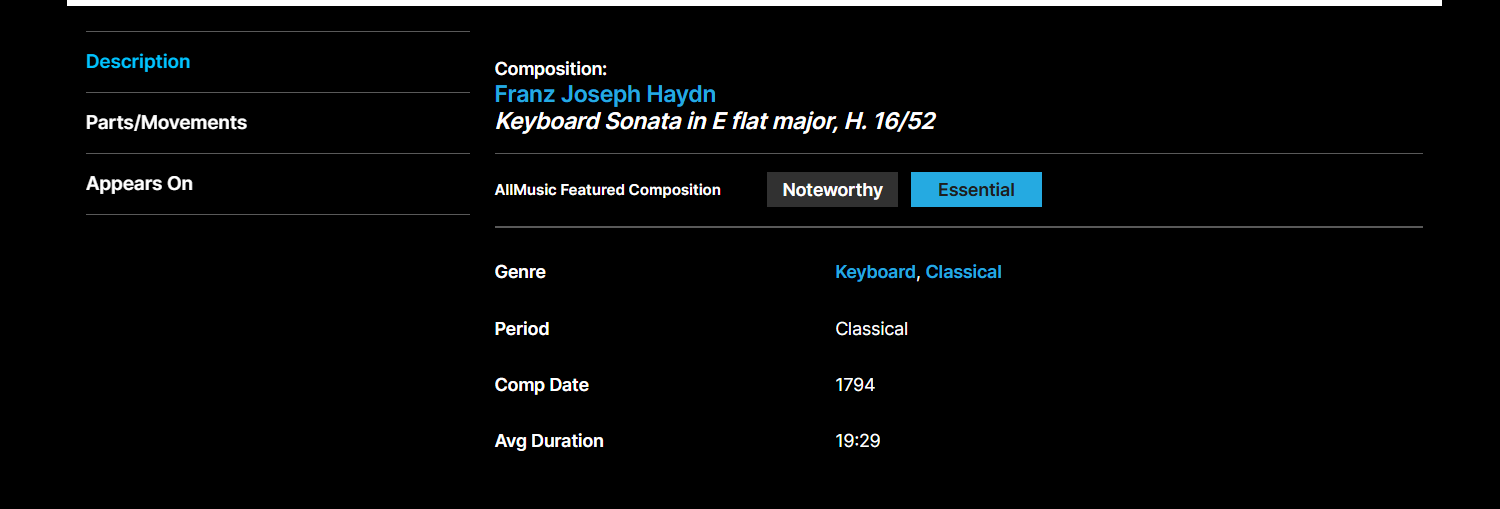
All the labels use different variations and every collector more or less invents their own format so you see what roon’s problem is. Roon doesn’t use any of these formats. Roon uses the format of its commercial partner Rovi and during the identification process substitiutes any composition formats it finds with the standardized Rovi cannonical forms. Because Allmusic also uses the Rovi service you can see the composition formats roon uses by doing a search for the composition in Allmusic:
As you can see, Allmusic uses American English rather than High German, “H.” instead of “Hob.”, arabic rather than roman numerals and a forward slash “/” rather than a colon. This is exactly what roon is using. The roon re-mapping can be even more dramatic for other composers.
This is why using Musicbrainz to reformat your metadata can often produce hit-and-miss results. Often, roon can map the Musicbrainz form to the Rovi form and all is good. But sometimes, especially with more specialist genres it cannot. In general, if you are struggling with a composition identification, it is just quicker and more certain to cut and paste your work/part tags from Allmusic and only resort to Musicbrainz if there is no Allmusic entry or you want to add a metadata entry to Musicbrainz that would be otherwise unavailable. Roon scans Musicbrainz and eventually picks up metadata there that Rovi does not supply and several regular posters here do that. Many from non-computer database backgrounds find Musicbrainz very difficult to use so that may not be a solution for you.
If you are trying to add your own rip you may not be so lucky and the simplest thing to do is cut and paste the word/part tags from Allmusic where there is a 1 to 1 match with the roon composition forms.
I noticed that for several composers the canonical opus format as used by musicologists, is not recognized by roon. For example W.A. Mozart´s compositions in the form ´KV 626´ or Schubert´s like ´Deutsch 957´, not to speak of composers with rivaling lists, for example Liszt or Debussy.
If there is a simple form like ´Op. 25´, chances are much higher to be recognized, same is applicable to canonical syntax like ´BWV 1042´ (J.S.Bach), ´HVW 56 (Händel), ´WWV 90´ (Wagner). If the file tag %WORK% or %COMPOSITION% is ending with a canonical opus definition, chances are pretty high roon will recognize it.
Try to identify it manually, it exists. Seemingly roon´s set of metadata is completely missing track information, so roon will use file names, track titles and tags for identifying compositions anyways (or information sourced from Qobuz in my case).
Roon is an American product. KV for Mozart might be common in German speaking countries but in English speaking countries it is almost always K. I don’t think I have ever seen Deutsch used for Schubert for the same reason. It is almost always D. in English speaking countries. I suspect many of the peculiarities you are seeing are simply down to this if you are not US-based and you are used to seeing different composition forms to roon’s default’s that the major labels localise for different country markets. It is not just catalogue numbering differences, bracketed English translations are common for English speaking markets and may also be necessary for a composition identification.
Luckily, no thought is necessary at all if you search for the composition on allmusic and cut and paste the canonical form you find there into your local metadata. These English language forms are what roon is using and you don’t have to second-guess what catalogue or opus or English translation “triggers” roon needs for an identification. It’s just a lot easier.
So that is:
Requiem for soloists, chorus & orchestra, K. 626
Schwanengesang (Swan Song), song cycle for voice & piano, D. 957
“Deutsch 759” was used occasionally for printed scores, but in most of cases, I have seen Schubert´s opus numbers listed in the form ´D 911´ without the ´.´. Interestingly, roon seemingly understands them in the majority of cases.