Continuing the discussion from How to make the DSD512 native output via usb in Ubuntu:
First of all, let’s see the result.
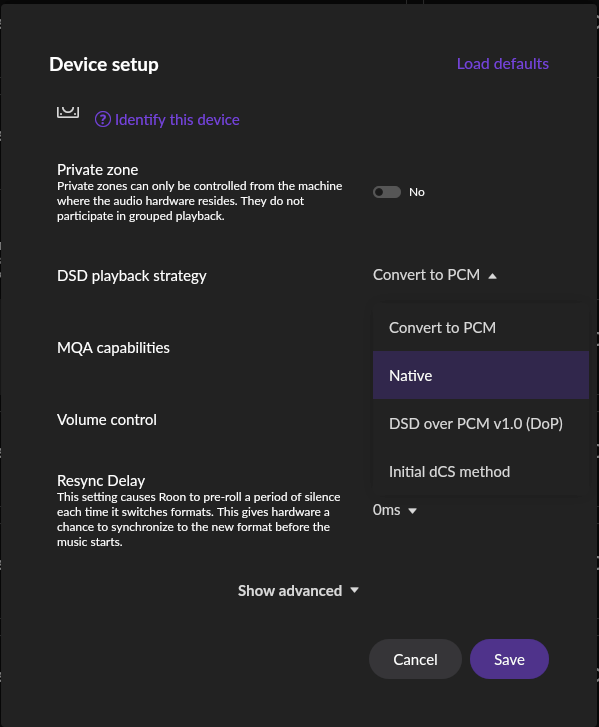
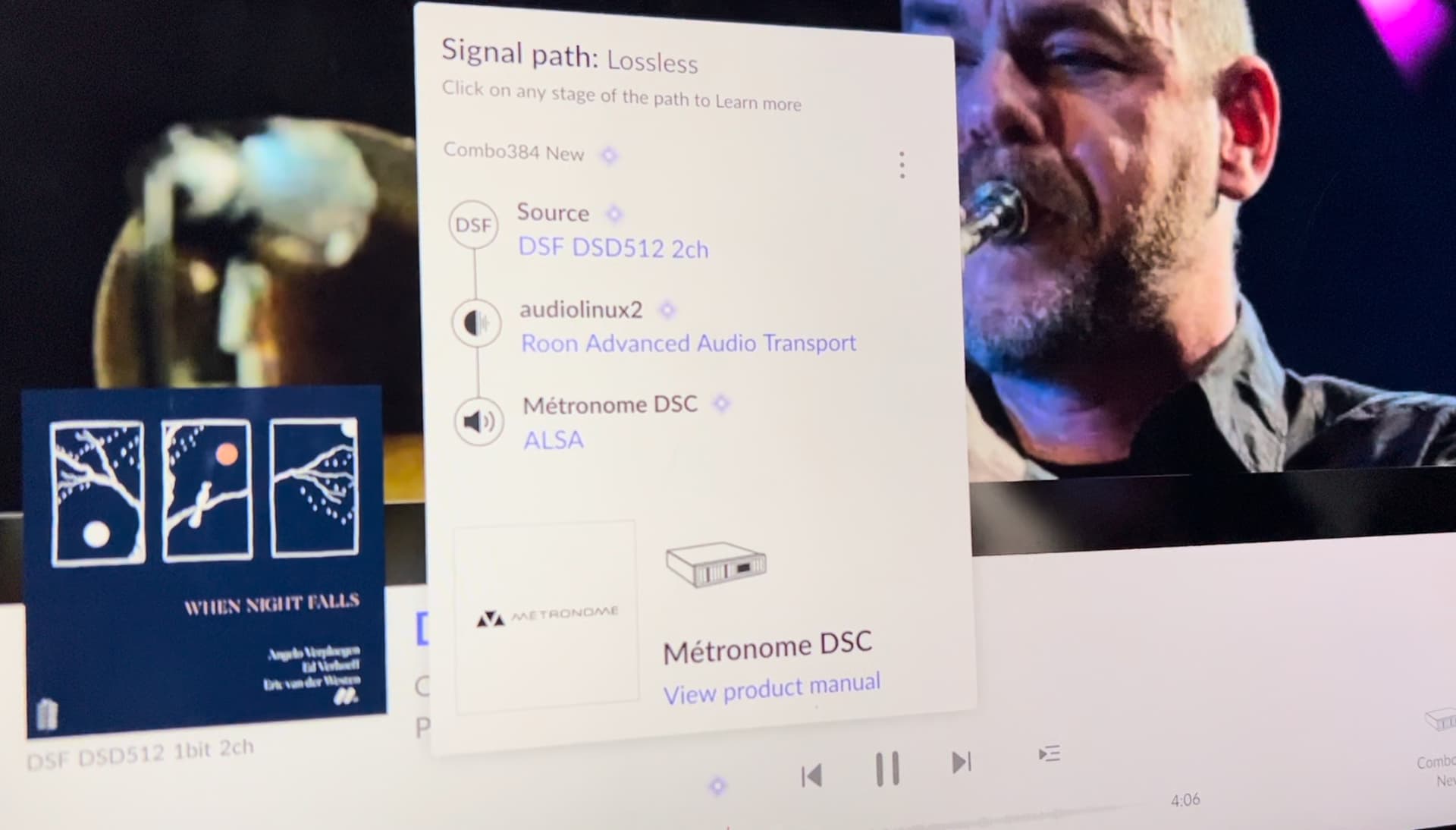

When I plugged into PC, I used the device option that Roon recommended “Metronome DSC”, it’s working well.
Continuing the discussion from How to make the DSD512 native output via usb in Ubuntu:
First of all, let’s see the result.
When I plugged into PC, I used the device option that Roon recommended “Metronome DSC”, it’s working well.
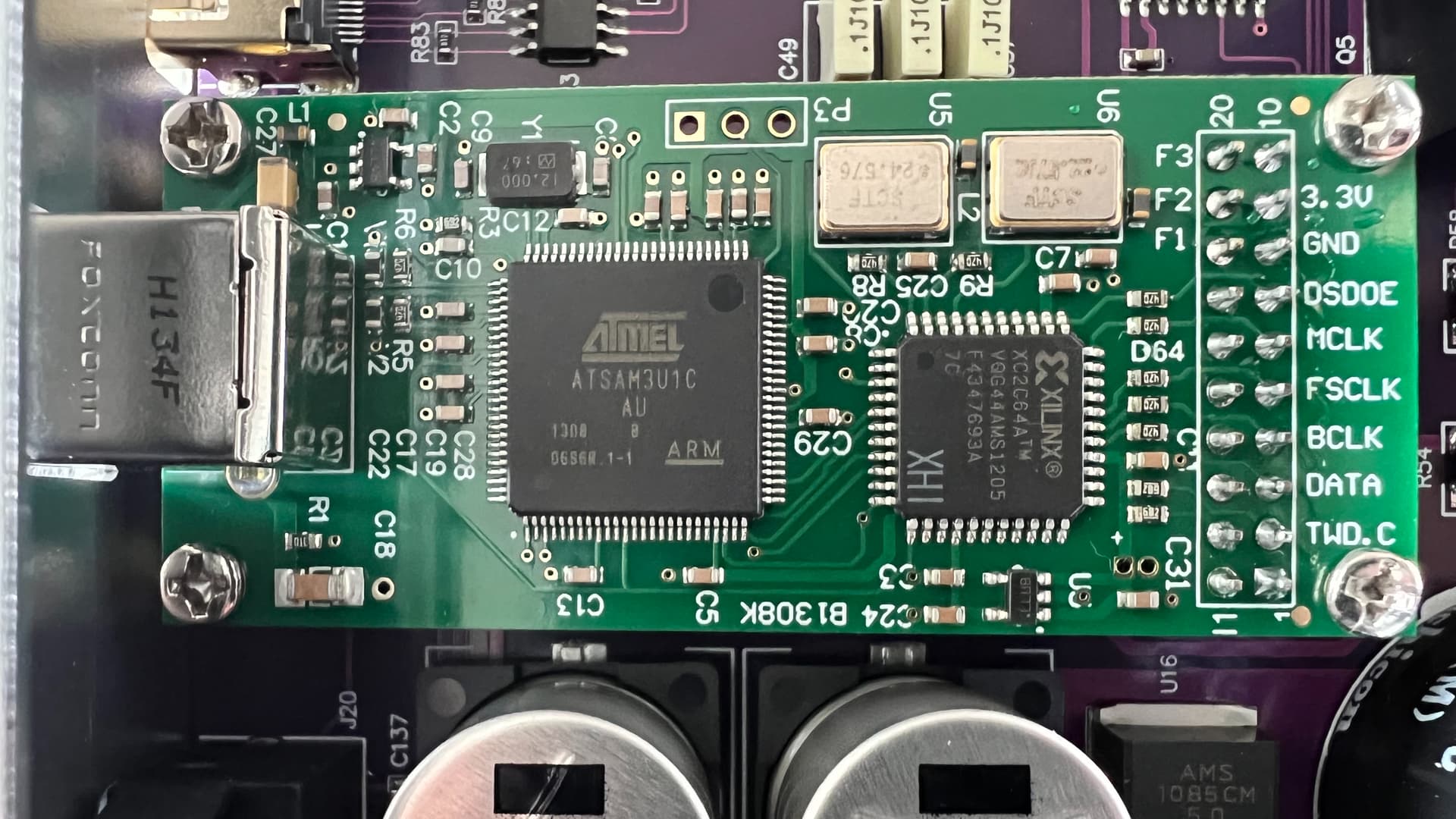
The combo384 card overlook
Step 1
1. Download the firmware.
(1) from the official site of Amanero( https://www.amanero.com . ~ this is only for original adapter without any modification
(2) from [here](https://115.com/s/sw6al9b3wxz?password=b376&#Amanero访问码:b376) ~ for such USB interface adapter that is modified by retailer. -- the following steps are about 2nd type of the card.
2. Prepare a Windows PC to refresh the firmware.
(1) plug your DAC into PC to make sure it's working normally, which means driver is installed well, hard device is recognized by Windows.
(2) Then unplug the USB connection. Power off your DAC. Short-plug your DAC by connecting these two contact points. plug into USB and waiting for 1-2 seconds, then unplug the USB connection, remove the connecting line, re-connect to USB port.

(3) If Windows can't identify a new device, it means you successfully wipe off the original firmware.
(4) Right click (mouse) "my computer" - management - device management - port (COM and LPT), to record your COM number. such as "COM3".
Step 2
Ready to write the new firmware.  Totally it's 2 files: cpId_1081.LOG和2006be10.LOG

(1) unzip the file "AmaneroLoader", find the run.bat to edit.

inside run.bat, you will change to,
> Amaneroloader -s =COM3 -i=cpld_1081.LOG
here COM3 is my port Num.  You shall write your port number that you record before.

(2) Run "run.bat", a terminal will popup and lasting for 30 seconds then disappear.

(3) edit run.bat again, change to
> Amaneroloader -s =COM3 -i=2006be10.LOG

(4) Run "run.bat", a terminal will popup and lasting for 30 seconds then disappear.

(5) unplug USB connection and re-plug.  If Windows recognizes your device, it means you succeeded.