What best describes your playback issue?
· A connected audio device is not appearing in Roon
What type of Zone is affected by this problem?
· *Network Zones* are affected.
How is the affected Zone connected to your RoonServer machine?
· Network - WiFi
Which network audio protocol is the Zone using with Roon?
· Airplay
Since this is an Airplay Zone, have you tried toggling Airplay Compatibility Mode for this Zone in the Device Setup window?
· There is no change in behavior.
Does the device play audio from another source when using the same connection?
· The device has no problems with another audio source
Have you checked that Roon is whitelisted in any firewalls?
· I've checked the firewall and the issue remains
Since you are using a network connection to the device, please ensure that your RoonServer is on the same subnet as the device
· My devices are on a single subnet but is not visible to Roon
Do you have a complex network setup?
· Both the device and RoonServer are connecting to a *single router*
Try to disable any additional networking interfaces on your RoonServer machine.
· Disabling network interfaces had no change in behavior
Check to make sure RoonReady mode is selected on the device.
· I've checked this and the issue remains
If the device has multiple output options, do the other options work as expected?
· Multiple output types are affected
Is the device using the latest firmware as per the manufacturer?
· Firmware is up-to-date but the issue remains
What are the make and model of the affected audio device(s) and the connection type?
· See above
Describe the issue
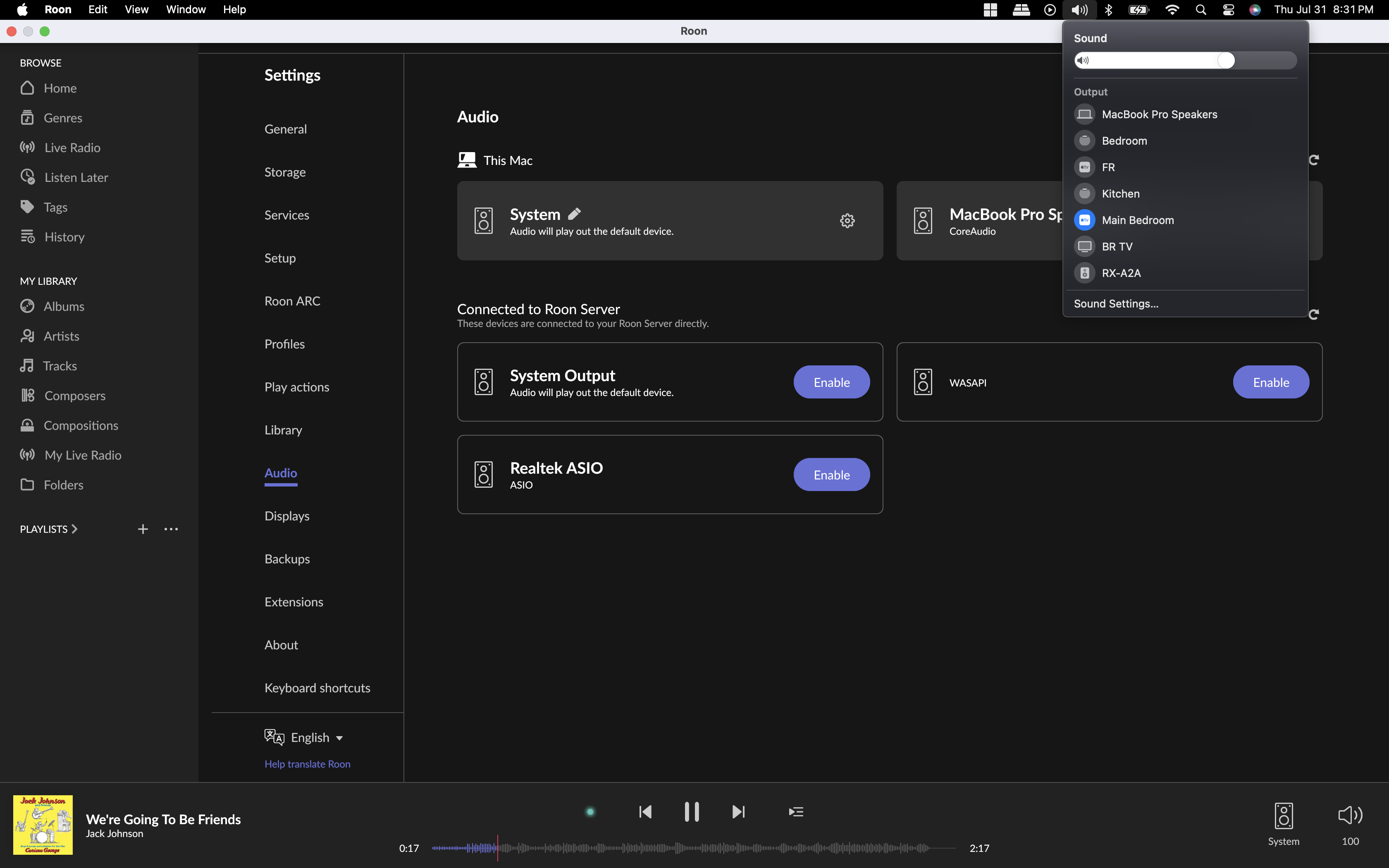
Early Access 1550 has lost all my AirPlay zones in Roon Server. My Roon Remote on my Mac client (MacOS 15.8, MacBook Pro 2019 15") and iPhone (iOS 18.6, iPhone 14 Pro) do not see any AirPlay devices anymore in Roon's Audio Settings. I can see all my AirPlay devices on my Mac, iPhone, and iPad, but Roon does not see these anymore. I can play music from Roon using my MBPro's System Output settings to my AirPlay devices, but not from Roon natively.
Describe your network setup
Asus BQ16 Pro network running via WiFi, as my AirPlay devices are seen natively from all my Apple devices, I do not believe this is a network issue unless there is a Roon AirPlay discovery setting that needs to be updated
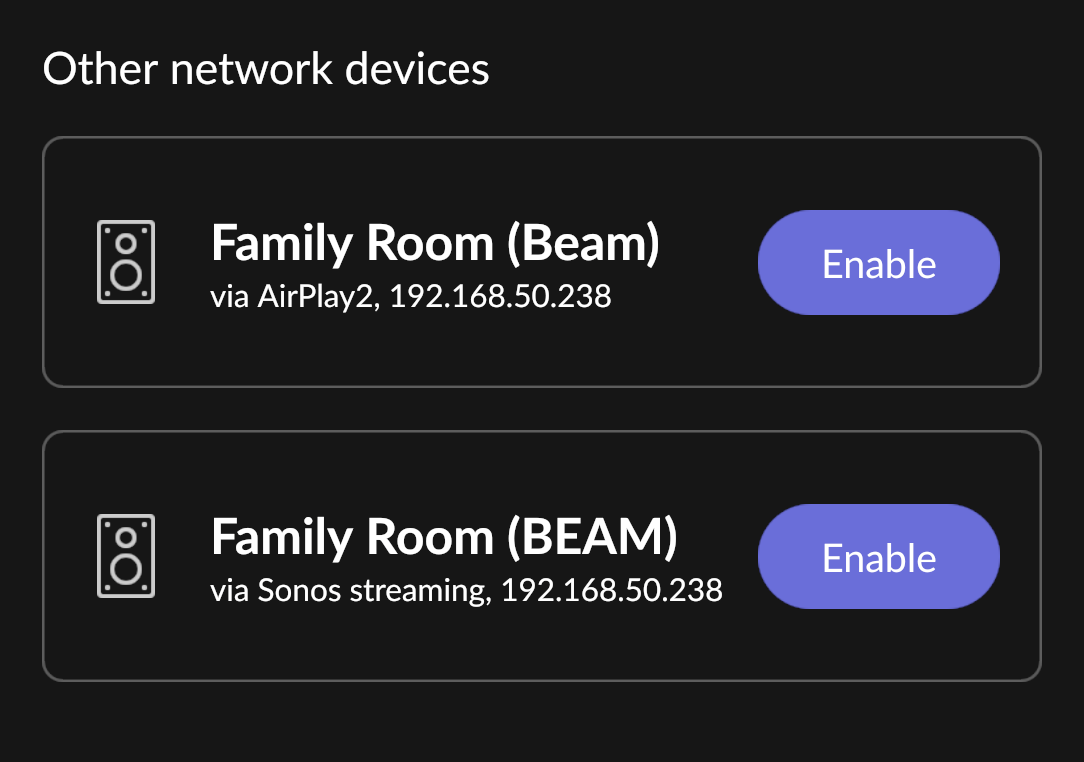
 Now it’s enabled, could you please retry?
