I’m unable to find any option to “love” / “heart mark” any songs from my Qobuz playlists (even though the same songs are also in my library). There simply is no heart visible. I read in other threads that I need to ensure the song is in the library, but when clicking on a song, the “Add to Library” button is greyed out (which I assume means that it already is in the library). So I really don’t know how to tell roon which my favourite songs are. Any help is appreciated!
You have to click on the Album link in the Playlist entry to go to the library track and click the  there. Once you have done that, the icon will be shown in the Playlist entry. E.g.:
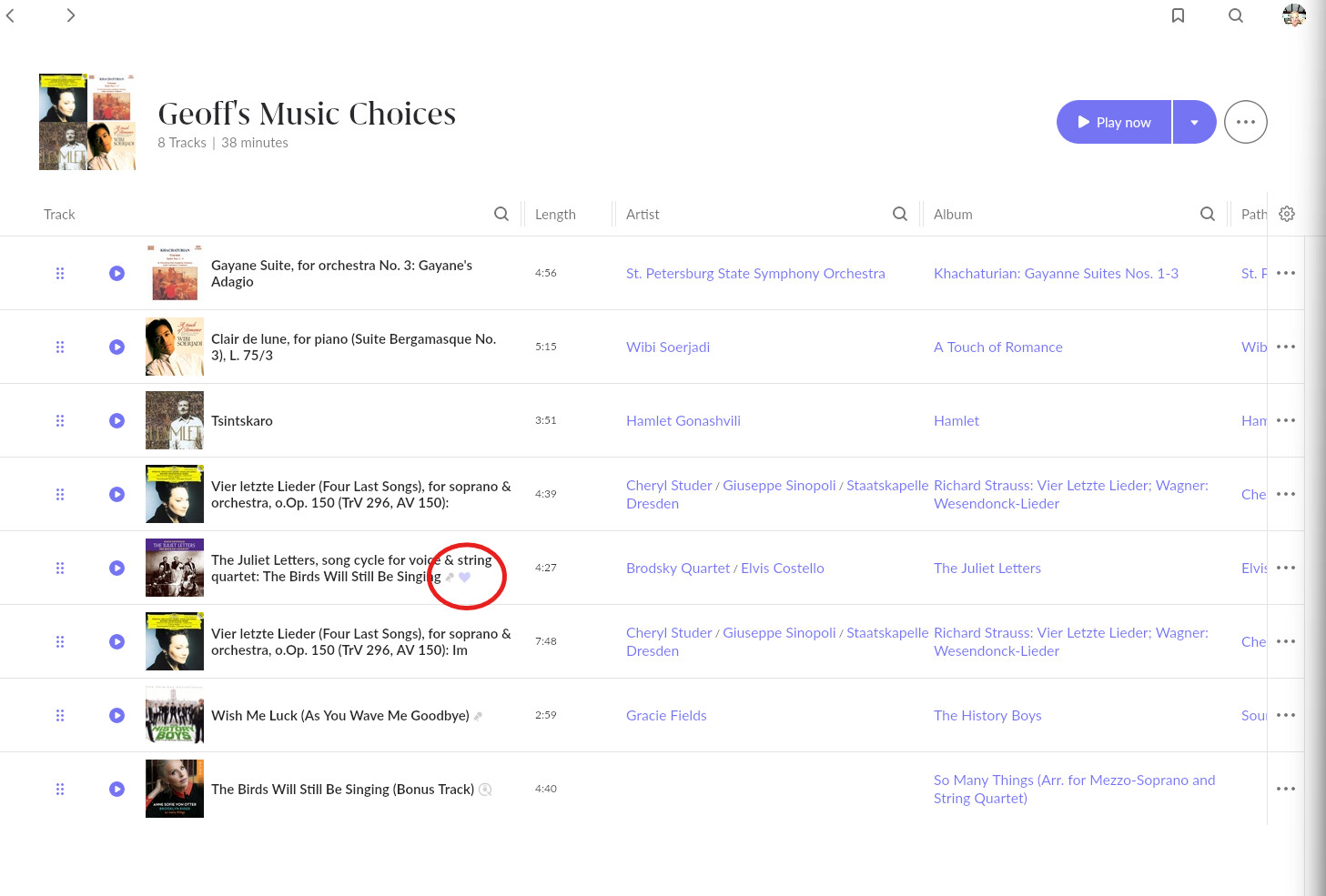
1 Like
Thank you, but wow, that makes it practically impossible to mark songs of an entire playlist as a favourite in any acceptable way. Would take me a full day to do so for the case I had in mind.
You might want to present the use case for this and post it in Feedback > Feature Suggestions. The Roon Labs team will at least read it and be aware of your suggestion, but there’s no guarantee that it will be implemented.
1 Like
Thank you! Will do 
If you copy the songs from your Qobuz playlist into a new Roon playlist (select all, add to playlist), and if they’re all in your library, you can easily select them all and heart them from the Roon playlist (select all, 3 dots at the top, heart icon).
If you can’t do that from a Roon playlist, they’re not all in your library.
I don’t think you can do this from a Qobuz playlist itself as there is no guarantee they are all in your library.
I populated all my own track favourites (over 2,000, would have taken weeks) in 3 clicks from an imported local playlist (all of which were in local library).
1 Like
As mentioned already, albums or tracks need to be added to your library before many Roon actions can be performed. Adding them creates a database entry locally that can then store favorite flags, metadata changes etc.