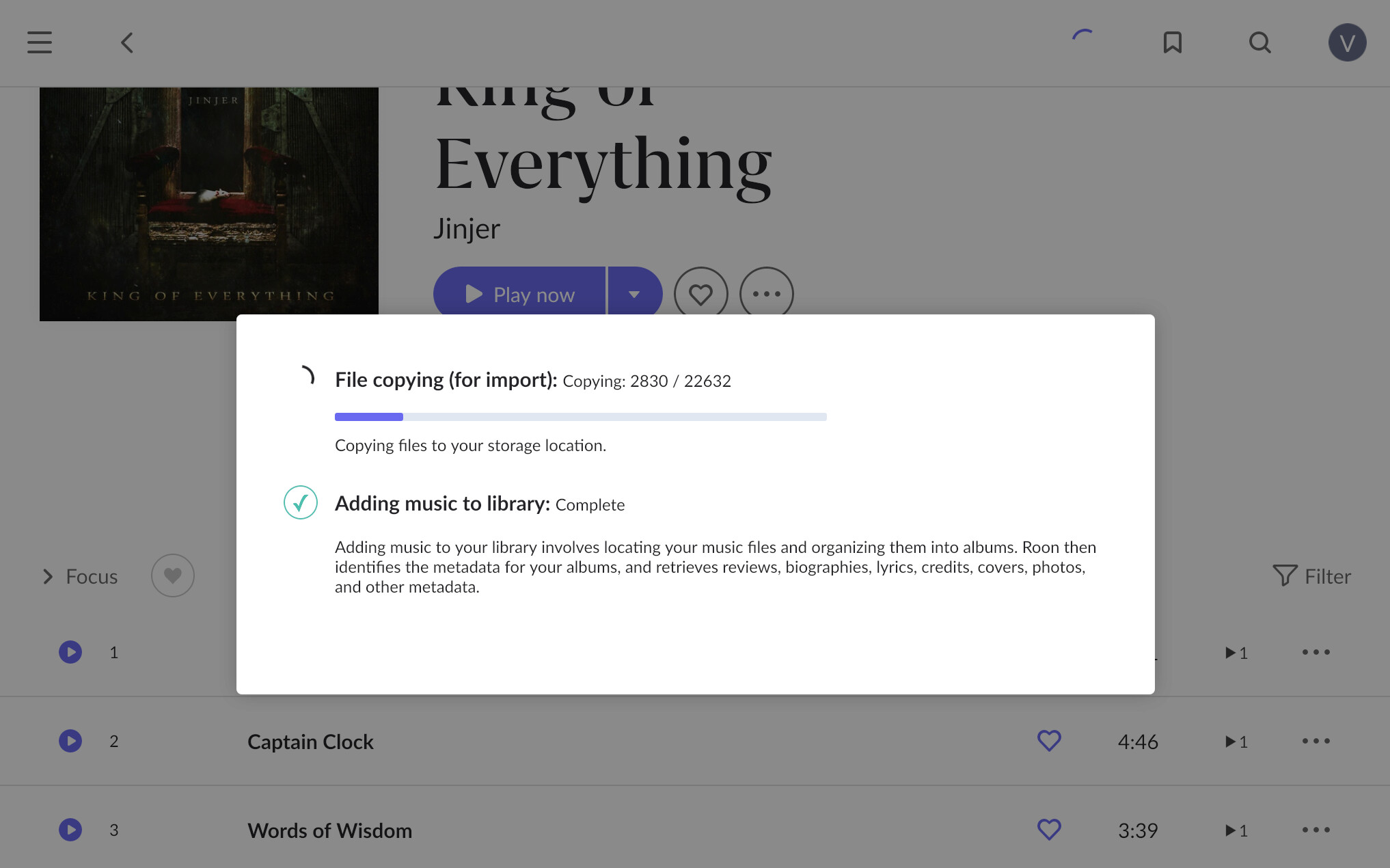
Also, that second number keeps growing…
Something is not right there
I never use Roon to copy files. Use the file manager of the Mac to copy the files directly to the internal hard drive of the Nucleus.
Do you mount smb://NUCLEUS/Data/Storage/InternalStorage as Guest or Registered User on MacOS?
The reason I asked because my Mac sever asks for my account / password if I try to connect as a registered user. However, I cannot connect to the Nucleus because it is not happy with account on a Mac for some reason. I recalled I copied files from a Windows 10 machine a long time ago on the same user name.
Last sentence:
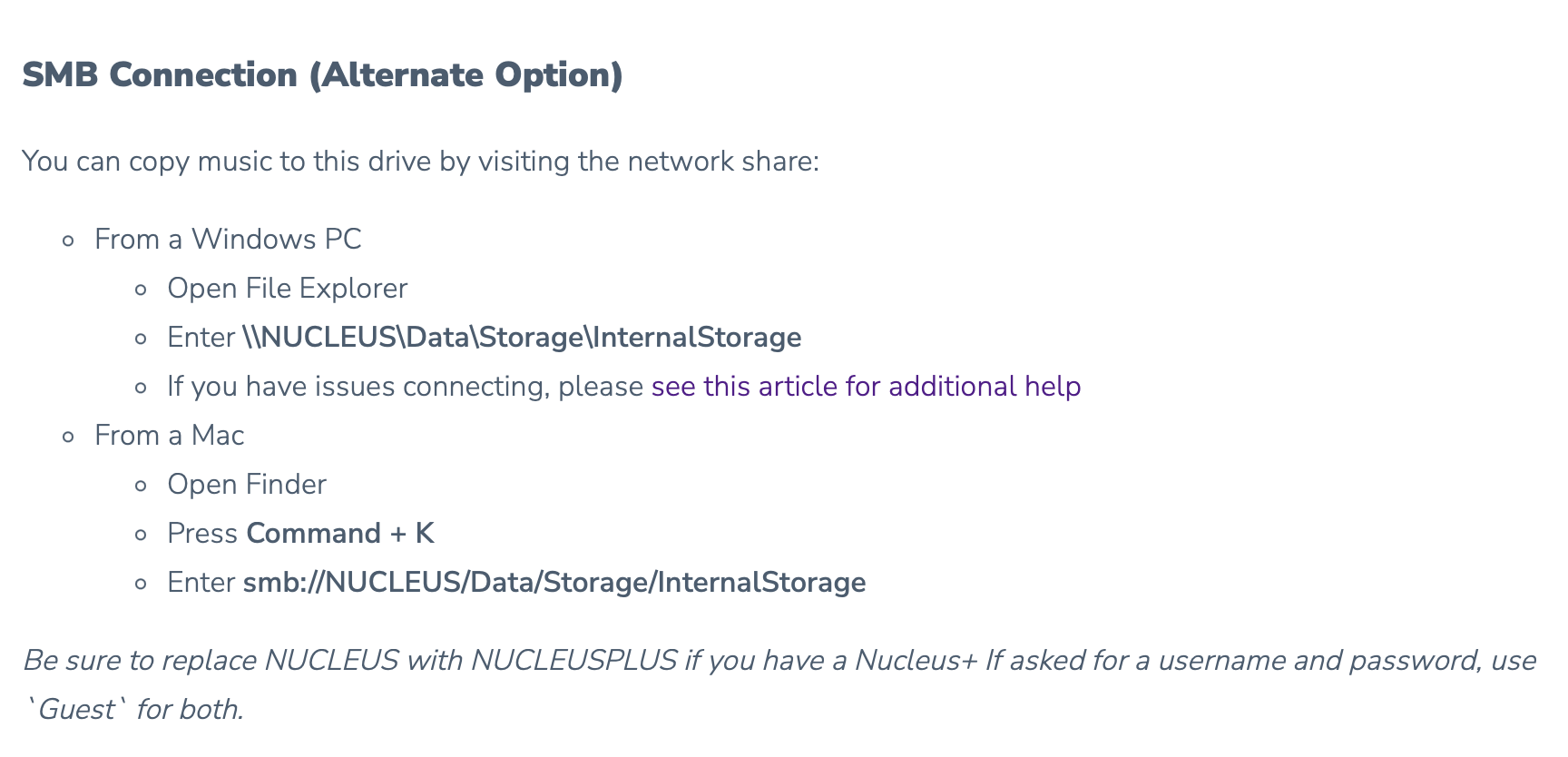
There are no registered users on the Nucleus
If you copied them in the Mac Finder, you can cancel the copy operation in the Mac Finder. Not sure how you did it
I register as guest
I dragged the files to the Roon Remotre app.
Oh OK, I never did that. Like I said before, I am not sure if this creates a neat folder structure and I doubt it. I have most of my music as artist folders with a subfolder per album, but sometimes not, and Roon can’t know that. So I arrange my artists and albums manually by copying in the Finder.
As there is no cancel button in that dialog, I don’t think you can cancel it except by quitting the Roon app, either by closing the Roon window or from the Mac’s Activity Monitor. After doing so, delete the erroneous file copy (if any) and then head to Roon > Settings > Library to clean up the missing files
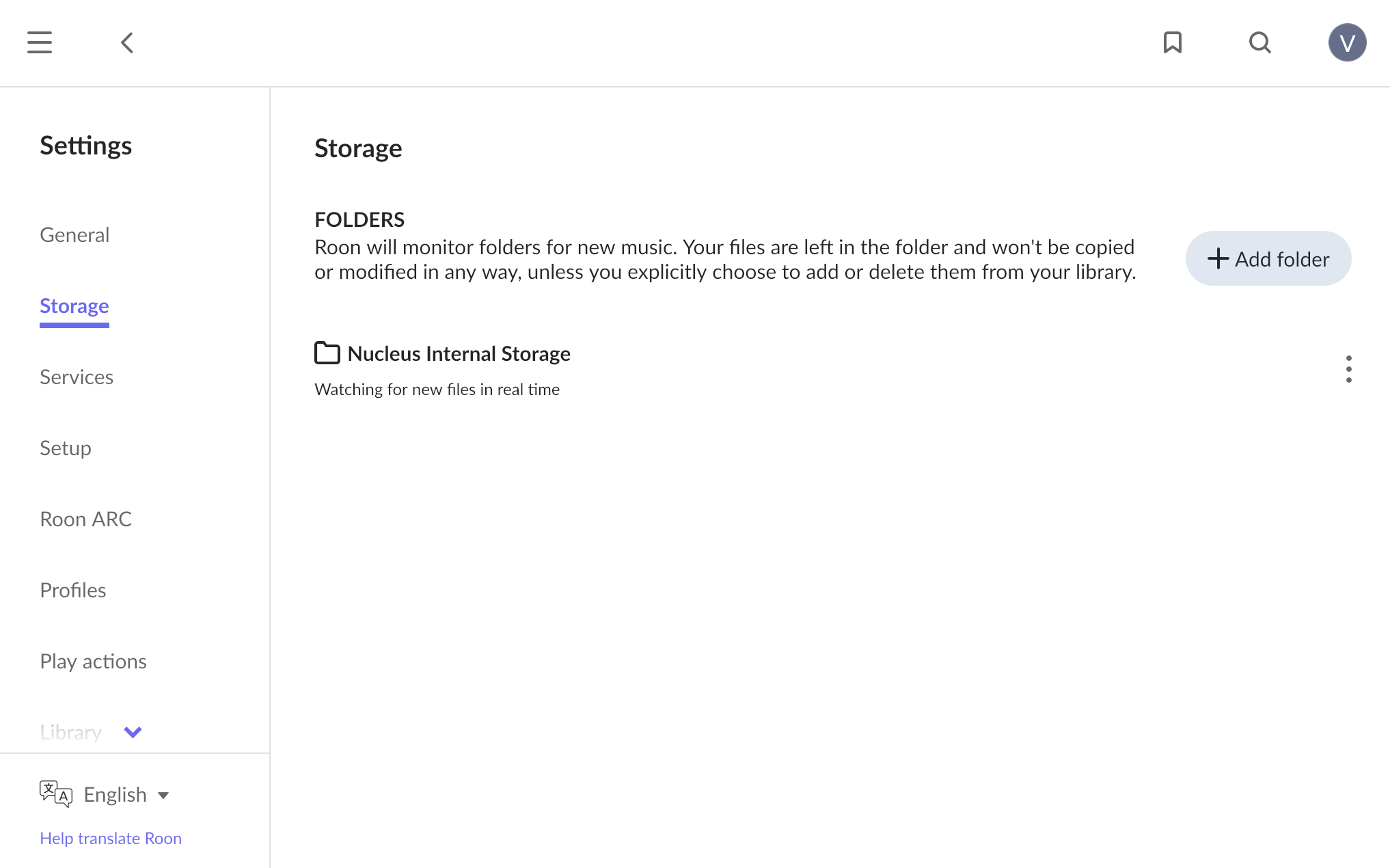
Drag and drop recreates the identical folder structure at the destination, i have done this with Mac & Windows 7/10/11 I’ve not tried with Nucleus/Rock or Linux…
Yes
If you insist on that and are not picky about how your folder structure/names are arranged on the Nucleus, it’s an option. Just make sure that you only copy the album folder that you want to copy.
There’s not more to it than what’s explained in the help. I’m not sure what else to say 
Yeah, on the first copy I suppose. But if you later rip a single CD and drag & drop the resulting album folder onto the Roon app, it has no idea where that should go on the Nucleus
Not sure I understand where you’re having a problem.
Once your CDs are ripped, mount your storage drive into the Finder and drag and drop from the place where your Cds are ripped to the Nuc storage drive.
I would start with only a few Cds to see if it works well and the rest of your library during a night or so
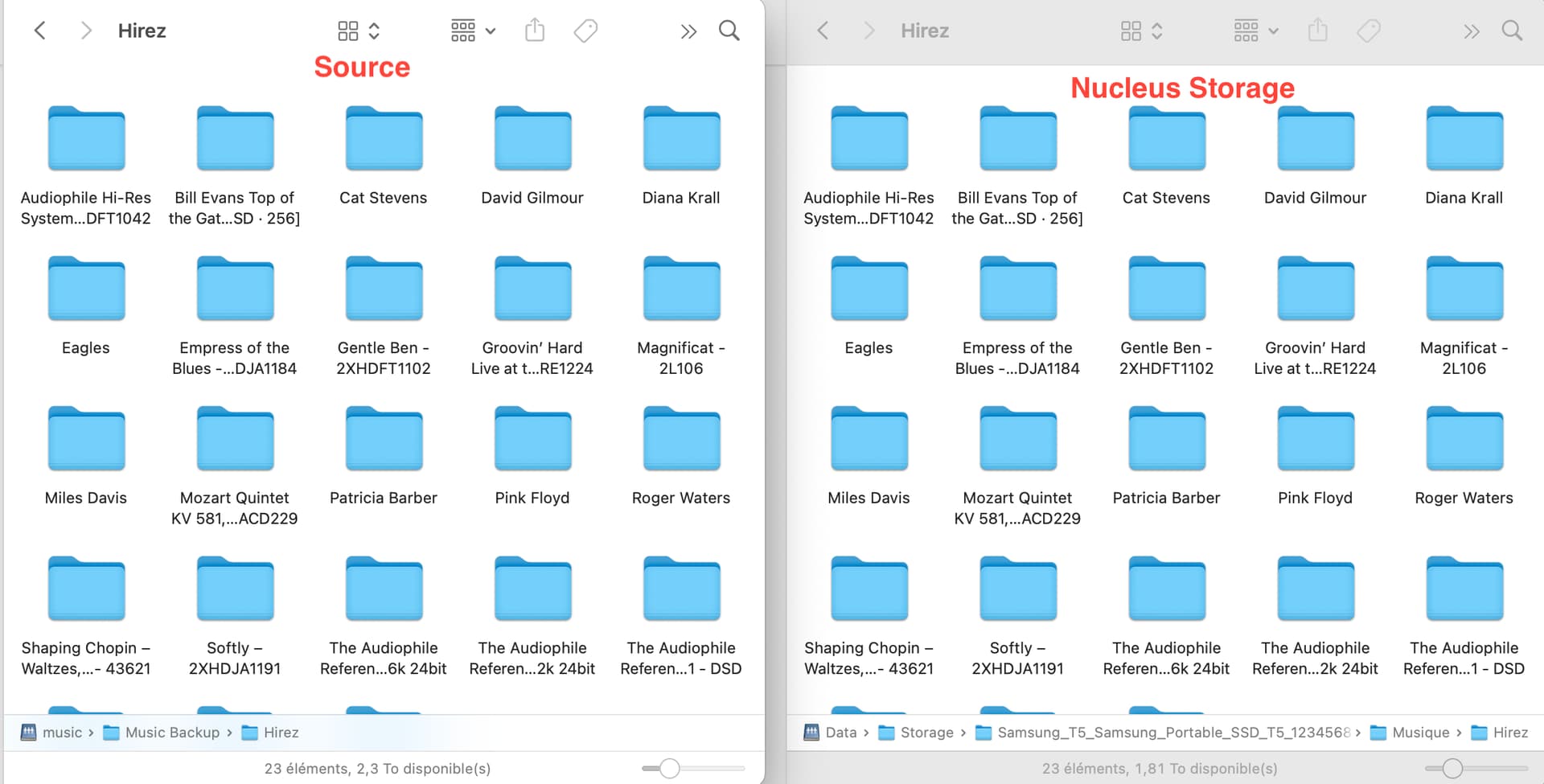
I think the problem has been resolved 
It has. Thanks for the help!