Roon Server Machine
operating system:ESXi ===> Dietpi
machine info:
CPU:12500
RAM:DDR5 16GBx2
Board:B760-i
Networking Gear & Setup Details
VPN:Yes,openwrt ==> openclash
Network:Router:192.168.2.1,VPN:192.168.2.253
roon server:
IP:192.168.2.250(static)
gateway:192.168.2.253 or 192.168.2.1 (Both have been tried)
DNS Server:192.168.2.253 or 8.8.8.8 or 1.1.1.1 or local ISP:218.85.157.99(China Fujian Telecom)
VPN try to use proxy in Dietpi.
Connected Audio Devices
Board audio card
Number of Tracks in Library
8000+ tracks
Description of Issue
I am a Chinese user. I am currently trying out the trial version. I plan to purchase a permanent license at the end of the year. My roon server is deployed on DIETPI. Due to the access restrictions on foreign services in Chinese Mainland, I use the VPN built by openclash to solve the problem of foreign services, which also includes roon. I found that roon’s access in Chinese Mainland is not very smooth. To ensure smooth use of roon, So I added all domain names containing the roon keyword to the proxy rules, as shown in the following figure:

But after my roon server, the roon client can play music for a period of time (maybe about 1 minute), and then the roon client cannot play music, as shown in the following figure
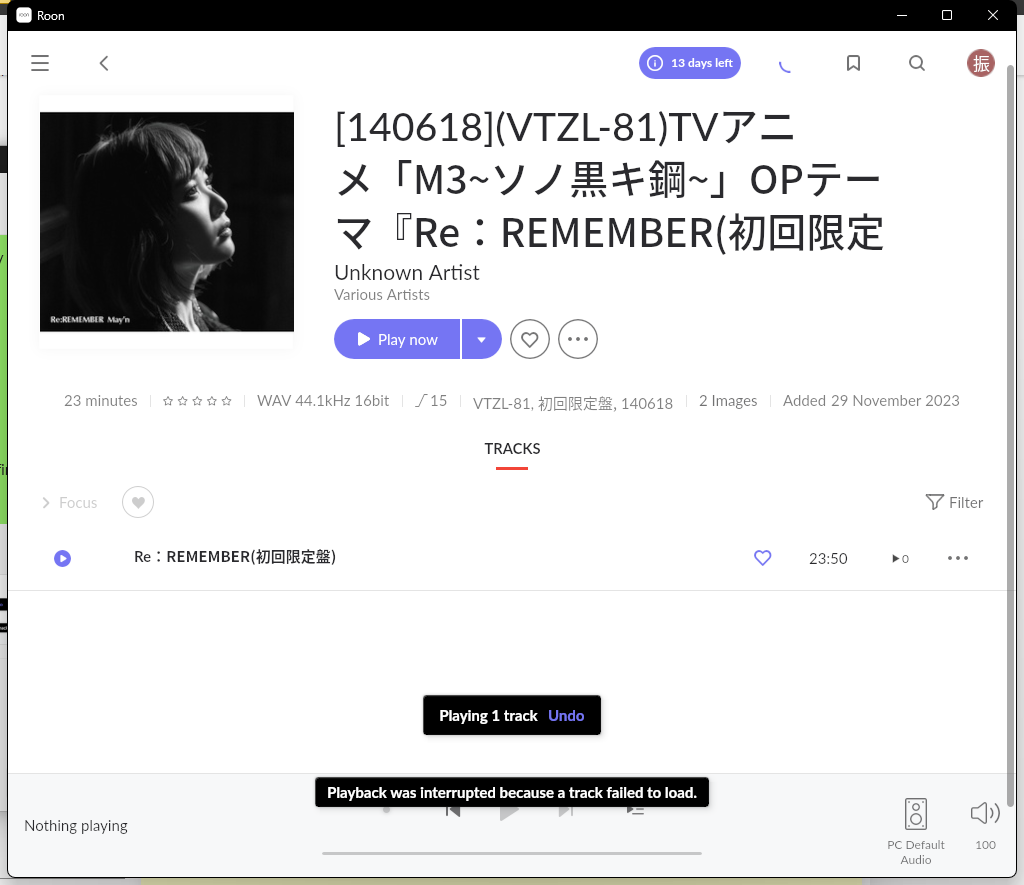
At the same time, I noticed that during this one minute or so, it was possible to connect to the server and update the media library information. However, when the music stopped playing, the connection to the server was also disconnected, as shown in the following figure:
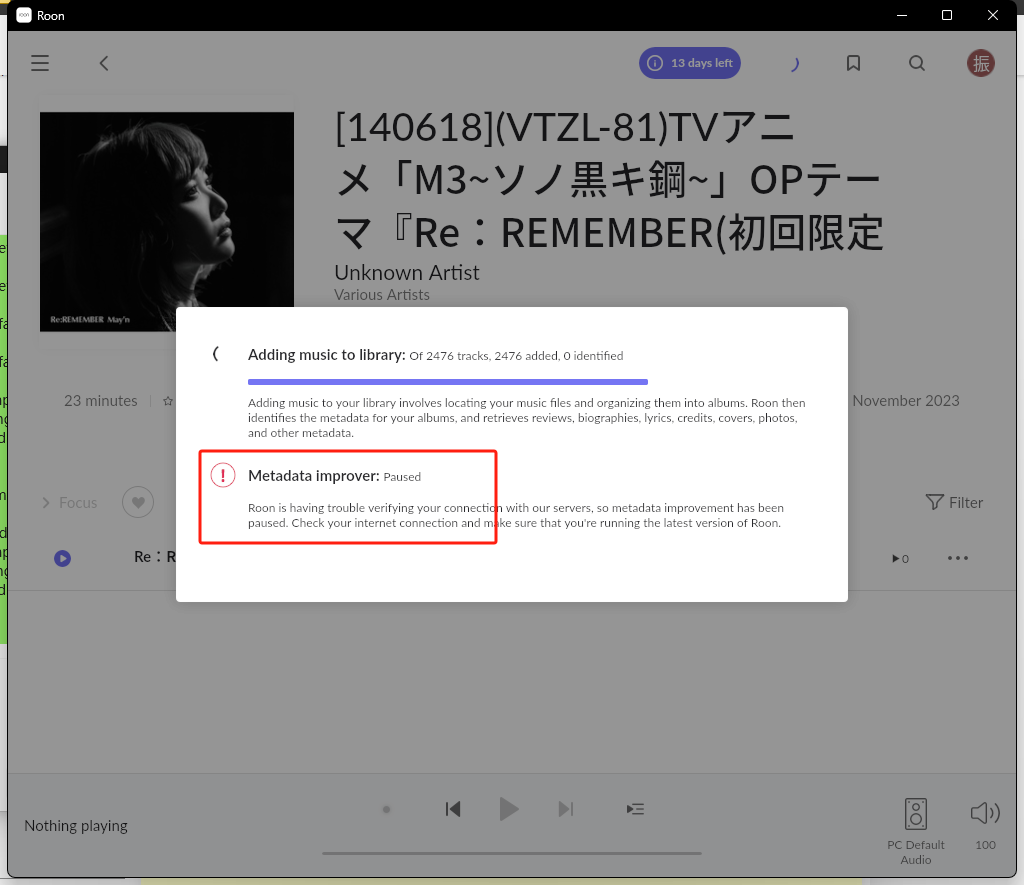
After a while, the roon client will prompt: Are you online? Please check your internet connection and try again as shown in the following figure:
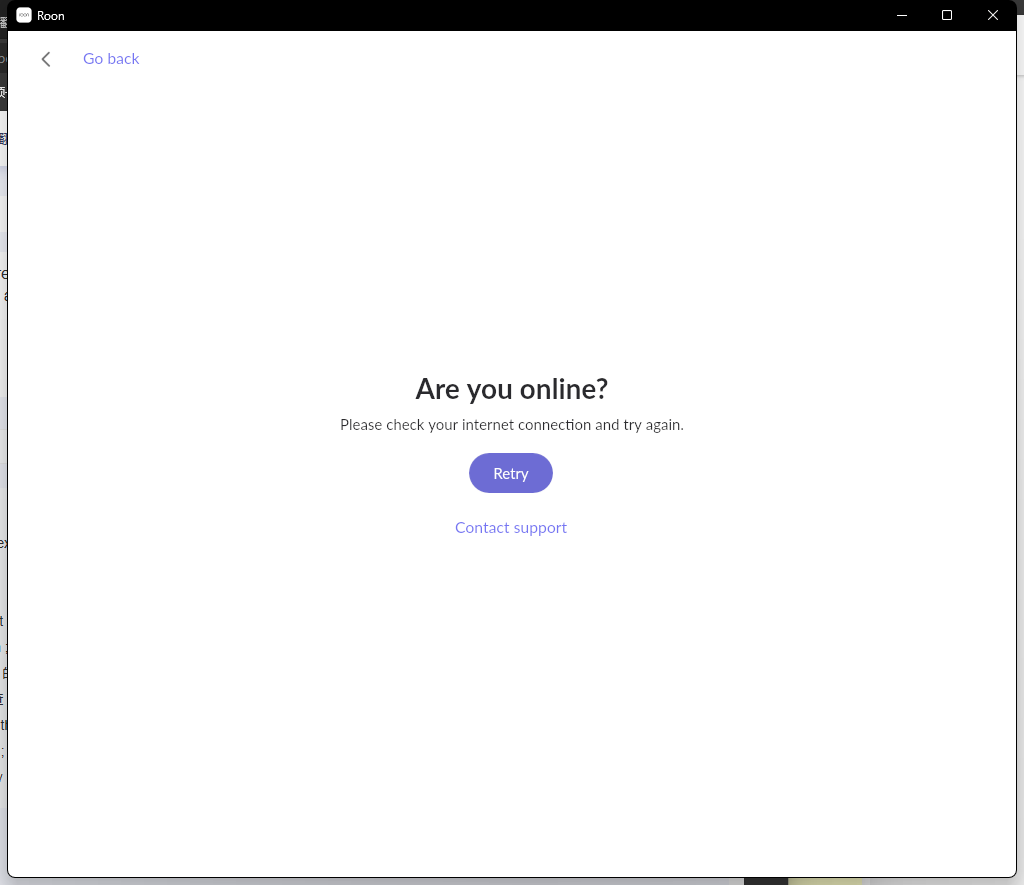
After that, I had to restart the roon server and it entered a loop… I saw someone mention that the network problem in Chinese Mainland has led to the inability to use roon, but I have solved the problem of network access. Why is this still the case?
Is it related to my OpenClash using fake ip mode?
The DNS set up in my room server is my VPN.
At the same time, I have also tried many methods:
By the way, my client is the Windows version.
-
I have tried using proxies on Windows separately, but it’s not working!
-
The Roon server has attempted to use a proxy, Google DNS, and specified a gateway or started a proxy, but it is invalid!
-
Attempting to use proxy for roon domain name in openclash is invalid!
This question is giving me a headache…
Seeing someone say that this issue is not Roon’s own problem, I think it makes sense, but on second thought, if Roon can become a certification agent in China, will this problem be solved soon? I saw someone mention this issue in December last year, and the technician had discussed it with the company. I don’t know what the final conclusion is, but if the problem persists or cannot be completely solved, I think I need to reconsider whether to use Roon… This kind of user experience can really be frustrating…