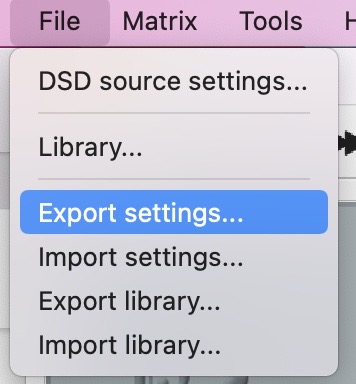
And BTW if you have HQP Desktop startup trouble, next time you can:
- force quit Desktop
- open Terminal app
- use CLI to delete the settings.xml. In your home directory just type:
cd .hqplayer
rm -f settings.xml
- restart your HQP Desktop. Set everything.
- if your new settings run very well, back up your settings by File: Export settings… command. Next time you have trouble with HQP Desktop, just repeat step 3 and use File: Import settings… command to restore it. Simple.