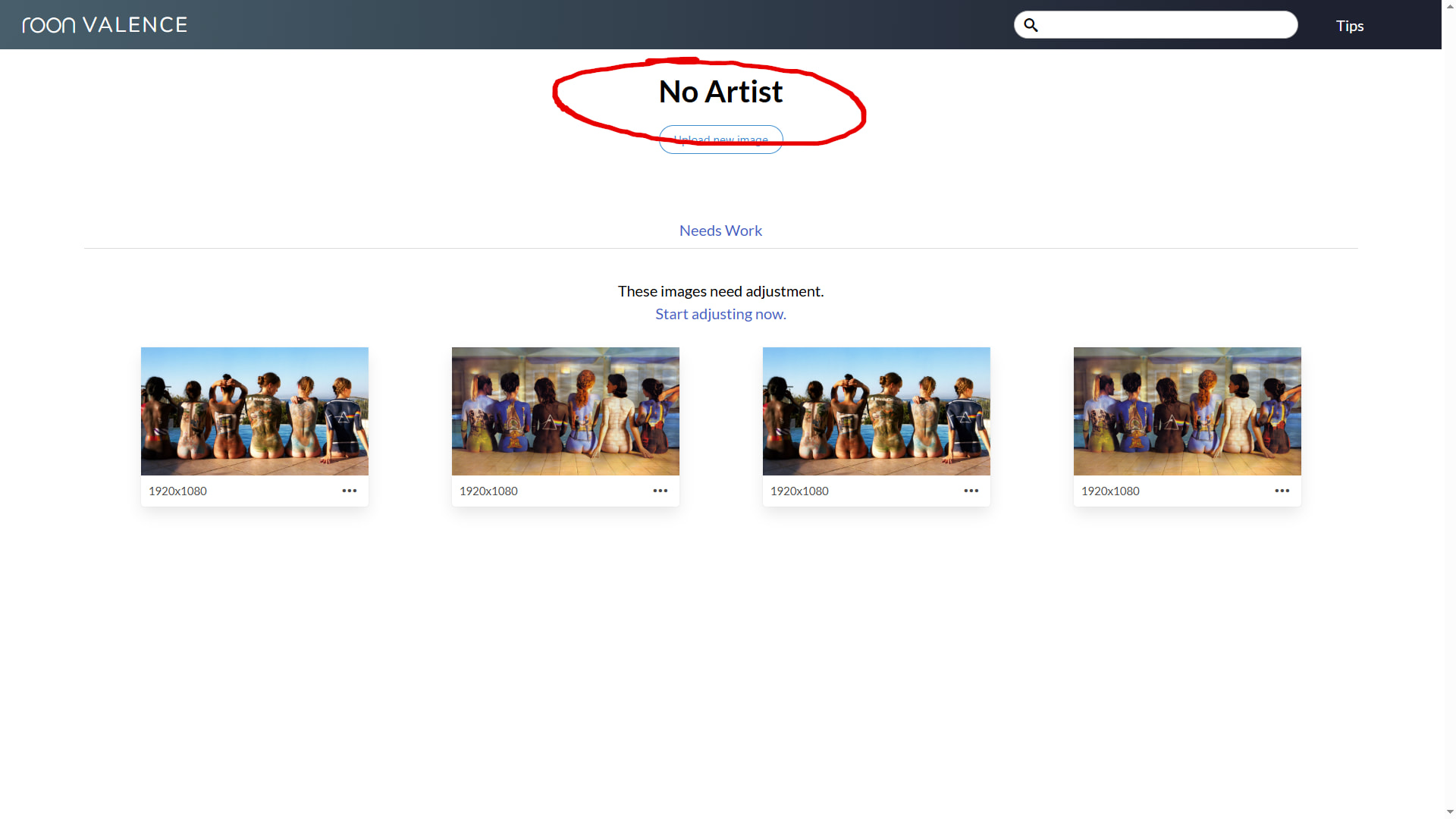
Hi, how do I prompt to get new uploaded images approved?
These have been in for some time, and there are others too.

Yes, I’d like to know this too… I currently have 43 (long outstanding) images pending review, I think the person responsible must be on a beach somewhere enjoying their holidays.
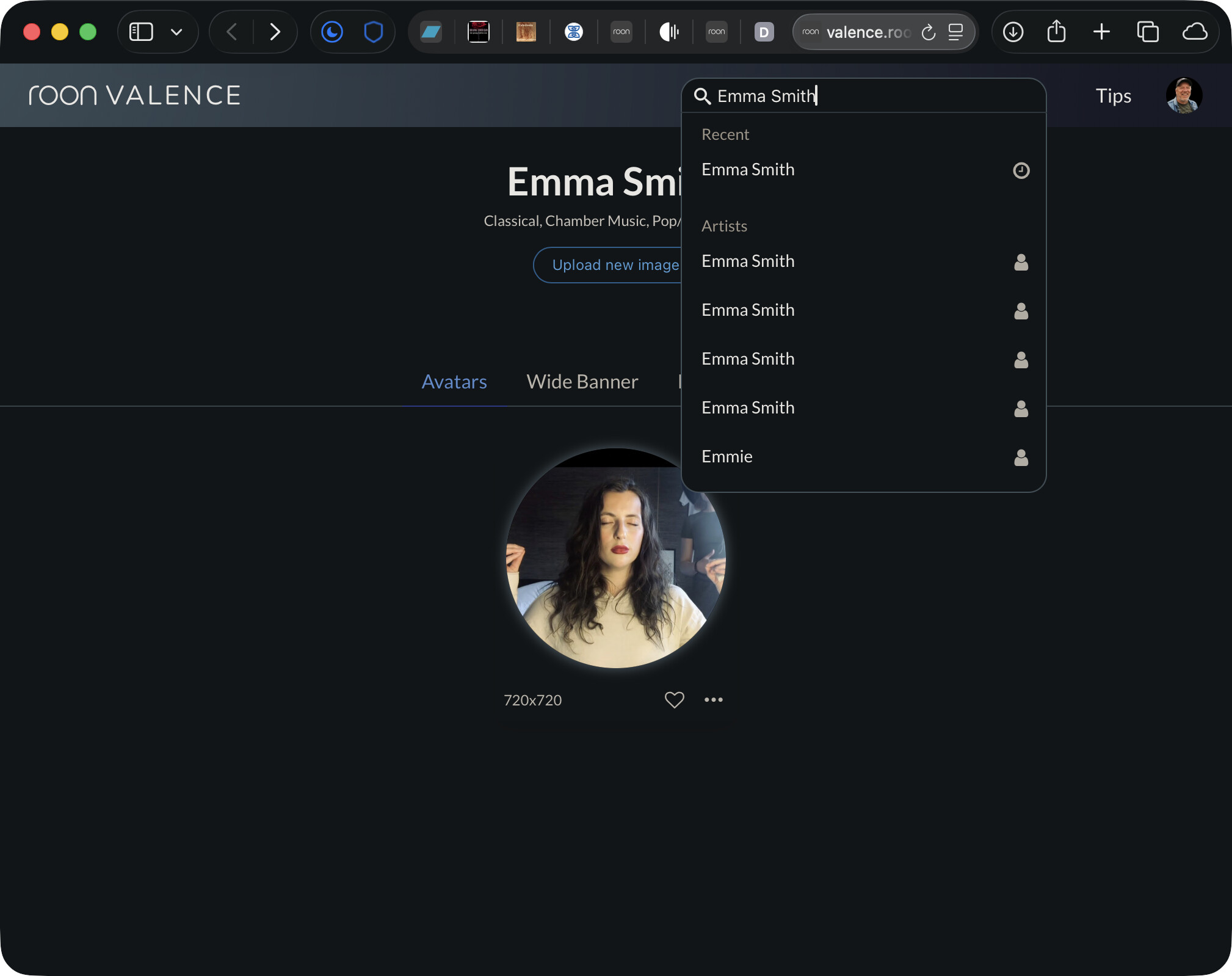
Maybe he used his own image because he do not likes the “official” roon image?
Or it was @joel (status: retired)
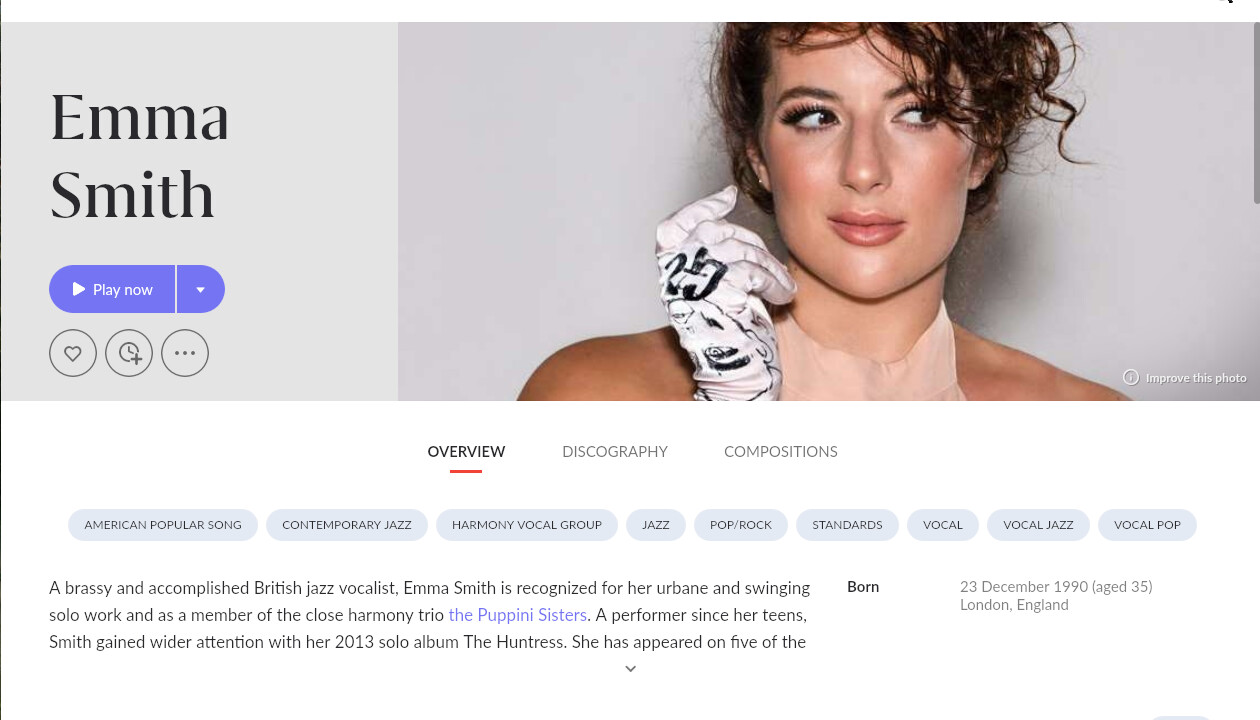
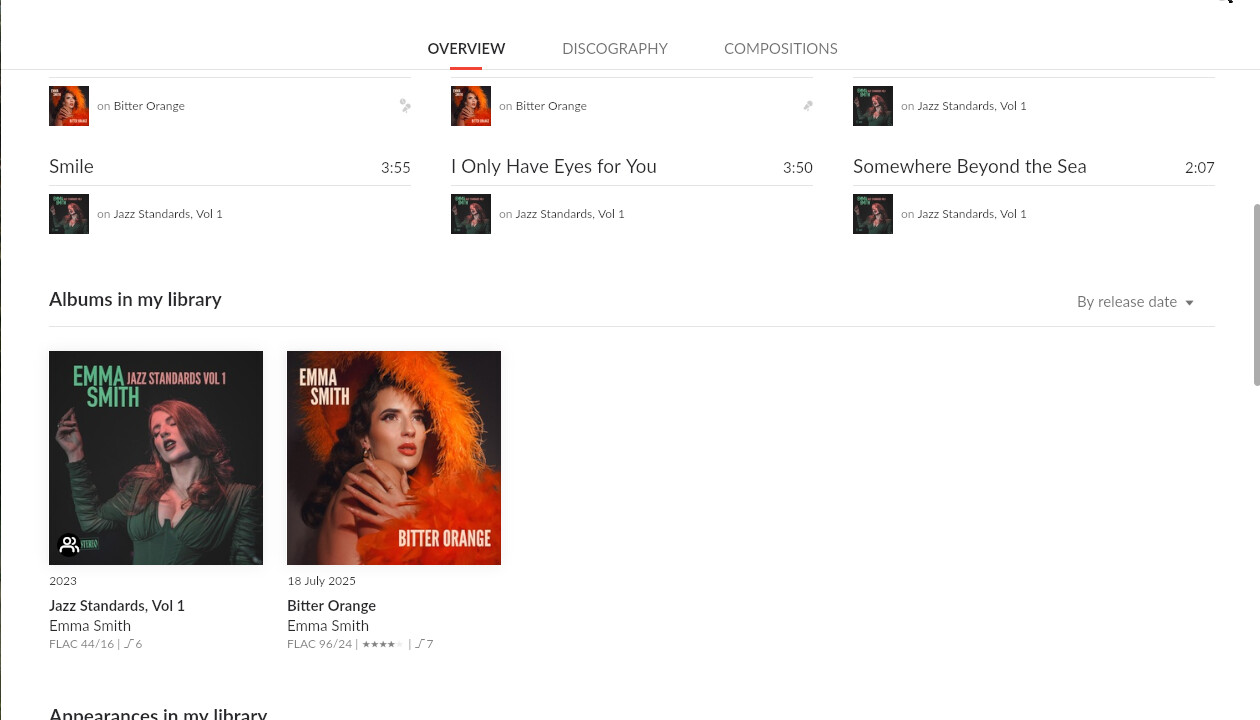
But we do need this sorting
@danny What’s the delay in uploaded images to Valence being approved?
I did some contributions as well that are waiting for approval for 2 weeks…
I approved some contributions on my side. Maybe we need to be more active on approval on our sides too…
We are going to look into this one. Apologies for issues
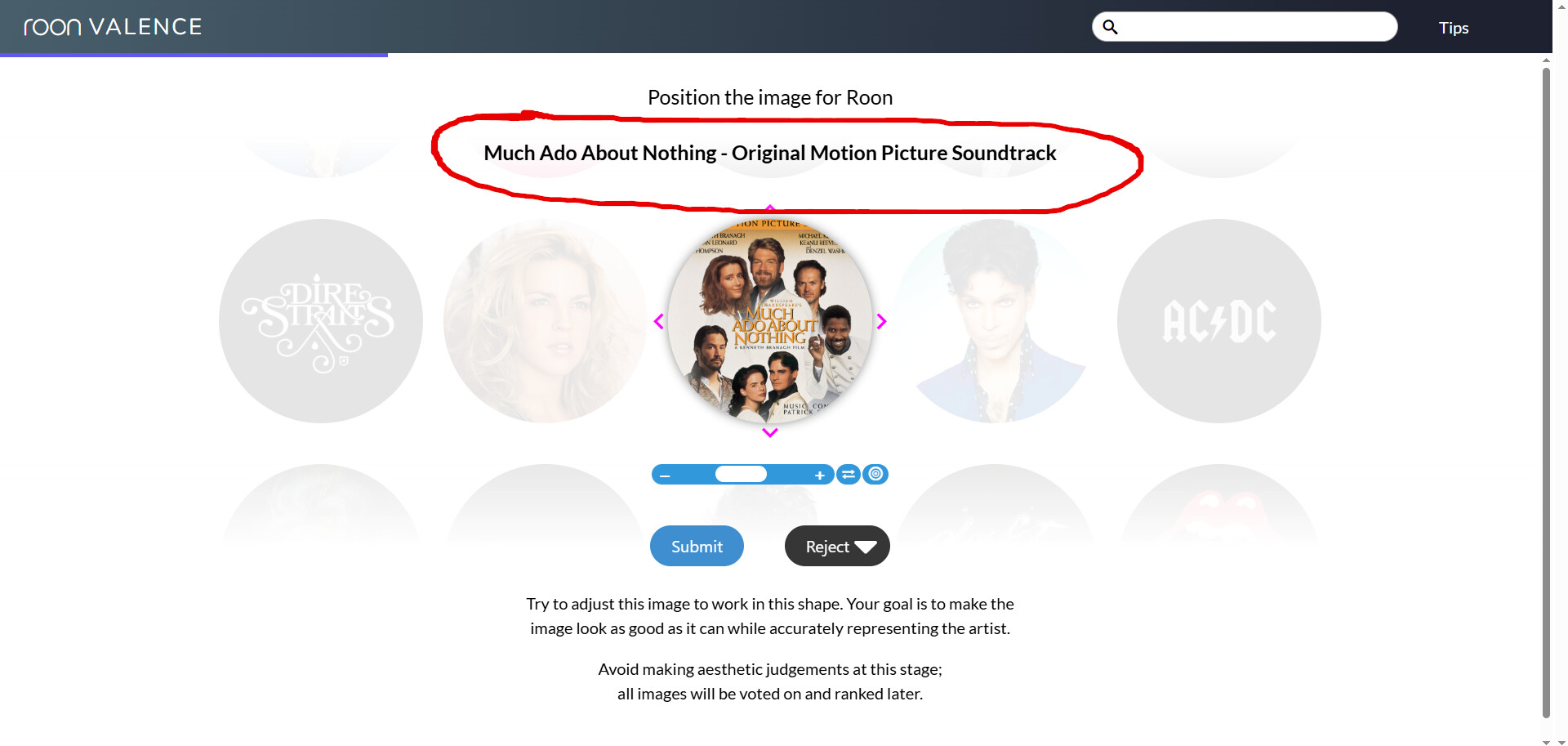
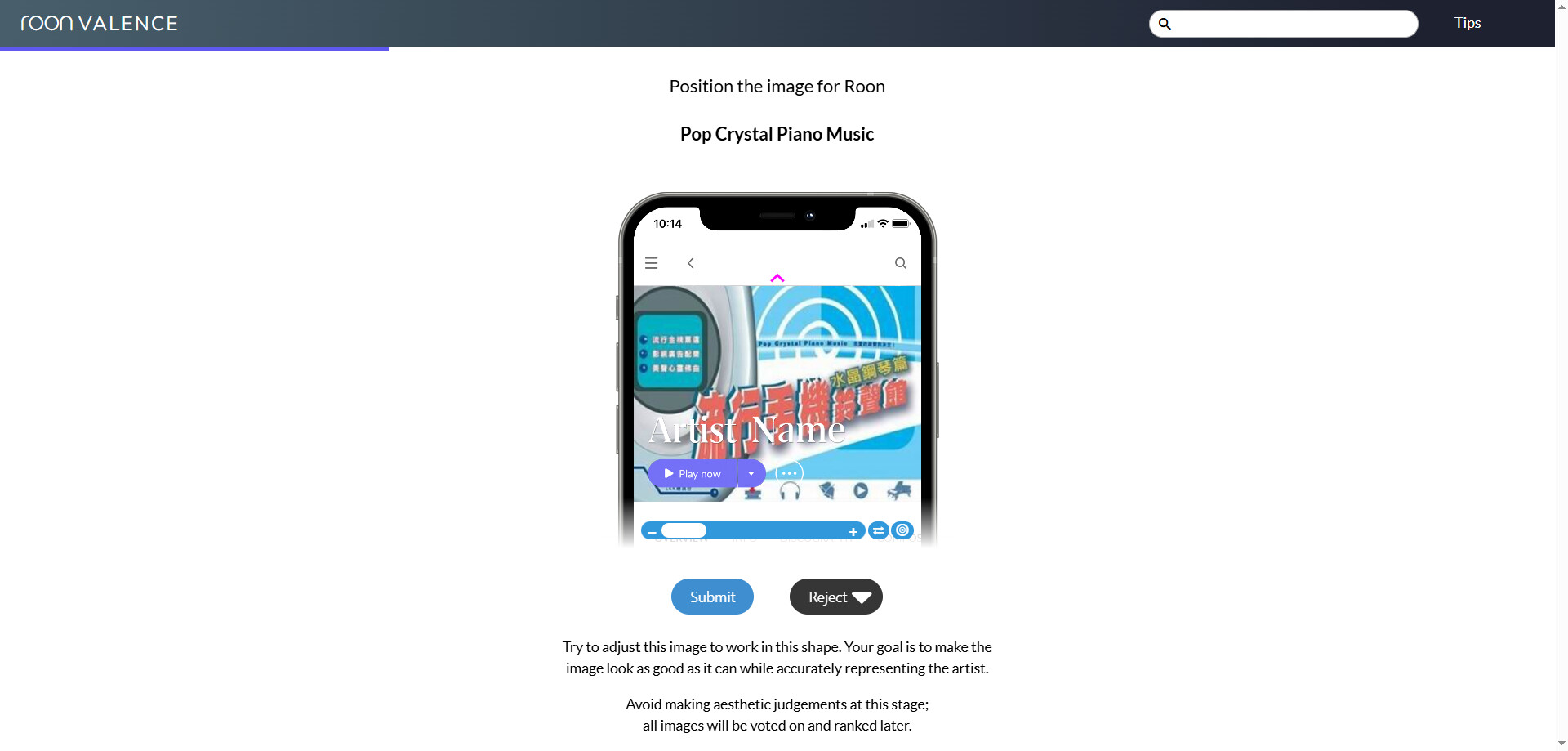


70x70
Unbelievable 

https://valence-images-prod.storage.googleapis.com/e89ab934-88e7-4d67-94f6-d3bbff44a0cd.jpg
https://valence.roonlabs.net/artdirector/artist/191:0:22841913
Short update. We’ve accumulated huge backlog ~3500 uploads  we are working both on removing the backlog as well as resolving this for future by adding more mods to the team.
Down to ~1500 items to review.
I wonder if there’s any reason to use images with a resolution higher than 4K? 
I think even 4K is overkill in most cases.
6000 x 6000 
https://valence-images-prod.storage.googleapis.com/53c29271-70a8-4812-ba5d-65ed19ccb195.jpg
But I’ve found even higher values.
I see that the main standard for uploaded images is 1920x1080 (16:9).
This makes it easy to create avatars, wide banners, and narrow banners.
Is it possible to automatically downsize or disable (reject) uploading images higher than 4K?
Common standards would be very helpful:
1920 x 1080 for Full HD
3840 x 2160 for Ultra HD
4096 x 2160 for 4K
And that’s the maximum!
Also is it possible to add an additional option to reject images not just as It can’t fit or This is not the artist, but also as universally Bad for Roon, as they have too low or too high resolution or they are unsuitable for the artist (for example, album covers, images with watermarks, or those containing unnecessary text)?