I did the gp edit the instructions list the SMB Option under Network. on the windows PRO version 25H2 there is no SMB tab. I was instructed to do a regedit to HKEY_LOCAL_MACHINE\SYSTEM and set up a new DWORD called AllowInsecureGuestAuth and set the value to “1” in hexadecimal base
This should also work (at least it did in Win 24H2) but should be in HKEY_LOCAL_MACHINE\SYSTEM\CurrentControlSet\Services\LanmanWorkstation\Parameters and not in HKEY_LOCAL_MACHINE\SYSTEM.
And reboot after making the change.
I went to the tech community link you provided and the only thig I had to do was to disable the "Microsoft network client:Digitally sign communication (always) to Disabled. I rebooted my pc and … wait for it… problem solved finally. Thank you so very much for pointing me in the right direction. I am planning on adding a NAS server to my network and now at least I fully understand what had to be done.

After a Group Policy edit is recorded, for it to take effect, you will either have to restart the computer or at the DOS Command Line with Administrative rights -
gpupdate /force
–MD
Yay! 
10char
Dear Alan,
I use advanced ip scanner for solving the problem.
I upgraded to a new laptop with Win 11 Home Edition, got past the issue of mapping to my Nucleus server, but it times out (Not Responding) when I click to view the server. In the left sidebar, I can see the Internal Storage folder and the external SSD I have connected to the Nucleus as a back up.
I can ping the server (set up as static IP), and my Room library plays fine.
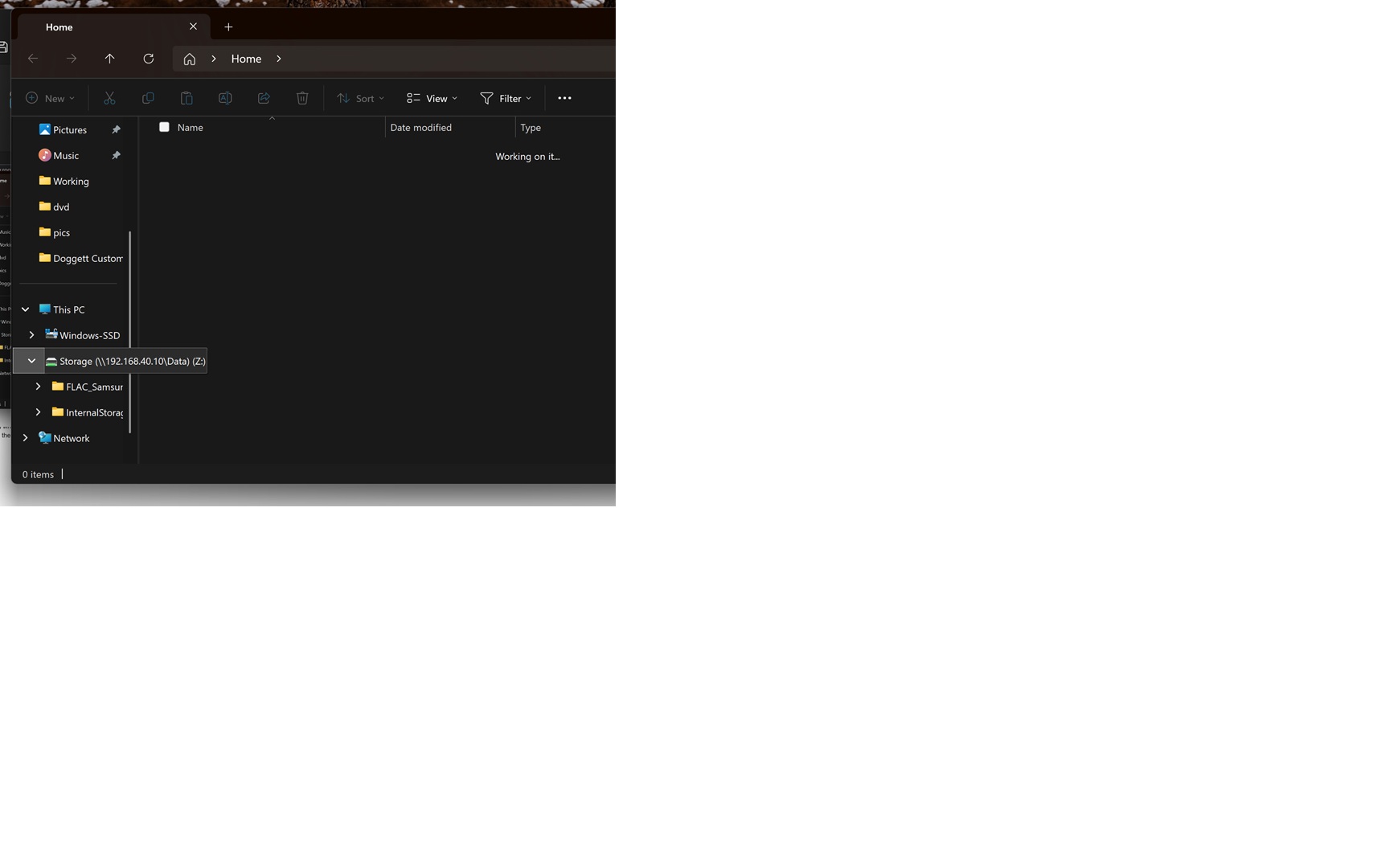
Add images
With File Explorer open, goto Task Manager, Processes. Find Windows Explorer, right click and then Restart.
Windows File Explorer will then close. Open it back up and see if it performs correctly.
Hope this helps.
–MD
Thanks…I should have expanded on that. I restarted the explorer process, restarted the Nucleus server, restarted the laptop, disconnected then re-mapped to the Nucleus.
My web interface to the Nucleus System Status is connected fine. All status’ are OK.
Through my Roon interface, I can see the backups, which are located on the external drive connected to the Nucleus.
Did you try to removing or edit the Windows Credentials for that server?
–MD
I did not know to do that, but I did it and it works now. Remapped and the subfolders popped right up.
Much appreciated.