Hi,
Can you modify the links to the device user manual available in this screenshot? When I click on the “View product manual” link, a page error appears.
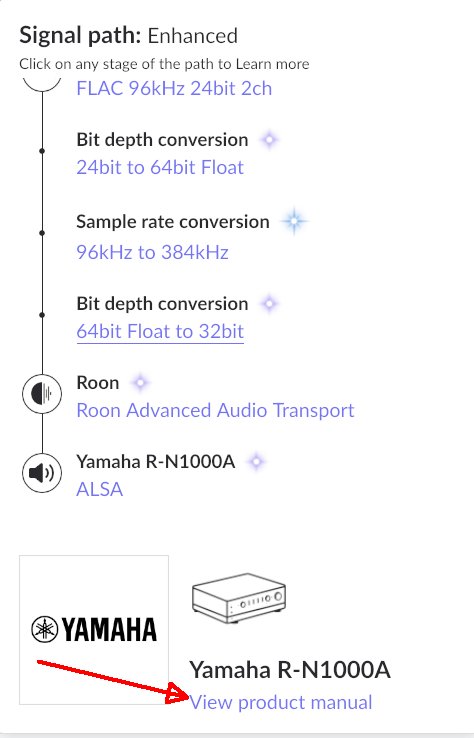
Below are links to Yamaha devices. Previously, a link to a specific pdf file path was displayed. Currently, Yamaha has changed the rules and each manual has a link added ending with the manual number. This may provide a better update if, for example, they change the version of the user manual to a newer one.
Links to manuals:
For R-N2000A should be:
https://uk.yamaha.com/download/files/2089444
For R-N1000A should be:
https://uk.yamaha.com/download/files/2165151
For R-N800A should be:
https://uk.yamaha.com/download/files/2165167
For R-N600A should be:
https://uk.yamaha.com/download/files/2225497
For RX-A2A should be:
https://uk.yamaha.com/download/files/2088151
For RX-A4A should be:
https://uk.yamaha.com/download/files/2087755
For RX-A6A should be:
https://uk.yamaha.com/download/files/2087625
For RX-A8A should be:
https://uk.yamaha.com/download/files/2087170
For RX-V4A should be:
https://uk.yamaha.com/download/files/2085041
For RX-V6A should be:
https://uk.yamaha.com/download/files/2084074
For TSR-400 should be:
https://uk.yamaha.com/download/files/2079742
For TSR-700 should be:
https://uk.yamaha.com/download/files/2079722
Regards
Bruno