Thanks for the speedy fix on this - first signs are that it fixes the issue for me but I’ll give it more of a roadtest over the next couple of days.
1 Like
Hi @Muness
Thank you for the fast implementation. And it seems to work. I was turning the volume down when starting up the knob, but it only started to do so when it was connected to the zone. Perfect impementation.
Kind regards, Frank.
1 Like
Anyone intrigued/see promise in either of these:
- ESP32-S3 4.2inch RLCD Development Board, 300 × 400 Resolution, Supports Wi-Fi & BLE Dual-mode Communication And AI Voice Interaction | ESP32-S3-RLCD-4.2
- ESP32-S3-PhotoPainter 7.3inch E6 Full Color E-paper Display With Solid Wood Photo Frame, Ultra-long Standby, 800 × 480 Resolution, Battery Optional
I am intrigured as both seem like they’d have much better battery life, and coffee table friendly.
4 Likes
E-ink ftw!!!
There’s always interest around here in “Now Playing” type screens and these could be great!
I may have ordered a handful to try… 
3 Likes
That doesn’t surprise me 
After installing Roon 2.6.0 my Roon server doesn’t see the bridge any more. Anyone else? 
Update: Moving Roon from my Windows machine to my NAS and now it sees the bridge again.
All fine under Ubuntu
Yes, after upgrade to 2.6.0 my ESP32 controller knob stopped working. Nothing to see in the unified-hifi-control container logs. I deleted the extension authorization in Roon, deleted the docker stack and the persistent volumes, then redeployed the exact same compose file. The hifi-control container runs fine, nothing to see in the logs:
2026-02-16T15:35:54.099065Z  INFO unified_hifi_control::adapters::handle: roon: starting (retry delay: 1s)
2026-02-16T15:35:54.099125Z  INFO unified_hifi_control::adapters::roon: Starting Roon discovery...
2026-02-16T15:35:54.099190Z  INFO unified_hifi_control::adapters::roon: Roon state file: /data/unified-hifi/roon_state.json
2026-02-16T15:35:54.303707Z  INFO unified_hifi_control::adapters::roon: Roon discovery started, waiting for core (authorize in Roon → Settings → Extensions)...
But the request never makes it to Roon - the extension never shows up in Roon Extensions.
Perhaps relates to this issue?
Bummer. Do you run Roon on Windows?
Roon and unified_hifi_control are on the same Ubuntu 22 docker host using host networking. When I did the Roon update it was via the Roon app, then the knob instantly stopped working
Sorry to hear it. I’ll take a look this weekend to see if there are any workarounds I can implement if they haven’t fixed it by then.
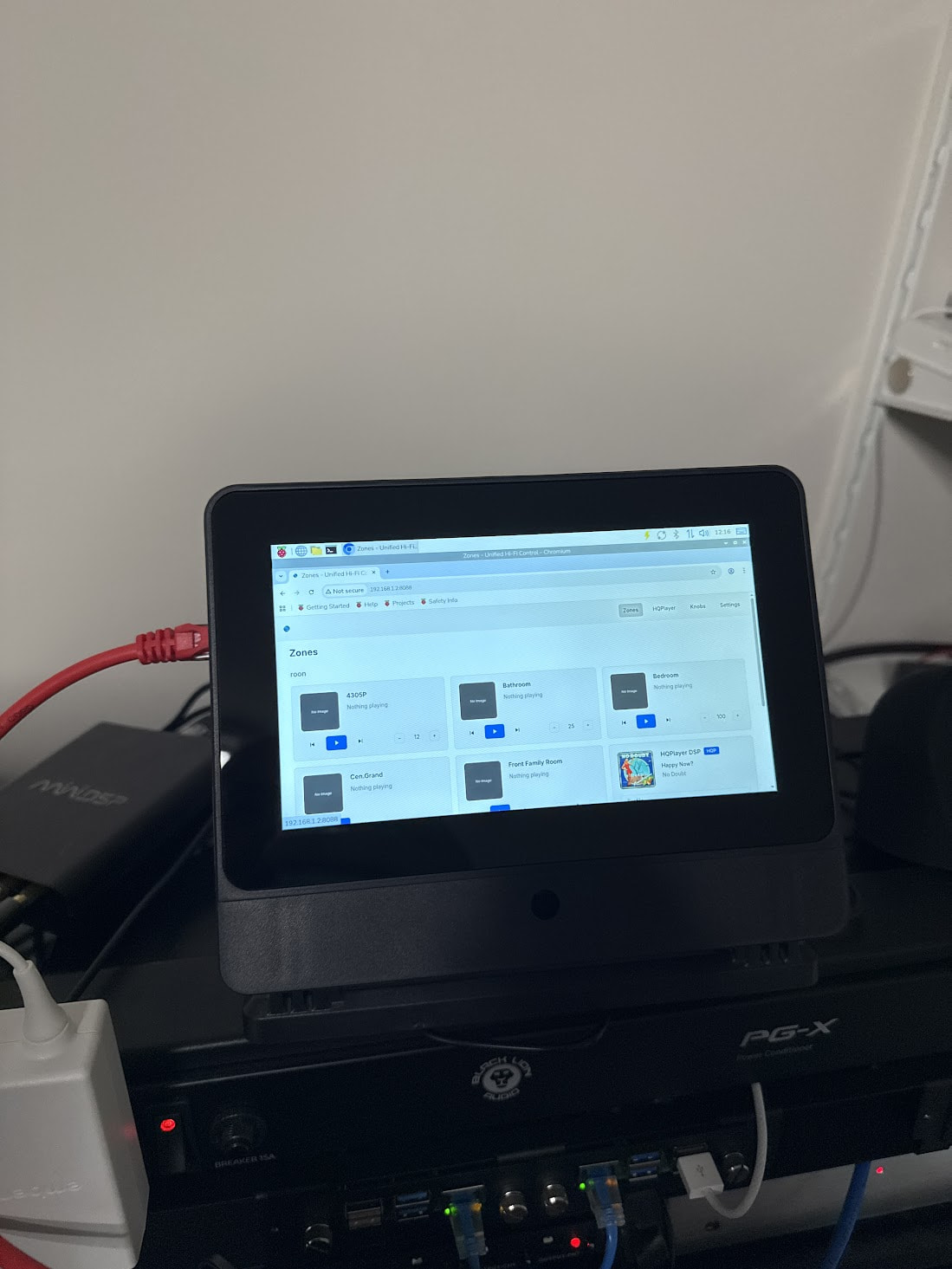
Built a Pi + SmartiPi Touch Pro 3 + 7-DSI-TOUCH-A to be able to interact with the v4 UHC (It’s getting a bunch of features that will make it more useful like a DJ + knob customizer) and to run RoonBridge on.
Anyone interested in a flashable image to get UHC Bridge running on it (no need to run it elsewhere) + a kiosk mode to control Roon (or LMS) directly from it?
1 Like
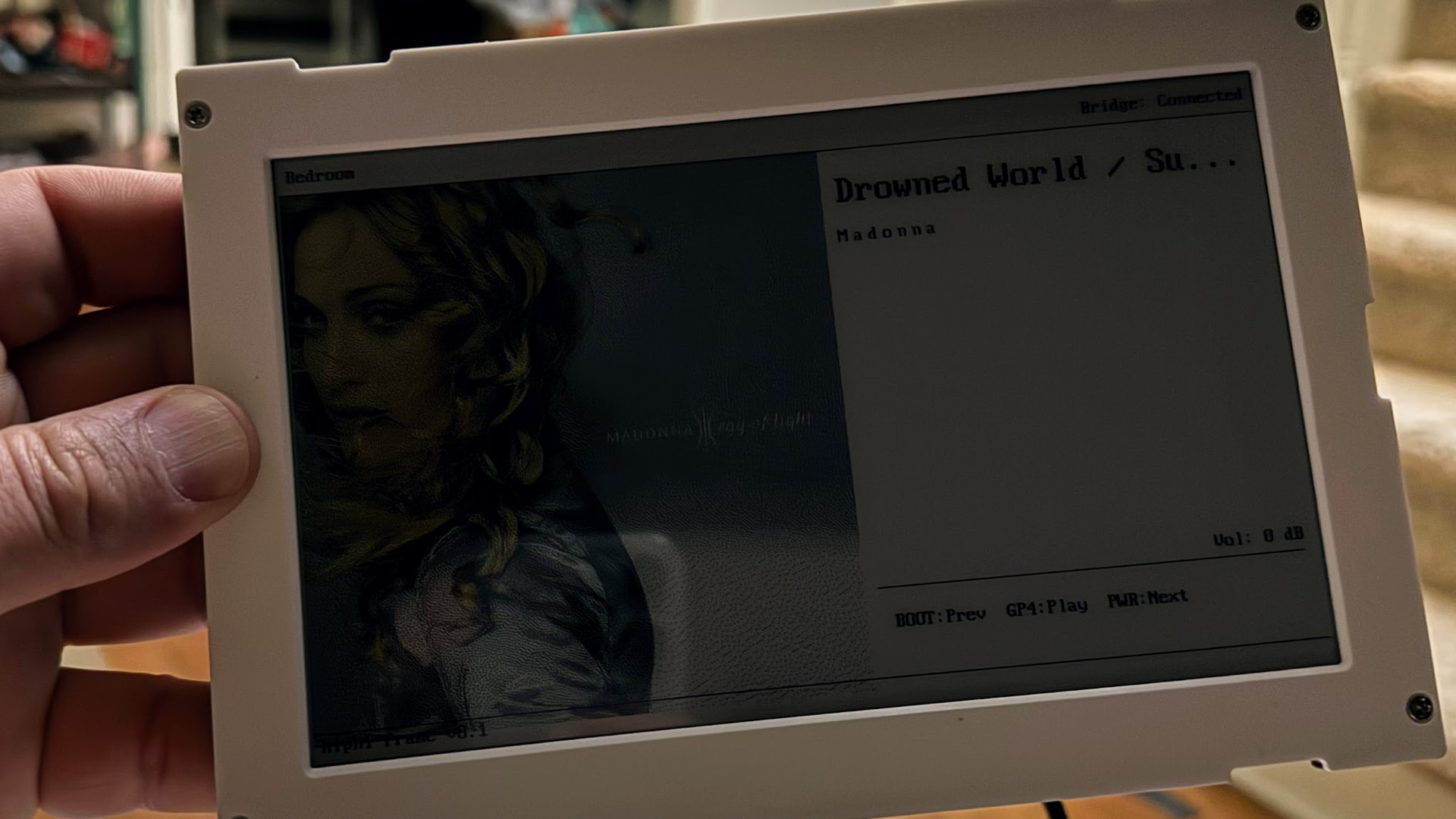
Got the color e-Ink Photo frame from Waveshare. Did a proof of concept in a few hours. Atrocious refresh rate, gorgeous display. Playing with an MVP idea that uses a BLE remote for control.
3 Likes
Pretty cool “watercolor effect” that display seems to have. I’m interested in this because of my concerns with burn-in on the Knob. I have it go into standby after a few hours to prevent that.
But and eInk display I could just leave on forever, reminding me of what I had last played!
I’d put this one near my Amp, and the Knob next to my listening chair.
1 Like
Would potentially be really interesting to have something that could be a Google Photos frame most of the time and switch to Roon display when a specified zone is playing…
1 Like
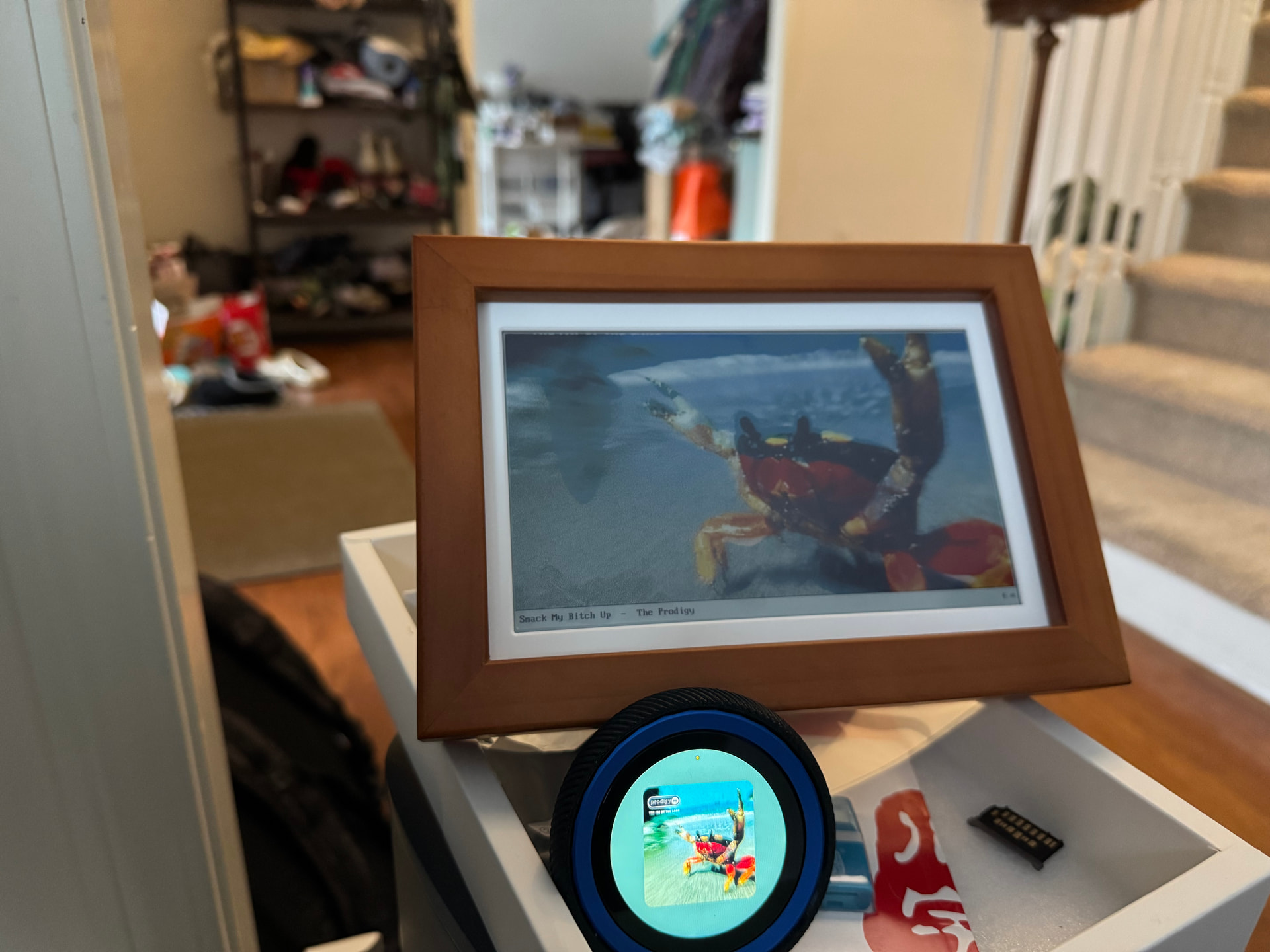
I have v1 working with the e-Ink display:
- AP mode to configure Wifi as with the knob (soon to be renamed HiPhi Dial).
- After it gets on Wifi, you can use http to pick a zone, pair with a BLE remote.
- Frame displays the currently playing track album art + name + artist below that.
- BLE remote vol +/-, prev/next, play/pause working.
If someone is interested in this: ESP32-S3-PhotoPainter 7.3inch E6 Full Color E-paper Display With Solid Wood Photo Frame, Ultra-long Standby, 800 × 480 Resolution, Battery Optional is the model. I ordered before the Chinese New Year and got it in 7days to Columbus, Ohio, USA.
Note:
- The screen refresh rate I’ve been able to get working is very slow, on the order of 10-20seconds.
- Expect this and future devices will not be freely available but part of a bundle subscription (all devices), or a pay-once-per-device model.
4 Likes
Google Photos is unfortunately not straightforward. Google has a lot of hurdles for third-party
apps using their OAuth flows: app verification, security reviews, and scope restrictions that
keep tightening (they deprecated the main Photos Library API in March 2025). In practice,
users often end up needing to set up their own Google Cloud project with “developer access” to
get API credentials, which is a rough onboarding experience.
The more practical approach would probably be to have the bridge pull photos from a local
folder synced however you like (Google Drive desktop app, Dropbox, Syncthing, etc.). That
sidesteps the OAuth headache entirely and works with any photo source, not just Google Photos.
The bridge already does image pre-processing for album art, so serving up a random photo in the
right format for the e-ink panel would be a small addition.
Switching to “photo frame mode” when idle and back to now-playing when music starts would be a natural extension. Folks have asked for similar stuff (a clock or weather mode) for the Knob (soon to be HiPhi Dial) so it’s on the backlog.
1 Like