What best describes your playback issue?
· Music doesn't start when I press "Play"
What type of Zone is affected by this problem?
· *Directly-connected Zones* are affected.
Does the issue affect all file formats?
· The issue affects *multiple/all* file formats.
Does the issue happen with local library music, streaming service music, or both?
· *Both streaming and local* *library* music are affected.
Do you encounter any playback errors with the "System Output" Zone?
· I don't have a System Output available, but I'd like to keep troubleshooting
How is the affected Zone connected to your RoonServer machine?
· Network - Ethernet
Which network audio protocol is the Zone using with Roon?
· Linn
Since this is a Linn Zone, have you ensured your devices are using the same Linn playback subnet?
· I've verified the subnet and the Zone still won't function.
Does the device show up at all in Roon Settings -> Audio?
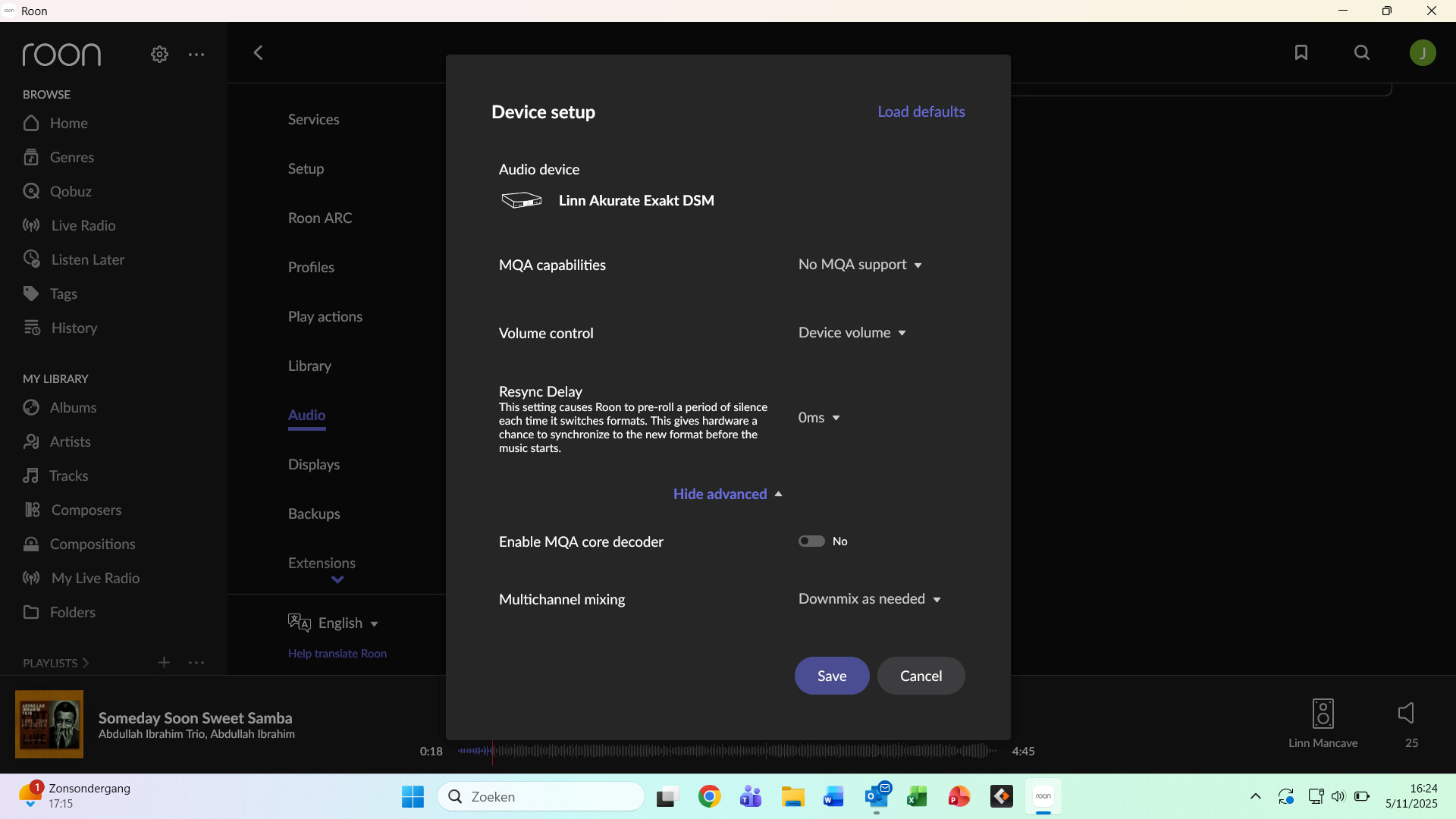
· Yes, it shows up there, but it isn't Enabled
Does the "Enable" button unlock the Zone?
· I pressed Enable, but the Zone remains disabled
Does the device play audio from another source when using the same connection?
· The device has no problems with another audio source
Have you checked that Roon is whitelisted in any firewalls?
· I've checked the firewall and the issue remains
If the device has multiple output options, do the other options work as expected?
· Only one output type is affected while the other output type works as expected
Is the device using the latest firmware as per the manufacturer?
· Firmware is up-to-date but the issue remains
Do you have an approximate timestamp of when the issue last occurred?
· nov Monday 27
What are the make and model of the affected audio device(s) and the connection type?
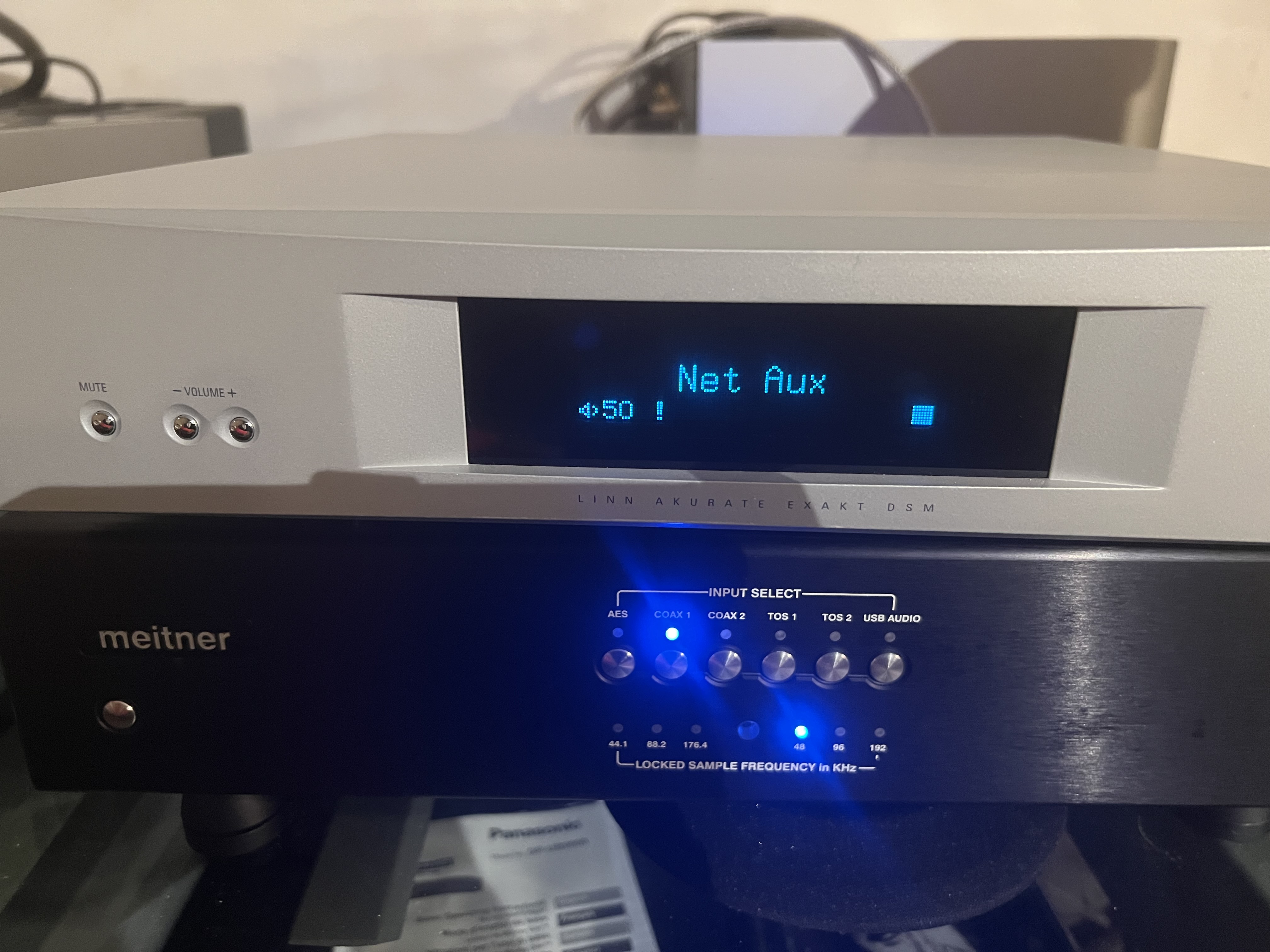
· Linn Akurate Exact /Meitner DAC stopped working.
Describe the issue
Dear Roon support,
I have started using Roon almost a year ago and became a very happy user, and everything went fine until 2 days ago.
My installations:
• System 1 Linn Klimax DS
• System 2 Linn Akurate DSM/Meitner Dac
• System 3 Denon AVR5200
I have Roon running on a separate Intel NUC, which is powerful enough.
What was very useful is that Roon converts DSD files so I can play my comprehensive library on all systems, converting to 176khz on the Meitner.
2 days ago I moved my Akurate on system 1 to make a comparative test. Working through the Linn app everything worked fine. But when switching to Roon the Klimax plays fine, and still does, but the Akurate did not work.
Roon takes over the Akurate and apparently starts playing the requested fragment, but with no sound. After exactly 10 sec. it stops and goes to pause mode. When restarting this one gets the same result.
Moving back my Akurate to system 2, it does not play any more like before, and also one has the same result. The Linn app works fine, but Roon does not work and stops after 10 seconds.
The other installations are working fine.
I do have switched Utp cables just to make sure, and moved the NUC on the same switch as the installations, in vain.
Is this problem familiar to you, and how can I solve this?
Many thanks in advance for your help.
Describe your network setup
From the provider router, Telenet, I have 2 glass fibre connections to my 2 systems. On each of them There is a Linksys LGS310c switch. This switch works perfectly as the Linn app works fine. Cables are cat7 solid core. So the setups are identical and the Linn Klimax DS works fine. Akurate not.