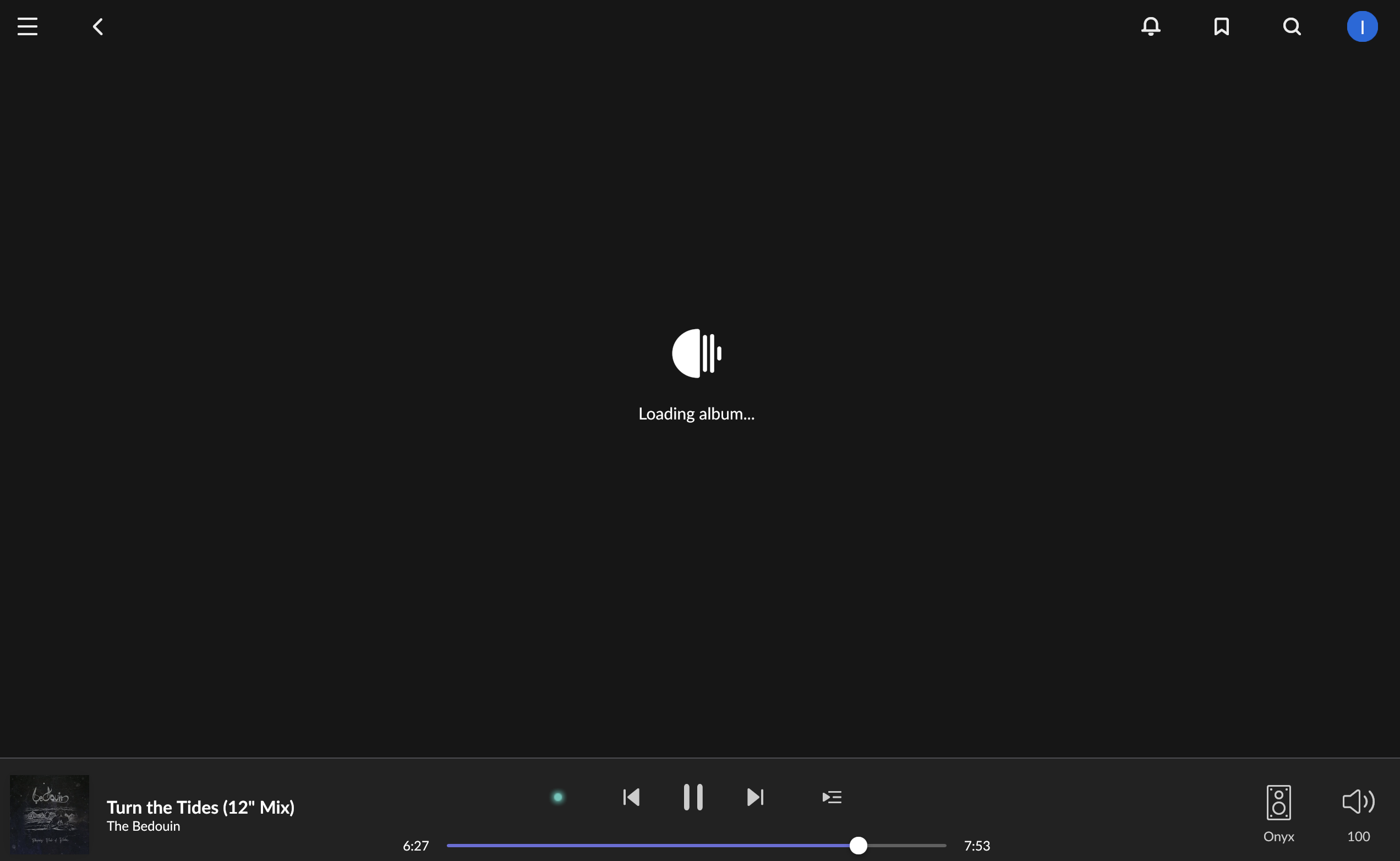
Thanks for the report. Can you confirm if a reboot of the Roon App & RoonServer helps with this? We are activating diagnostics mode for your account and consulting with the team regarding your case.
Reboot does not help. To say the truth Roon works flawlessly on my iPhone as a remote. The problem appears only on my macbook as a remote (macOs Sequoia 15.7.9).
Same here - The RoonServer version (docker container) installed on my QNAP NAS is 2.71 (build 1680).
The update cannot be installed (“There was an error checking for an update”). I tried manually through my remote (Settings/About/Download update).
The problem with loading album is not connected to build 1700 update. I just wrote above that today finally I was succeed to update from 1697 to 1700 and the problem was not resolved. Still same here.
Oh sorry for the previous post - I was wrong. Just checked and it is again build 1696 although it showed up 1700 in the afternoon. So no clue what’s going on. It smells like compensation - what a bug ))
Thank you for your patience. We’re reviewing diagnostic logs for your account development and will respond with additional information as soon as possible.
Logs indicate that between October 10-13, Roon Server couldn’t connect to Roon’s cloud discovery servers, its remote access test, or Qobuz. The NAS found no network path to these upstream servers. This likely also caused your update error.
We need to try to reduce the number of variables in flight to pinpoint the blockage.
In QTS, go to Control Panel, then Network & Virtual Switch, then Interfaces. Set the adapter using 192.168.68.103 to DHCP, or confirm its gateway matches your router.
The logs show VPN adapters named tun0 and qtun, which usually come from QVPN Service. Stop it in App Center if it’s running.
Check whether other NAS apps, such as App Center, can connect out. If they can, the problem is specific to the Roon Server container.
Once Roon Server connects, update it from Settings, then About, and try the MacBook again.