· I have a lot of albums that have different versions of them. Roon always grouped them when I imported them and some I did manual if needed. They would show only one cover/thumbnail when browsing. Now all of a sudden every multiple version of an album I have now shows as several covers ungrouped when browsing an artists albums. When I click on one it shows the different versions but they are also displaying all individually. Additionally if I try to group them by right clicking> Selecting each one> Click 3 dots> edit> group. it does not work.
Two things have recently changed since I noticed this. 1) I updated to the latest version of Roon (as of June 2026), 2) Last month I stopped streaming and now only use my local library. I have a Roon Nucleus which had a software update recently as well I believe.
Any help would be appreciated. Hoping its just a bug in the new release that can be fixed. I have thousands of albums and everything used to be nice and tidy now its a mess.
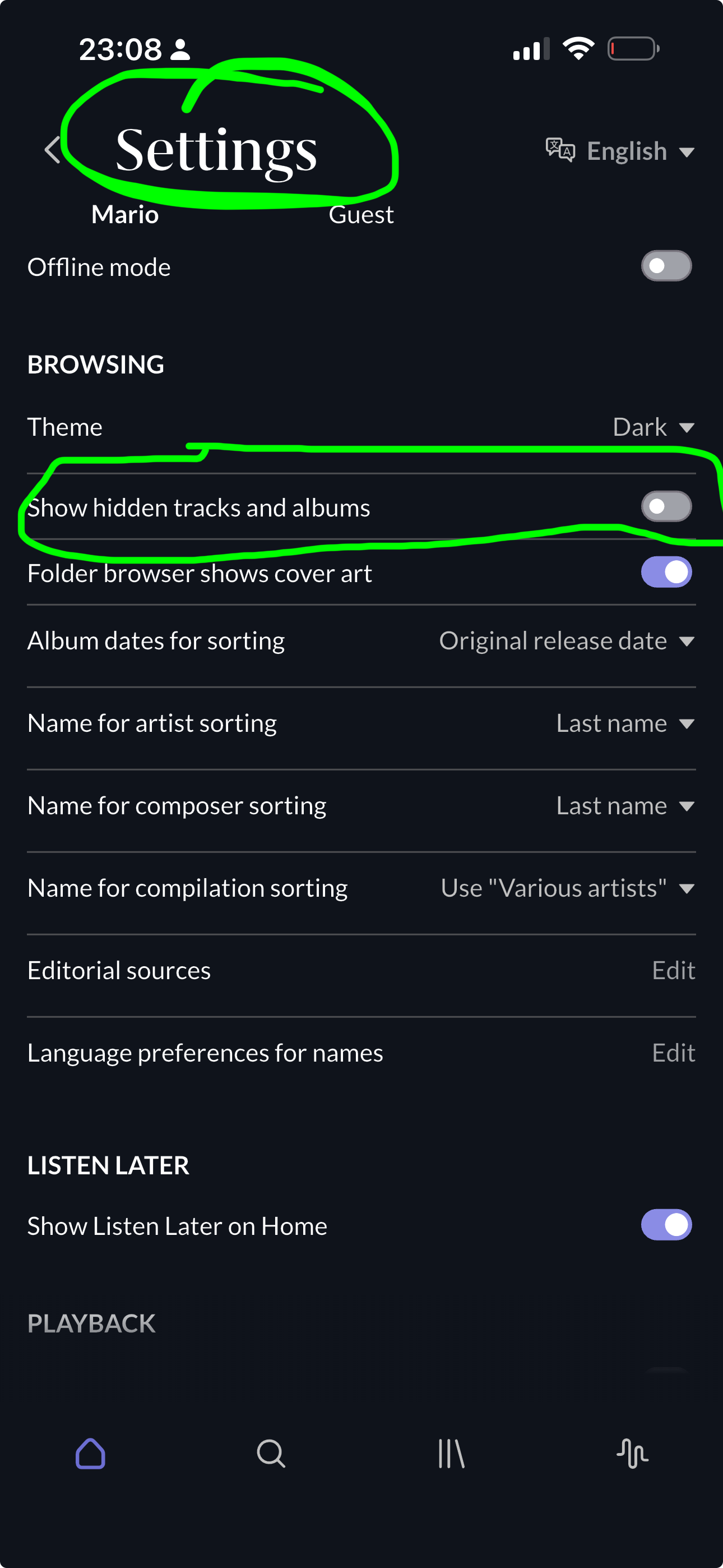
Did you check if the setting is still in the correct state? Settings > General > Browsing Preferences > Show Hidden Tracks And Albums. It should be set to No.
Thanks for the interest in helping me sort this. I am away from my server right now but took this screenshot example in Arc. Its one example but there are many others it has happened to. Every one that I have multiple versions of unfortunately as far as I can tell. As mentioned this seems to have happened only recently as they used to be tidy. I will get you better screens when I get home in an hour or so. I will also double check what @Suedkiez mentioned.
Oh wait. Now I feel really stupid. I think it was because I was on “overview” and not “Discography” that it was displaying that way. I will confirm when I get home but darn it, if its the case sorry for wasting everyone’s time. I have been using roon for a couple years but since turning off streaming and going local files only my browsing style/flow has changed and hence the rooking brain cramp mistake.
Well you nailed it. That was the issue. That setting was toggled on in both desktop Roon and Arc. Flicking it to no fixed things. I will have to go and re-group some albums but glad its figured out. Thanks to you and connor for exploring the issue.
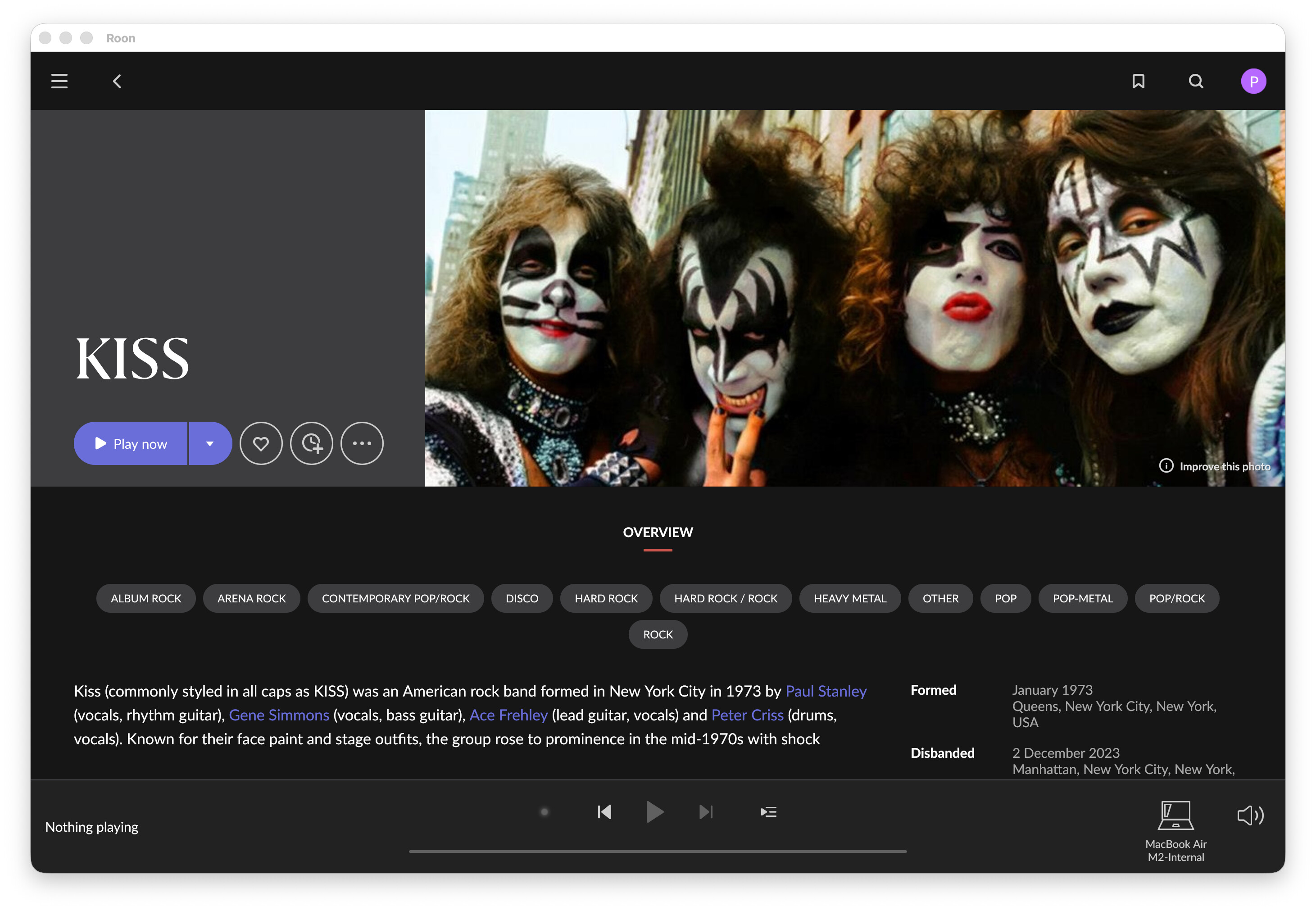
I do have a follow up question. It turns out it was not an error on my part by looking at the “overview” section rather than the “Discography” section. On the regular Roon App (not Arc) there is NO “discography” section. Only “overview”. The Discography section stopped showing up once I stopped Qobuz and streaming and went local music only. Is that normal? Odd that I only get the "discography"section on the Arc app now. It sometimes takes a while to show up on Arc but its there. But not in Roon.
Screenshot from Roon on Mac OS Tahoe 26.5 but same results on Roon App on my iPhone:
Yes, I forgot about this and failed to mention it. Without a streaming service, most people won’t have lots of artists with complete discographies locally, and Roon made a design decision to not show albums you can’t play, so they leave out the discography tab completely. There are also some other features that aren’t there without a streaming service.
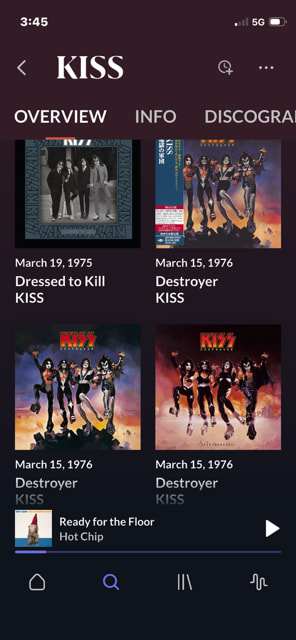
 but FWIW, this setting also exists in ARC: