ARC unexpected playback error with Shanling M6 Ultra

Roon Core Machine

Windows 11 2h22, Lenovo P1/i7-11850h/32gb

Networking Gear & Setup Details

On 5gHz wifi using Asus GT-AX11000, no vpn

Connected Audio Devices

Schiit Bifrost 2 on the core. Onboard the M6 Ultra are quad-AK4493SEQ DAC chips.

Number of Tracks in Library

16925 tracks

Description of Issue

Getting the dreaded “unexpected playback error” using the latest Roon ARC v1.0.41 on my Shanling M6 Ultra DAP (Android 10, fw 1.30). Roon ARC working fine from my S22 Ultra.

Perhaps I should mention that the Roon Remote app is working fine - only Roon ARC is dead. Also, it happens on every track in FLAC and Mp3 format…

Also getting the “unexpected playback error” using the latest Roon ARC v1.0.41 on my Shanling M3 Ultra DAP (Android 10, fw 1.16). Roon ARC working fine from my S22 Plus.

Apparently this is a problem on all of Shanling’s Snapdragon 66x CPU DAPs at the moment.

Hi @Scott_Garfinkle,

Are you experiencing this on the latest ARC build?

If so, it’s likely you’ll be able to stabilize connection to this DAC by disabling automatic USB routing in Android. [Here’s a guide you can follow that’s helped other users].(https://www.hihonor.com/uk/club/topicdetail/tips-tricks-what-is-the-purpose-of-disable-usb-audio-routing-in/topicid-10665/)

Please let us know a status update at your convenience and I’ll sync with ARC development. We’ve resolved the majority of DAC issues with ARC at this time and want to appraise QA and development of the situation.

Not successful.

Roon core (on win11) 2.0 1303
Roon ARC (on m6 ultra) 1.0.42
USB routing disabled (not sure why that would matter, since the m6 is not connected to a USB device, but did it anyway)
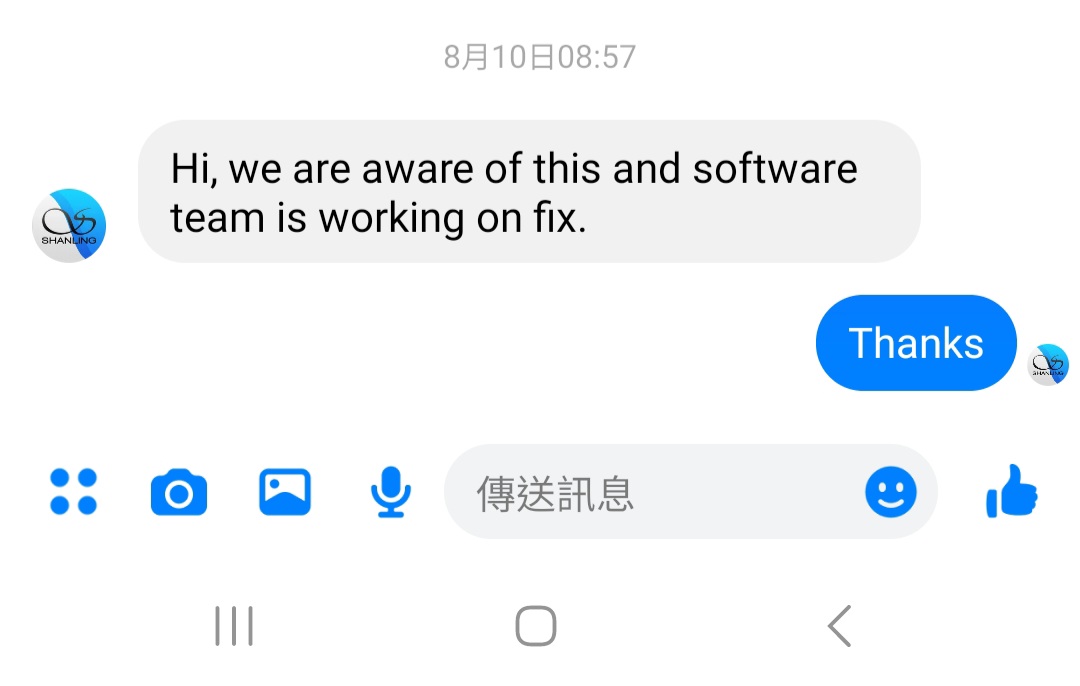
Response from Shanling

This topic was automatically closed 45 days after the last reply. New replies are no longer allowed.