Does the issue happen with local library music, streaming service music, or both?
· *Both streaming and local* *library* music are affected.
Do you encounter any playback errors with the "System Output" Zone?
· I don't have a System Output available, but I'd like to keep troubleshooting
How is the affected Zone connected to your RoonServer machine?
· Network - Ethernet
Which network audio protocol is the Zone using with Roon?
· RoonReady
Does the device show up at all in Roon Settings -> Audio?
· The Zone is listed under the wrong protocol
Does the device play audio from another source when using the same connection?
· The device has no problems with another audio source
Have you checked that Roon is whitelisted in any firewalls?
· I've checked the firewall and the issue remains
If the device has multiple output options, do the other options work as expected?
· Multiple output types are affected
Is the device using the latest firmware as per the manufacturer?
· Firmware is up-to-date but the issue remains
Do you have an approximate timestamp of when the issue last occurred?
· Around 9am 11/7
What are the make and model of the affected audio device(s) and the connection type?
· Holo Red and PI2AES
Describe the issue
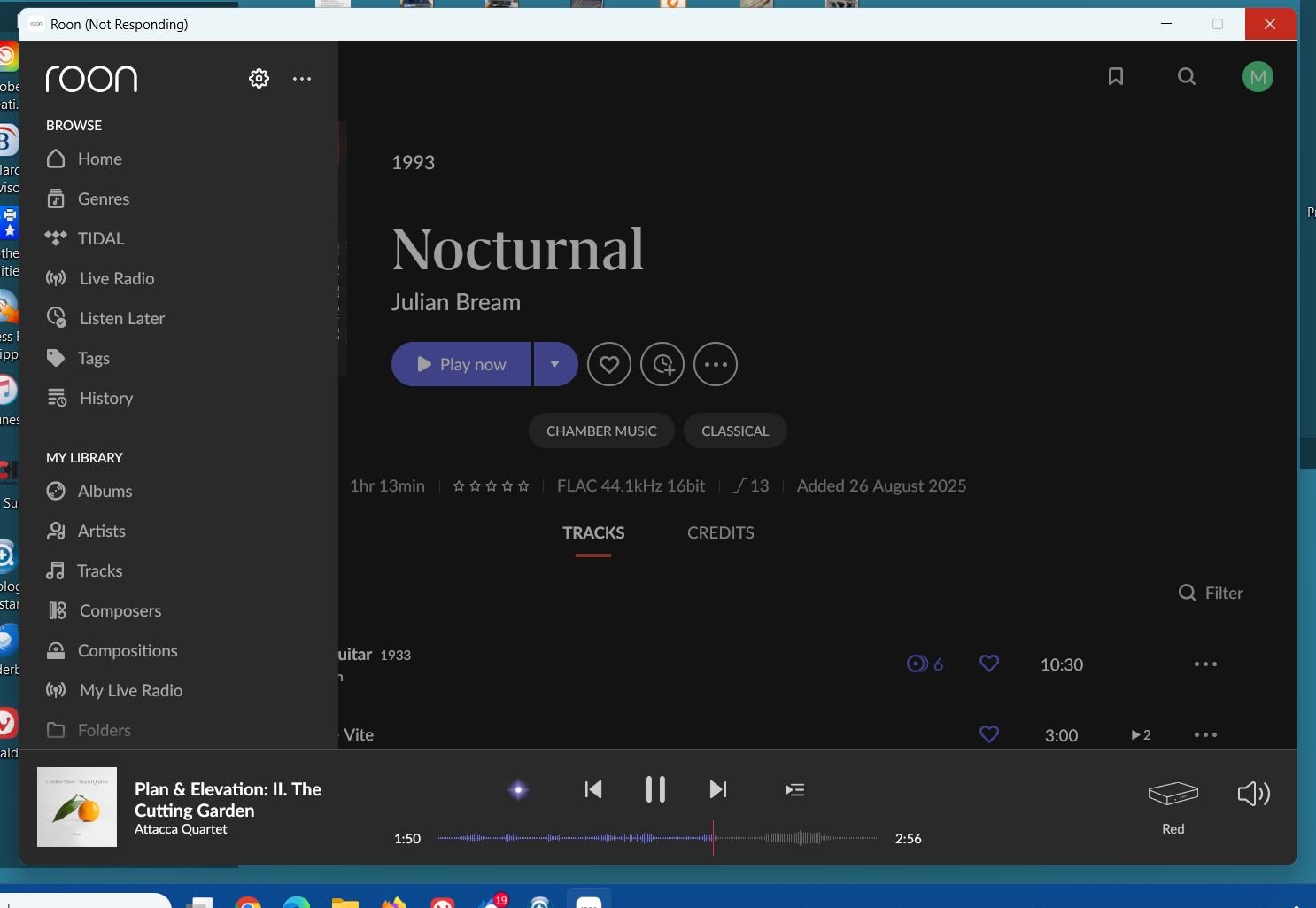
I get audio drop-outs on both streaming devices (Holo Red and PI2AES). They are both wired via ethernet. It happens whether I'm streaming Tidal or playing from my library (internal ssd drive on a Nucleus One). When I click on settings in the remote app on my Win11 computers, the app often freezes.
Thanks for reaching out. Can you please confrim how your Nucleus is connected to the router, is it a direct Ethernet connection, or does it pass through some other device (switch, powerline/range extender, etc.)? The issue occured during the track you have in your screenshot? Can you please use these instructions to access your Nucleus logs, upload them to the below link, and let us know once uploaded? Thanks!
The Nucleus is attached directly to the router. The screenshot actually just shows the frozen app. This happens very often when I attempt to access settings. I then need to force the app closed and reopen it to regain functionality. I’ve had the app freeze when I click on settings on my Win11 laptop, my Win11 desktop computer, and my iPhone.
Thanks for the update! We were able to review a fresh diagnostic report from your windows machine running Roon remote, and can confirm the issues your facing are tied to a known crash that our development team already has a fix for that should be included in the next Roon update.
In the meantime, let’s see if refreshing your Roon remote database on the issue Windows machine, it may help (note this won’t touch Roon Server or any of your saved settings / library) :
That seems to have helped. The dropouts stopped for a day, but today have started again, though not as often. The app is still freezing when I try to access settings. Looking forward to the update.
I think the next step here is to enable some diagnostics on your account so our technical staff can get some more insight into what’s going on here.
However, before I enable this feature, I’d like to ask for your help ensuring we gather the right information.
First, can you please reproduce the issue once more and note the time at which the error occurs. Then respond here with that time, and I’ll make sure we review the diagnostics related to that timestamp.
Thanks for the update here! And just to confirm - we have a fix for the Roon remote crashing that you’re experiencing. We’ll need to continue to troubleshoot your audio dropouts further.
From a recent diagnostic report, we’re seeing repeated failures when your Roon Server is attempting to initialize a few of your audio drivers. Specifically, we see:
I’ll look into the Soekris DAC driver shortly, but all the dropouts this morning have been with a Holo Cyan 2 DAC. I’ve shut off the Soekris for now and will try streaming with the Cyan system again.
I just tried streaming again with the Soekris turned off and only the Holo Cyan running, and the audio dropped out within 30 seconds! Bear in mind that these systems have been running without any issues for several months before this started happening a few weeks back. If there is a known issue, and you have a fix, why don’t we just install it. This is ridiculous. I don’t know why I’m paying for a Roon system that’s become non-functional.
Can you kindly upload a new log to our previous link and let us know once uploaded so that we can look over the report?
Which Roon remote were you using when the freeze occured, can you list the name/system info so we can locate the affected device correctly? There are a few remotes tied to your account according to our system.
The fix we have is avaliable in Early Access testing. If you wish to switch over to Early Access, you can do so by following the guide below, though do note that the fix should make its way to the regular (production) version of Roon fairly soon as well if you don’t want to complicate things.
The logs are from my laptop (MTYOGA), which I usually use as the remote for the Cyan DAC speaker system. However, I was just using my desktop computer, which is connected to the Soekris DAC and is used with headphones and a headphone amp, and I experienced the same issues, i.e. frequent dropouts and freezing when accessing settings. I updated the Soekris driver, and it made no difference.
I’ve listened to 5-6 hours of audio with no dropouts, but there are still issues with accessing settings. I’m on my desktop with the Soekris DAC and the PI2AES streamer, and when I click on settings the app no longer freezes, but it takes a while for the app to open. I needed to set up ARC on my phone again after the update, and the brief process of dealing with ARC in the Win app was very slow and balky. Definitely much better than completely freezing, but still it doesn’t seem right.