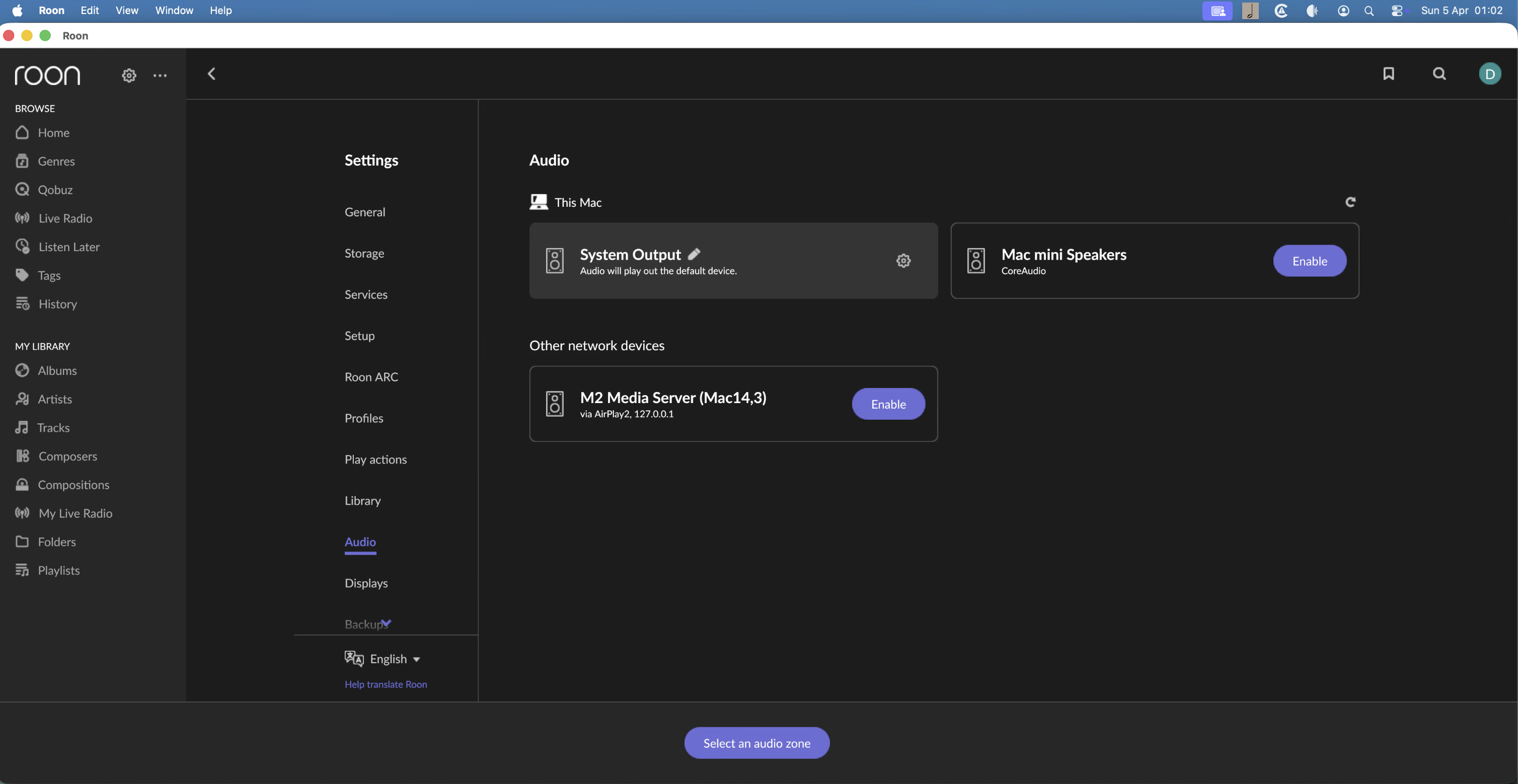
Ok. I restarted everything, the Mac mini M2 running Roon server, the router, the switches, the VEGA. G2.2 with no luck. Still nothing…. Multiple times.
I remotes connected to the M2 and noticed Minimserver error stating no local drive access. I knew it did have this as I’d set it up in settings. Went to the Mac settings and sure enough it was activated. So, de activated it and then re activated it for both minim and Roon. Minim fired up and worked fine. Rebooted the M2 mini and this time Roon also started correctly and found network devices.
it would seem that the issue was with the M2, I think that had also updated recently. Maybe, if possible, Roon too could tell me it doesn’t have access to local network… I’d imagine it’s fairly easy to do given a small app like Minimserver can do it. It could save on fault reports here?!? Anyway, though post this update in case it happens to anyone else.
Yeah… that covers it. But, I could read that title a hundred times and it wouldn’t sound like the problem I had. Maybe, “Missing Zones” first in the title would help?
It would make sense. From a user perspective, their issue is “Can’t Find Audio Zones” and will have no idea as to the cause. So, titling the thread with the cause of the problem isn’t going to work because if they know the cause they’d have already fixed it … if you see what I mean