What best describes your playback issue?
· A connected audio device is not appearing in Roon
What type of Zone is affected by this problem?
· *All of my Zones* are affected.
Is your RoonServer machine running MacOS 15 Sequoia or above?
· I still can't see my endpoints as available Zones.
Is the affected network Zone connected with Ethernet or WiFi?
· WiFi
Which network audio protocol is the Zone using with Roon?
· RoonReady
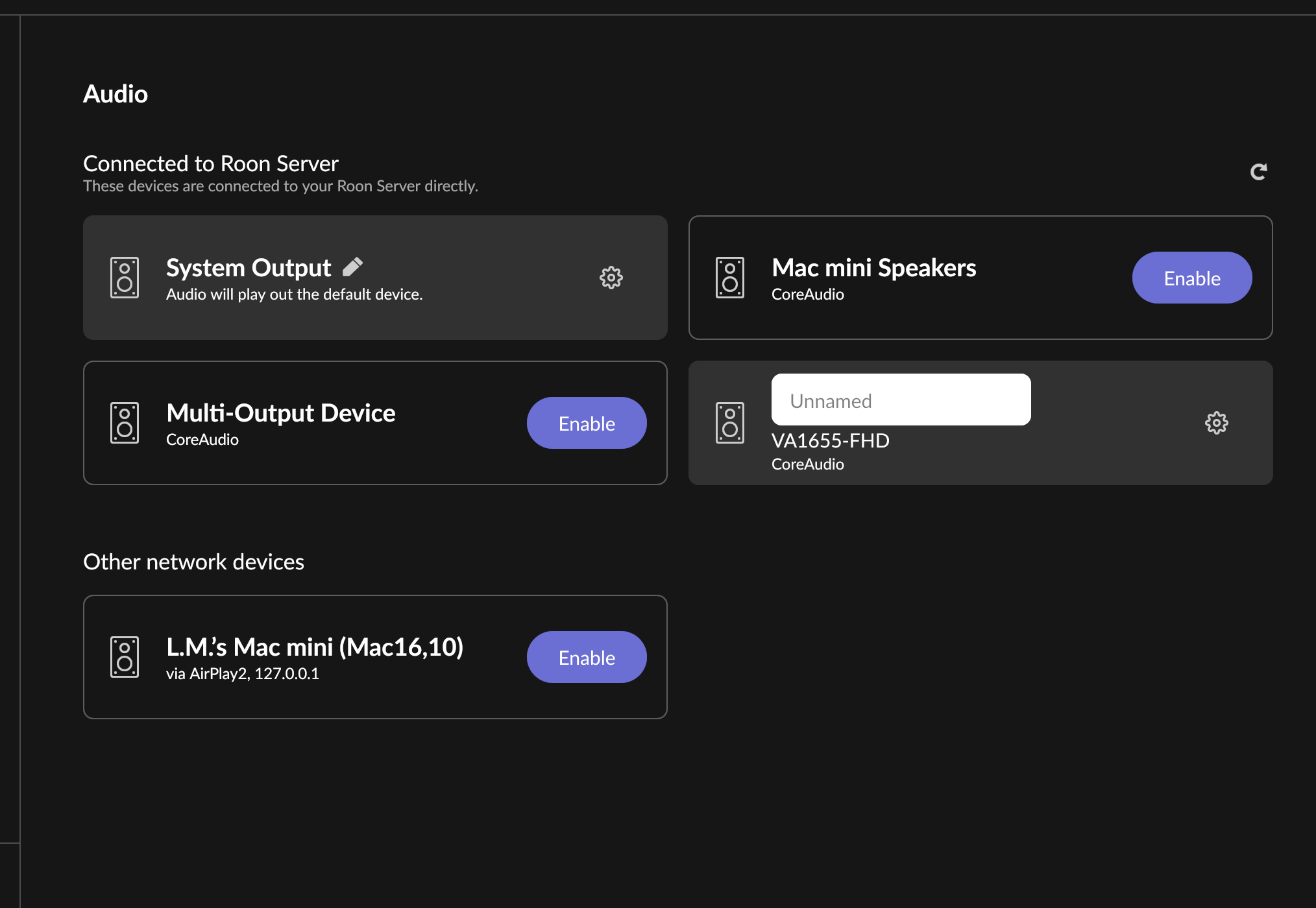
Does the device show up at all in Roon Settings -> Audio?
· No, it does not show up there
Does the device play audio from another source when using the same connection?
· The device has no problems with another audio source
Have you checked that Roon is whitelisted in any firewalls?
· I've checked the firewall and the issue remains
Since you are using a network connection to the device, please ensure that your RoonServer is on the same subnet as the device
· My devices are on a single subnet but is not visible to Roon
Do you have a complex network setup?
· Both the device and RoonServer are connecting to a *single router*
Try to disable any additional networking interfaces on your RoonServer machine.
· Disabling network interfaces had no change in behavior
Check to make sure RoonReady mode is selected on the device.
· I've checked this and the issue remains
If the device has multiple output options, do the other options work as expected?
· Only one output type is affected while the other output type works as expected
Is the device using the latest firmware as per the manufacturer?
· Firmware is up-to-date but the issue remains
Do you have an approximate timestamp of when the issue last occurred?
· 5:00 pm or so July 2
What are the make and model of the affected audio device(s) and the connection type?
· JBL authentics, JBL charge wifi, Wiim pro plus
Describe the issue
None of my audio zones are showing up after app updated
Describe your network setup
telus internet modem... no other routers or network devices