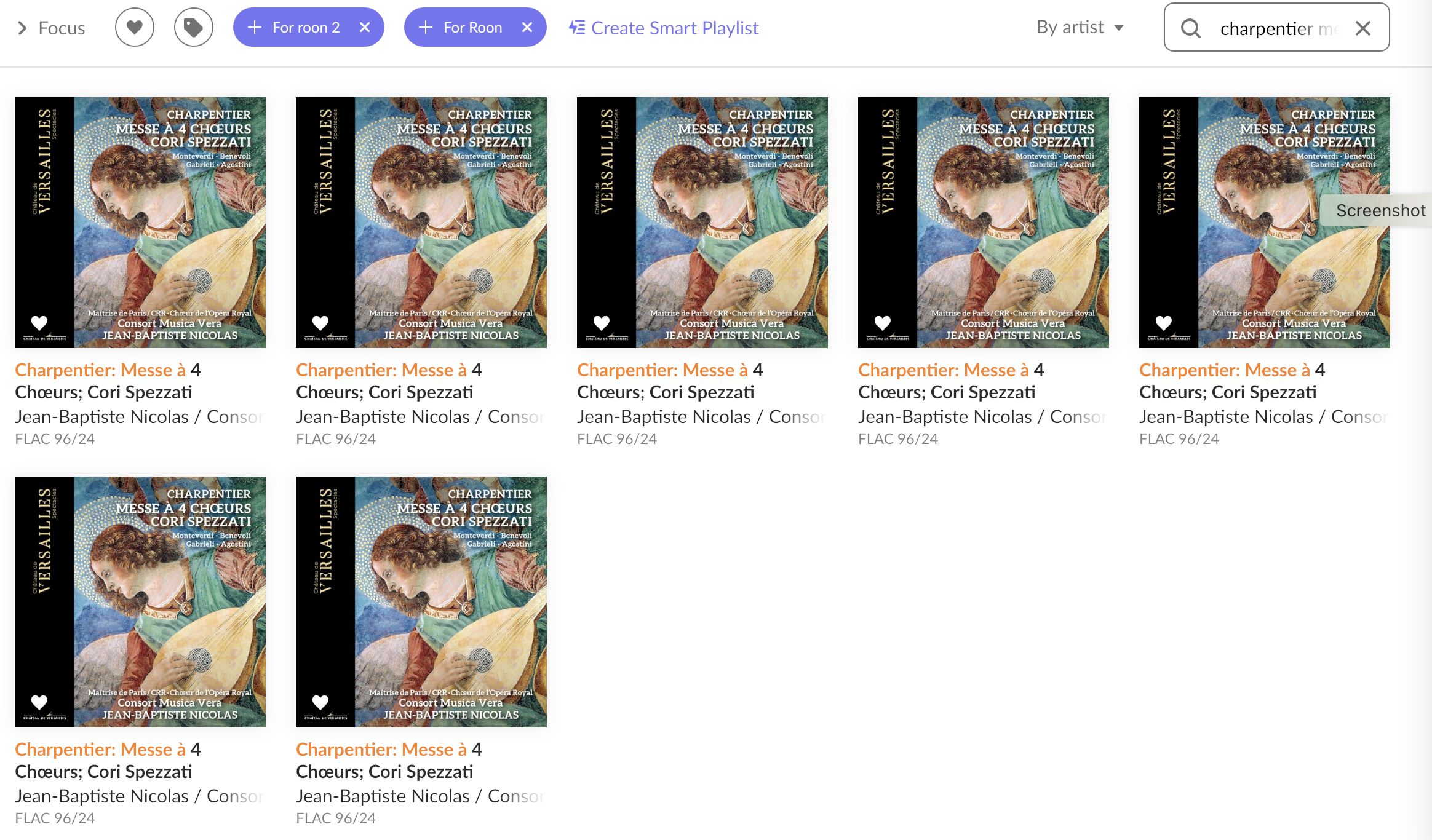
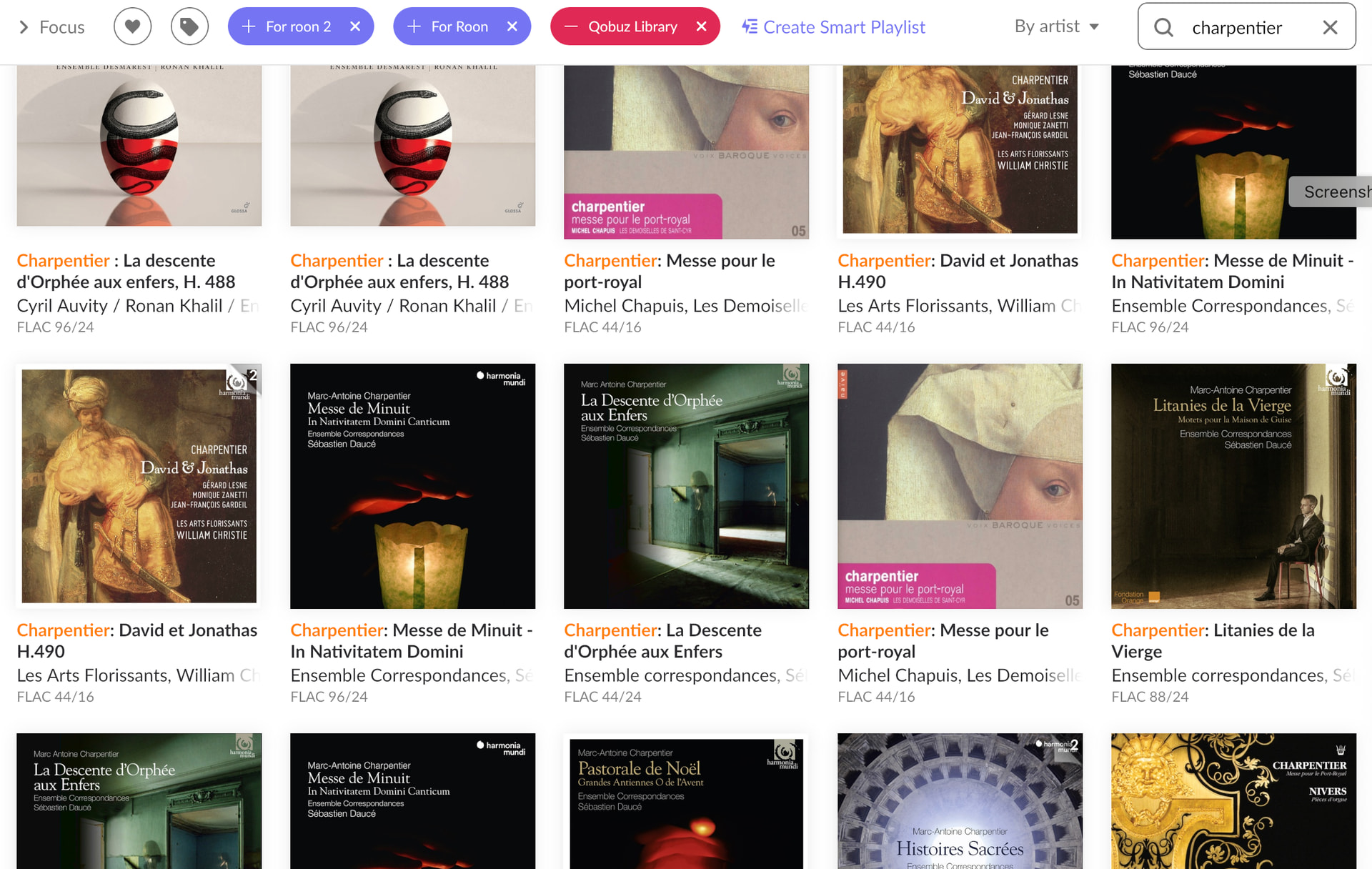
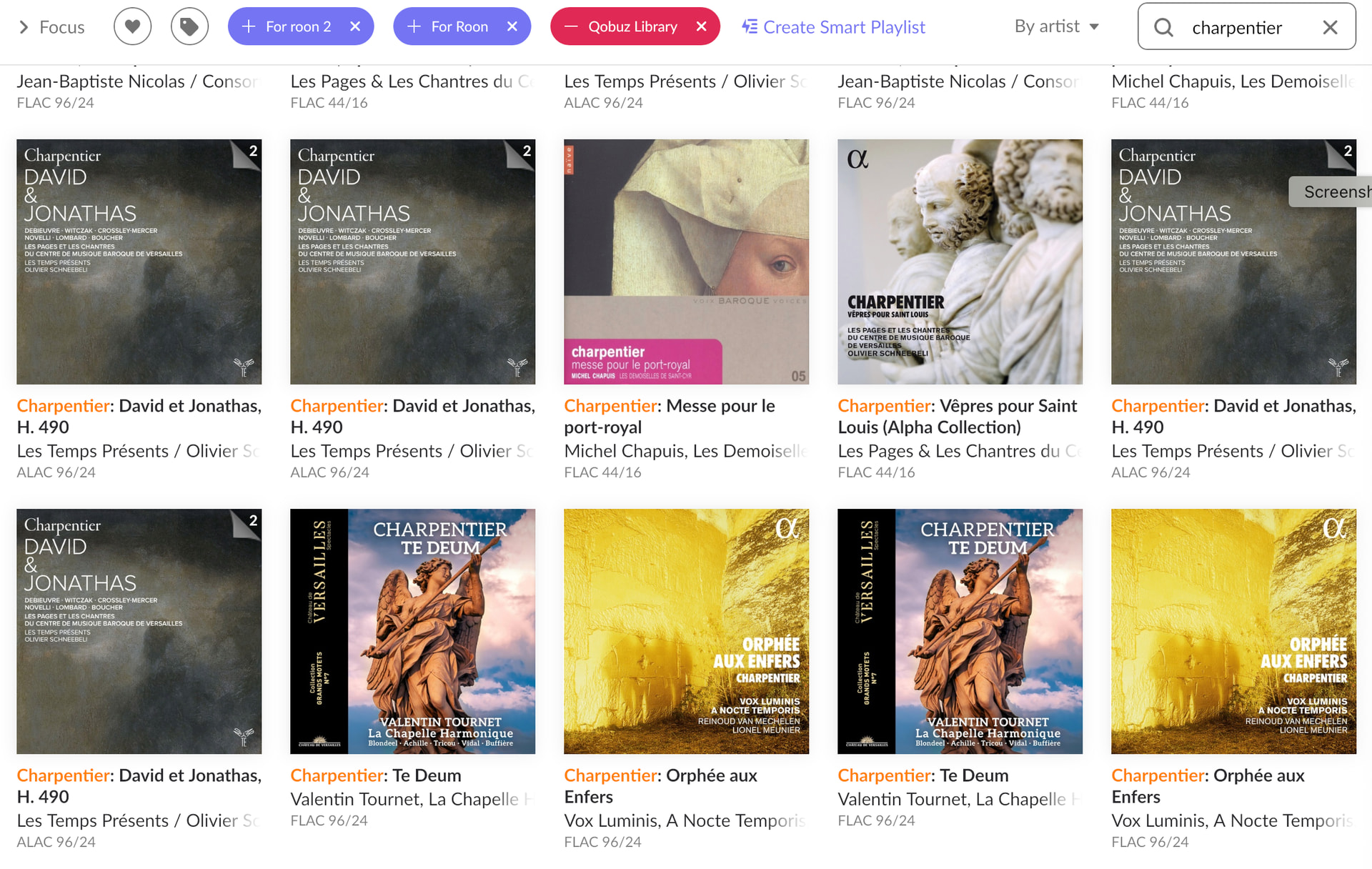
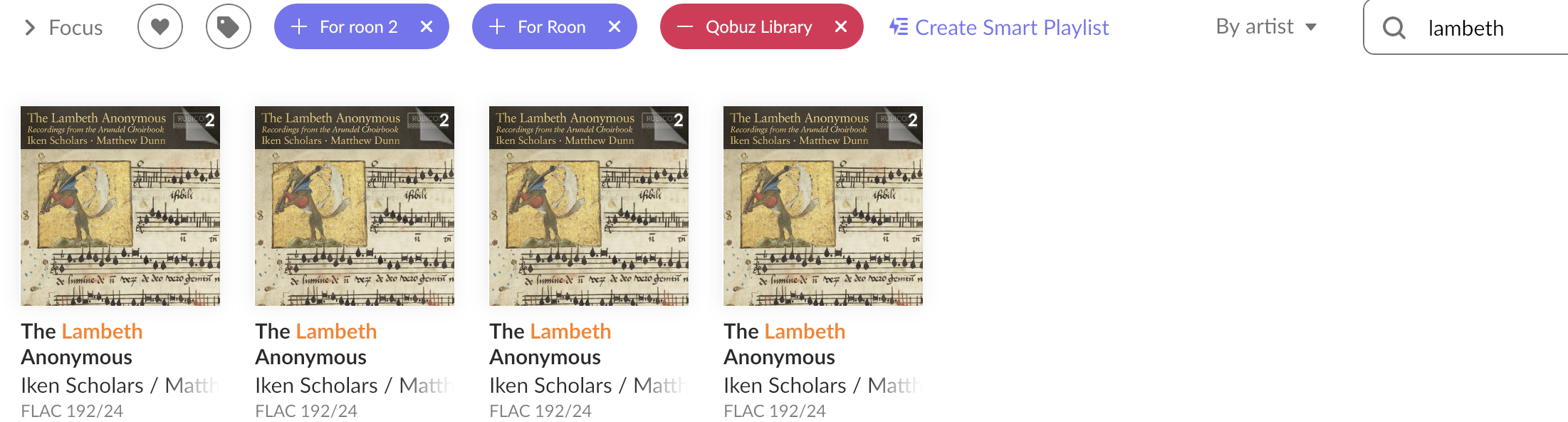
· Library display switches to artist view without selecting it and multiple albums are appearing, as many as seven. Tried turning roon off and on again.
Tell us about your home network
· Starlight modem and router, Chord English switch, Nucleus
It has stopped doing it, but it has been doing this off and on for three days. The duplications seem to be only in artist view, but I am not choosing artist view, ever. When I switch to date added the problem has disappeared, though I don’t know if it will last.
Thank you for the update! I am glad to hear that the unexpected auto-switching behavior has settled down for now.
To help us get to the bottom of this, I would like to clarify the current status of your library regarding those duplicates. If you manually navigate to the Artist view right now, do you still see those multiple duplicated albums (up to seven), or have they disappeared completely?
If you are still seeing them, could you please provide us with two things:
A screenshot of the Artist view showing the duplicated albums.
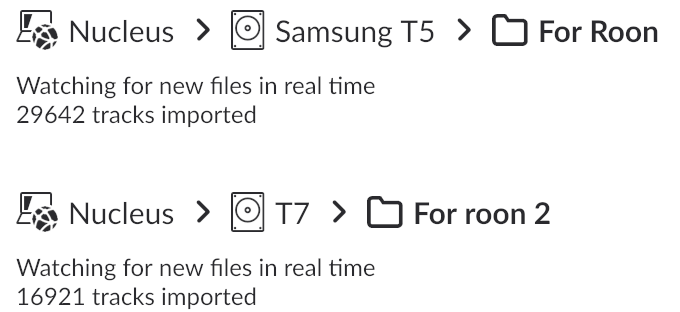
A screenshot of your Settings > Storage page in Roon.
This will help us see exactly how your Nucleus is reading your files and where those duplicates are coming from. We look forward to hearing from you!
Hi Vadim, There was an anomaly today again when I looked. It didn’t switch to artist view by itself but it pulled up three of two albums. I switched to artist view and got a lot more. Top pictures are artist view. I got just one of each on the title view.
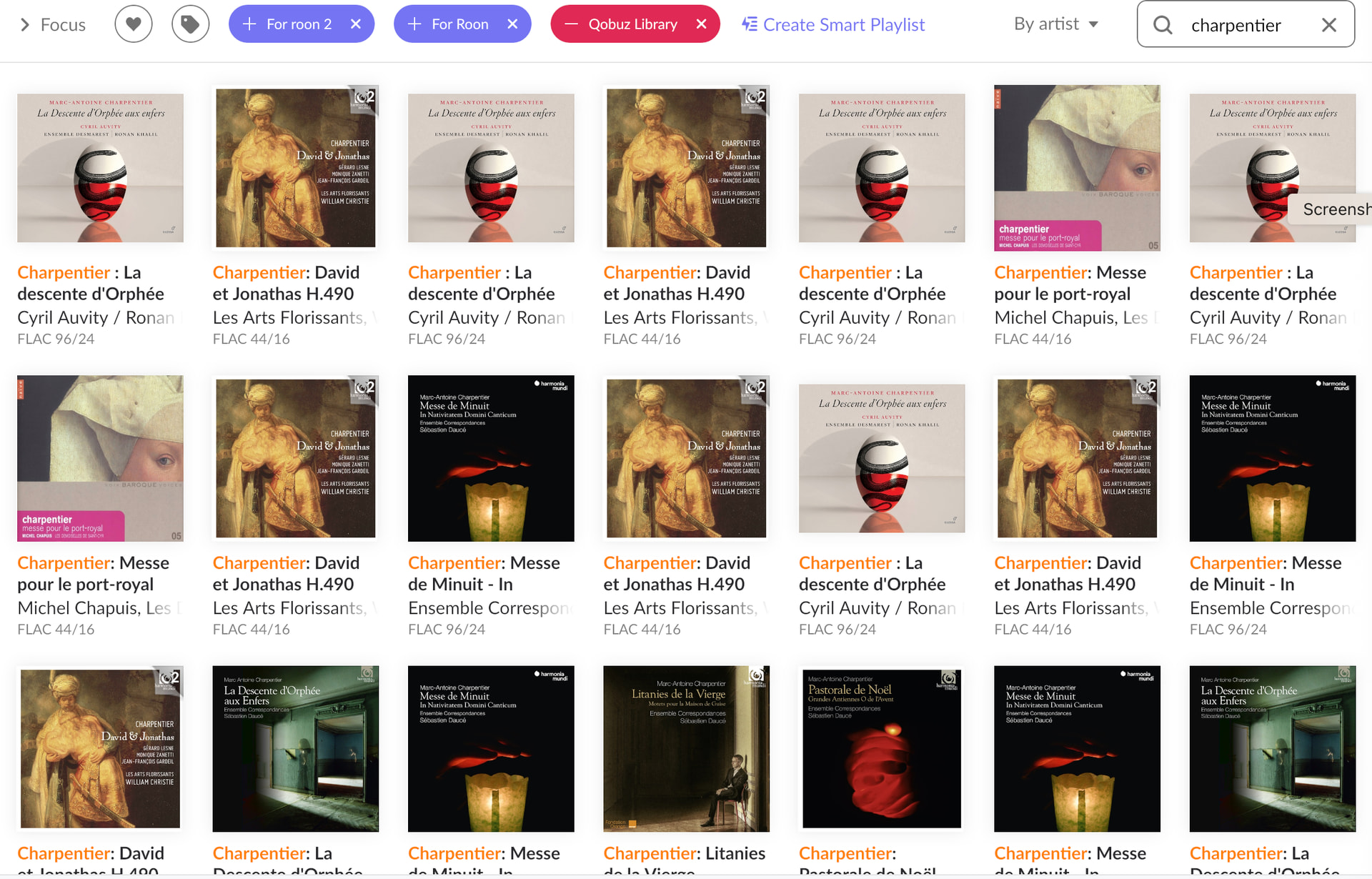
I am still having trouble. In artist view there are as many as seven duplicates. Other views are only one. With the Charpentier selection there are 15 real albums. I can’t get a screenshot of all of them.
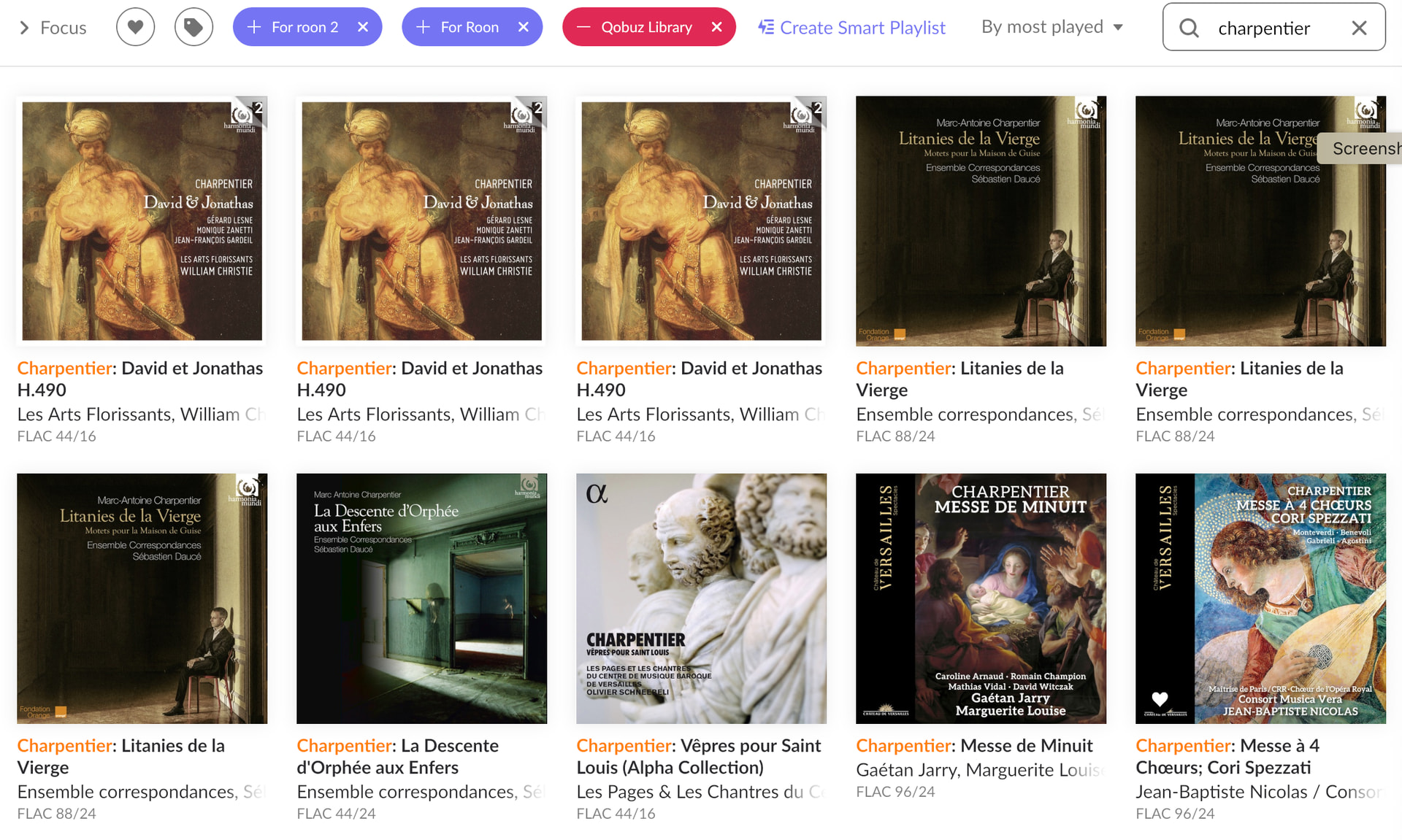
It seemed to be okay on the other views and only had duplicates on artist view, but now it just did it on “most played”. Artist view is worse. I can’t get the whole thing so some at the top is missing. Is it Roon or my computer? I restarted my computer.