B1257 and B173 Inconsistent default text for Recording Location between Roon and ARC. Can lead to messy results [Ticket in]

This may or may not be new in EA, not sure. I think the behavior in regular Roon has been like this at least for a long time, not sure if always. In ARC I have no idea. Please feel free to move to #support if you prefer.

When you have a recording date and location like this:
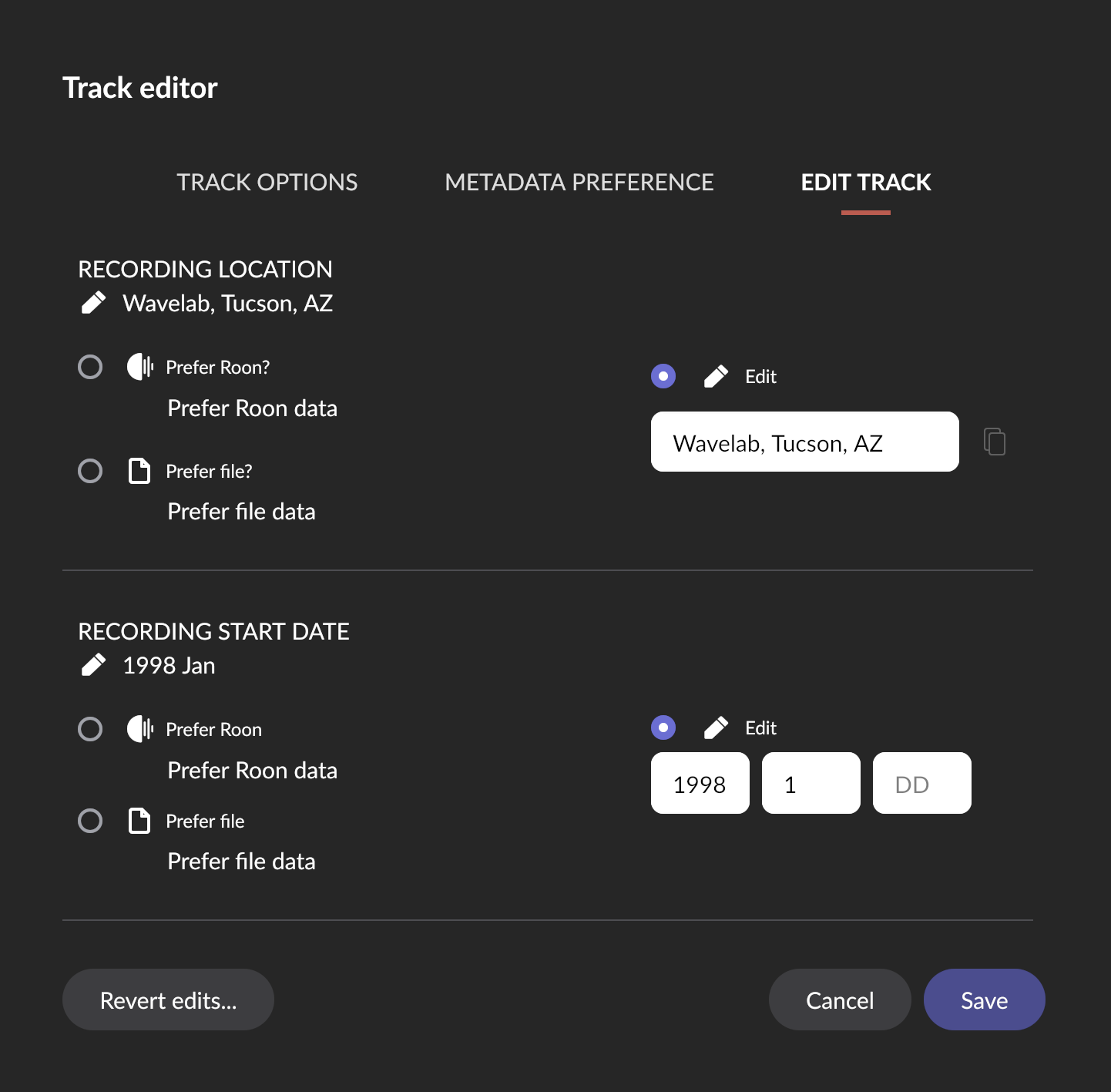
… it leads to an entry like this in the track list of Roon:

If you just have a location and no date, the track looks like this:

Note that in both cases there is no preposition like “at” before the the location, it’s just “Performed location”. If location is a recording studio, this might be OK grammar, but it always felt a bit weird to me after I noticed.

Now, in some cases the location is not a studio but someone’s home or some general place like a town, for instance. Then IMHO it feels decidedly odd if you do it like this:
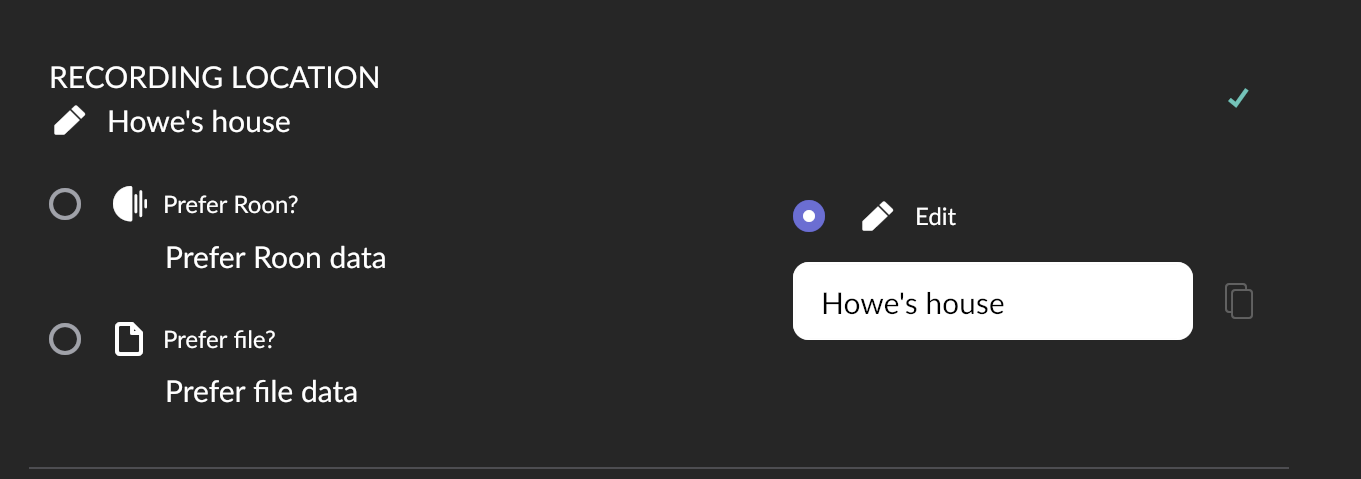
and it ends up like this, as if someone performed Howe’s house, instead of at Howe’s house:

or this, where the band lived for a while:
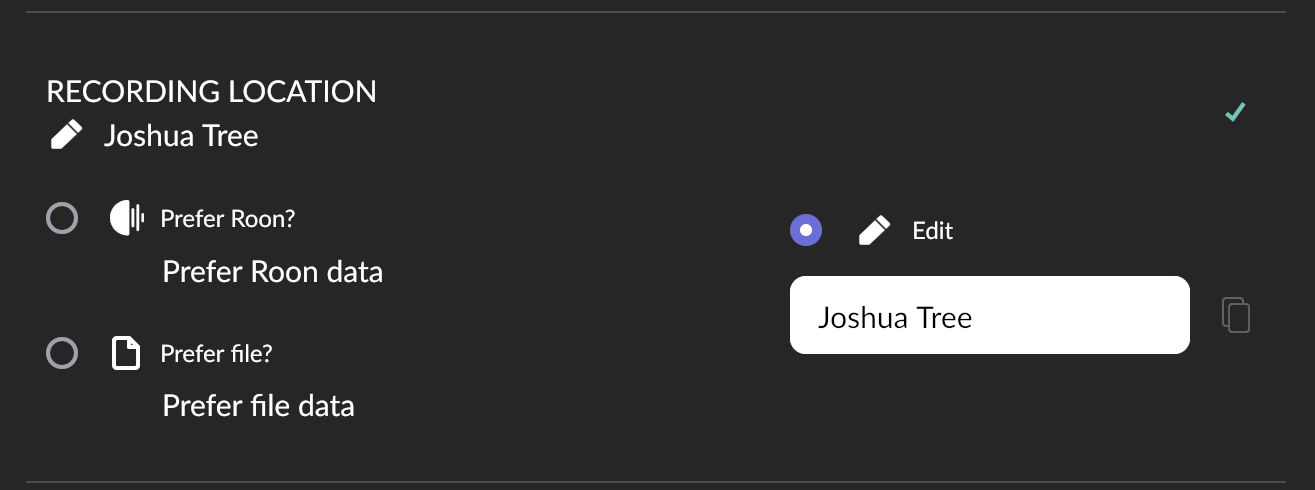
resulting in …

Therefore, in such occasions I added the proposition to the editing field,
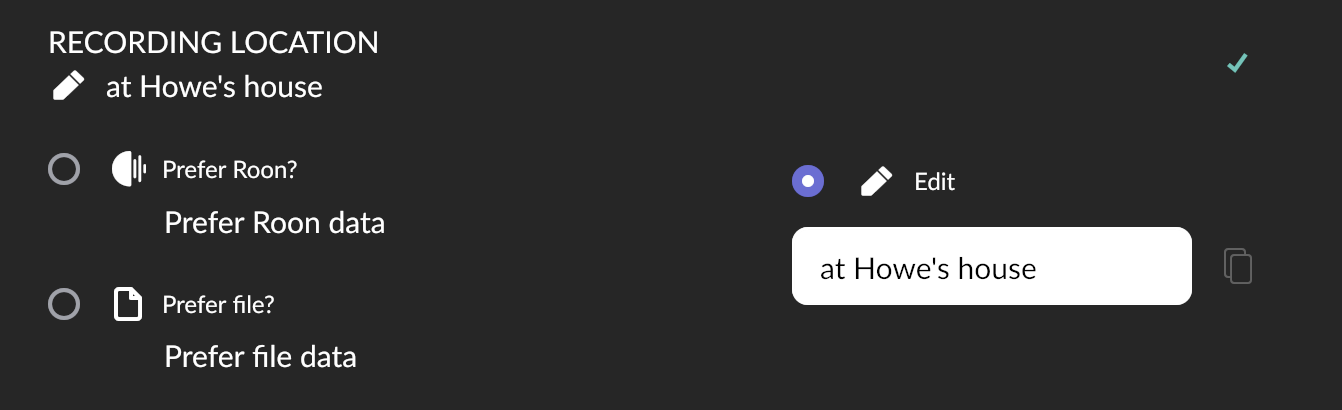
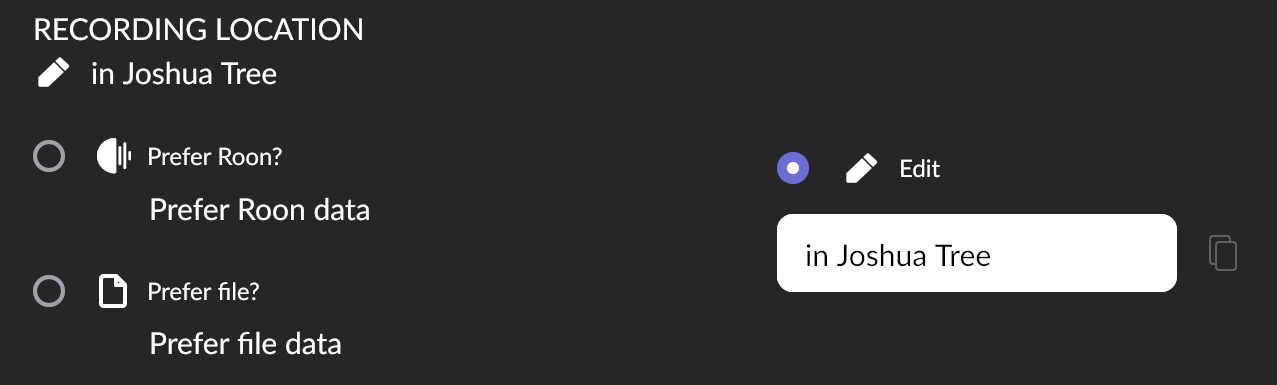
resulting in a neat …

So far, so good, and I could live with that.

However, I found that ARC’s default text is different and it does include the “at” proposition. Normally it’s just mildly annoying that it’s inconsistent between the two apps:


But where I added the missing proposition for regular Roon, it becomes a mess in ARC:

Personally, I could live with either default, using a proposition or not. Default without proposition is more flexible as one can enter “at”, “it”, “on”, etc. into the edit field as needed. Defaulting to “at” proposition is maybe more automatically neat.

Inconsistency between regular Roon and ARC is the worst option :slight_smile:

1 Like

After pondering this some more, there is another inconsistency that always bugged me. This in within regular Roon alone (and ARC behaves in the same way):

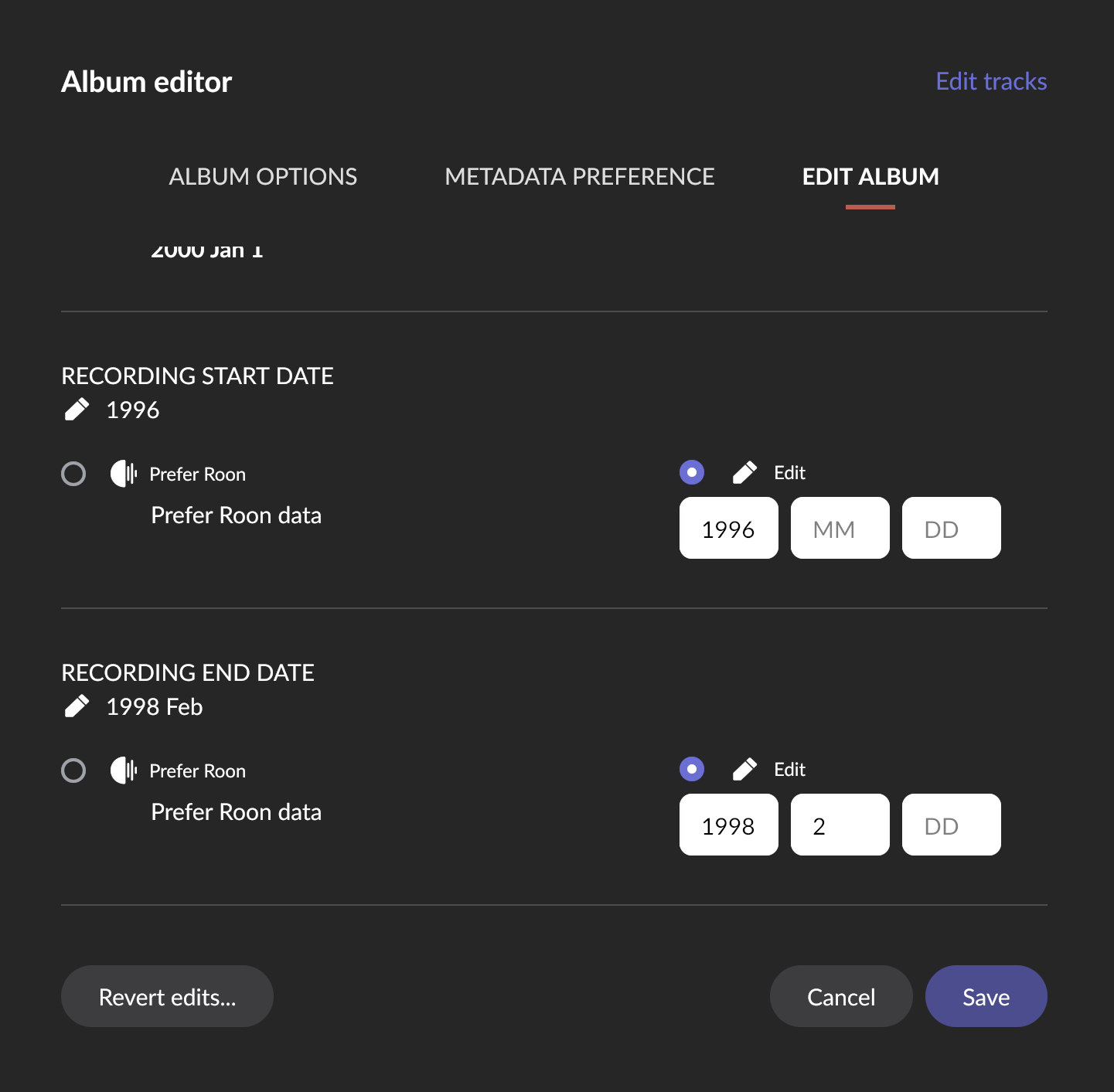
In the album editor, there is a Recording Start/End Date:

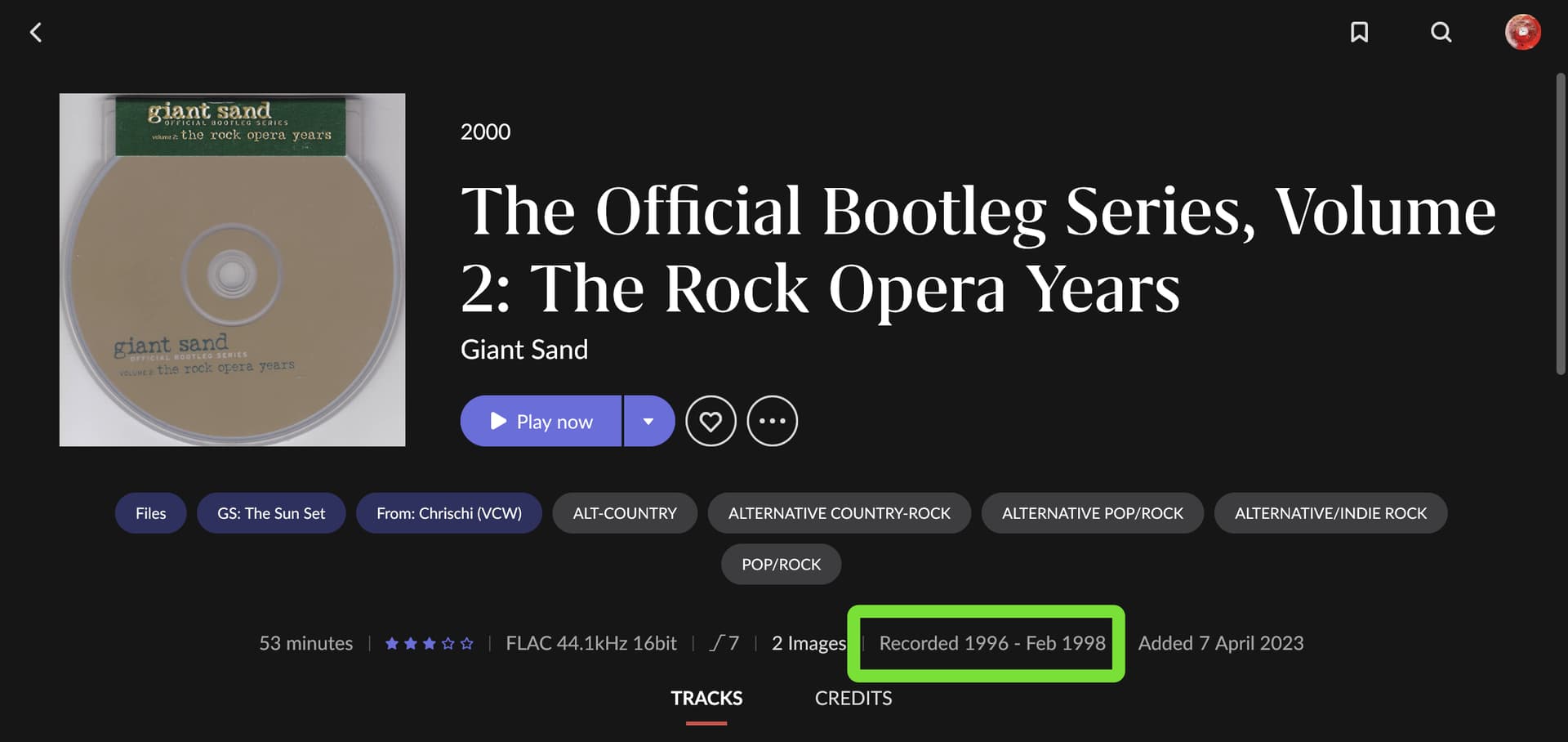
You have to fill this out to get the “Recorded” date for the album:

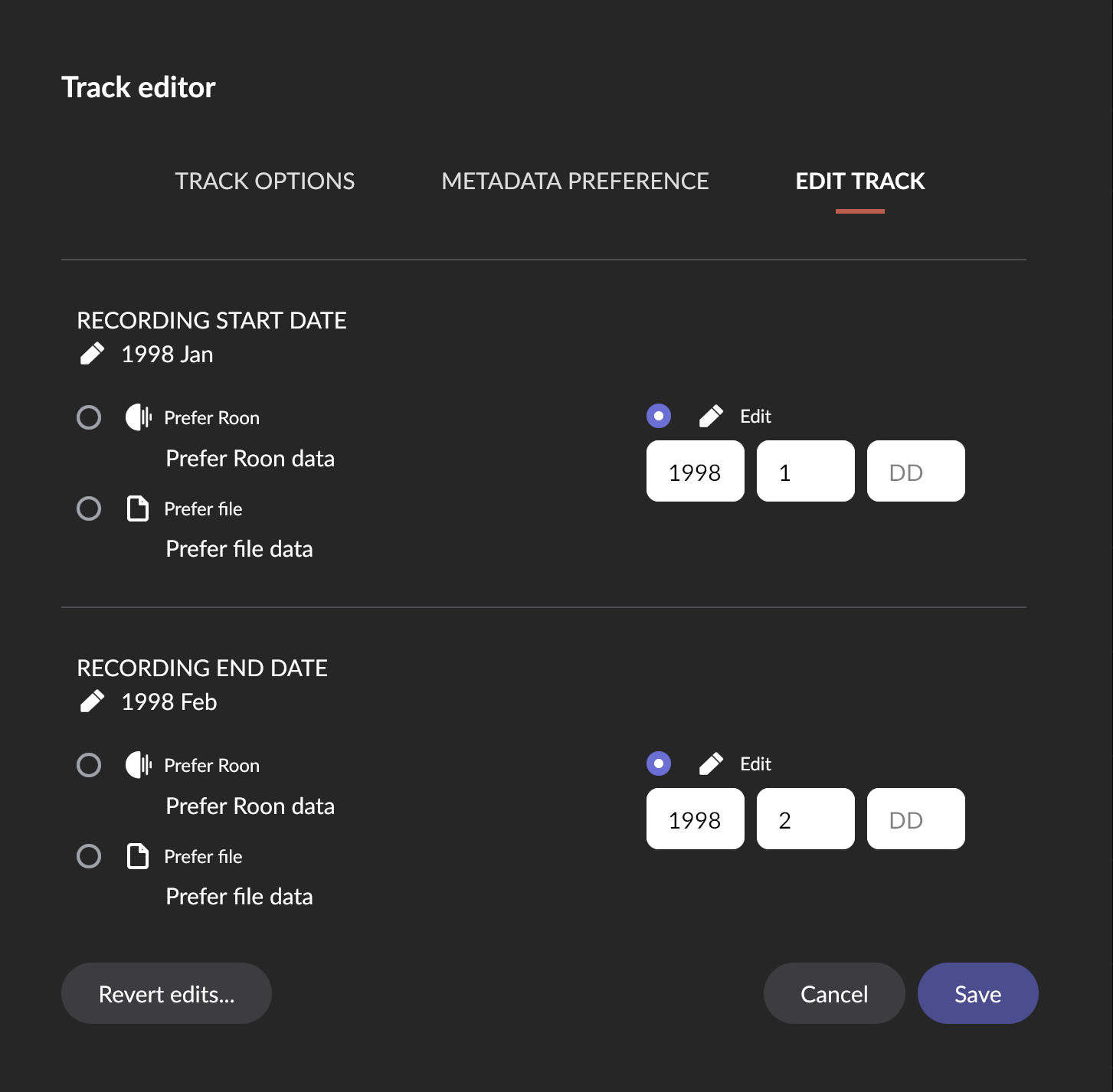
In the track editor, there is also a Recording Start/End Date for the track, which looks exactly the same as in the album editor:

However, this gives you the “Performed” date of the track:

This raises some questions:

  1. It is simply inconsistent if it claims to be a “recording” date in both editors but for the album it appears as a “recorded” date and for the track as a “performed” date.

  2. Recording and performance have not been the same thing at least after the time when the studio was discovered as an instrument, so let’s say about the Beatles’ Sgt. Pepper. When the Beatles pieced this together in the studio from 6 December 1966 to 21 April 1967, it was recorded but certainly not “performed”.

  3. For live albums, the “performed” in the track date is appropriate, but so would be “performed” in the album date, instead of “recorded”.

Maybe it would be ideal if:

  1. There would be an explicit choice between performed and recorded. Maybe this could depend on the “live” property of track or album.

  2. As an aside, why is it necessary to enter the album date explicitly, in addition to the track dates, for the “recorded” date to appear on the album?. Maybe the album date could be autoconstructed from the first an last track dates, similar to how track credits are already summarized and you don’t have to enter the same people as album credits separately

Hi! @Suedkiez, we could reproduce and created a ticket for the problem in your first post. As for your second post, I am flagging @mike to take a look at here.

Thanks!


Ivan

1 Like