Similar feature suggestions:
I found plenty in the forum re. backups but nothing which describes these particular features so I’ve. raised this new Feature Request.
Screenshots and details:
I can’t include screenshots or any further details because I’m mid migration and my Roon setup isn’t working. Please message me for more details if required, by which time I should be back up and running.
Ref: Roon Backup Taking Unusually Long After Upgrade on Mac Mini (ref#SVD4WT)
Add indicator(s) to allow users to monitor Backups in progress before they finish.
I raised this Support Request because I wasn’t able to see whether my backup was running, at what rate it was progressing and how long it might take. These represent three requirements, the implementation of any one of which might have led me to not have raised the Support Request at all.
I notice that there were many new cases raised yesterday and anything which reduces the workload of the Support Team would be beneficial.
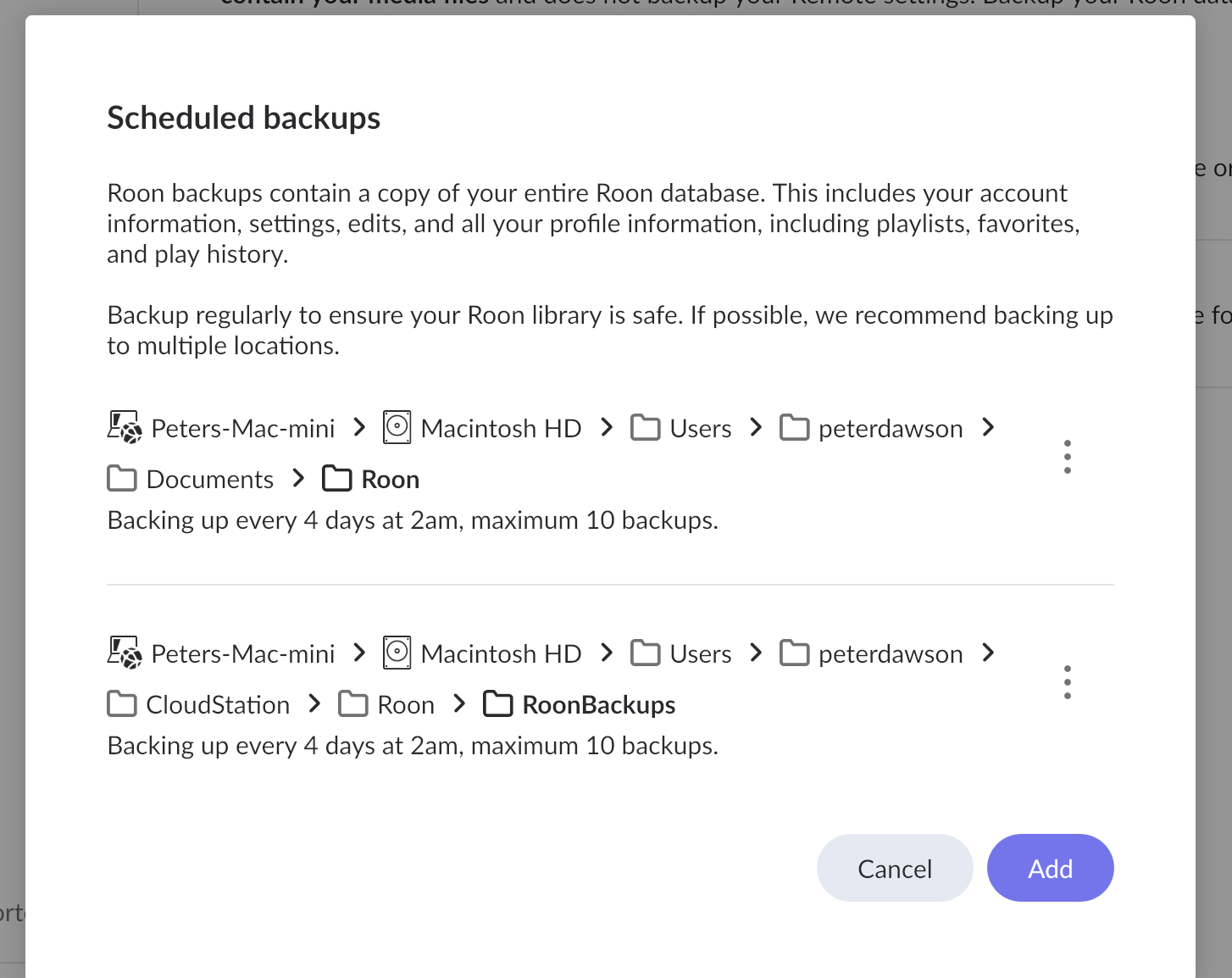
Settings>Backups needs to support multiple Backups Locations.
In Settings>Backups only one row is displayed even when multiple Backup locations have been configured. In my case the usual backup location was on my Mac Mini. I was trying to migrate from my Mac Mini to a MacBook and so I added a second Backup location to my Mac Mini so that the location was available to both machines. This second location wasn’t displayed in Settings>Backups and so I was unable to see whether it had finished.